

Are you looking for SlidesAI alternatives even after buying their premium subscription? If yes, then you have realized that professional work and business presentations require more than just good-looking slides. A professional user always picks flexibility, design quality, and advanced features over rigid and fixed design capabilities.
SlidesAI and other AI presentation makers have done an amazing job at optimizing presentation creation. Teams behind these tools deserve true appreciation. Now, a user can create an entire presentation within a few minutes, without spending hours on manual formatting.
What Does SlidesAI Do?
Admit it or not, even before AI presentation tools, we all have thought of a magical tool that can turn your text or topic into a complete presentation.
SlidesAI turned your fantasy into reality, turning your text into attractive slides. They introduced an add-on for Google Slides that was backed by AI models. Soon after the release, PowerPoint users were disappointed. SlidesAI was a standalone presentation generator with basic support for Google Slides.
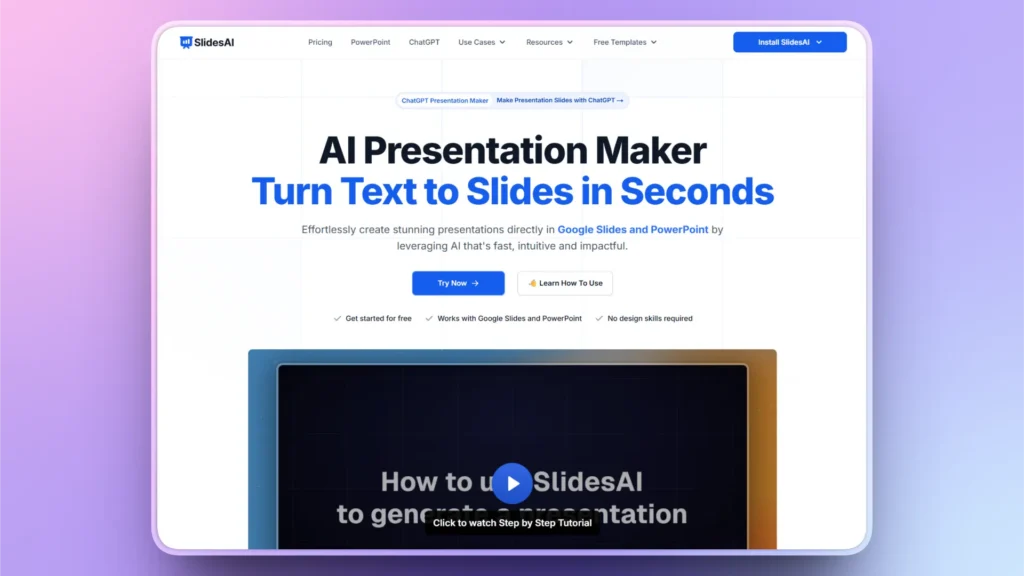
What Reviews Say about SlidesAI
Recently, a dedicated PowerPoint add-in was launched by SlidesAI. Reviewed by only 49 users, SlidesAI received less attention from PowerPoint users compared to better SlidesAI alternatives like Twistly, with millions of downloads and hundreds of positive reviews.
Based on reviews on the Microsoft Marketplace, users felt frustrated by bugs and irrelevant visuals for the content. But there are some other missing features that most users find while making content-heavy slides.
Why Users Look for SlidesAI Alternatives
Every AI presentation tool is developed for a target audience, and for SlidesAI developers, PowerPoint users were ignored for a very long time. PowerPoint has over 500 million active users, and an estimated 30 million presentations are made every day.
Millions of users had no use for SlidesAI. Even existing SlidesAI users outgrew it as their presentation needs became more complex. Now, users require stronger, more powerful SlidesAI alternatives because of some common reasons for switching:
- Limited design quality
- Built mainly for Google Slides
- Poor support for PowerPoint users
- Limited AI inputs
- Fewer and limited productivity features
- Lack of relevant visuals for professional presentations
- Less control over design features
Best SlidesAI Alternatives in 2026
For users who want a quick overview of the best SlidesAI alternatives, Twistly is the best option for them. Twistly is specially designed for PowerPoint users. But there is more to explore. Stay with us while we walk you through the best SlidesAI alternatives.
1. Twistly- Best Overall SlidesAI Alternative
Twistly is a promising AI presentation maker that lives and works inside PowerPoint. It is just like a custom ChatGPT for PowerPoint that can:
- Create presentations from scratch
- Generate individual slides
- Optimize design and text for existing presentations
- Add images from free stock image sites or generate AI images
- Write AI speaker notes
- Countless other useful features to customize every presentation
Unlike SlidesAI, Twistly is built directly inside Microsoft PowerPoint. This means users don’t need to switch platforms or redesign presentations after generation.
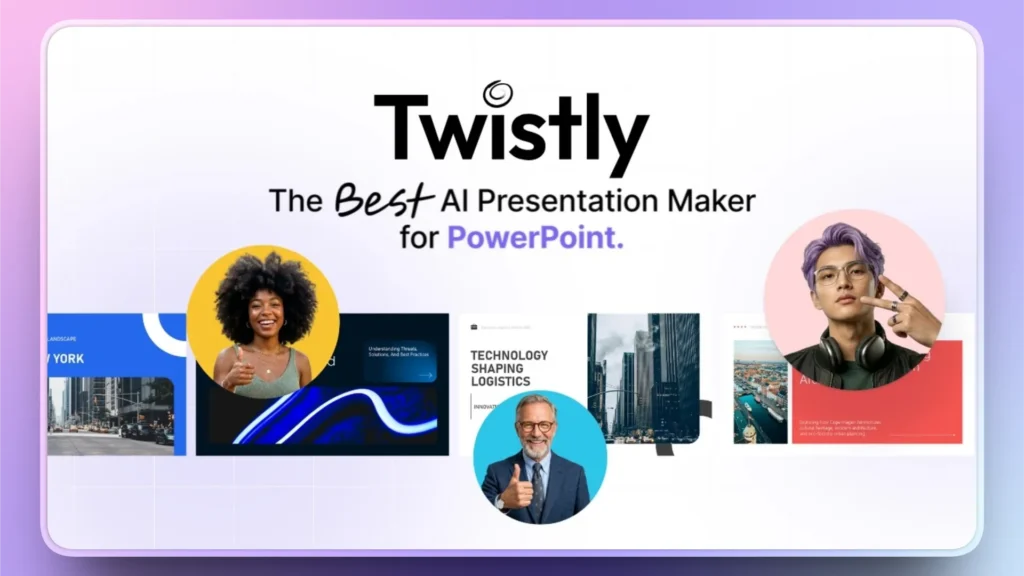
Why is Twistly Better than SlidesAI?
Twistly does not create rough drafts; you get a final, ready-to-present PPT. Visuals are more relevant to the slides, and you can optimize and edit text according to your preference.
The biggest perk for PowerPoint users is the seamless integration of Twistly in their existing presentation workflow. Without changing any tool or flow, they can simply jump to AI slides within PowerPoint.
Users who struggle with effective reporting and charts face no such problem while making PowerPoint presentations with Twistly.
Are you tired and frustrated by limitations posed by SlidesAI? Give Twistly a try for free and see why Twistly is the best SlidesAI alternative in 2026.
Create PowerPoint
Slides with AI
Build AI-powered presentations from
any prompt, doc, or video


SlidesAI vs. Twistly
What specific features are better in Twistly as compared to SlidesAI? This comparison table will help you clearly identify Twistly as the best SlidesAI alternative.
| Feature | SlidesAI | Twistly |
|---|---|---|
| Platform | Google Slides | Microsoft PowerPoint |
| Supported Input Sources | Text prompts | Text prompts, Word documents, PDFs and YouTube videos |
| AI Images & Visuals | Limited | Built-in AI image generation and stock images |
| Productivity Features | Basic presentation generation | Speaker notes, translation, content rewriting and more |
| Branding & Custom Templates | Limited customization | Supports custom branded templates |
| Best For | Creating basic presentations | Creating professional, presentation-ready slide decks with minimal editing |
2. Gamma- Content Creation Tool
Gamma AI is a good alternative to SlidesAI, but it is not a dedicated presentation solution. Gamma offers several AI tools for content creation, and a user who is after the best SlidesAI alternatives may feel lost here.
Presentations generated with Gamma look clean and modern but are not suitable for PowerPoint users. Instead of conventional slides, Gamma uses the zoomable canvas.
Basic presentations with limited data and content are good to be made with Gamma. The real challenge begins when you have to deal with charts, graphs, and other technical elements.
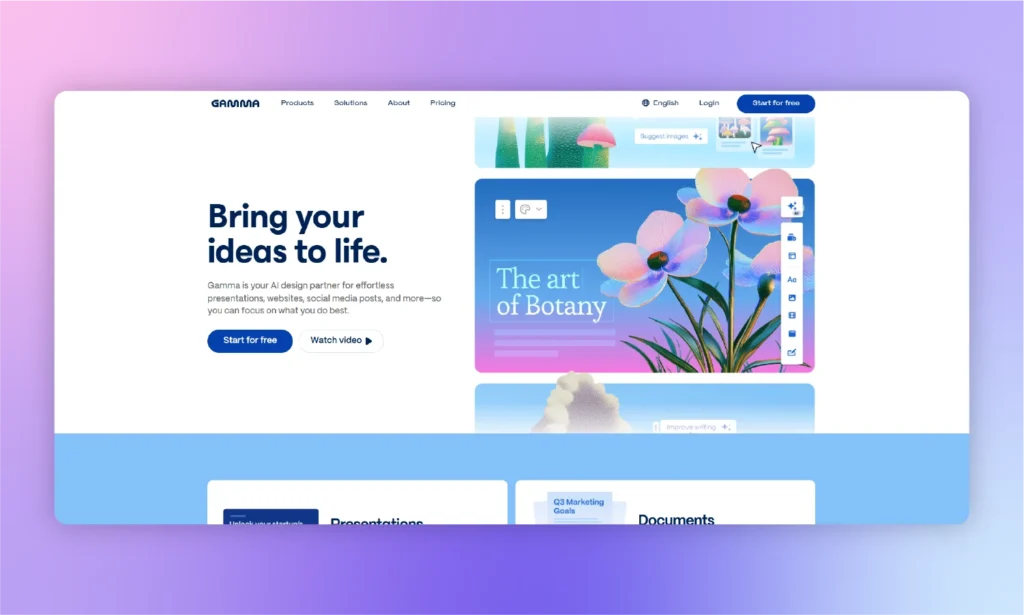
Should you switch to Gamma from SlidesAI?
Switching from SlidesAI to Gamma is only a good decision if you need better visuals and animations. For users who want better data visualization and handling of content, the features are almost the same in Gamma and SlidesAI.
The only difference is the presentation style. Twistly is a way better alternative to SlidesAI and Gamma if you are a PowerPoint user and want better control and AI flexibility.
| Pros of Gamma | Cons of Gamma |
| Interactive and attractive content for presentations | No support for PowerPoint |
| Quickly change layouts for your presentations | Poor PowerPoint export and many issues with the exported file |
| Real team collaboration tools for teams | Right AI features and limited chart integration options |
| Offers quick AI features to create presentations |
3. Beautiful.ai
It is a good AI presentation tool for design automation. As the name suggests, this tool is mainly focused on the aesthetic appeal of your presentations. For users from marketing backgrounds and other similar fields, Beautiful.ai might be a good alternative to SlidesAI.
Instead of allowing complete design freedom, it automatically arranges content according to professionally designed templates. This is a plus point for normal users, but professionals don’t like these limitations.
AI integration for any tool should not restrict or limit your options but assist your existing features. Twistly does the same by providing access to AI features and native PowerPoint options at the same time.
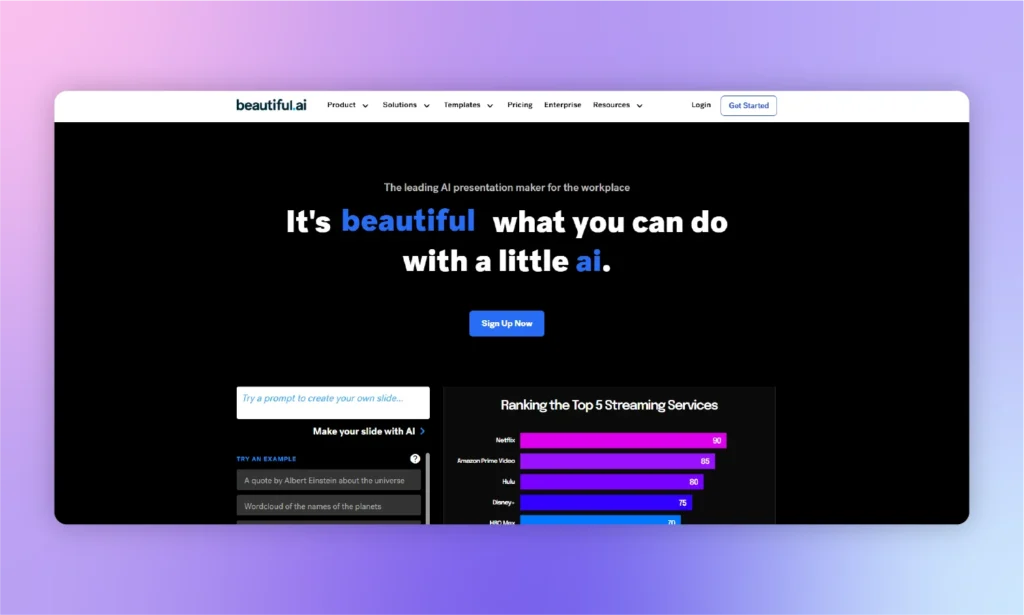
Pros and Cons of Beautiful.ai
Marketers, users from the entertainment industry, instructors, and students can use Beautiful.ai for basic presentations. Business users and professionals may want to consider other SlidesAI alternatives like Twistly.
Here are some pros and cons of Beautiful.ai that every user must know.
| Pros of Beautiful.ai | Cons of Beautiful.ai |
| Best for visually aesthetic presentations with basic text and data | Limited options to modify and edit slide layouts and designs |
| Brand control options to optimize slides | Not ideal for storytelling with text and custom visuals |
| Integration of other productivity tools | Not a dedicated AI presentation maker for PowerPoint users |
4. Canva- Visual Suite
As we go down the list of best alternatives to SlidesAI, tools become more complex and diverse in terms of features. At the top of the list, we have Twistly, a fully automated AI presentation maker for PowerPoint users. Now, we have Canva, which is a complete design tool.
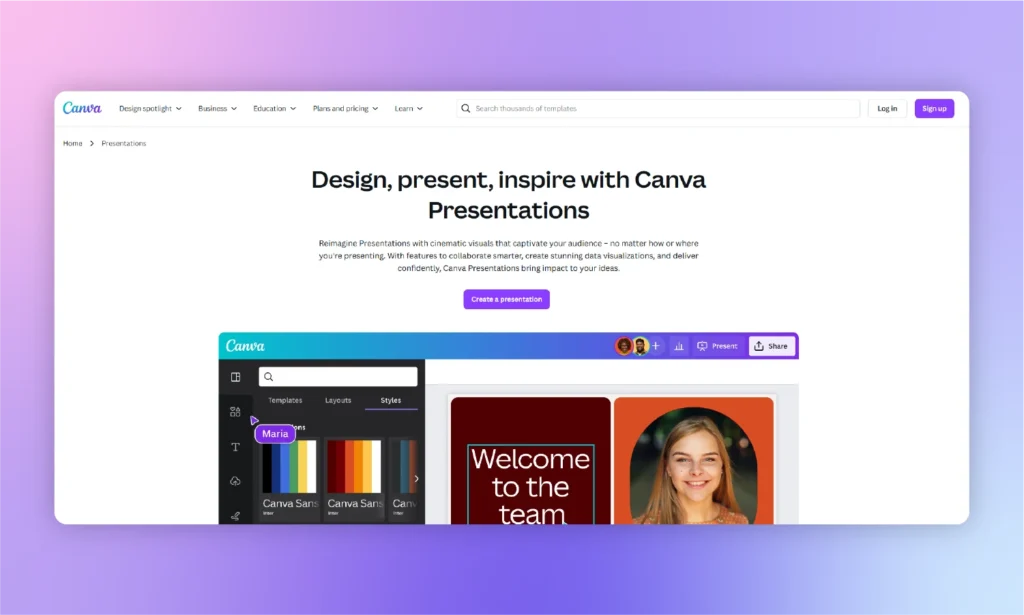
Canva is not just a presentation generator but an overall graphic and video design tool that you can use for social media posts, blog posts, and other content.
Presentation design is a relatively newer feature in Canva. This tool is attractive for users who want attractive presentation designs only.
Why Canva is Frustrating
Have you ever used Canva for creating visuals? It is great. Now, try making a presentation with Canva; you will be amazed to see how limited the options are.
Creating a complete presentation requires editing every little aspect of the available presentation design. From shapes to text boxes and images, you have to edit and modify everything to make customized presentations with Canva.
Canva is only suitable for social media teams and marketers. Generic users and pro presenters find Canva frustrating and quite limited for professional work.
| Pros of Canva | Cons of Canva |
| A great tool for designing and creating visuals | No dedicated add-in or feature for PowerPoint presentations |
| Real-time collaboration features to make workflow smoother for teams | AI-generated content is generic and requires lots of post-editing |
| User-friendly options for graphic designers | Repetitive designs with limited editing options |
How to Choose the Best SlidesAI Alternative?
The best AI presentation maker or alternative to SlidesAI depends on your presentation workflow. Imagine you work inside PowerPoint; no other tool can beat Twistly. Similarly, if you want to focus on attractive slides only, then you can go for Beautiful.ai or any other generic SlidesAI alternative.
Note: If you don’t have PowerPoint installed but still want to try Twistly, there is a web-based version available.
Once you have made your presentation in Twistly, download and save the file, and when you open it in PowerPoint, every element remains intact, requiring no post-editing.
Now, here are some questions that you need to consider before choosing an AI presentation maker for your next project.
- Do you frequently rely on PowerPoint for making presentations?
- Is brand consistency important for you?
- Do you want a final presentation with no post-editing?
- Do you present to executives or a regular audience?
- Do you need other AI tools and features to optimize PPTs?
- Do you want just faster or relevant and accurate results too?
If your answer to all these questions is yes, then you can definitely choose Twistly over any other available AI presentation tool or SlidesAI alternative.
Get the Best SlidesAI Alternative for Free
Let’s assume you rely on PowerPoint for all your personal and professional presentations. You also realize that Twistly is the best SlidesAI alternative.
You still have some doubts, and you want to experience Twistly before making any financial commitments. Is there any way to try Twistly for free?
Yes, there is a free trial version available for all new users. Just click the link below to claim your free trial version. Experiment with it, try features, and make cool presentations for free for a limited time only.
Conclusion
Twistly can be the best SlidesAI alternative. SlidesAI is a good entry-level AI presentation tool for users who primarily work on Google Slides. For millions of PowerPoint users, Twistly offers flexibility, advanced AI features, and design capabilities.
If your goal is to create presentations that require less editing, Twistly provides a more comprehensive solution than SlidesAI. You can try Twistly now for free and enjoy ChatGPT-like capabilities for presentations.










Start Making AI Presentations in Seconds
Instant Access
Begin exploring Twistly’s full suite of features immediately
No Commitments
No credit card required, and you can cancel anytime
Dedicated Support
Our team is here to assist you every step of the way during your trial.