


AI presentation maker — runs in your browser
Create Presentations with AI in Minutes, Not Hours
Type a topic or drop in a document. Twistly writes the outline, builds the slides and hands you an editable PowerPoint file — no design work, no installation.
Free to generate · Free PDF download · Editable .pptx with a 7-day free trial
★★★★★
4.7/5
440+ reviews on Microsoft AppSource
Trusted by
3M+
people who needed a deck and got a real PowerPoint file back.
Rating
4.7/5
★ ★ ★ ★ ★
440+ reviews on Microsoft AppSource
Used at
Harvard · MIT · Stanford
among 1,200 universities
You get
.pptx
native export, always editable
What you get
See What Twistly Creates
Decks generated from a single line of input and left untouched afterwards. Open any of them and check the slide structure yourself.
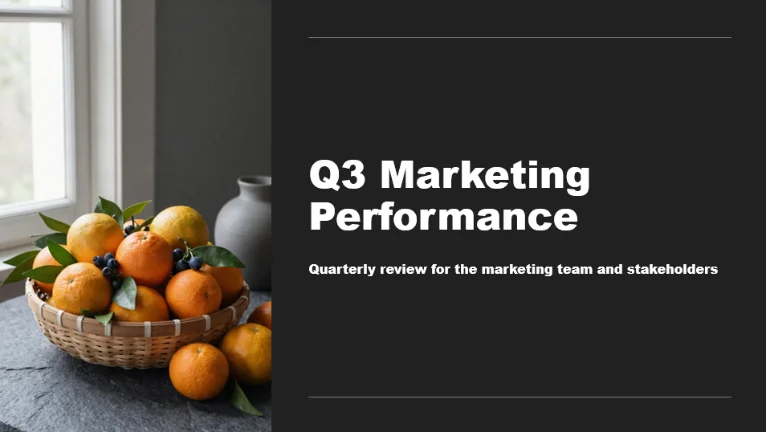
14 slides — from a one-line prompt
.pptx
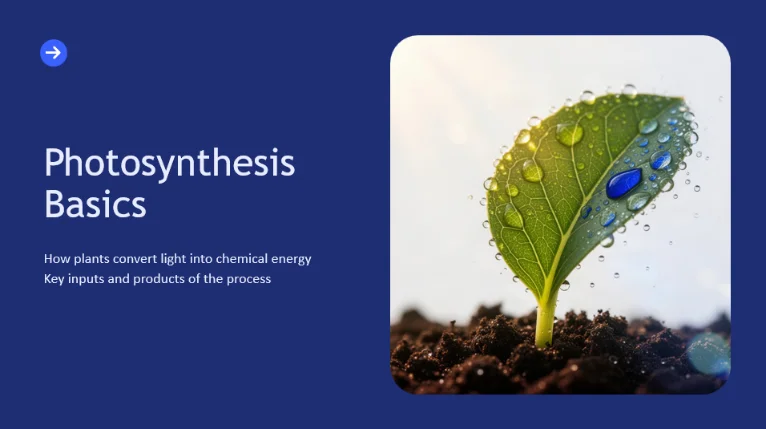
18 slides — from a 6-page PDF
.pptx
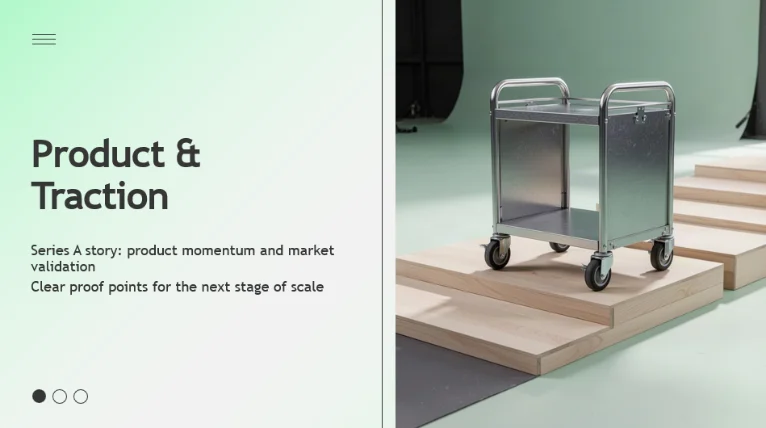
11 slides — from a Word outline
.pptx
Full run · under 90 sec · no cuts
See a deck appear in real time
Give Twistly a topic — get a written, designed, ready-to-present PowerPoint deck.
Under 90 secto a finished deck
How it works
Three Steps, and the File Is Yours
No tutorial needed — the whole path from idea to download fits on one screen.
1
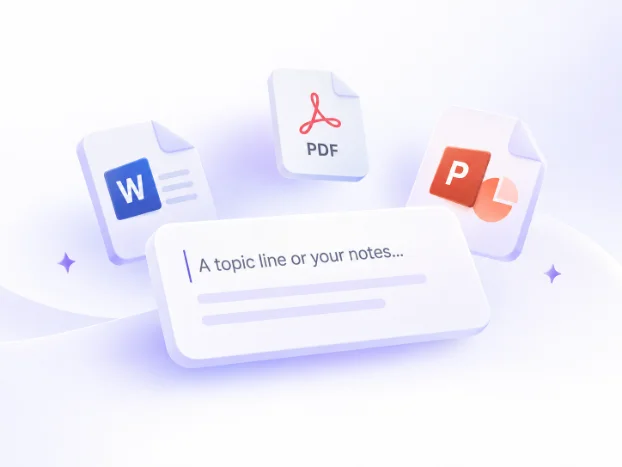
Give Twistly your material
A topic line, pasted notes, a PDF or a Word file. Tables and charts inside a document carry through into the slides instead of being flattened into text.
2
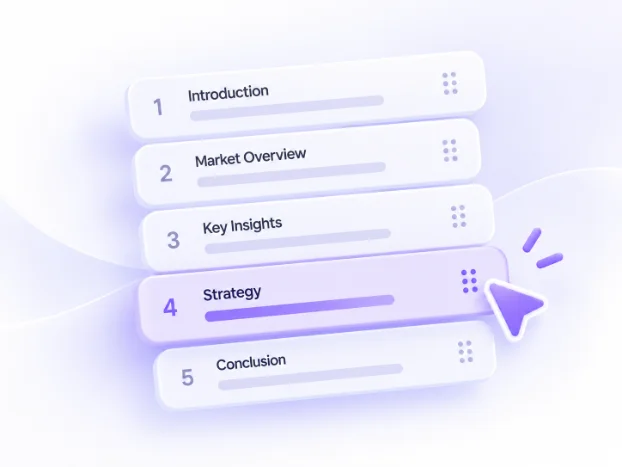
Approve the outline first
Twistly drafts the section order before any slide exists. Reorder, cut or rewrite headings while it is still a list — so a wrong structure never becomes 20 wrong slides.
3
Download an editable .pptx
Real PowerPoint shapes, text boxes and placeholders — not pictures of slides. Open the file in PowerPoint, Google Slides or Keynote and keep editing.

By the numbers
Everything You Get, Upfront
Fast generation, 38 languages, 51 templates, and a real .pptx you can edit anywhere. Every number here is what you get on the free plan.
Slides per deck
Up to 50
On a Pro and Team subscription.
Languages
38
Generate in any of them, or translate a finished deck.
Max upload size
300 MB
Per file.
Free plan input cap
3,000 words
Paid plans raise this substantially.
Input sources
Three ways in, one file out
A topic line or pasted notes, a PDF, or a Word document. Tables and charts stay editable objects — never screenshots.
Topic / text
DOCX
Export
.pptx
Native, editable shapes. Opens in PowerPoint, Google Slides, Keynote.
Templates
51
Plus your own brand template on Pro and Team plans.
Sign-up
Email or Google
No credit card on the free plan.
What’s included
Explore all features
Each one is a dedicated tool with its own page — start from whatever you already have.
Text to PPT AI Converter
Paste an article or raw notes, pick a slide count, get a structured deck.
Learn more →
PDF to PPT Converter
Turn a report into slides that keep its section logic, not just its sentences.
Learn more →
Tailored for Students, Educators and
Professionals

Streamline Lesson Prep
Teachers constantly create presentations for lessons, lectures, and course materials. This repetitive work takes valuable time away from teaching itself.
With AI, you can instantly turn your knowledge into structured, visually clear slides, saving hours on preparation while improving student engagement. Boost classroom focus by letting Twistly handle the heavy lifting of slide design.

Ace Every Assignment
Transform complex research and study notes into polished, academic presentations in seconds. Twistly helps students organize their thoughts and meet tight deadlines without sacrificing quality.
Whether it is a thesis defense or a group project, our AI ensures your slides look professional and keep your peers engaged throughout the entire presentation.

Create High-Impact Campaigns
Bridge the gap between strategy and visual storytelling with data-driven slide generation. Marketers can quickly build pitch decks, campaign reports, and brand presentations that capture attention.
Use Twistly to automate the layout process, allowing you to focus more on creative messaging and less on moving text boxes around to find the perfect fit.

Close Deals Faster
Deliver personalized, persuasive pitches to every prospect without spending all day on design. Twistly allows sales professionals to generate tailored decks that address specific client needs instantly.
Professional, high-quality visuals help build immediate credibility, ensuring your value proposition remains the hero of the conversation and helping your team hit those ambitious revenue targets.

Simplify Corporate Training
Modernize your onboarding and internal communications with consistent, clear, and engaging slide decks. Twistly makes it easy for HR professionals to communicate vital information effectively.
Ensure every employee stays informed and aligned by generating professional materials that reflect your company culture and brand standards with ease.
Reviews
What People Say After the First Deck
★★★★★
I stopped dreading the blank first slide. The outline step means I fix the structure in thirty seconds instead of rebuilding slide twelve.
Marketing lead
Review on Microsoft AppSource
★★★★★
The export is a genuine PowerPoint file. My team edits it the way they always have, which is the only reason it got adopted here.
Sales enablement manager
Review on Microsoft AppSource
★★★★★
I feed it my lesson outline in Word, tables included, and get slides that keep the tables. Nothing else I tried did that.
Secondary school teacher
Review on Microsoft AppSource
4.7
★★★★★
Microsoft AppSource — 440+ reviews, 3M+ users

Prefer to Work in PowerPoint?
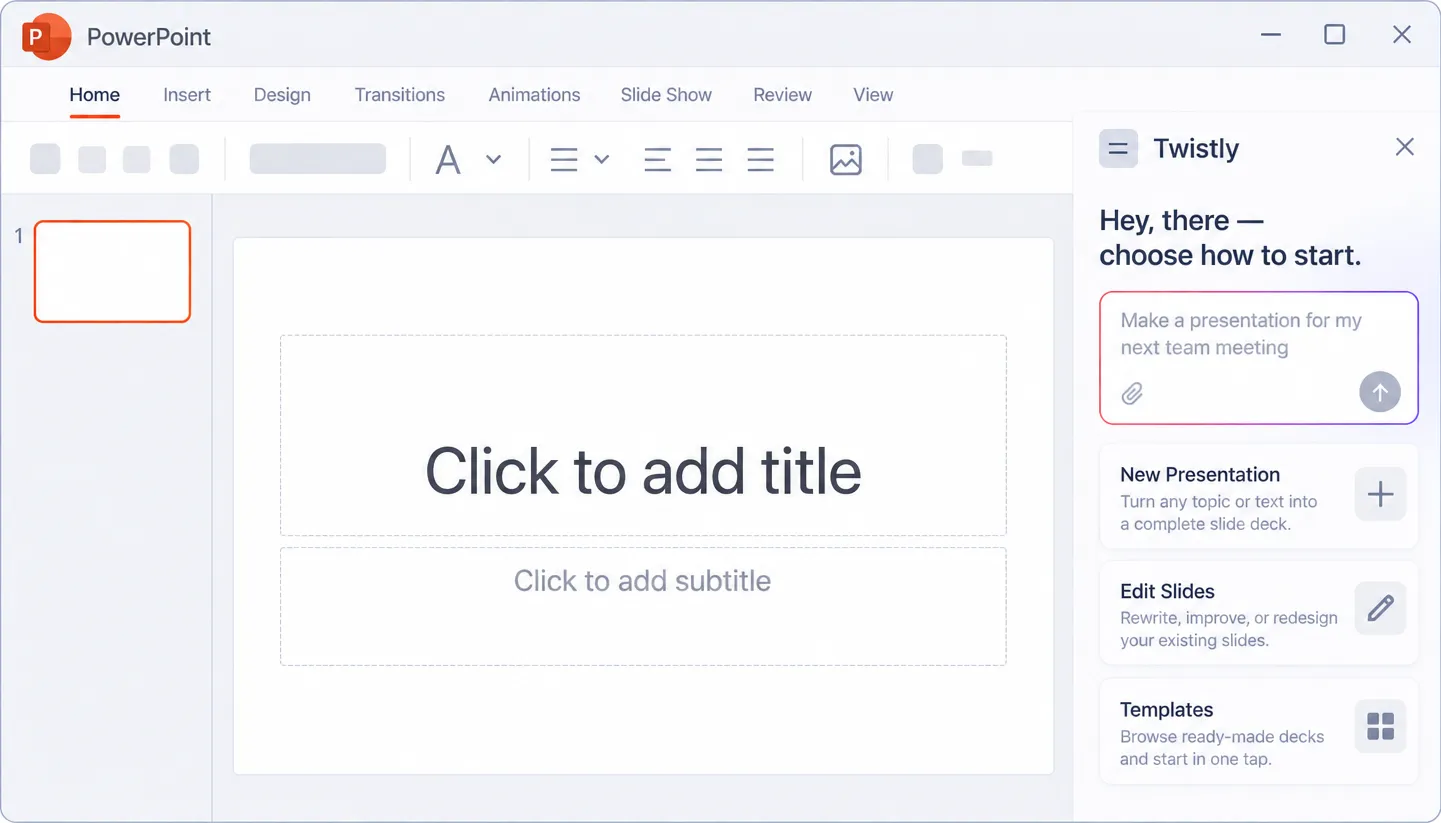
Everything above happens in your browser. The complete Twistly also runs as an add-in inside the PowerPoint window — on the deck you already have open.
Redesign slides in place
No upload, no download
One-time install from AppSource
Plans
Start Free, Upgrade When You’re Ready
Every plan gets a real, editable .pptx. Pick the one that fits how often you present.
|
PLAN |
Free |
Starter |
Pro |
Team |
|---|---|---|---|---|
|
Slides per deck |
Up to 10 |
Up to 15 |
Up to 50 |
Up to 50 |
|
Topic, text, PDF, DOCX in |
||||
|
Outline review before slides |
||||
|
Native .pptx download |
||||
|
Unlimited AI credits |
||||
|
Remove Twistly branding |
||||
|
Rewrite text with AI |
Single slide |
All slides |
All slides |
|
|
Redesign slides |
||||
|
Upload your own templates |
||||
|
Speaker notes for all slides |
||||
|
Generate AI images |
||||
|
Shared team templates |
||||
|
Central billing & priority support |
||||
Comparison
Twistly, Gamma and Canva Side by Side
The difference is what you hold at the end: a PowerPoint file, or a web document you export from.
|
Criteria |
Twistly |
Gamma |
Canva |
|---|---|---|---|
|
Output format |
Native .pptx, editable shapes |
Exported .pptx from a web doc |
Exported .pptx from a Canva design |
|
Outline approval before generation |
Yes, optional step |
Yes |
No |
|
Word/PDF tables preserved as objects |
Yes |
Flattened to text |
Flattened to text |
|
Works inside PowerPoint itself |
Yes, via the add-in |
No |
No |
|
Free tier limit type |
Input cap |
Credits |
Design-based |
Head-to-head breakdowns for nine tools, including Gamma and Canva Presentations ↓
Frequently asked questions
Join thousands of professionals saving time with Twistly.
Your next deck can exist in about a minute
Give Twistly a topic line or a document, approve the outline, download the .pptx. Free to start, no card.