



Almost every list of best websites for making a presentation includes Twistly, Gamma, Canva, Prezi, and Google Slides at the top positions. Are these websites for making a presentation still relevant in 2026? Which website will you choose to make your next presentation?
The definition of the best website for making a presentation may be different for every user. Some people like to stick with PowerPoint, while a few prefer standalone platforms like Canva and Gamma.
In this guide, we will help you make the right choice among the best websites for making a presentation in 2026. We will also discuss the pros and cons of each presentation generator so you can see if the features are the right fit for you.
AI Presentation Makers and Websites
When we talk about the best websites for making a presentation, we usually refer to AI presentation makers, tools, and add-ins. These websites offer AI solutions that can turn your AI prompts into visually appealing and descriptive slides.
Some of these websites work with PowerPoint, offering a smoother workflow, while others are independent, standalone platforms. Should you use an AI presentation generator that works inside PowerPoint or standalone platforms are better? All these questions are answered in this article.
Let’s review the best websites for making a presentation. Remember that PowerPoint is the most popular presentation tool, so you should aim for a website that is fully compatible with PowerPoint and does not require additional file import/export.
1. Twistly (Web-app and Add-in for PowerPoint) – Editor’s Choice
You are already familiar with PowerPoint and want an AI tool that can speed up the process. Twistly is an AI presentation maker that lives and works inside PowerPoint and also offers a web-based platform. Visit the official Twistly.ai website to learn more about this presentation maker.
Twistly is not just a standalone website but a lightweight and powerful add-in for PowerPoint, too. Once installed, it will offer a dedicated control panel with lots of AI features and tools. Users can make PowerPoint presentations just like a custom ChatGPT for slides.
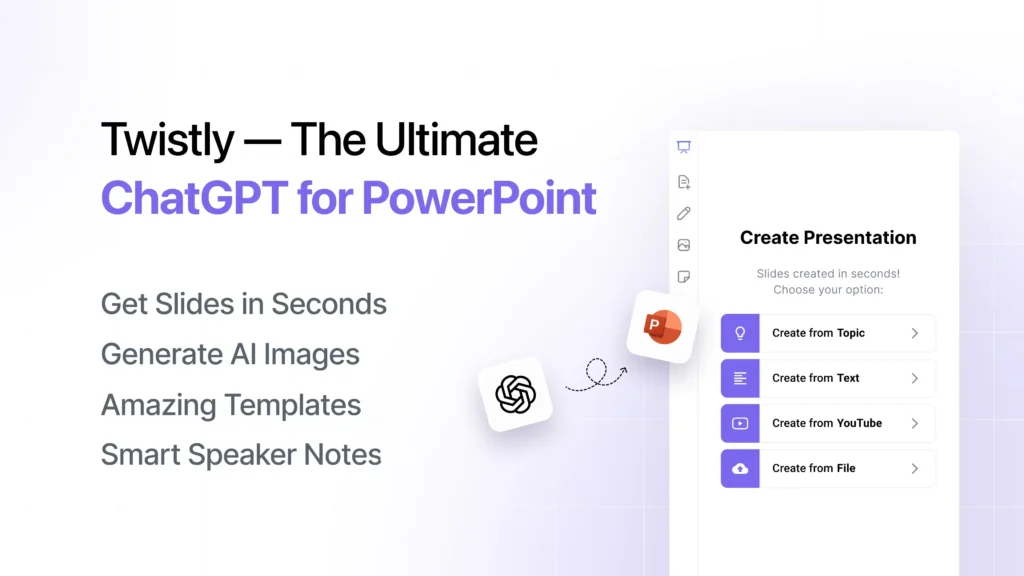
What does Twistly Do?
Twistly is mainly developed to reduce the manual editing, writing, formatting, and slide designing efforts. AI models offer several features that can optimize your PowerPoint workflow. You can:
- Create complete presentations from scratch within minutes
- Add, edit, optimize, and polish existing slides with AI tools
- Generate AI speaker notes for your presentation slides
- Add stock or AI images to your slides without leaving PowerPoint
- Rewrite text, improve visuals, and make your overall slides better
These are only a few important tasks that you can do with Twistly. For a creative mind, Twistly offers unlimited possibilities to create better presentations with AI.
Why Twistly over Websites?
PowerPoint users realize that no other online website or tool can offer similar tools and powerful features for making presentations.
When you choose other AI presentation makers over Twistly, you have to abandon PowerPoint, and that may not sit well with most professional presentations.
Twistly is preferred because it works inside PowerPoint; there’s no need to switch between apps or websites. Everything is accessible within PowerPoint.
- It is a true AI presentation generator with lots of useful features
- Twistly works inside PowerPoint, so there is no learning curve
- Faster, more flexible, and more powerful than online websites
- Combines the power of AI models and native PowerPoint features
- Consistent formatting with custom and AI PowerPoint templates
- Built for beginners and professionals
Create PowerPoint
Slides with AI
Build AI-powered presentations from
any prompt, doc, or video


How to Make a Presentation with Twistly?
It takes only a few clicks and minutes to turn your idea, topic, or text into professional slides. Once you have installed the Twistly add-in, follow these simple steps:
- Open PowerPoint and Twistly, and choose whether to create a new presentation or edit slides
- Choose an input method, enter a topic, or an AI prompt
- Pick an AI PowerPoint template that you like
- Review the AI-generated outline for slides
- Wait for a few seconds, and your slides will be ready
Review the generated slides and make changes if needed. From writing text to adding images and designing and formatting slides, everything is done by AI; no manual efforts are required.
2. Canva- Best for Design-focused Presentations
For design-focused and visual presentations, Canva is a good website for making presentations online. The main focus of this presentation generator is on visuals. For data and content-heavy presentations, Canva is not recommended.
Canva is mainly a complete image editing tool, used by graphic designers. For presentations, they have some cool features, but relying on Canva for business presentations may not be the best idea.
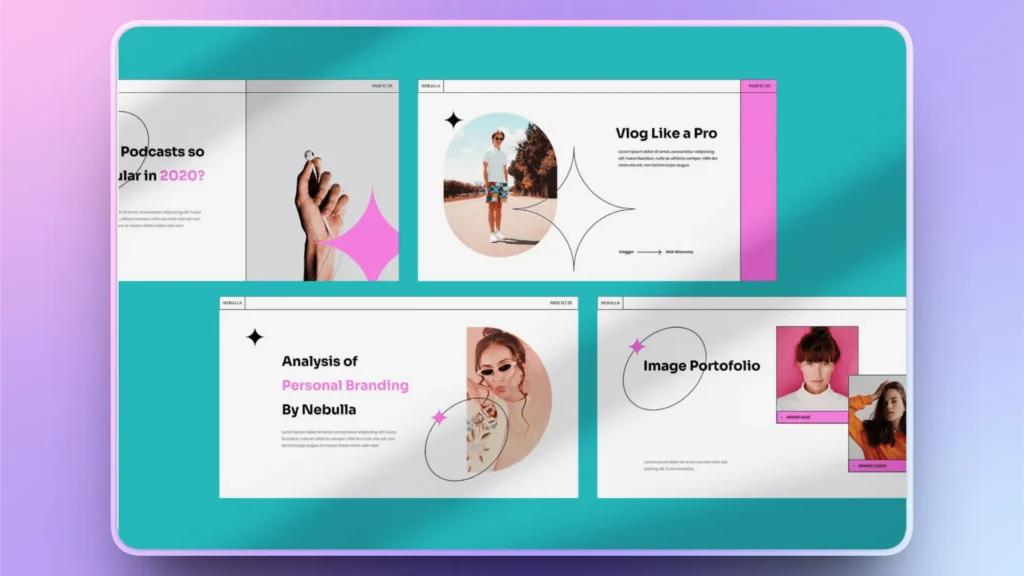
Key Features of Canva
- Drag-and-drop editor
- Thousands of templates
- AI-powered design suggestions
- Built-in media library
Pros and Cons of Canva
| Pros | Cons |
| Extremely easy to use | Limited advanced presentation features |
| Beautiful, ready-made templates | AI-generated slides are often basic |
| Fast presentations for basic topics | Not ideal for complex business presentations |
| Not suitable for PowerPoint users |
Ideal For
Canva is an ideal tool for users who want graphic-first presentations, and they don’t need a complex representation of data. When it comes to graphs, charts, and other visualizations, Canva poses many challenges.
Another major challenge is the standalone nature of this website. If you are a PowerPoint user, some design elements may not work properly when used in PowerPoint.
3. Google Slides- Best for Collaboration
Many users think of Google Slides as a direct alternative to PowerPoint, and this might be true in some cases. Google Slides is a powerful website for presentations, and millions of users rely on Slides for daily presentations.
But real professionals know and understand the limitations of Google Slides for complex presentations and data processing. You can make PowerPoint-like presentations online with Google Slides.
Presentations made with PowerPoint are supported by Google Slides, and the interface is also almost similar. When it comes to native AI integration, Google Slides and PowerPoint are almost the same.
Key Features of Google Slides
- Real-time collaboration
- Auto-save and cloud storage
- Integration with Google Workspace
- Simple and clean interface
Pros and Cons of Google Slides
| Pros | Cons |
| Best for team projects due to seamless collaboration | Limited design flexibility |
| Free and accessible from any device | AI features are still basic, no match to PowerPoint with Twistly |
| Easy sharing and commenting | Requires manual formatting for polished slides |
| Works online only |
Ideal For
Google Slides is ideal for students and teams that need basic presentation features for easy collaboration. If your slides include lots of data, charts, graphs, and similar elements, Google Slides may fail you.
Lack of support by Twistly also disappoints users who are looking for AI automation for presentations. Online access is also a drawback for some users.
4. Prezi- Best for Interactive Presentations
Users who want slightly different presentations can try Prezi. Unlike normal slides, Prezi offers an interactive canvas. Zoomable canvas is ideal for marketing presentations, and users from the entertainment industry also like Prezi for some cool animations.
Storytelling capabilities are good, but for business presentations, Prezi is too much. Informational presentations are fine with Prezi, but data-heavy presentations are quite difficult to make with Prezi.
Key Features
- Non-linear presentation format
- Zooming animations
- Interactive storytelling layout
- Visual navigation
Pros and Cons of Prezi
| Pros | Cons |
| Highly engaging and visually unique | Steep learning curve |
| Great for storytelling and pitches | Not suitable for traditional presentations |
| Helps explain complex ideas visually | It can feel overwhelming for beginners |
| Presentations can be used on the Prezi platform only. |
Ideal For
Prezi is an ideal website for making presentations that you don’t need to open in PowerPoint or other platforms. A presentation made with Prezi can be presented on the Prezi platform only.
Most events, seminars, and other establishments support PowerPoint presentations. For such events, presentations made by Prezi can be a big issue. Storytelling is great with Prezi, but limited support for other platforms is a challenge.
5. Gamma- Best Tool for Smart Presentations
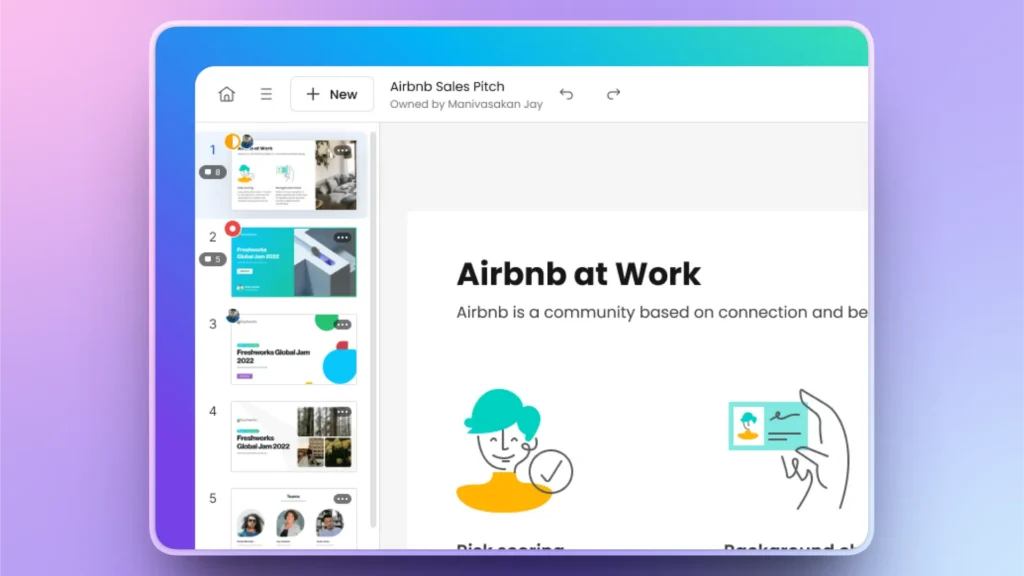
For quick and basic presentations, you can try Gamma. They are known to offer good AI support for making presentations. It is a standalone platform and works online. Are you going to present at a major event? Check if they have the right setup to support Gamma presentations.
The scrolling format of the presentation is different from normal presentations. A new user may feel confused due to the different navigation style. It will take you some time to get used to making presentations with Gamma.
Key Features of Gamma
- AI presentation generator
- Card-based, scrollable format
- Smart layouts that auto-adjust content
- Built-in analytics and sharing
Pros and Cons of Gamma
| Pros | Cons |
| Generates full presentations instantly | Limited templates |
| Modern, web-style design | Less customization control |
| Strong AI capabilities for structuring content | Not ideal for traditional slide formats |
Ideal For
Gamma is a good website for making presentations with basic content and visuals. Data visualization tools are quite limited. It is a good website with smart AI features, but it cannot be a good alternative to PowerPoint.
Startups, marketers, and instructors can use Gamma for creating visually appealing decks. Give it a try if you think PowerPoint is too powerful for your project.
Which is the Best Website for Making a Presentation?
We have analyzed the top 5 best websites for making a presentation. From key features to pros and cons of top websites and AI presentation generators, we have provided all useful data to make an informed decision.
Now, the choice of the best website for making a presentation depends on your needs. If you need an all-in-one AI tool that supports all presentations and templates, Twistly is the ultimate winner.
Twistly is not only easy to use but also lives and works inside PowerPoint, making it a highly accessible tool for every user. Here is the comparison table that might help you make clear choices.
| Feature | Twistly | Canva | Google Slides | Prezi | Gamma |
|---|---|---|---|---|---|
| Ease of Use | Very easy | Very easy | Easy | Medium | Easy |
| AI Capabilities | Advanced | Basic | Limited | Moderate | Advanced |
| Full Presentation Generation | Yes | No | No | No | Yes |
| Design Quality | High | Very high | Medium | High | High |
| Customization Control | Very high | Medium | Medium | Medium | Low |
| Best For | Professional presentations | Visual design | Collaboration | Storytelling | AI-generated decks |
Try the Best AI Presentation Tool for PowerPoint
Twistly is used and trusted by millions of PowerPoint users for their professional and personal presentations. If you want to try Twistly for free, use the link below and download the free trial version.
No credit card is required for the trial version, no risk or commitment. Give it a try and experience the true AI presentation generator for PowerPoint.
Create PowerPoint Slides with AI
Build AI-powered presentations from any prompt, doc, or video

Conclusion
These top 5 best websites for making a presentation include Twistly, Gamma, and other tools, but Twistly offers a free trial. Before making any financial commitment, always check if a free trial version is available.
Trial versions help you make the right choices, and the Twistly team takes pride in offering the best AI features, which is why new users can download the trial version of the add-in for free.











Start Making AI Presentations in Seconds
Instant Access
Begin exploring Twistly’s full suite of features immediately
No Commitments
No credit card required, and you can cancel anytime
Dedicated Support
Our team is here to assist you every step of the way during your trial.