


Best Plus AI Alternatives in 2026 — From Google Slides to PowerPoint AI Tools
Plus AI costs $10–20/month, works best inside Google Slides, and gives new users a 7-day trial with 1,000 AI credits. If you’ve hit the credit cap, need stronger PowerPoint support, or want consulting-grade charts Plus AI can’t make, here are 8 alternatives – with prices, free plan limits, and ratings.
Plus AI originally built its reputation on Google Slides before expanding to PowerPoint. Since then, it has significantly improved the PowerPoint experience by introducing Agent Mode. This new mode enables conversational slide creation and editing directly inside PowerPoint.
While the feature gap has narrowed, user feedback and reviews still suggest that the Google Slides version remains more polished and offers a smoother overall experience.
Our Top Picks
Best Overall: Twistly – ↓ Jump to Twistly review
Best For Templates: MagicSlides – ↓ Jump to MagicSlides review
Best For Features: SlidesAI – ↓ Jump to SlidesAI review
| Tool | Free plan? | Price from (annual) | G2 rating | Best for |
| Twistly | Yes (7 slides, watermark) | $5/mo | 5/5 (5) | PowerPoint users |
| MagicSlides | Yes (3 decks/mo) | $23.3/mo | 2/5(2) | Quick simple decks |
| SlidesAI | Yes (3 decks/mo) | ~$10/mo | 4.6 (4) | Budget Google Slides |
| Gamma | Yes (400 credits) | ~$10/mo | 4.3 | Fast first drafts |
| Canva | Yes (generous) | $10/mo | 4.7 (7000+) | General design + slides |
| Beautiful.ai | No (14-day trial) | $12/mo | 4.7 (195) | Auto-formatted slides |
| Pitch | Yes (5 members) | ~$17/user/mo | 4.3 (65) | Team collaboration |
| Prezi | Yes (basic) | ~$7/mo | 4.2 (5,722) | Non-linear presentations |
Overview of Plus AI
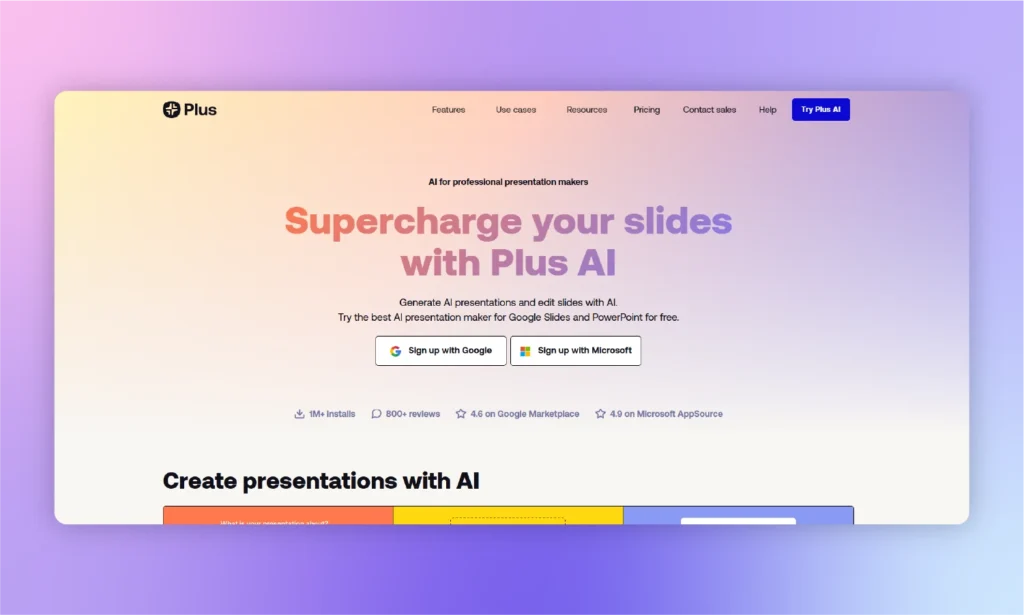
Are you still with us and want to find the best Plus AI alternatives in 2026? It probably means that you are familiar with the workings and features of Plus AI for making presentations. For new readers with no knowledge of AI presentation makers like Plus AI and other similar options, this article is a must-read.
What is Plus AI?
Plus AI is a smart add-on for Google Slides and PowerPoint that integrates AI features for creating presentations. At first, Plus AI was developed for Google Slides only. Support for PowerPoint was added later.
This tool allows making presentations with AI prompts by uploading text files or by simply entering the topic. While reviewing the Plus AI alternatives for presentations, you will see that our top recommendation is way more powerful than Plus AI in different aspects.
What is Plus AI ideal for?
Just like any other AI presentation maker, Plus AI is also developed for a diverse audience. But if you are a Google Slides user, Plus AI is the perfect tool for you. PowerPoint integration of Plus AI still requires fine-tuning.
Sales and marketing teams, instructors, content creators, and business employees can use Plus AI to create beautiful presentations. Other features of Google Slides and PowerPoint are still usable with Plus AI.
Plus AI is SOC 2 Type II certified, making it a suitable choice for enterprise teams that require strong security and compliance standards.
Plus AI Pricing
Plus AI follows a freemium model, with paid plans beginning at $10/month after the free trial. Here are the latest prices checked: [August, 2026]
Highlight: 7-day trial requires a credit card and auto-charges if not canceled.
| Plan | Price (annual billing) | Price (monthly billing) | Key limits |
| Free trial | $0 (7 days) | $0 (7 days) | 1,000 AI credits. Card required. ~6–25 decks depending on complexity. |
| Basic | $10/user/mo | $15/user/mo | Limited AI credits per month. |
| Pro | $20/user/mo | $25/user/mo | More credits, custom branding. |
| Team | $30/user/mo | $40/user/mo | SSO, shared templates, admin controls. |
| Max | $200/user/mo | $240/user/mo | Unlimited AI credits. |
Plus AI Ratings and Key Limitations
Plus AI has over 1 million installs on the Google Workspace Marketplace and 888 user reviews. On G2, it has a 3.2/5 rating, although that’s based on only 5 reviews.
Key Limitations from User Reviews
- Limited support for advanced charts like waterfall and Mekko charts.
- The PowerPoint version isn’t as polished as the Google Slides experience.
- Lower-tier plans have AI credit limits. Customer support responses can sometimes take longer than expected.
Pros and cons of Plus AI
Users love Plus AI for some amazing design and layout customization options, but at the same time, limited content generation can be annoying for many users.
In school presentations and informative slides, authors need a detailed analysis of the topic. This is where Plus AI fails most users. Here are some potential benefits and challenges of using Plus AI for presentations.
| 👍 Pros | 👎 Cons |
|---|---|
| Supports both Google Slides and PowerPoint | Too limited free plan |
| Great editing features | Not suitable for complex presentations |
| Makes collaboration easier for users | Unresponsive to many PowerPoint actions |
Which Plus AI Problem Brought You Here?
While Plus AI is a capable presentation maker, it may not be the right fit for everyone.
You’ve Hit the Free Credit Limit
Plus AI’s free trial includes 1,000 AI credits, which is enough for roughly 6–25 presentations depending on their complexity. Once those credits are exhausted, you’ll need a paid plan starting at $10/month.
Better alternatives:
- Gamma – 400 free AI credits with no credit card required.
- Canva – Generous free plan with access to thousands of presentation templates.
You Primarily Use Microsoft PowerPoint
Plus AI was originally built for Google Slides, and while its PowerPoint support has improved with Agent mode, many users still find the Google Slides experience more polished.
Better alternatives:
- Twistly – Native PowerPoint add-in with AI generation, document import, speaker notes, and branded templates.
- Beautiful.ai – Standalone presentation builder with PowerPoint export.
You Need Advanced Business Charts
If your presentations require waterfall charts, Mekko charts, Harvey balls, or other consulting-style visuals, Plus AI isn’t designed for that level of chart creation.
Better alternatives:
- Build charts directly in Microsoft PowerPoint.
- Use a specialized charting tool for advanced business graphics.
Your Presentations Are Too Generic
Plus AI may require more editing for highly technical, industry-specific, or specialized content.
Better alternatives:
- Gamma – Agent mode allows more iterative refinement.
- Plus AI custom presets – Create reusable prompts tailored to your industry.
You Need a Permanent Free Plan
Plus AI doesn’t offer an ongoing free plan after the trial period, making it less attractive for occasional users or students.
Better alternatives:
- Gamma – 400 free AI credits.
- Canva – Generous free tier.
- SlidesAI – Up to 3 AI-generated presentations per month.
- Twistly – Free plan with up to 7 slides per presentation (watermarked).
Plus AI alternative #1: Twistly AI
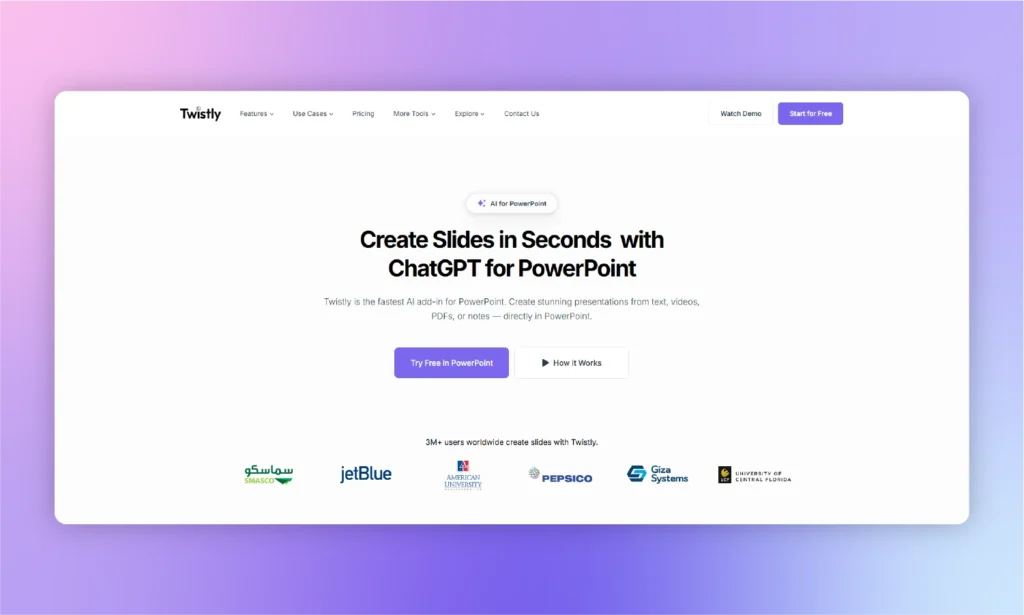
Twistly is the best choice for users who create presentations primarily in Microsoft PowerPoint. Instead of requiring you to switch to a separate web app, it works directly inside PowerPoint, allowing you to generate complete presentations from multiple input types.
It also includes AI image generation, speaker notes, slide translation, and support for custom branded templates. These features make it especially useful for business teams, consultants, and educators who need professional presentations without leaving PowerPoint.
While its PowerPoint-first approach is a major advantage, users who work exclusively in Google Slides may find dedicated Google Slides tools a better fit.
What do Customers Say about Twistly?
“I was pleasantly surprised by how quickly the presentation was generated and by the quality of both the AI-generated content and images. It only needed a few small edits before it was ready, and it was a huge help for my university assignment. I’ll definitely use it again.”
— Anonymous, Marketplace Review (July 26, 2026)
“Getting my free credits took a little effort at first, but after that, everything worked smoothly.”
— Bocofone, Trustpilot Review (February 26, 2026)
Twistly Pricing
Annual Discount: Save 40% with annual billing. (Pricing last checked: August 4, 2026)
Free Trial: Available for new users with no credit card required.
| Plan | Monthly Price | Key Features |
|---|---|---|
| Starter | $16/month | Up to 15 slides per presentation, unlimited AI credits |
| Pro | $20/month | Up to 50 slides per presentation, unlimited AI credits |
| Team | $20/user/month | Team collaboration features with unlimited AI credits |
Ratings
- Microsoft Marketplace: 4.7/5 (439 ratings)
- G2: 5/5 (5 ratings)
- Trustpilot: 4.7/5 (73 ratings)
Pros and cons of Twistly
Many reasons make Twistly AI a better alternative to Plus AI. If you have any custom requirements, Twistly is more likely to have a readily available feature to assist you.
The free trial version of Twistly will give you a better idea about what to expect from the tool, but here are some unique benefits and a few challenges that you might encounter while using this custom ChatGPT for PowerPoint.
| 👍 Pros | 👎 Cons |
|---|---|
| Supports custom branded templates and AI images | Limited trial period |
| Create presentations from files or from scratch | No offline version |
| Wide range of AI presentation templates | No dedicated Google Slides add-on |
| Includes speaker notes and presentation translation | Some advanced features require a paid plan |
Skip It If: You primarily build presentations in Google Slides.
Plus AI alternative #2: MagicSlides
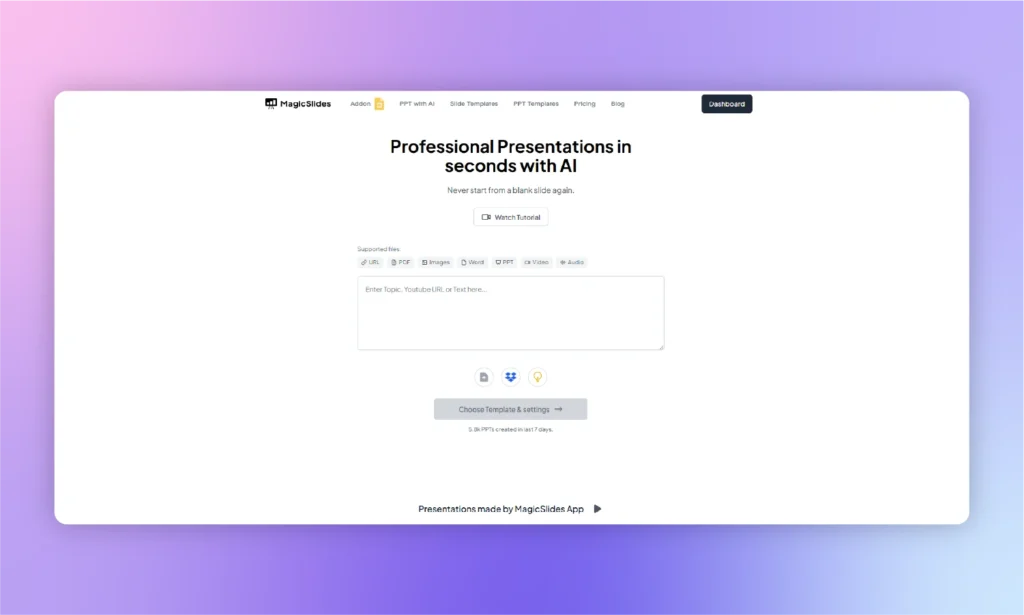
MagicSlides has an add-on for Google Slides and a dedicated app or online version for presentations. If you are comfortable with using PowerPoint and want a tool that works in PowerPoint, MagicSlides is not the best alternative to Plus AI.
A presentation created by MagicSlides can be used in PowerPoint, but some elements may not be optimized for your version of PowerPoint. This is a good tool when your team or event does not require you to have .PPTX files for the presentation.
Create a presentation by entering a topic or uploading a file, then click Generate Instant PPT. Choose a template, customize the slides if needed, download the presentation, and open it in PowerPoint for final edits. This app streamlines presentation-making for beginners who don’t want to use the powerful features of PowerPoint.
Price: Free plan available. Paid plans start at $9/month, billed monthly and $23.3/month, billed annually. (Pricing accurate as of: August 4, 2026)
Rating: G2: 2 (2) · Trustpilot: 4.5 (53)
Pros and cons of MagicSlides
| 👍 Pros | 👎 Cons |
|---|---|
| Create presentations from files or scratch | Customization features are limited |
| Multi-language support | No AI integration for PowerPoint |
| Straightforward navigation | Some features may not be too intuitive |
| Engaging templates |
Skip it if: You need an AI presentation maker that works offline or natively inside Microsoft PowerPoint. MagicSlides relies on an internet connection and primarily supports Google Slides.
Plus AI alternative #3: SlidesAI
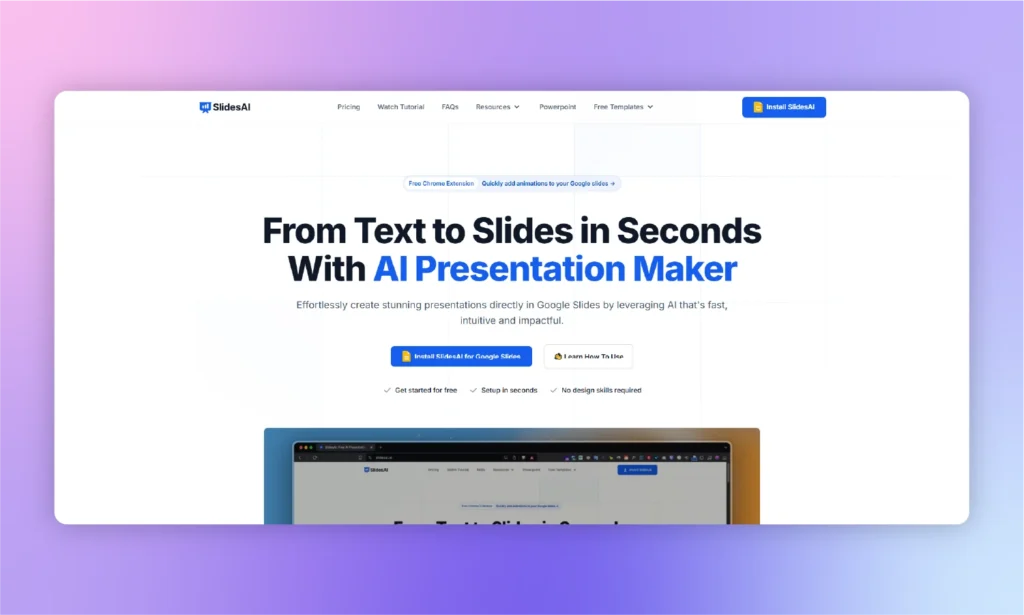
While reading this comparison review of top Plus AI alternatives and other guides, you might have noticed that only a few AI presentation makers have dedicated add-ins for PowerPoint. Do you have experience with Google Slides and want to use AI for Google Slides? SlidesAI might be the right replacement for Plus AI.
SlidesAI extension is available on the Google Chrome Store, and you need to install the SlidesAI extension in your browser. While creating presentations in Google Slides, you will be able to access the SlidesAI extension to assist you in the process.
Open SlidesAI in Google Slides, enter your topic and presentation details, review the AI-generated outline, make any necessary edits, and generate your presentation.
This Chrome extension is specially developed for Google Slides. The official team is working on the release of an add-in for PowerPoint, but no confirmation date of release has been announced yet.
Price: Free plan available. Paid plans start at $12/month, billed monthly, and $10/month, billed annually. (Pricing was verified on August 4, 2026)
Rating: G2: 4.6 (4) · Trustpilot: 2.6 (4)
Pros and cons of SlidesAI
| 👍 Pros | 👎 Cons |
|---|---|
| Seamless integration with Google Slides | Limited editing options |
| Decent AI text generation | Limited platform compatibility |
| Multi-language support |
Skip it if: You want a simple, one-click experience, as SlidesAI requires multiple manual inputs and works only inside Google Slides.
Plus AI alternative #4: Gamma
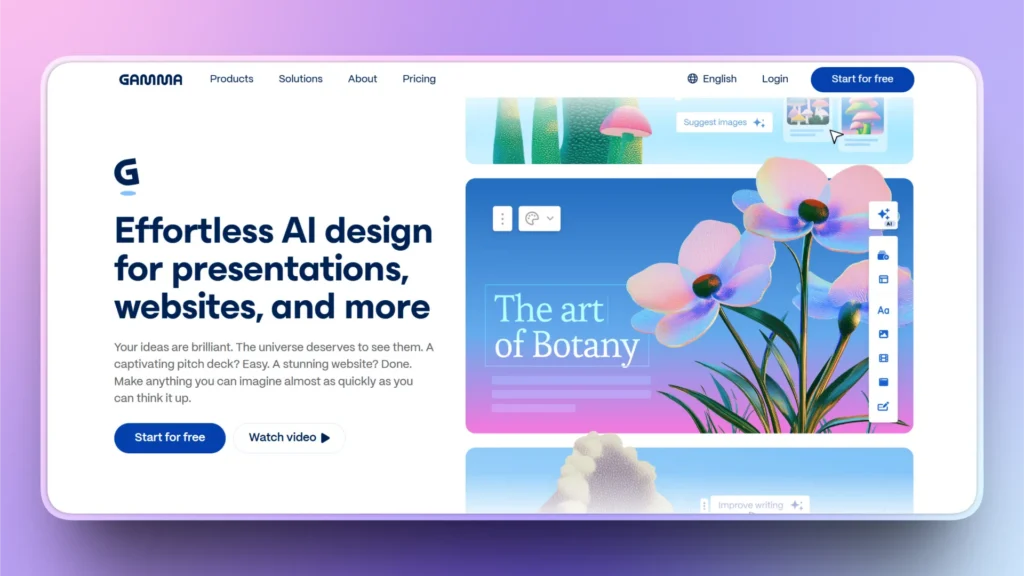
Gamma is one of the fastest AI presentation makers for turning ideas into polished, web-based presentations. Instead of traditional slides, it uses a card-based format that makes it easy to generate, rearrange, and refine content in minutes.
Its AI is excellent for brainstorming, reports, and client presentations, while the free plan lets users get started without a credit card. However, Gamma’s biggest drawback is PowerPoint compatibility.
Although you can export presentations as .pptx files, users frequently report broken layouts and formatting issues that require manual fixes. If your workflow stays online, Gamma is a strong choice, but PowerPoint-heavy users may prefer a native solution.
Price: Free (400 AI credits). Plus $9/month (annual billing) or $12/month monthly. (Last verified: August 4, 2026)
Rating: G2: 3.9 (28) · Trustpilot: 1.7 (121)
Pros and Cons of Gamma
| Pros | Cons |
|---|---|
| Extremely fast AI presentation generation | PowerPoint exports often require manual formatting |
| Free plan with no credit card required | Card-based format isn’t ideal for every workflow |
| Clean, modern interface | Limited PowerPoint editing experience |
| Great for web sharing |
Skip it if: You need polished .pptx files, as Gamma’s card-based export can break layouts.
Plus AI alternative #5: Canva
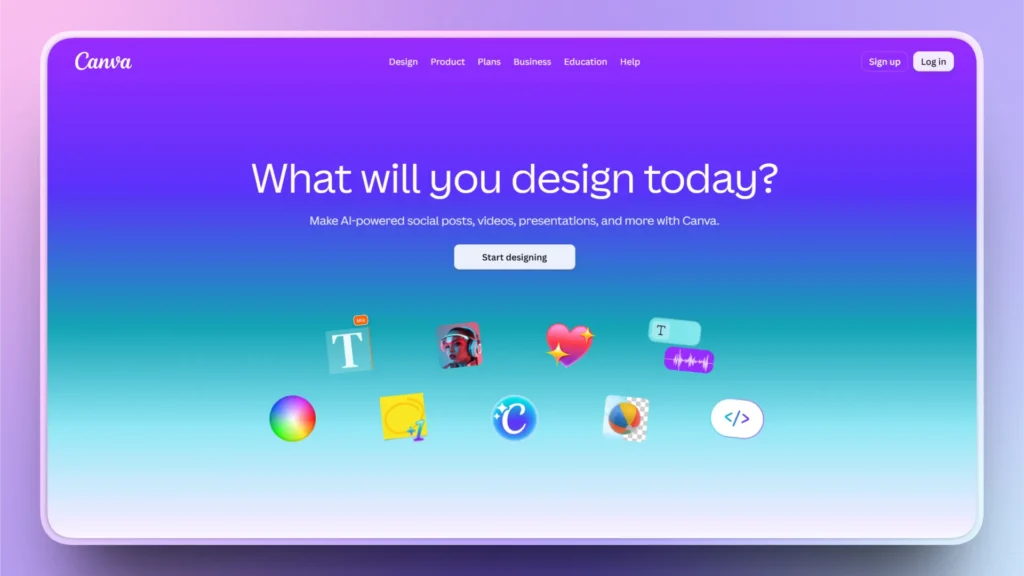
Canva is one of the easiest ways to create presentations thanks to its generous free plan and massive template library. It combines AI presentation generation with millions of design assets, making it ideal for students, marketers, educators, and small businesses.
Users can quickly customize colors, fonts, animations, and graphics without any design experience. It isn’t designed for complex consulting, technical, or investor decks that require sophisticated layouts or advanced charting.
Price: Free plan available. Canva Pro starts at $15/month. (Pricing last checked: August 4, 2026)
Rating: G2: 4.7/5 (7,000+ reviews) · Trustpilot: 4.0 (6400)
Pros and Cons of Canva
| Pros | Cons |
|---|---|
| Excellent free plan | Limited advanced business presentation features |
| Huge template and asset library | Not optimized for consulting or pitch decks |
| Easy drag-and-drop editor | AI presentation generation is less specialized |
| Great collaboration tools |
Skip it if: You need advanced data slides. Canva is broad, not deep.
Plus AI alternative #6: Beautiful.ai
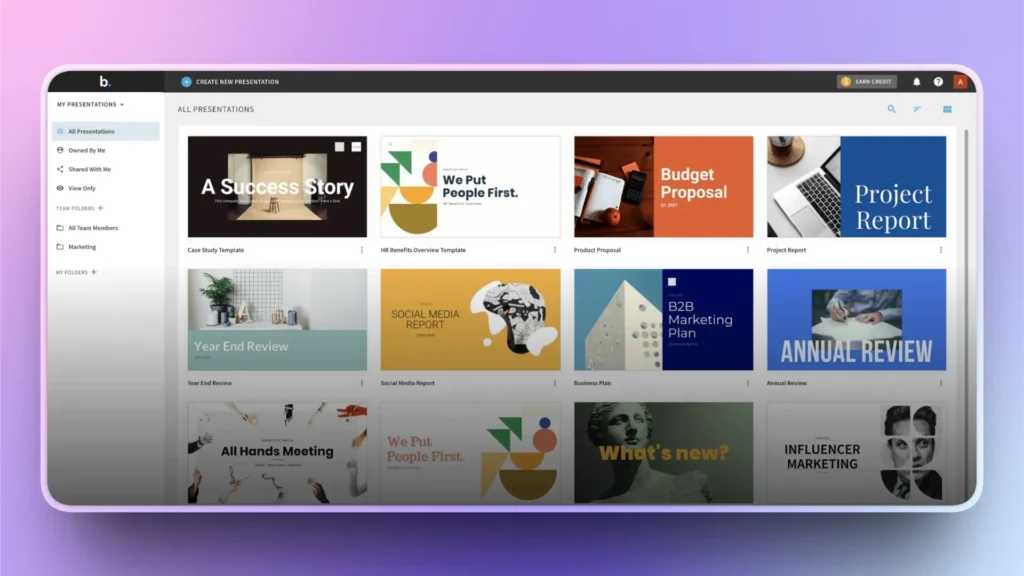
Beautiful.ai is designed for users who want professional-looking presentations without spending time adjusting layouts. Its Smart Slides technology automatically aligns and resizes content, helping presentations maintain a polished appearance as you edit.
The trade-off is flexibility. Since layouts are automatically managed, users have less freedom to customize individual slide elements, and PowerPoint exports may require additional adjustments.
Price: 14-day free trial (credit card required). Pro starts at $12/month (annual billing). (Pricing accurate as of: August 4, 2026)
Rating: G2: 4.6/5 (190+ reviews) · Trustpilot: 2.9 (241)
Pros and Cons of Beautiful.ai
| Pros | Cons |
|---|---|
| Smart Slides automatically format content | Limited layout customization |
| Professional business templates | PowerPoint exports may need edits |
| Easy to create consistent presentations | No permanent free plan |
| Great for business users |
Skip it if: You want full layout control because Smart Slides lock element positions.
Plus AI alternative #7: Pitch
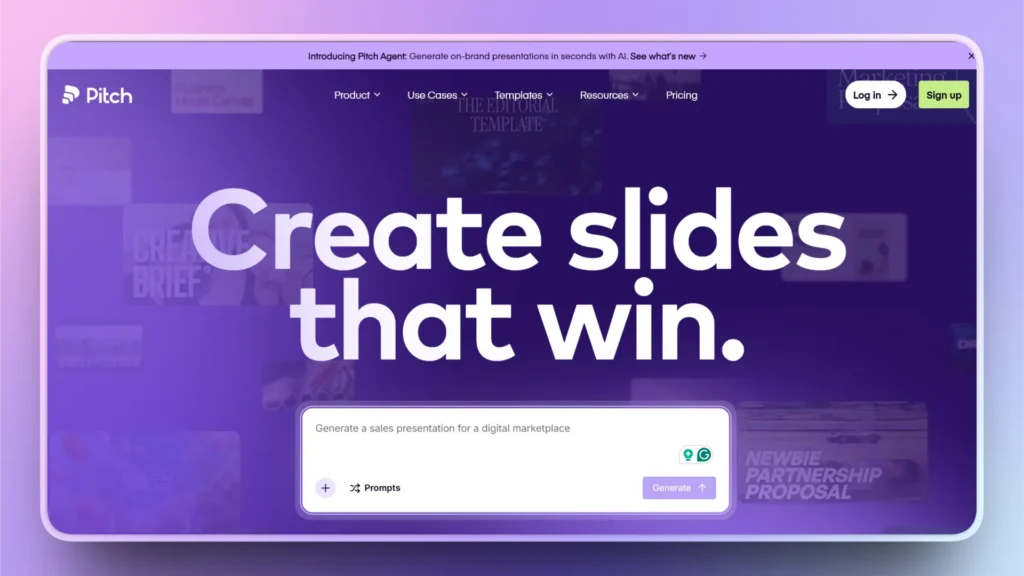
Pitch focuses on collaborative presentation creation rather than one-click AI generation. Teams can work together in real time. It’s particularly popular among startups, product teams, and sales organizations that regularly collaborate on presentations.
Features are relatively basic compared to dedicated AI presentation generators, making it better suited for editing and teamwork than fully automated deck creation.
Price: Free for up to 5 members with unlimited presentations. Pro starts at $15/month for monthly billing and $12/month for annual billing. (Pricing was verified on August 4, 2026)
Rating: G2: 4.4 (67) · Trustpilot: 2.9 (15)
Pros and Cons of Pitch
| Pros | Cons |
|---|---|
| Excellent real-time collaboration | AI presentation generation is fairly basic |
| Presentation analytics | Smaller template library than competitors |
| Modern workspace | Best features require paid plans |
| Great for teams |
Skip it if: You need fast AI-generated decks. Pitch is built more for collaborative editing than one-click presentation creation.
Plus AI alternative #8: Prezi
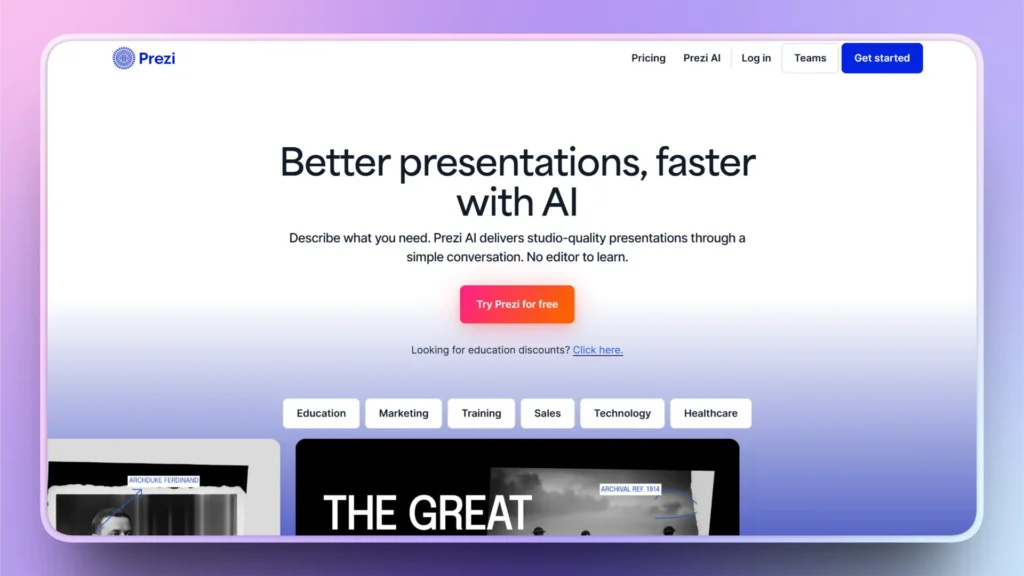
Prezi takes a unique approach to presentations by replacing traditional slide-by-slide navigation with a zoomable canvas. This allows presenters to move naturally between ideas, making presentations feel more dynamic and engaging.
It works particularly well for storytelling, education, and interactive presentations where showing relationships between ideas is important. There is a learning curve, and it may not suit audiences expecting standard PowerPoint-style slides.
Price: Free basic plan available. Paid plans start at $7/month. (Last verified: August 4, 2026)
Rating: G2: 4.2/5 (5,700+ reviews) · Trustpilot: 2.9 (622)
Pros and Cons of Prezi
| Pros | Cons |
|---|---|
| Unique zoom-based presentation style | Learning curve for new users |
| Excellent for storytelling | Not ideal for traditional business slides |
| Interactive presentations | Limited compatibility with standard slide workflows |
| Free basic plan |
Skip it if: Your audience expects traditional slide-by-slide presentations.
When to stay with Plus AI?
There are plenty of excellent Plus AI alternatives; switching isn’t always the best decision. If Plus AI already fits your workflow, changing tools could add unnecessary complexity without delivering significant benefits. Here are a few situations where staying with Plus AI makes the most sense.
- Your team works primarily in Google Slides. Plus AI is deeply integrated with Google Workspace, making it a convenient choice for teams that create presentations in Google Slides every day.
- Your organization requires enterprise-grade security. Plus AI is SOC 2 Type II certified, which can be an important requirement for businesses with strict security and compliance standards.
- You’ve already built custom templates and workflows. If you’ve invested time creating branded templates or reusable presentation workflows in Plus AI, switching tools means rebuilding that setup from scratch.
- You rely on automation. If you use Plus AI’s API or Zapier integration to automatically generate presentations, staying with the platform can help you avoid disrupting your existing workflows.
Final Verdict
Plus AI is a solid choice if your team primarily works in Google Slides and values enterprise-grade security with SOC 2 Type II certification. However, its PowerPoint experience still trails Google Slides, and it lacks advanced business chart support. We have reviewed the top 8 Plus AI alternatives in 2026. All of these tools have unique benefits and challenges.
If you’re a PowerPoint-first user, need a more generous free plan, or want greater flexibility, alternatives like Twistly, Gamma, Canva, or Microsoft Copilot may be a better fit.
FAQs
Q: Is there a free version of Plus AI?
A: No. Plus AI offers a 7-day free trial with 1,000 AI credits. A credit card is required, and the subscription automatically renews at $10/month (Basic annual plan) unless canceled.
Q: Does Plus AI work with PowerPoint?
A: Yes. Plus AI has a PowerPoint add-in, but the experience still isn’t as polished as Google Slides. If you mainly use PowerPoint, Twistly or Microsoft Copilot are better native options.
Q: What is the best free alternative to Plus AI?
A: Gamma (400 free credits), Canva (generous free plan), and SlidesAI (3 free presentations per month) are the best free alternatives.
Q: Plus AI vs Microsoft Copilot – Which is better?
A: If you already have Microsoft 365 Copilot, it’s the better choice. Otherwise, Plus AI costs less (about $120/year vs. $240/year) and offers more control over AI-generated presentations.
Q: Can Plus AI make waterfall or Mekko charts?
A: No. Plus AI supports basic charts like bar, line, and pie charts, but advanced charts such as waterfall and Mekko must be created manually.












Start Making AI Presentations in Seconds
Instant Access
Begin exploring Twistly’s full suite of features immediately
No Commitments
No credit card required, and you can cancel anytime
Dedicated Support
Our team is here to assist you every step of the way during your trial.