


Mejores alternativas a Plus AI en 2026: para usuarios de PowerPoint, Google Slides y la web

Última actualización: 17 de octubre de 2026. Precios y límites de los planes consultados ese día en la página de precios de cada proveedor.
Plus AI es un complemento de IA para presentaciones en Google Slides que también funciona como complemento dentro de PowerPoint. Tiene más de 1 millón de instalaciones en Google Workspace Marketplace (4,6 sobre 5 con 905 valoraciones) y cumple con SOC 2 Tipo II. No tiene plan gratuito: los planes de pago empiezan en 15 $ por usuario al mes, o 10 $ con facturación anual, y la prueba de 7 días con 1.000 créditos de IA exige tarjeta de crédito y se renueva automáticamente.
La mayoría de quienes buscan una alternativa a Plus AI quieren una de estas cuatro cosas: una opción gratuita permanente, una herramienta pensada para la aplicación en la que realmente presentan, un asistente más barato para Google Slides o más control sobre el diseño. Por eso, en lugar de una única clasificación, esta guía agrupa las alternativas según dónde creas tus diapositivas (PowerPoint, Google Slides o una aplicación web), con precios actuales y una nota de «Descártalo si» para cada una.
Nuestras recomendaciones
- Creas las diapositivas en PowerPoint: Twistly – ↓ Ir a Twistly
- Creas las diapositivas en Google Slides con poco presupuesto: SlidesAI – ↓ Ir a SlidesAI
- Quieres una herramienta de IA gratuita y centrada en la web: Gamma – ↓ Ir a Gamma
- Lo que más te importa es el diseño: Canva – ↓ Ir a Canva
- Quieres diapositivas que se formateen solas: Beautiful.ai – ↓ Ir a Beautiful.ai
- Creas presentaciones en equipo: Pitch – ↓ Ir a Pitch
| Herramienta | Dónde trabajas | Opción gratuita | Desde (facturación mensual) | Trustpilot |
|---|---|---|---|---|
| Plus AI | Google Slides, PowerPoint | No; prueba de 7 días, requiere tarjeta | $15/usuario/mes | 2.1 ★ (10) |
| Twistly | PowerPoint | 3 presentaciones de hasta 10 diapositivas | 16 $/mes | 4.7 ★ (65) |
| SlidesAI | Google Slides, PowerPoint | 200 créditos de IA/mes | $12/mes | 2.6 ★ (4) |
| Gamma | Aplicación web | 400 créditos al registrarte | $12/mes | 1.6 ★ (125) |
| Canva | Aplicación web | Plan gratuito, hasta 20 usos de IA | 18 $/mes (Pro) | 4.0 ★ (7,806) |
| Beautiful.ai | Aplicación web + complemento para PowerPoint | No; prueba de 14 días | 45 $/mes (14,50 $/mes con facturación anual) | 2.8 ★ (248) |
| Pitch | Aplicación web | Hasta 5 miembros, 100 créditos de IA | 15 $/mes por usuario | 2.8 ★ (16) |
Cómo comparamos estas herramientas
Comparamos cada herramienta según los motivos por los que se deja Plus AI: en qué aplicación trabajas, qué puedes hacer antes de pagar, los precios mensuales y anuales, y si el resultado sigue siendo editable en PowerPoint o Google Slides. Los precios y límites de los planes proceden de la página de precios de cada proveedor y se consultaron el 17 de octubre de 2026; las valoraciones son puntuaciones de Trustpilot de la misma fecha. Twistly es nuestro propio producto, así que recibe la misma nota de «Descártalo si» que las demás herramientas.
Plus AI de un vistazo

Plus AI genera presentaciones a partir de una instrucción o un documento dentro de Google Slides, y su complemento para PowerPoint añade el modo Agente, que planifica y ejecuta ediciones de varios pasos a partir de instrucciones en lenguaje natural (el modo Agente aún no está disponible en Google Slides). Los planes Pro y superiores incluyen la API de presentaciones y un servidor MCP, y Plus AI se conecta con Zapier.
| Plan de Plus AI | Facturación mensual | Facturación anual | Créditos de IA |
|---|---|---|---|
| Prueba | 7 días, requiere tarjeta | — | 1,000 |
| Básico | $15/usuario/mes | $10/usuario/mes | 1.500/mes |
| Pro | $25/usuario/mes | $20/usuario/mes | 3.000/mes + API y servidor MCP |
| Team | $40/usuario/mes | $30/usuario/mes | 6.000/mes + marca personalizada |
| Max | $240/usuario/mes | $200/usuario/mes | Ilimitada |
Por qué se cambia la gente: no hay forma de seguir usando Plus AI gratis después de la prueba, los créditos se agotan en los planes más bajos y el complemento para PowerPoint es más reciente que la versión de Google Slides con la que empezó.
Si creas las diapositivas en PowerPoint
Alternativa a Plus AI n.º 1: Twistly
Twistly es un complemento creado exclusivamente para PowerPoint, en Windows, Mac y la web. Creas una presentación a partir de un tema, texto pegado o un archivo (PDF, Word, PowerPoint, Excel, TXT o HTML) y las diapositivas se insertan en la presentación que tienes abierta, con una de sus 51 plantillas integradas o tu propia plantilla de marca en los planes Pro y Team. Los planes de pago incluyen generación con IA ilimitada, así que no hay créditos que se agoten.
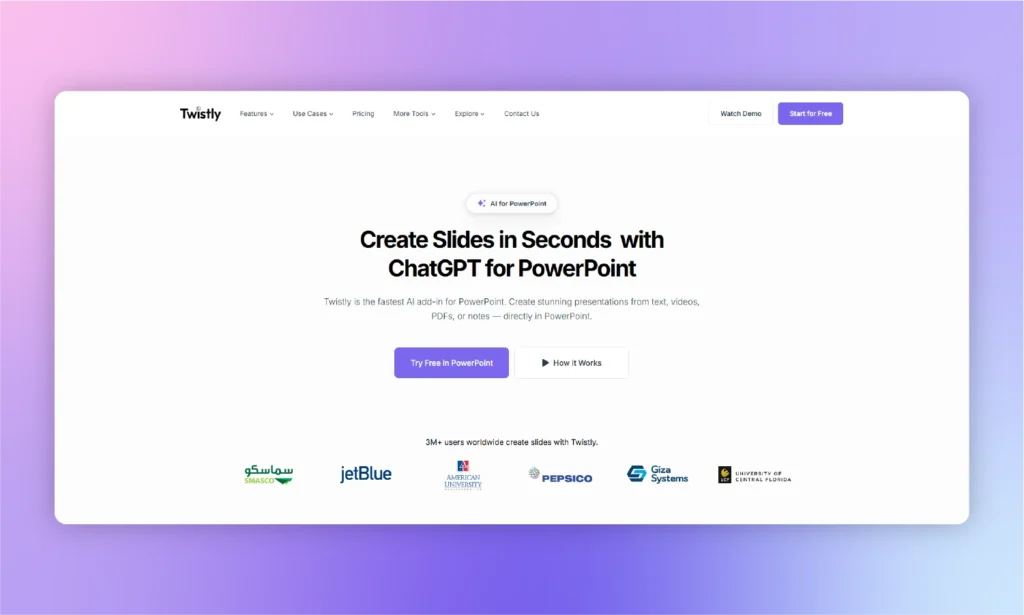
Los planes de pago también añaden diapositivas individuales generadas con IA, notas del orador, reescritura con IA y traducción, rediseño de diapositivas e imágenes con IA. El chat de Twistly Agent, que edita el texto de tus diapositivas a partir de peticiones en lenguaje natural, es gratuito en todos los planes.
- Plan gratuito: 3 presentaciones de hasta 10 diapositivas, sin tarjeta de crédito
- Starter: 16 $/mes: hasta 15 diapositivas por presentación, créditos de IA ilimitados
- Pro: 20 $/mes: hasta 50 diapositivas, tus propias plantillas, acceso a la API
- Team: 20 $/mes: funciones Pro más plantillas compartidas y facturación centralizada
- La facturación anual ahorra un 40 %. Consulta la página de precios de Twistly.
Descártalo si: tu equipo trabaja en Google Slides: Twistly no tiene complemento para Google Slides.
Considera también Microsoft Copilot. Si ya pagas Microsoft 365, Copilot en PowerPoint está incluido, con límites de uso, en los planes Personal (9,99 $/mes), Familia (12,99 $/mes) y Premium (19,99 $/mes), y las empresas pueden añadir Microsoft 365 Copilot por 30 $ por usuario al mes con facturación anual. Mira cómo se compara en nuestra comparativa de complementos para PowerPoint.
Si creas las diapositivas en Google Slides
Alternativa a Plus AI n.º 2: SlidesAI
SlidesAI es el sustituto más parecido a Plus AI en Google Slides, y ahora también tiene complemento para PowerPoint. Su gran diferencia es el precio: el plan Basic es gratuito con 200 créditos de IA al mes (hasta 2.500 caracteres de entrada por presentación), suficiente para un uso ocasional sin prueba ni tarjeta.
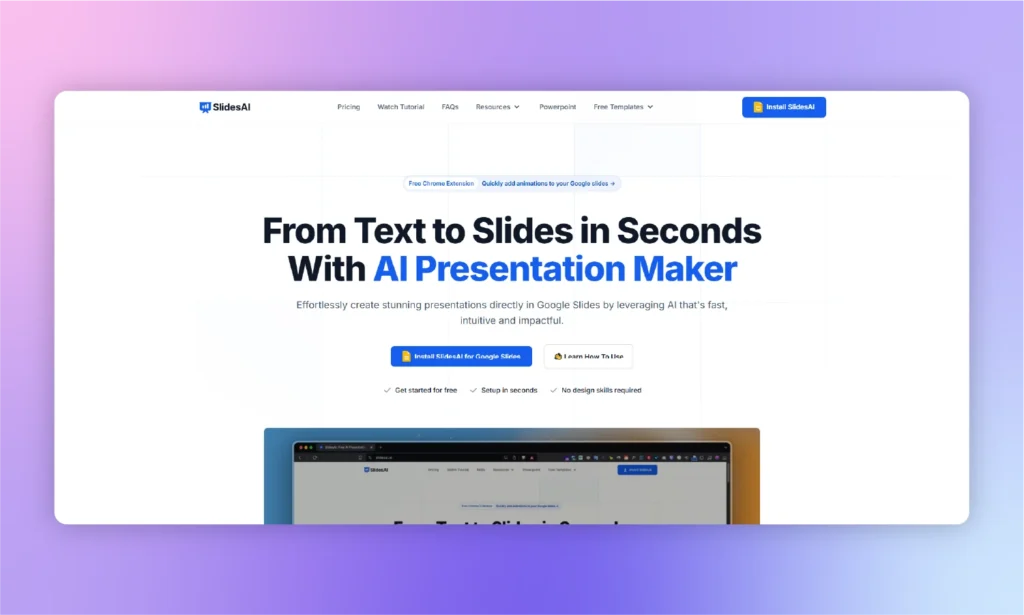
- Basic: gratis: 200 créditos de IA/mes
- Pro: 12 $/mes (2.500 créditos/mes), o 10 $/mes con facturación anual
- Premium: 25 $/mes (7.000 créditos/mes), o 20,83 $/mes con facturación anual
Descártalo si: esperas diapositivas listas para presentar sin editarlas: los borradores de SlidesAI suelen necesitar retoques manuales. Consulta SlidesAI vs Twistly.
Si prefieres trabajar en una aplicación web
Alternativa a Plus AI n.º 3: Gamma
Gamma genera presentaciones, documentos y sitios web sencillos en el navegador, y tiene el plan gratuito más útil de esta lista para generar con IA: 400 créditos al registrarte sin tarjeta. Todos los planes, incluido el gratuito, exportan a PDF, PPTX, PNG y Google Slides.
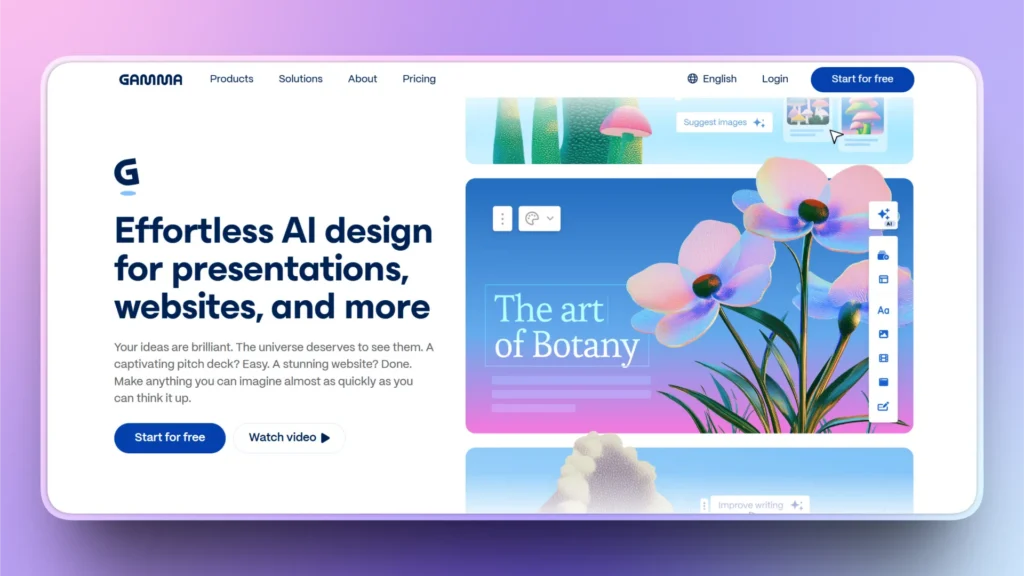
- Gratis: 400 créditos al registrarte
- Plus: 12 $/mes, o 9 $/mes con facturación anual (1.000 créditos/mes)
- Pro: 25 $/mes, o 18 $/mes con facturación anual (4.000 créditos/mes)
- Ultra: 100 $/mes, o 90 $/mes con facturación anual (20.000 créditos/mes)
Descártalo si: necesitas un archivo de PowerPoint editable al final: los PPTX exportados suelen necesitar ajustes de fuentes y diseño. Más información en nuestra guía de alternativas a Gamma.
Alternativa a Plus AI n.º 4: Canva
Canva es una plataforma de diseño integral con plantillas de presentación, y Canva AI puede crear un borrador de presentación a partir de una instrucción. Puedes presentar desde Canva o descargar la presentación como archivo de PowerPoint; Canva advierte que los PPTX descargados pueden verse distintos en PowerPoint y que las animaciones y los vídeos incrustados no se conservan. El plan gratuito incluye hasta 20 usos de IA.
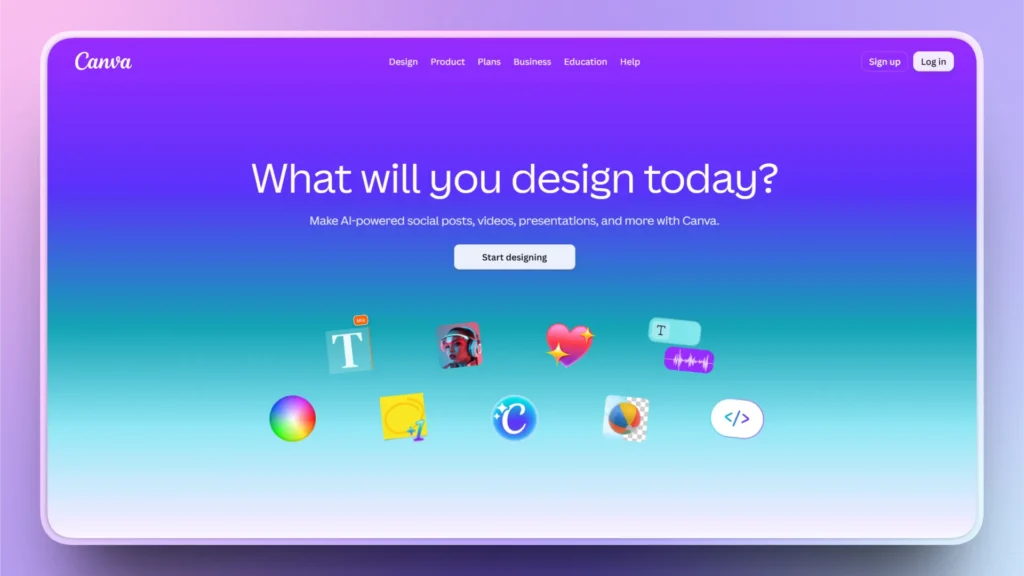
- Gratis: 0 $: más de 1,6 millones de plantillas y hasta 20 usos de IA
- Pro: 18 $/mes, o 144 $/año para una persona: plantillas premium y unas 10 veces el uso de IA del plan gratuito
- Business: 25 $ por persona/mes, o 250 $ por persona/año: herramientas de equipo, marca y administración
Descártalo si: tu presentación la tienen que editar compañeros en PowerPoint: les entregarás un archivo convertido, no uno nativo.
Alternativa a Plus AI n.º 5: Beautiful.ai
Las Smart Slides de Beautiful.ai reorganizan y redimensionan el contenido automáticamente mientras editas, así que las presentaciones mantienen la coherencia sin alinear nada a mano. También tiene complemento para PowerPoint e importa y exporta PPTX. No tiene plan gratuito, pero sí una prueba gratuita de 14 días.
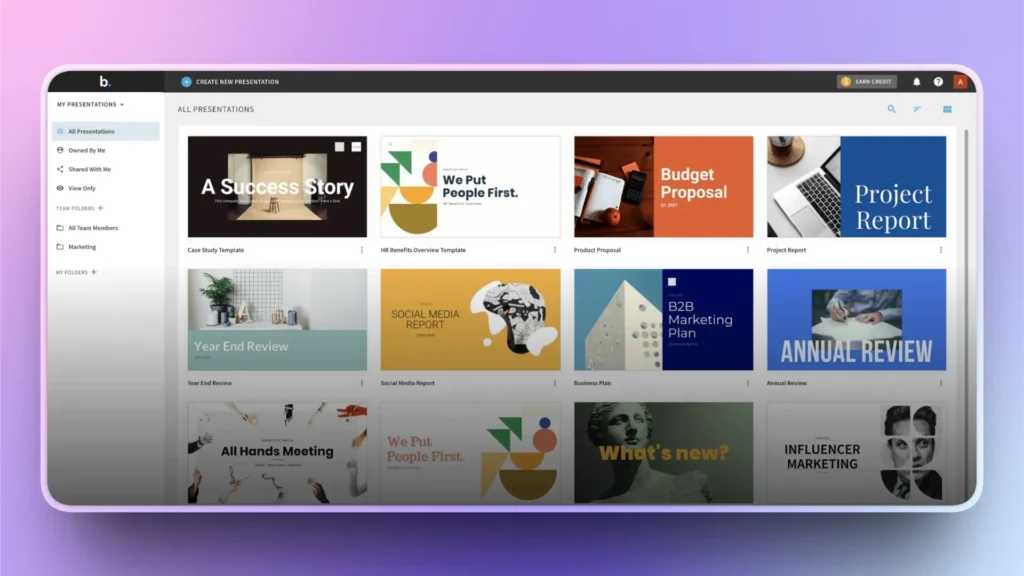
- Pro: 14,50 $/mes con facturación anual, o 45 $ por un solo mes
- Team: 40 $ por usuario/mes con facturación anual, o 50 $ por usuario/mes con facturación mensual
- Enterprise: precio personalizado
Descártalo si: quieres control total sobre cada elemento: las Smart Slides limitan los cambios manuales de diseño. Consulta Beautiful.ai vs Twistly.
Alternativa a Plus AI n.º 6: Pitch
Pitch está pensado para equipos que crean presentaciones juntos: colaboración en tiempo real, plantillas personalizadas compartidas y enlaces que muestran quién ha visto cada diapositiva. Pitch Agent puede generar una presentación a partir de una instrucción, y puedes importar archivos de PowerPoint y exportar a PPTX sin la marca de Pitch a partir del plan Plus. El plan gratuito cubre hasta 5 miembros con presentaciones ilimitadas y 100 créditos de IA que no se renuevan.
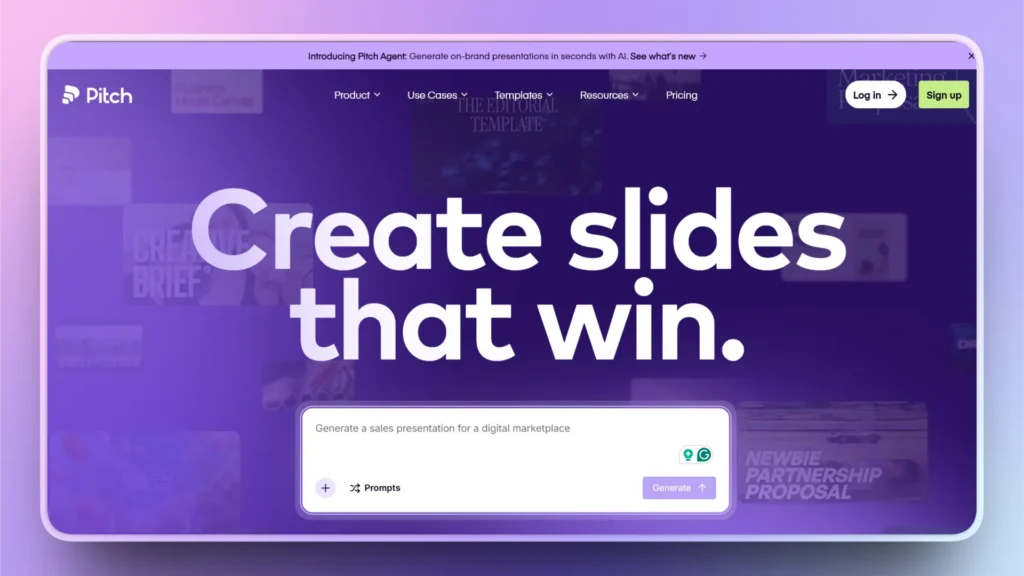
- Gratis: 0 $: hasta 5 miembros, presentaciones ilimitadas, 100 créditos de IA de un solo uso
- Plus: 15 $/mes, o 13 $/mes con facturación anual (1 usuario, 500 créditos de IA/mes, exportación a PPTX sin marca)
- Team: 23 $ por usuario/mes, o 19 $ con facturación anual (hasta 25 usuarios, analítica de interacción)
- Business: 30 $ por usuario/mes, o 25 $ con facturación anual (hasta 200 usuarios, 750 créditos de IA/mes)
Descártalo si: trabajas solo y lo que quieres sobre todo es que la IA redacte la presentación: los puntos fuertes de Pitch son la colaboración y la analítica, y sus créditos de IA son limitados.
Cuándo quedarte con Plus AI
- Tu equipo trabaja en Google Slides a diario. Plus AI empezó ahí, y su versión para Google Slides es la más madura.
- Necesitas cumplir con SOC 2 Tipo II. Plus AI facilita su informe SOC 2 Tipo II a petición.
- Automatizas la creación de presentaciones. La API de presentaciones y el servidor MCP (Pro y superiores) y la integración con Zapier son difíciles de sustituir sin rehacer los flujos de trabajo.
- Ya has creado plantillas y ajustes predefinidos de los que depende tu equipo.
Preguntas frecuentes
¿Existe una versión gratuita de Plus AI?
No. Plus AI ofrece a los clientes nuevos una prueba de 7 días con 1.000 créditos de IA. Para iniciarla hace falta una tarjeta de crédito, y la suscripción se cobra automáticamente al terminar la prueba salvo que la canceles.
¿Plus AI funciona en PowerPoint?
Sí. Plus AI tiene un complemento para PowerPoint con modo Agente. Si PowerPoint es tu herramienta principal, compara también Twistly, creado exclusivamente para PowerPoint, y Microsoft Copilot si ya pagas Microsoft 365.
¿Cuál es la mejor alternativa gratuita a Plus AI?
Para generar con IA, Gamma (400 créditos gratis) y SlidesAI (200 créditos gratis al mes). Para PowerPoint, el plan gratuito de Twistly te da 3 presentaciones de hasta 10 diapositivas. Para diapositivas centradas en el diseño, Canva Free incluye hasta 20 usos de IA.
Fuentes
Precios y límites de los planes (consultados el 17 de octubre de 2026): Plus AI · Seguridad de Plus AI · Twistly · SlidesAI · Gamma · Canva · Beautiful.ai · Pitch · Microsoft 365
Valoraciones de usuarios (Trustpilot, 17 de octubre de 2026): Plus AI · Twistly · SlidesAI · Gamma · Canva · Beautiful.ai · Pitch
Ficha en el marketplace: Plus AI en Google Workspace Marketplace










Empieza a hacer presentaciones con IA en segundos
Acceso instantáneo
Empieza a explorar inmediatamente todas las funciones de Twistly
Sin compromisos
No necesitas tarjeta de crédito y puedes cancelar cuando quieras
Asistencia dedicada
Nuestro equipo te ayudará en cada paso durante tu periodo de prueba