


AI for PowerPoint:
Generate Whole Presentations Without Leaving PowerPoint
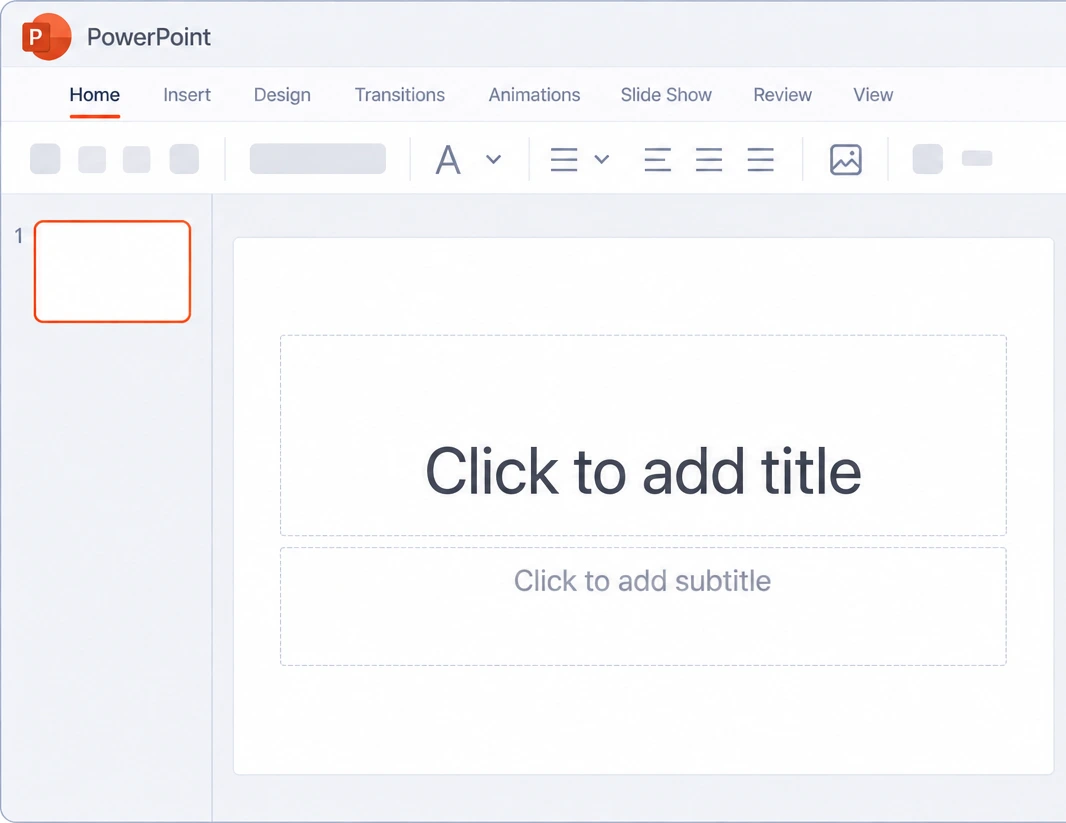
Create a presentation from a topic, your notes, or a file. Twistly designs the slides and adds them directly to PowerPoint — no exporting or copy-pasting.
3 free presentations
No se requiere tarjeta
No account needed to start

AI-powered PowerPoint add-in
3 free presentations
No se requiere tarjeta
No account needed to start
AI PowerPoint generator add-in · Windows · Mac · Web
Cómo funciona
What Happens After You Click Generate
Five steps, one rule: nothing touches your presentation until you press Insert.
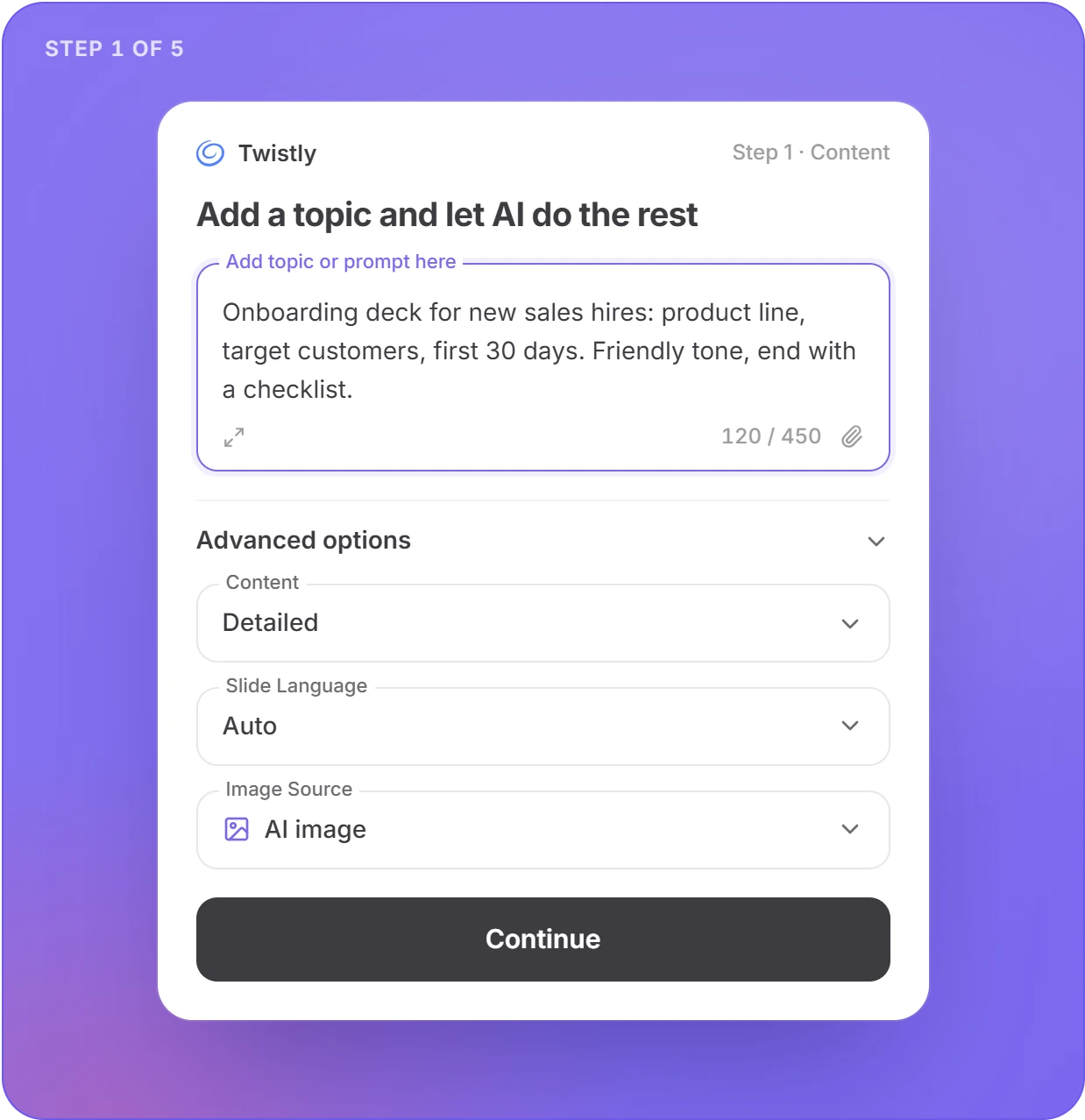
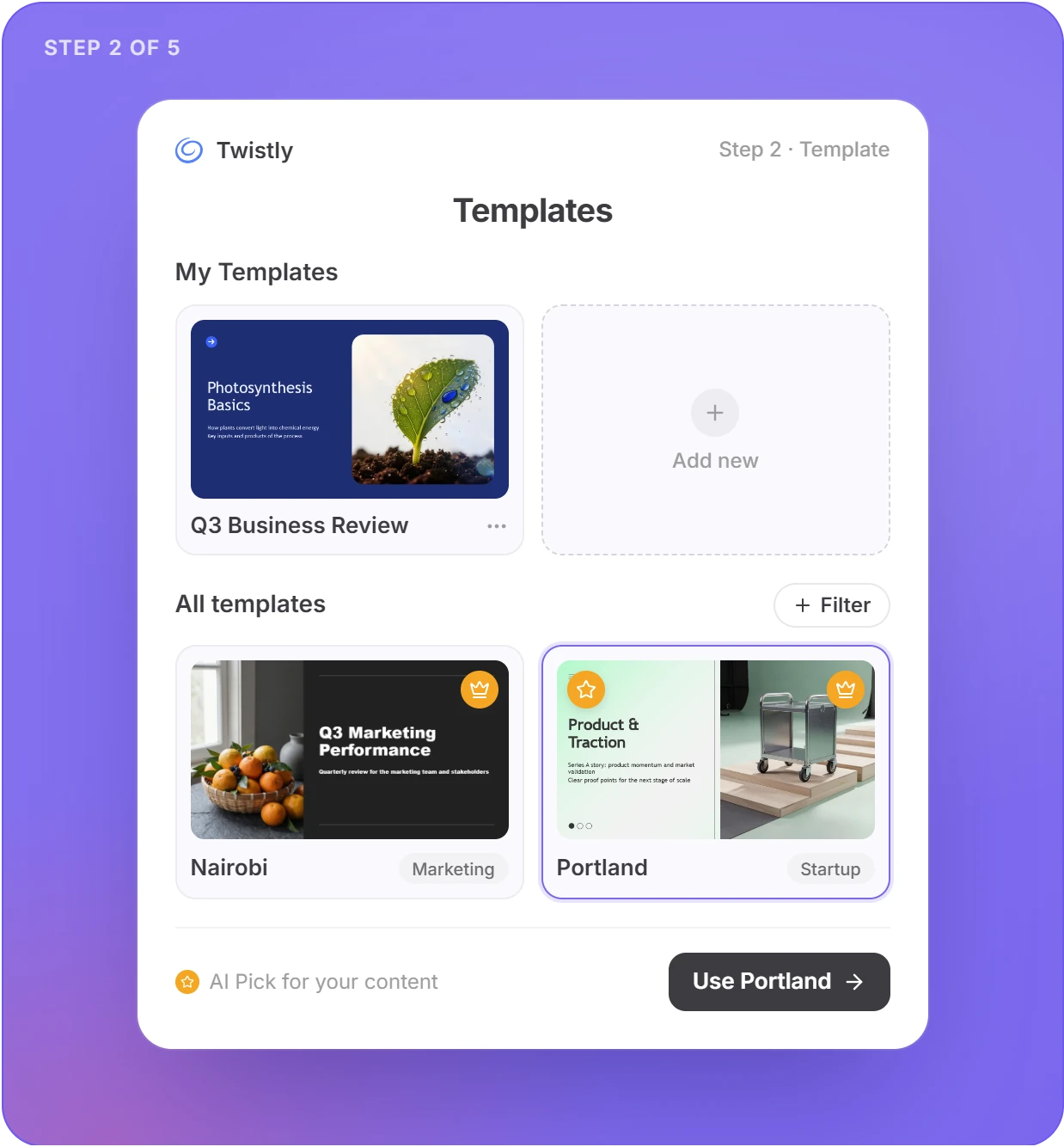
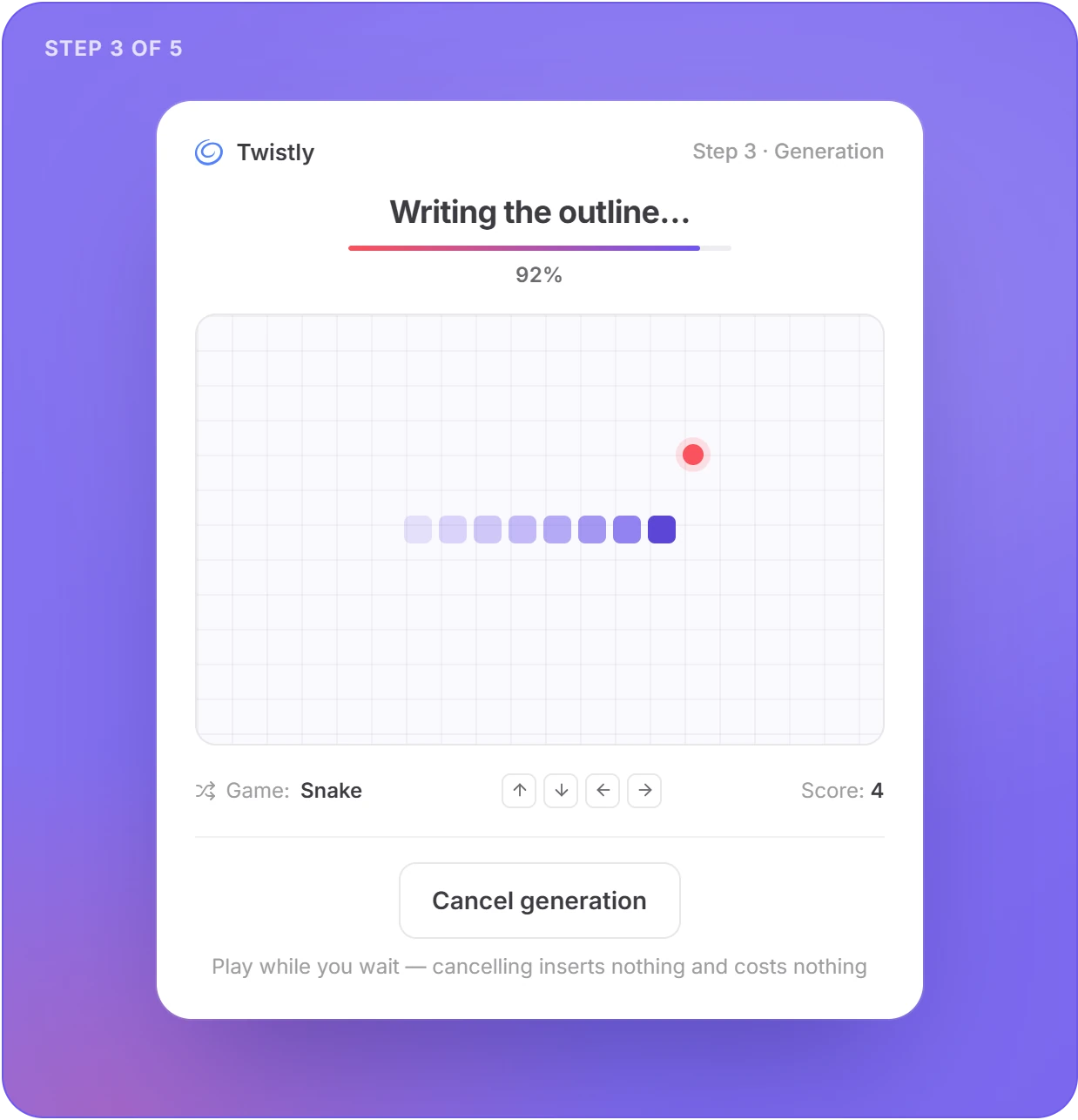
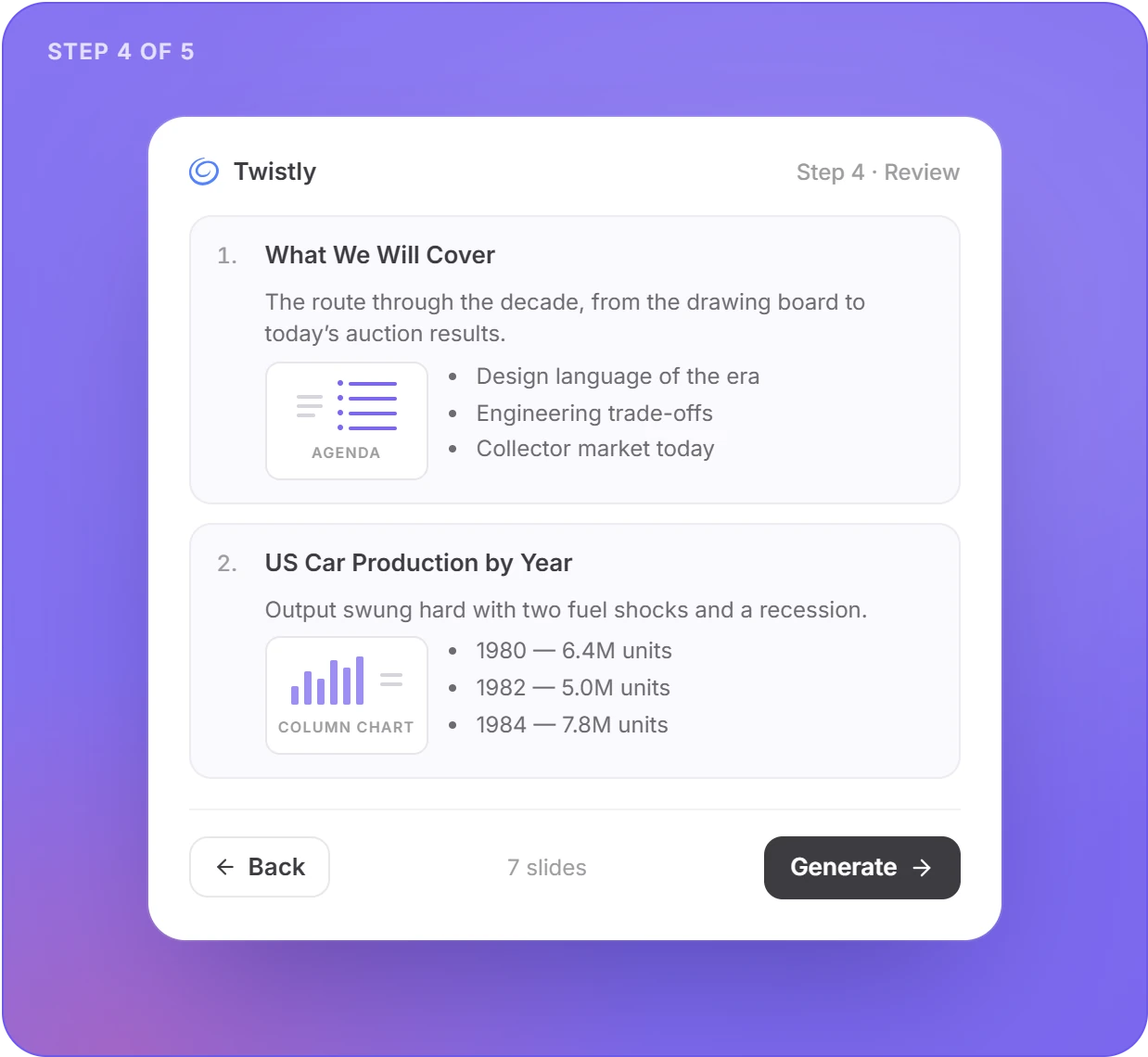
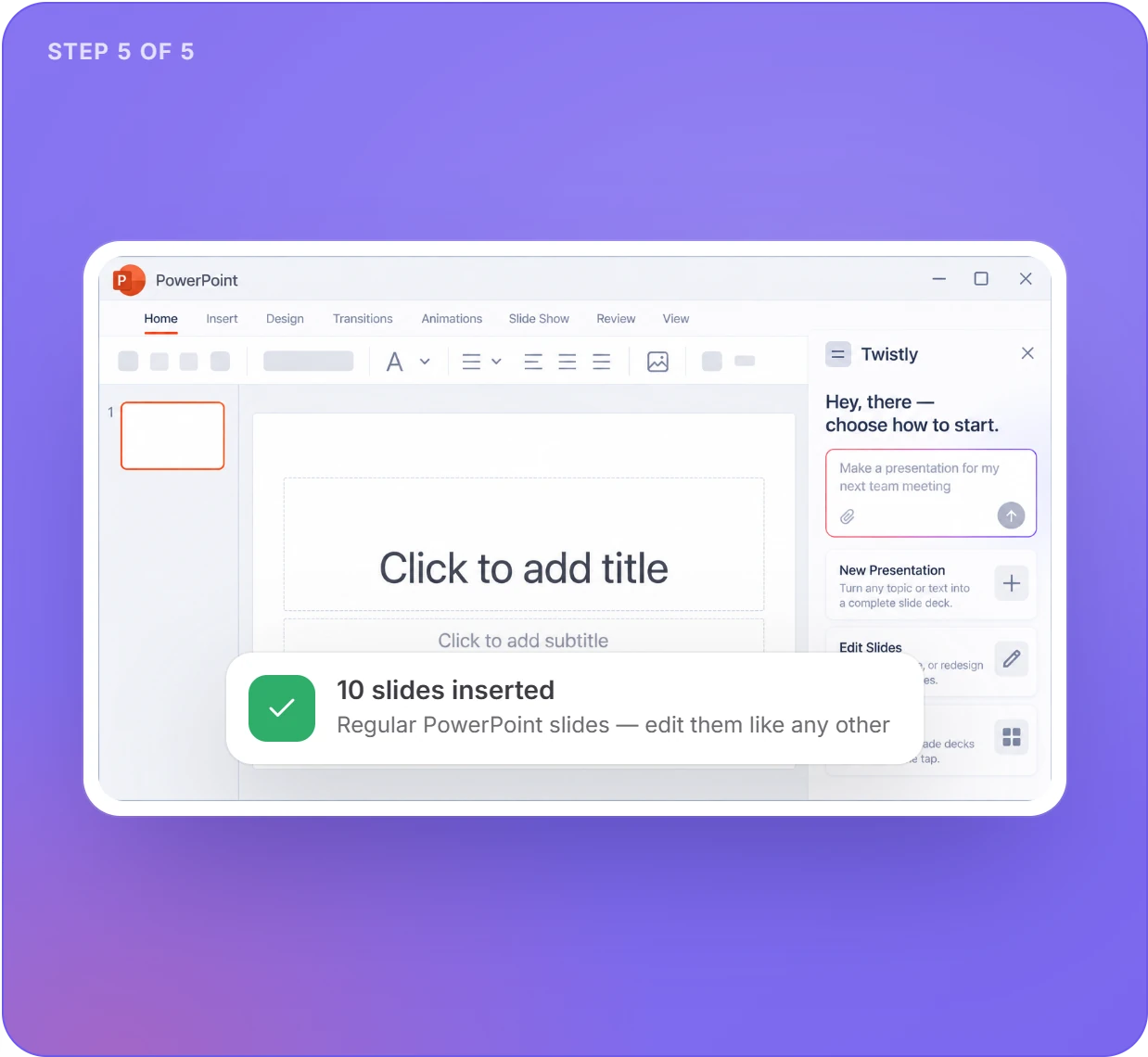
Cancel really cancels: a stopped or failed generation inserts nothing and costs nothing.
Three ways in
Start From a Topic, Your Notes, or a 300 MB File
Three ways in, the same review-then-insert path out.
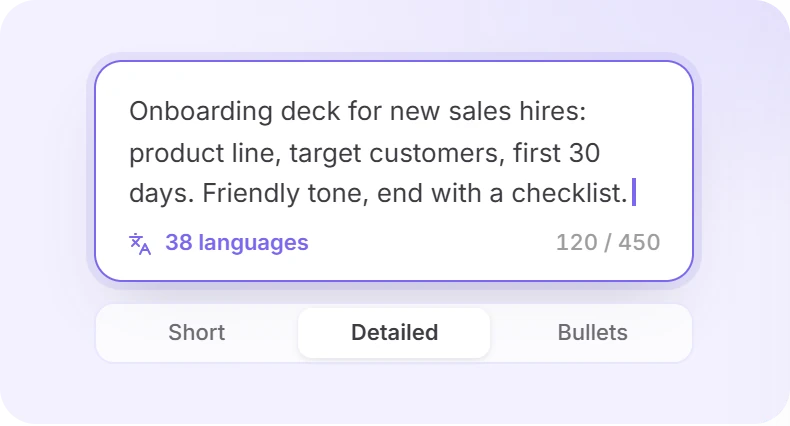
From a topic
A sentence with a goal and an audience beats a bare keyword. Prompts run up to about 450 characters, in 38 languages, with Short, Detailed or Bullet-point slides.
From your text
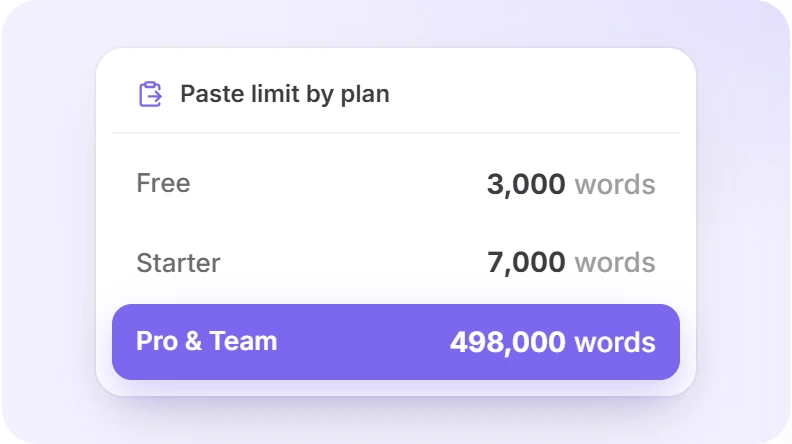
Paste a report, article or meeting notes. The Free plan takes up to 3,000 words, Starter 7,000, and Pro and Team up to 498,000 — enough for a full research paper.
From a file
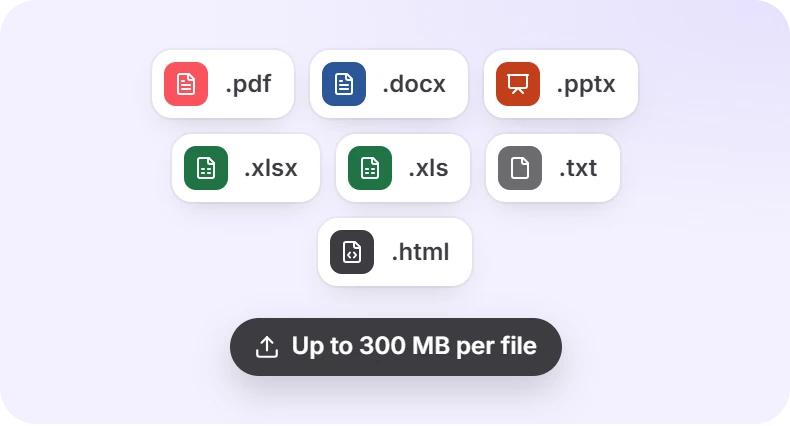
Upload a file up to 300 MB. Images from your document are reused where they fit, and tables arrive as real, editable PowerPoint tables — not pictures of tables.
Uploading an old deck?
Elija Redesign my presentation to keep your content, structure and images and move them onto a new template slide for slide. Choose Create new to let the AI restructure and rewrite it into a fresh deck.

Already have slides?
Improve Slides You Already Have
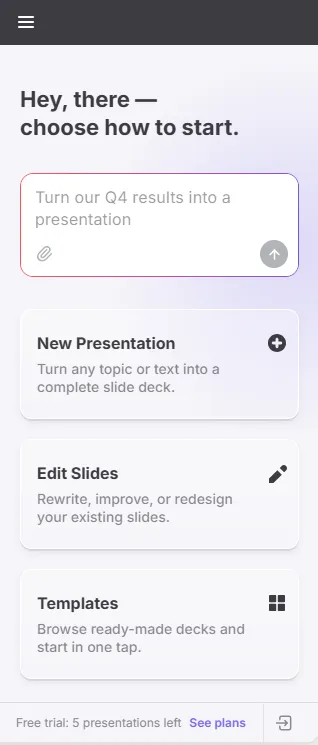
Most decks don’t start from zero. Twistly works on the slide you have selected.
Redesign a slide or the whole deck
Get up to six layout options for the current slide, built from its own content — your images stay. Or move every slide onto a different template in one pass.
Free on every plan
Twistly Agent
Ask in plain words. The Agent edits text, lists, links and table contents.
“make the titles punchier”
“translate slide 4 to Spanish”
“turn this paragraph into bullets”
Edit text with AI
Improve, shorten, lengthen, make it more professional, simplify, translate, or write your own instruction — for selected text, one slide or all slides. The AI rewrites but never adds or removes bullets, so your layout holds.
Speaker notes that follow the story
Notes are written straight into PowerPoint’s notes pane, in the slide’s language. Twistly reads the neighboring slides, so your opening slide gets an opener and your last slide a wrap-up.
Add a single slide
Describe it or attach a file, and the new slide is inserted right after the one you have selected — not dumped at the end.
AI images without garbled text
Choose from eight styles, from Photorealistic to Line Art, colored to match your template. Images are generated without text or faces, so you never get misspelled words or uncanny people on a slide. Stock photos from Pexels and web image search are free on every plan.
Plantillas
Designs That Follow Your Template, Not The Other Way Around
Smart layouts
The AI picks the layout that fits each slide’s content.
Your company template.
Upload a .pptx or .potx up to 100 MB. Twistly turns each distinct slide design into a reusable layout and fills its real text boxes. Pro includes 1 custom template, Team includes 5 shared across the team.
Colors carry through.
Charts and AI images take your template’s accent colors.
Nothing gets cut.
If a slide would be overcrowded, Twistly splits it into “Results 1/2” and “Results 2/2” instead of shrinking the font or dropping content.
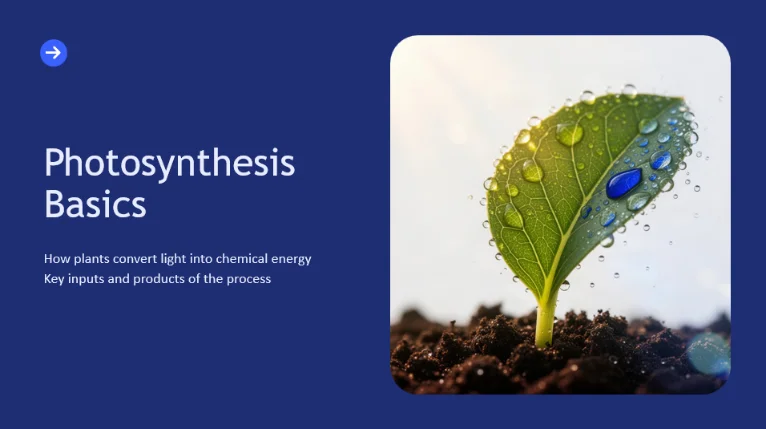
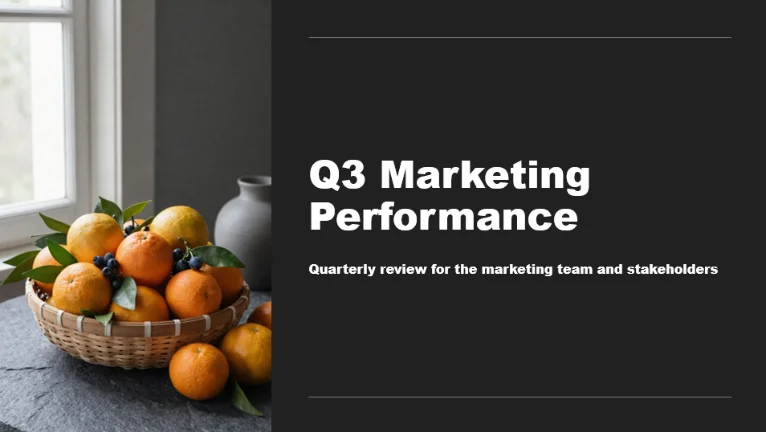
AI PICK
Up to three suggestions
An honest map
Which AI for PowerPoint Fits Your Situation?
PowerPoint now has several AI options, and they solve different problems. Here’s an honest map.
If you already pay for Microsoft 365 Copilot and want quick drafts from Word files
Best fit
Copilot in PowerPoint
It’s built in, so there’s nothing to install. It needs a Microsoft 365 plan that includes Copilot.
If you work in ChatGPT or Claude all day and want a chat assistant for your deck
Best fit
ChatGPT for PowerPoint or Claude for PowerPoint
They use the account you already have. Claude’s add-in requires a paid Pro, Max, Team or Enterprise plan; ChatGPT’s Free plan has restricted usage.
If you build consulting decks full of waterfall, Mekko or Gantt charts
Best fit
A specialist add-in such as Deckary or Oria
They’re built around consulting chart types. Twistly focuses on complete decks, not chart building.
Twistly
Best fit
If you need a finished, designed deck from a topic or document before paying for any AI subscription
Three free presentations before you create an account
51 templates
Files up to 300 MB
Every slide reviewed before it’s inserted
Competitor details come from their public product pages as of September 2026.
Straight answers
Know the Limits Before You Start
Six things worth knowing up front — and what to do about each one.
Internet required
Generation runs in the cloud, so Twistly doesn’t work offline.
Inserted slides are ordinary PowerPoint slides — they work offline.
Slide caps by plan
Gratis
10
Starter
15
Pro & Team
50
Need longer decks? Compare plans
Charts are read-only in review
Charts and SmartArt can’t be edited in the review step.
Edit them in PowerPoint after inserting.
Files set the language
When you create from a file, slides come out in the file’s language.
Translate afterwards with Edit Text with AI.
The Agent edits text only
Text, lists, links and table contents — not colors, layouts or pictures.
For visuals, use Redesign, Add a slide or Add images.
Work or school account?
Your Microsoft 365 admin may need to approve the add-in.
Until then, use app.twistly.ai — nothing to install.
Plans
Plans at a Glance
Start free. Upgrade when you need longer decks, your own template or the full AI toolset.
|
Plan |
Gratis |
Starter |
Pro |
Team |
|---|---|---|---|---|
|
Presentaciones |
3 total |
Unlimited |
Unlimited |
Unlimited |
|
Slides per presentation |
10 |
15 |
50 |
50 |
|
Pasted text |
3,000 words |
7,000 words |
498,000 words |
498,000 words |
|
51 templates, Twistly Agent, stock & web images |
||||
|
Edit Text with AI, Redesign, Speaker Notes, AI images |
– |
|||
|
Custom templates |
– |
– |
1 |
5 (shared) |
|
API access |
– |
– |
||
|
Team seats & central billing |
– |
– |
– |
Monthly or yearly billing — yearly saves 40%. Cancel anytime; Starter and Pro can also pause for three months.
Teams & developers
For Teams and Developers
Shared templates and one invoice for the team; an API and an MCP server for everything outside PowerPoint.
Team plan
Starts with two seats (the owner uses one), add more anytime, shared custom templates, one invoice.
IT deployment
Admins can deploy Twistly to users from the Microsoft 365 admin center.
Presentation API
Pro and Team: generate decks from a topic, text or file outside PowerPoint — up to 100 generations per 24 hours.
Twistly MCP server
Connect Twistly to ChatGPT or any MCP-compatible client, ask for a deck in plain language, and get back a PowerPoint or PDF billed to your Twistly account.
Instale
Install Twistly in PowerPoint
Pick whichever is fastest for you — all three open the same add-in.
Option 1 · From AppSource
Quick install
1
Open the Microsoft AppSource page
2
Seleccione Consíguelo ahora.
Option 2 · PowerPoint already open
From inside PowerPoint
1
Ir a Inicio → Add-ins (in some versions Inserte → Get Add-ins)
2
Search for GPT for PowerPoint
3
Seleccione Añadir. The Twistly button appears on the Home ribbon.

Option 3 · Nothing to install
No install at all
Open PowerPoint on the web with Twistly already loaded — it works on any computer.

Twistly’s sign-in is separate from PowerPoint’s: use a Microsoft or Google account, or your email with a 6-digit code. No passwords.
Questions About the AI PowerPoint Generator
Seven answers, each with a detail the sections above don’t cover.
Your Next Deck Starts in the Presentation You Have Open
Three free presentations. No card, no account, no Copilot license.