


Inicio › Conversor de PDF a PPT AI
PDF to PPT AI Converter: A Real Deck, Not a Page-by-Page Copy
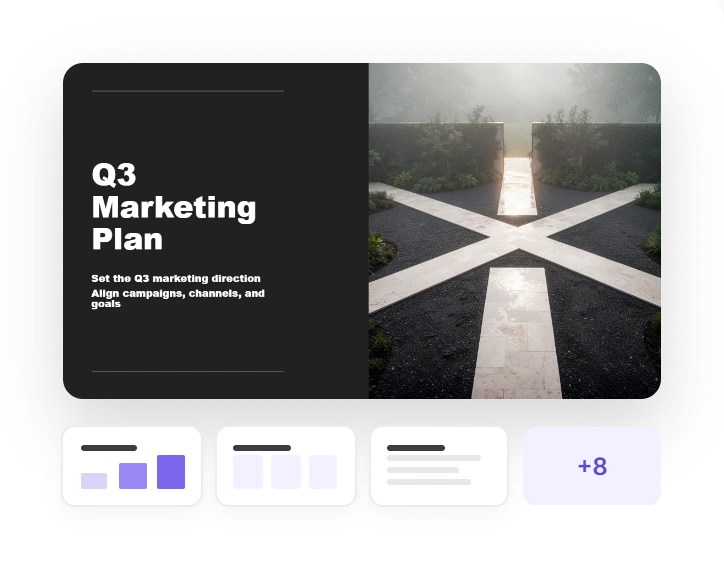
Upload a report, research paper or exported deck. Twistly AI reads the whole PDF, picks out what is worth presenting and builds designed, editable PowerPoint slides — right in your browser.
3 free presentations
No card
Nothing to install

Twistly Online
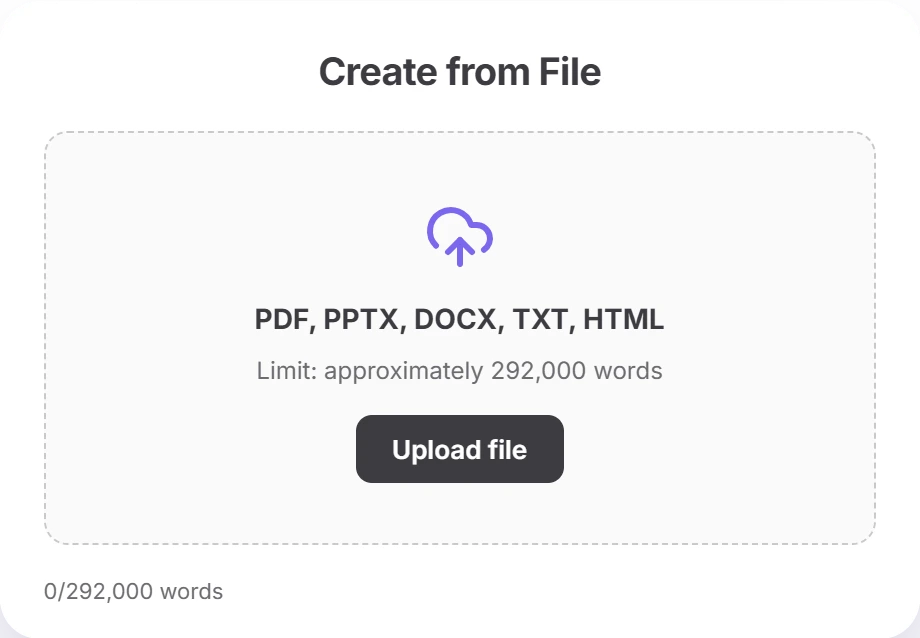
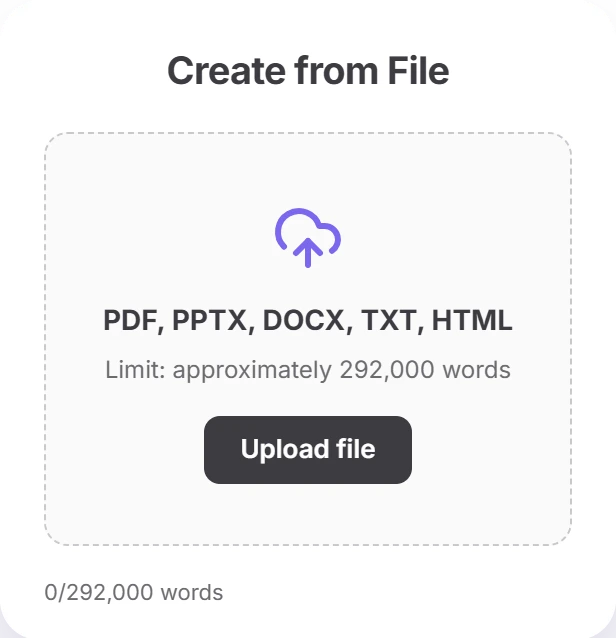
Crear a partir de archivo
Two kinds of PDF
What Twistly AI Does With Your PDF
A report and a deck saved as PDF need different treatment. Twistly checks which kind of PDF you uploaded and handles it accordingly.
Portrait · text-heavy
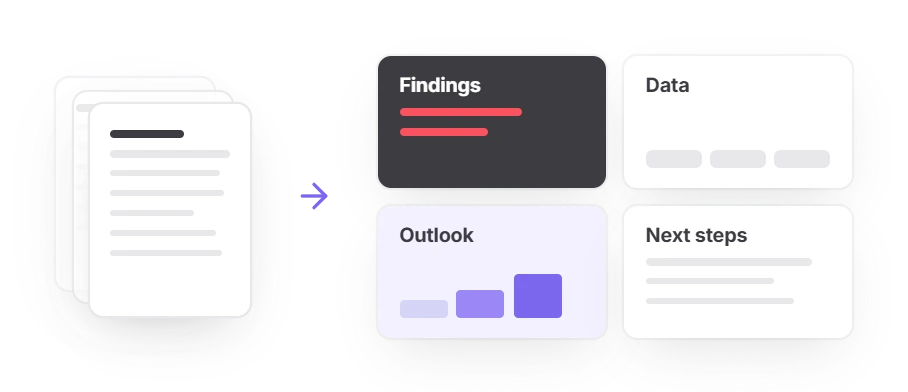
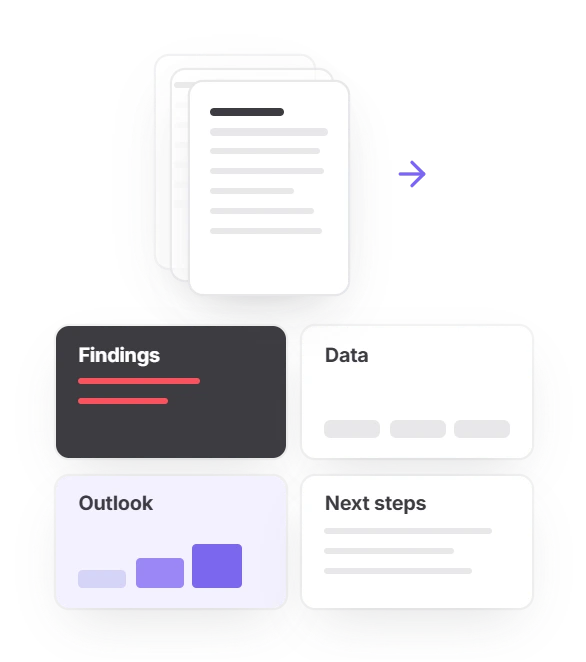
A report, paper or whitepaper
The AI works out the structure of the whole document and condenses it instead of copying it. Findings, data and conclusions become short slide points; page numbers and footers are dropped.
- A 30-page report does not turn into 30 slides
- You set the slide count, or leave it on Auto
Landscape · exported deck
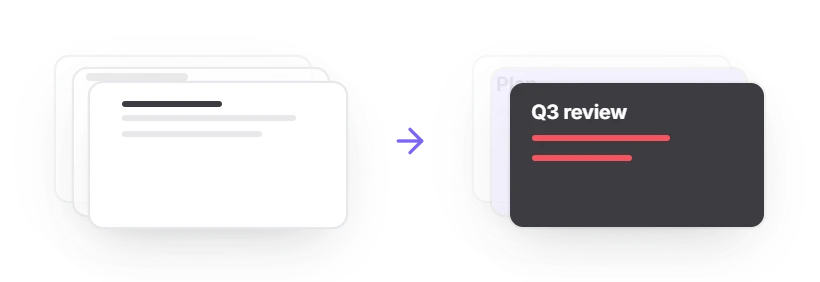
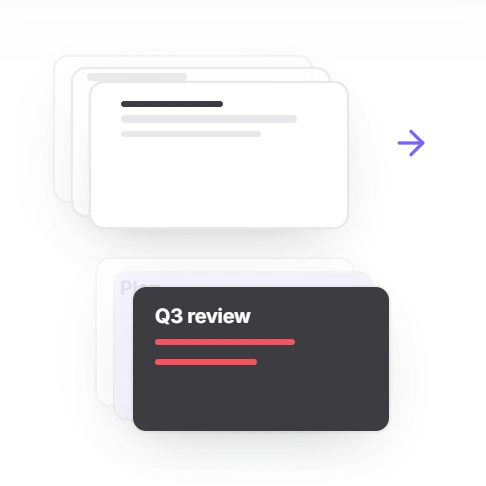
A presentation saved as PDF
Landscape PDFs are usually exported slides, so Twistly treats them as a deck, not a document.
- Leave the slide count on Auto and you get one slide per page, rebuilt on the new template
- Set your own number and the AI restructures the deck instead
Inside any PDF
Tables, images and language
Tables arrive as real, editable PowerPoint tables, not pictures
Photos and figures from the PDF are reused where they fit
Slides come out in the PDF’s language: a German report gives German slides
This is the difference from a plain converter
Plain converter — it copies each PDF page onto a slide with the same layout and the same wall of text.
Twistly AI — builds a new presentation from the ideas in the document, not a page-by-page copy.
VS
Cómo funciona
How to Convert PDF to PPT With AI
Five steps to convert PDF to PPT using AI in Twistly Online. Expect a few minutes rather than seconds: the AI reads the whole document before it generates a single slide.
1
Upload your PDF
Drag it into Twistly Online, up to 100 MB. Before you continue, Twistly counts the words in your file and shows them against your plan’s limit.
2
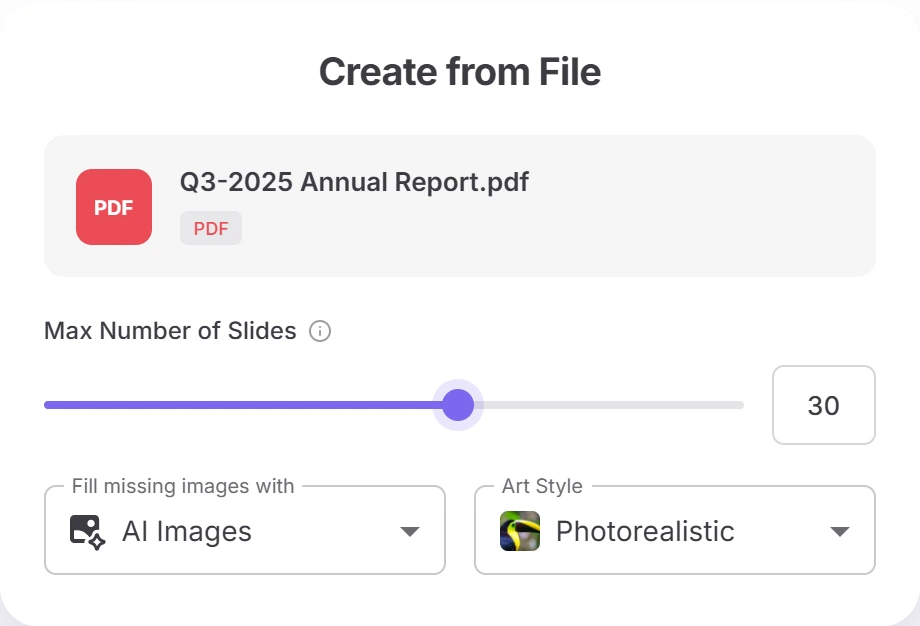
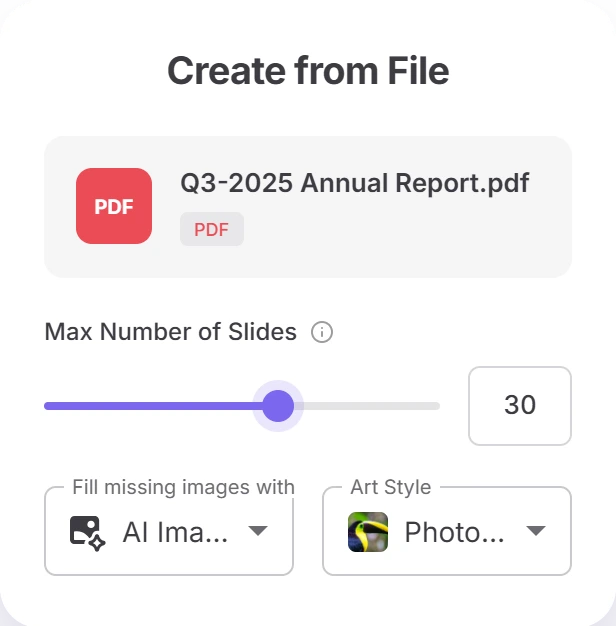
Set up the deck
Choose the number of slides or Auto, the image source — your PDF first, then AI, stock or web images — and an art style for AI images.
3
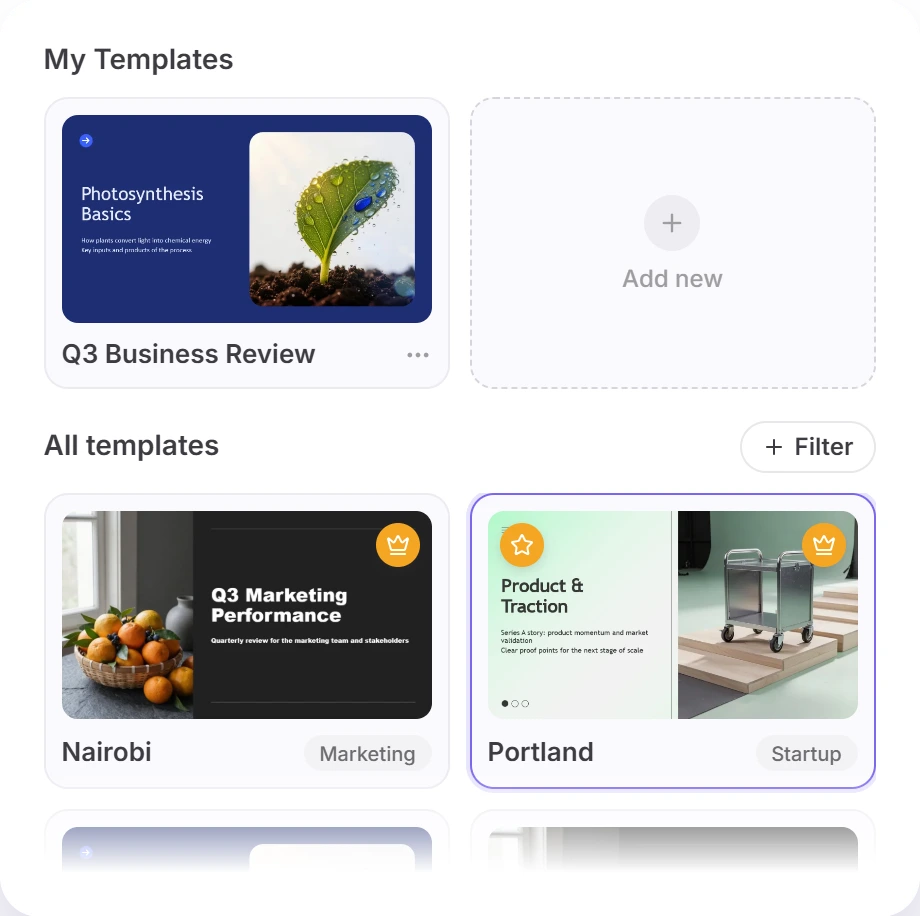
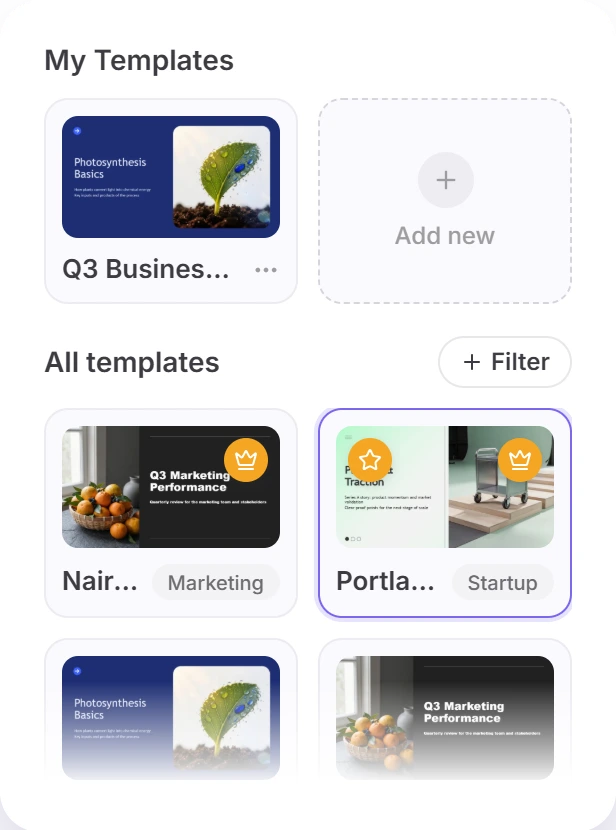
Pick a template
Choose from 50+ templates filtered by category, or pick AI Choice and let Twistly match one to your content. Sign in with Google or Microsoft to continue.
4
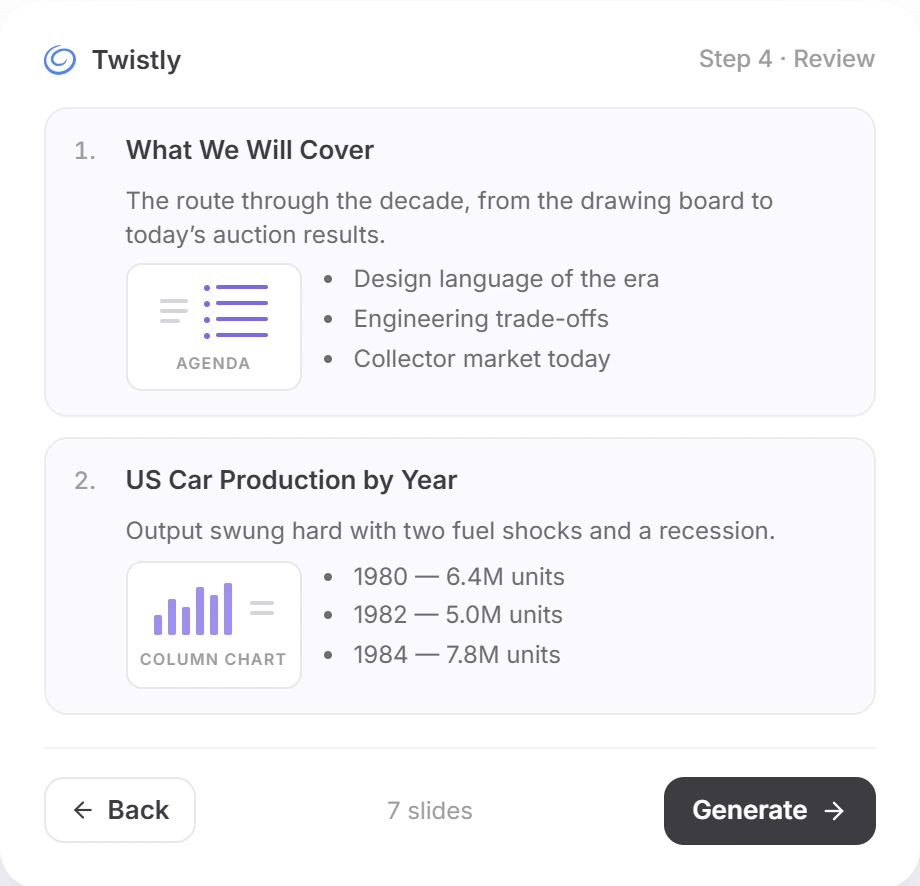
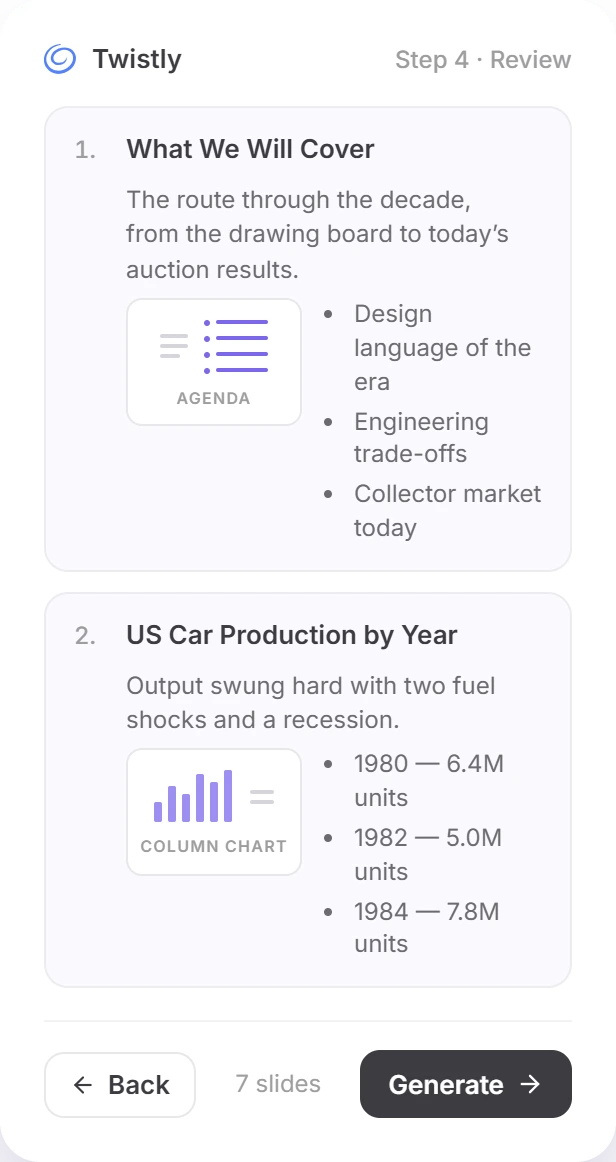
Edit the outline
Fix titles and text, reorder or delete slides, correct chart numbers and switch a slide between text, a diagram or a chart.
5
Download or export
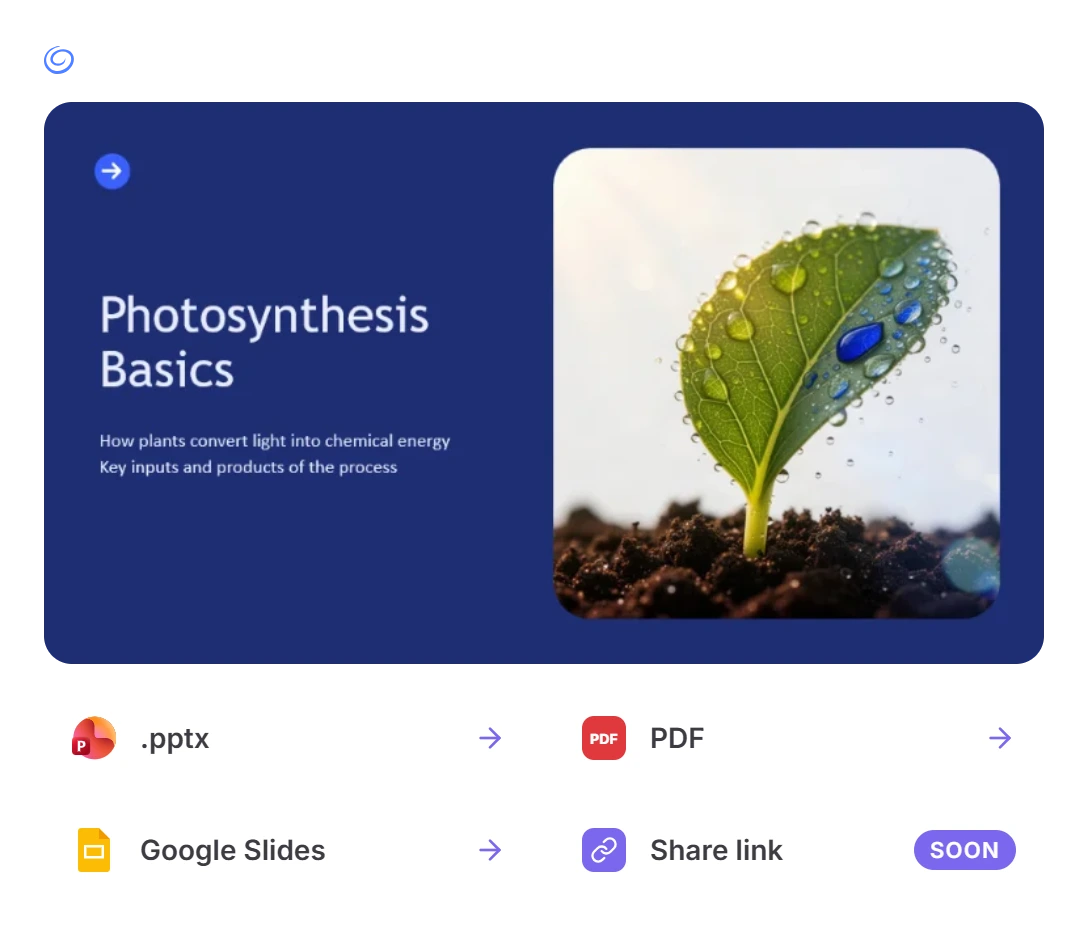
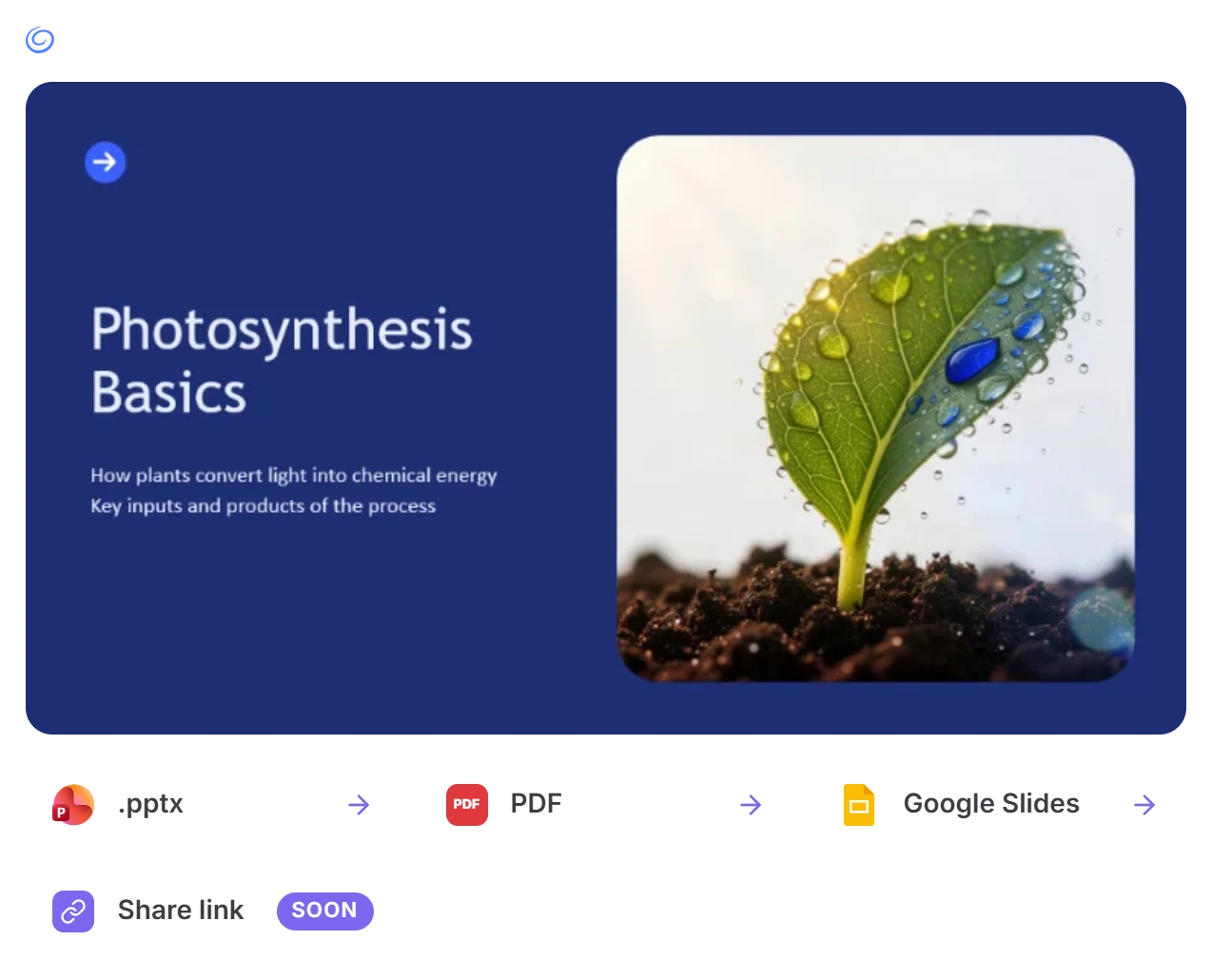
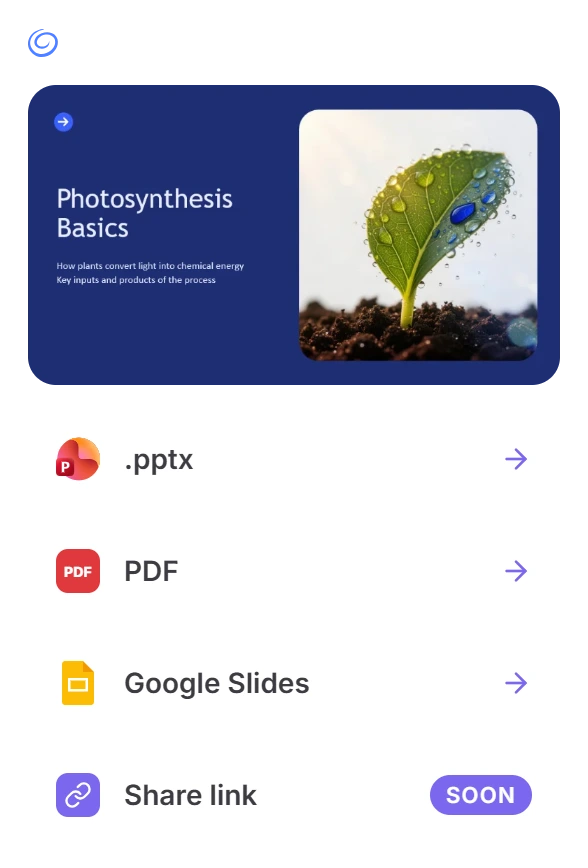
Preview every slide, then download a .pptx or PDF file, or export the deck to Google Slides.
Step 1 of 5
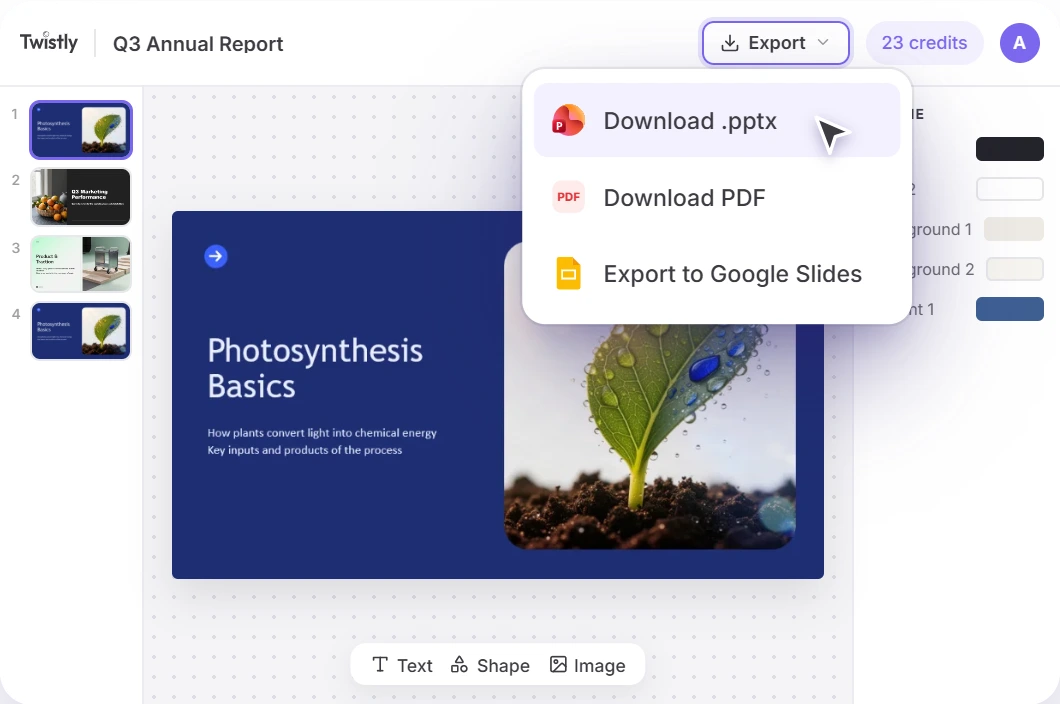
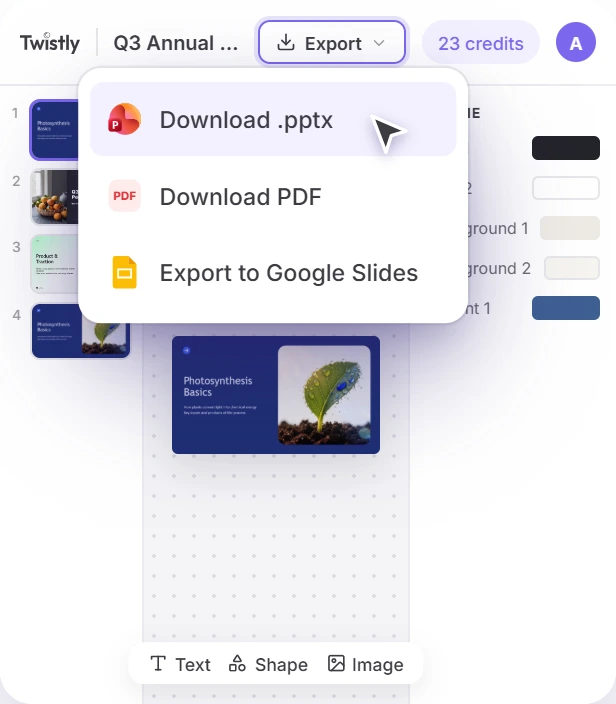
Changed your mind while it runs? Stop Generation sends you back to the template step, so you can pick another design without uploading the file again.
Outline first
Fix the Outline Before the Deck Is Designed
Most PDF to PowerPoint AI tools hand you a finished file and leave the corrections to you. Twistly Online stops at the outline first, so mistakes get fixed while they still take seconds.
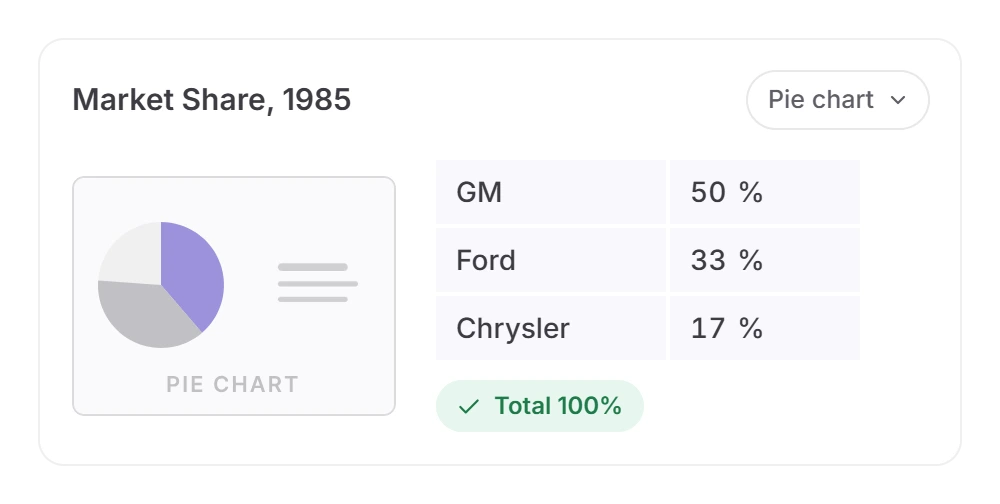
Correct the numbers in charts
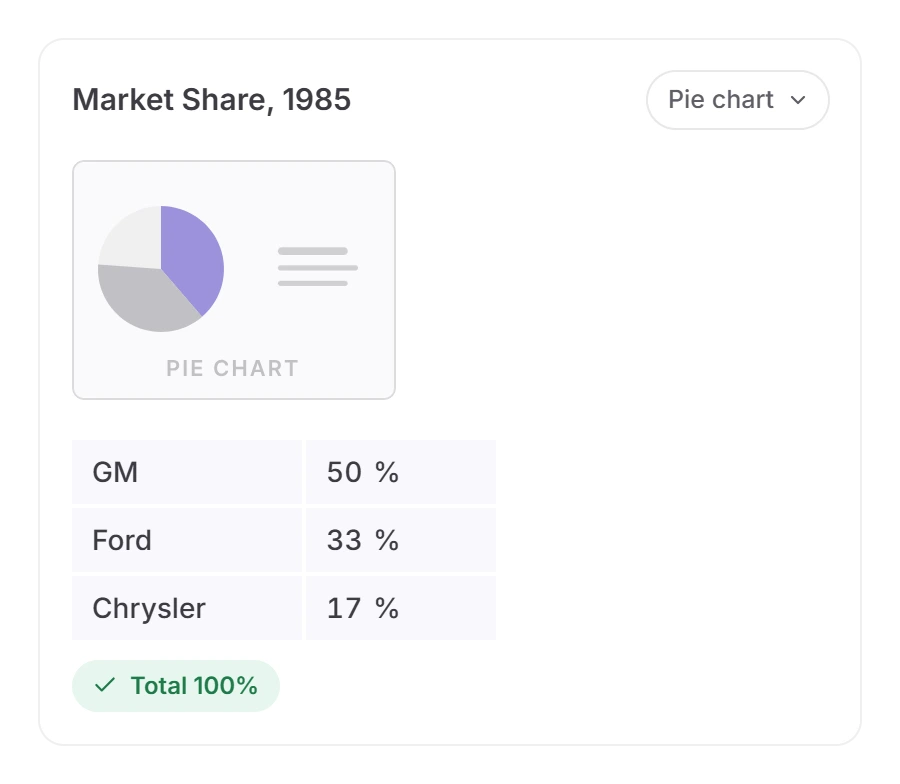
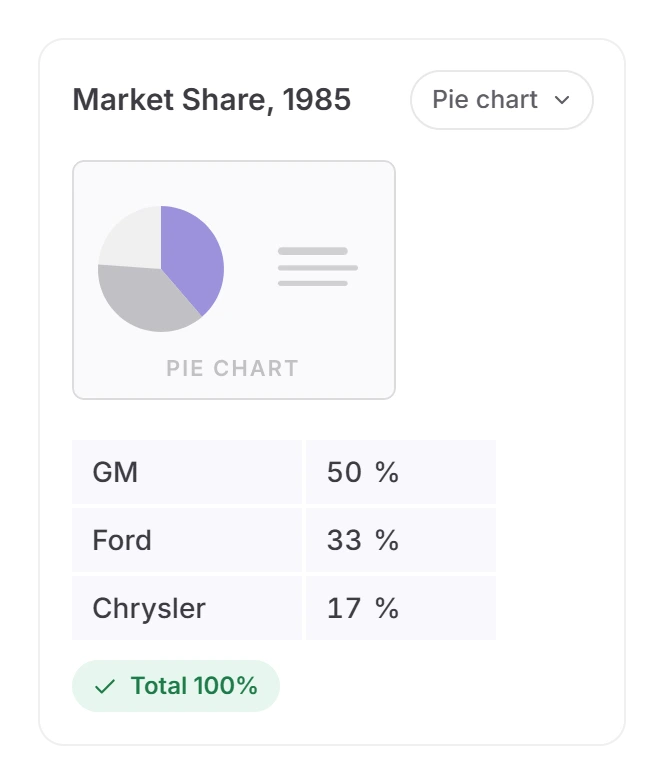
Every data point of a chart is its own editable row. A pie chart has to add up to 100 before you can generate, so a typo in the source PDF doesn’t end up on a slide.
Switch how a slide makes its point
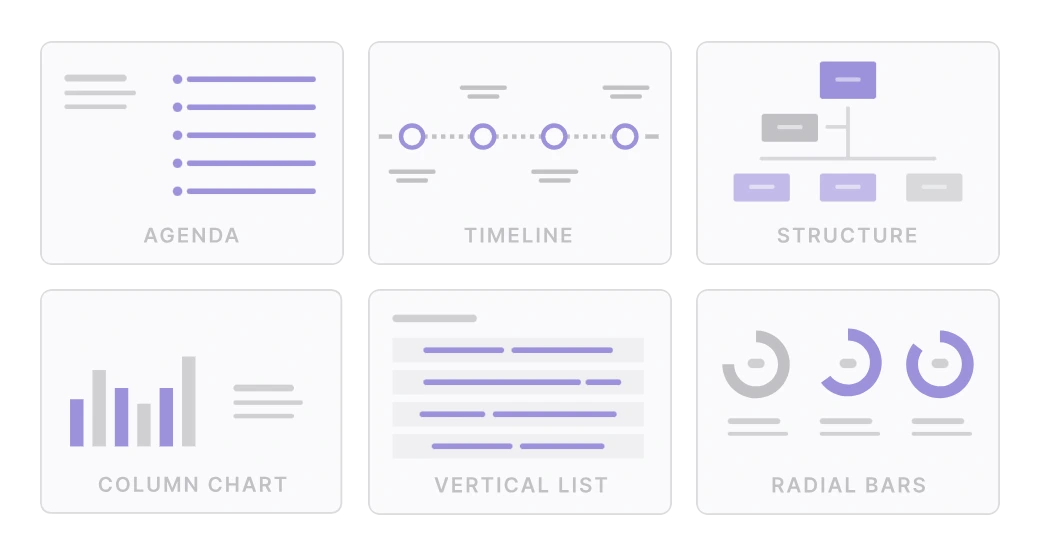
Turn any slide into an agenda, a diagram or a chart. The new visual replaces the old one, so slides don’t get crowded.
Rewrite and reorder
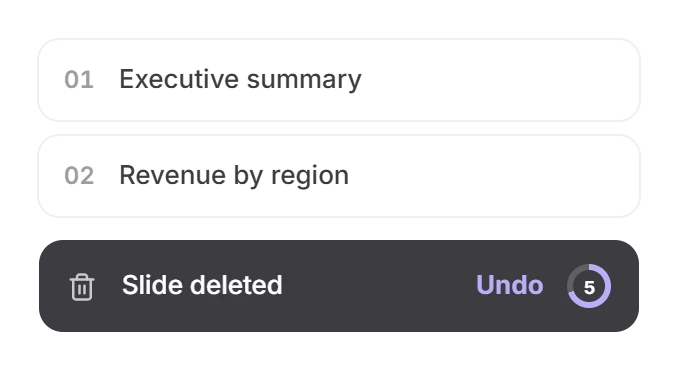
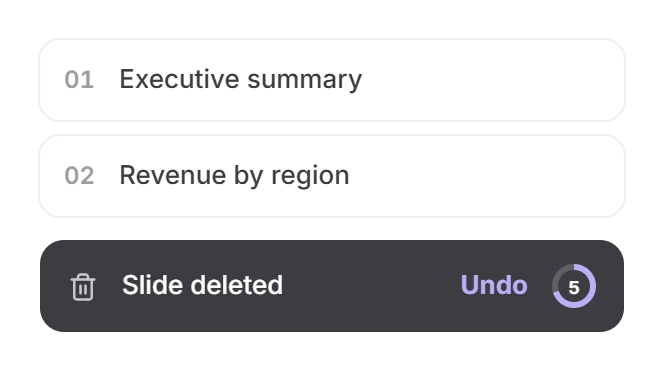
Edit titles and body text in place, drag slides into a new order and delete what you don’t need — with a 5-second undo.
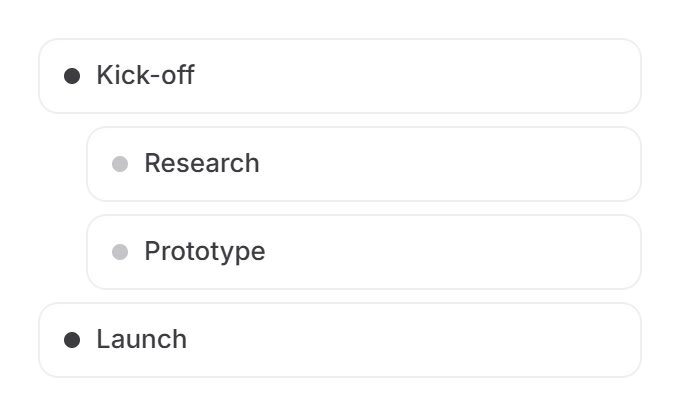
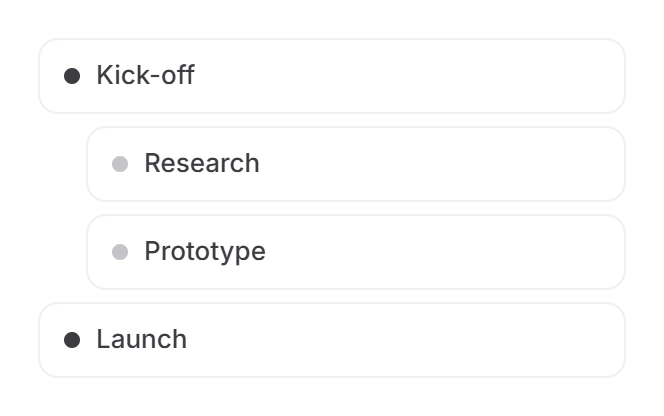
Edit diagrams node by node
Timelines, agendas and hierarchies show each node as a text field. Add, remove or indent rows.
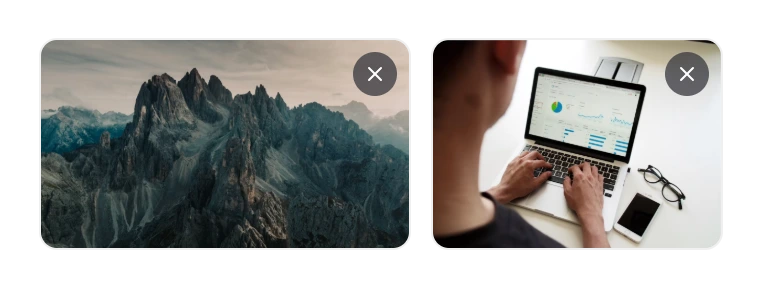
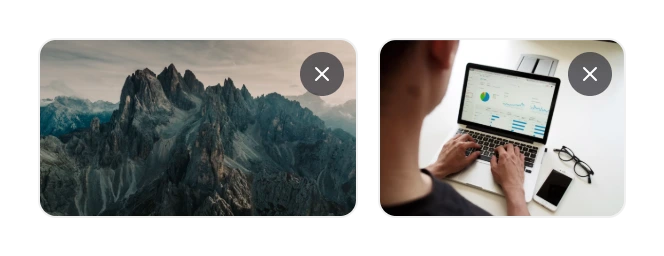
Keep or drop PDF images
Images taken from your PDF appear on each slide as thumbnails. Remove the ones you don’t want before the design is built.
Pick by the result
AI or Plain Conversion? Choose by What You Need Back
Twistly makes both, and they solve different problems. An AI tool to convert PDF to PPT rewrites and condenses; a plain converter keeps every page as it is. Pick by the result you want.
You have
A deck exported to PDF, and a few words to fix
You need
The same slides, editable
You have
A form, contract or policy that must stay word for word
You need
A page-for-page copy
Free tool
Don’t use AI here
AI condenses and rewrites — the wrong tool for legal wording
You have
A deck exported to PDF that looks dated
You need
The same content on a new design
PDF to PPT AI
Slide count on Auto
One slide per page, new template
You have
A 20–60 page report, paper or whitepaper
You need
A 10–15 slide talk
PDF to PPT AI
Set 10–15 slides
Condensed into slide points on one theme
You have
Meeting notes or a brief as text
You need
A first draft of a deck
Long PDFs
Get a Better Deck From a Long PDF
What most tools that convert PDF to PPT with AI don’t tell you: the limits that change the result, and how to work with them.
01
Check the word count before you continue
The upload step shows how many words your PDF has against your plan’s limit, so you know up front whether a long report fits the Free plan.
02
Over 50 pages? Split the file by chapter
Longer PDFs still work, but pulling pictures out of them is less reliable, so more slides fall back to AI or stock images.
Want a short talk? Set the slide count
On Auto, more source material means more slides. Free presentations go up to 10 slides, Starter 15, Pro and Team 50.
04
A crowded slide gets split, not cut
You’ll see “Results 1/2” and “Results 2/2” instead of shrunken text or dropped content. Delete or merge slides in the outline.
05
Finish the outline within about 15 minutes
Images taken from your PDF are held temporarily. Wait longer and some slides may switch to stock or AI images.
06
Wide tables stay whole
Tables over about 6 columns or 10 rows render with small text. Nothing is cut, but consider splitting them across two slides.
The result
What You Get at the End
A normal PowerPoint file, not a locked format. Take it wherever you present.
Preview in the browser, share by link Link soon
Page through every slide before you download anything. Soon you can send that same view as a link, no file attached.
.pptx or PDF
Download an editable .pptx that opens in PowerPoint, Keynote and Google Slides, or a PDF for sharing.
Straight to Google Slides
Export in one click. Twistly asks Google only for access to the file it creates, not to the rest of your Drive.
PDF to PPT AI: Questions People Ask
Short answers about turning a PDF into a presentation with AI.
Turn Your Next PDF Into a Presentation
Upload a report, whitepaper or brief to the AI PDF to PPT converter. Fix the outline, then download the deck — all in your browser.
Just need an editable copy of the pages? Free PDF to PowerPoint converter