


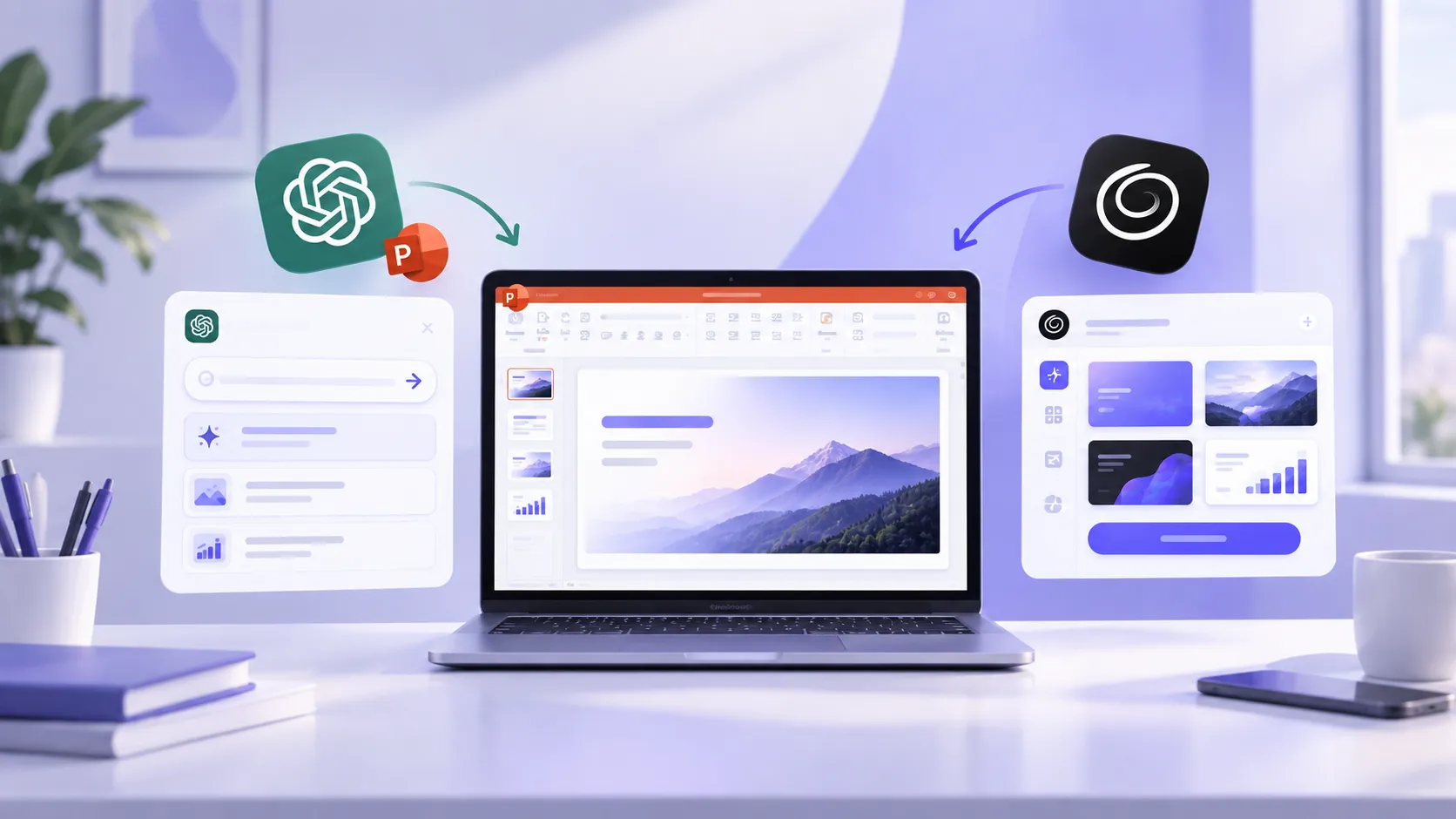
Users can now ask ChatGPT to create new slides or update existing decks while staying within PowerPoint. ChatGPT for PowerPoint acts as a conversational editing copilot, developed by OpenAI, LLC.
Twistly AI is a specialized add-in for PowerPoint, used for end-to-end presentation creation. Rapid document conversions, automated layouts, AI templates, custom images, and AI text editing tools- there are multiple features supported for PowerPoint users.
When both AI presentation makers offer the same type of features and functionalities, which tool is suitable for you? What are the main differences between ChatGPT for PowerPoint and Twistly AI?
ChatGPT for PowerPoint vs. Twistly AI- Quick Comparison
ChatGPT for PowerPoint brings limited AI capabilities for ChatGPT to PowerPoint for creating and editing slides. Twistly AI is a purpose-built tool that combines the power of native PowerPoint tools and AI tools.
This comparison table will help you understand basic differences between ChatGPT for PowerPoint and Twistly AI.
| Feature Category | ChatGPT for PowerPoint | Twistly AI |
| Primary Focus | Conversational editing, narrative polishing, data analysis, and structured drafting | Fast full-deck generation, multi-format conversion & visual design automation |
| Input Formats | Prompts, notes, spreadsheets, documents | Text prompts, PDFs, DOCX files, topics |
| Editing Style | Natural language conversational instructions | Structured AI copilot, template application & automated layout updates |
| Visual Creation | Relies on slide structure and text layout formatting | Native AI image generation and integrated media libraries |
| Translation | Conversational translation via natural language prompts | One-click automated slide and full presentation translation |
| Text Editing Tools | Basic text optimization options | Multiple text editing and optimization features to improve existing slides |
| Pricing Models | Included with ChatGPT plans | Free trial with tiered subscription plans |
ChatGPT for PowerPoint currently has a 3.3 rating from 27 users on Microsoft Marketplace, while Twistly has a 4.7 rating from 437 users. These numbers show the trust of the audience in Twistly for PowerPoint slide creation automation.
What is ChatGPT for PowerPoint?
ChatGPT for PowerPoint is an official add-in from OpenAI that allows users to work within PowerPoint and create or edit slides with ChatGPT. Once installed, ChatGPT for PowerPoint can be accessed from the Add-in tab, and it works through a sidebar in PowerPoint.
Conventionally, users have to switch between ChatGPT and PowerPoint to make presentations with AI. Editing a complete presentation in this way takes a lot of time. With the ChatGPT for PowerPoint add-in, users can ask the add-in to:
- Create new presentations
- Improve existing slides
- Summarize presentations
- Rewrite content
- Generate new slides
- Understand presentation structure
AI integration inside PowerPoint helps with rapid slide creation as users don’t have to manually copy and paste data from the ChatGPT app or web tab to PowerPoint.
What is Twistly AI?
Twistly AI is a purpose-built add-in for PowerPoint users that combines the features of multiple AI tools. From creating complete presentations to editing text and visuals, Twistly AI does all via natural language prompts and a simple interface.
Powered by the latest AI models, Twistly does not focus on AI writing only but complete automation of slide structuring, reasoning, strategic outlining, designing, and formatting.
Presentations or slides made with Twistly AI require little or no post-editing, thanks to flexible AI PowerPoint templates. Input methods include topics, AI prompts, documents, text, and other documents. It can help with:
- Complete presentation creation
- Slide creation and editing
- Presentation outlines
- Strategic AI content writing
- Designing and formatting slides
- Editing, optimizing, and improving text
- Creating AI images and fetching images from other sources
- Generating speaker notes
Create PowerPoint
Slides with AI
Build AI-powered presentations from
any prompt, doc, or video


1. Slide Generation and Input Processing
For a detailed ChatGPT for PowerPoint and Twistly AI breakdown, we will have to analyze different aspects that are important to every user. Let’s start with the slide generation process and how both tools process inputs from users.
ChatGPT for PowerPoint
Users interact with a sidebar conversational agent and input notes, executive summaries, or other forms of data. Once you have fed the data, ask the agent to perform an action: create a set of slides or a single slide.
It focuses heavily on logical flow, key takeaways, and concise bullet points rather than flashiness.
Twistly AI
Twistly offers flexible input options as users can upload documents, PDF files, and text or AI prompts. Twistly extracts the core ideas, transcribes video content, and automatically converts it into a complete, structured PowerPoint presentation with formatted slides.
2. User Interface and Workflow
New users want to stick to PowerPoint because they are comfortable with the existing tools and interface. How well does ChatGPT for PowerPoint and Twistly AI integrate AI features into your existing workflow?
ChatGPT for PowerPoint
The overall experience is like ChatGPT, as users interact through a conversational sidebar. Using natural language, users describe what they want. You can ask ChatGPT for PowerPoint to:
- “Create a sales presentation.”
- “Rewrite slide 5.”
- “Explain this chart.”
- “Add a conclusion.”
Best For
- Iterative editing
- Brainstorming
- Improving existing presentations
ChatGPT for PowerPoint is an add-in-only solution. You may not be able to use this add-in without PowerPoint.
Twistly AI
Twistly AI mainly focuses on automating the workflow. You don’t need to solely rely on conversation, as you can choose available options or upload text or instructions as input.
Based on the source, Twistly AI automatically creates and designs slides according to the context of the input. There is no learning curve, and users don’t have to make any changes to their existing workflow.
Twistly has a web-based version, too. Users can use Twistly online without PowerPoint, too.
3. Visual Design vs. Conversational Refinement
Are these tools suitable for data-heavy or visually appealing presentations? Let’s see which tool offers complete visual automation.
ChatGPT for PowerPoint
For an existing presentation, ChatGPT for PowerPoint operates as a co-author. If the user is trying to edit a deck, they can ask ChatGPT for PowerPoint questions like:
- What is the main story of this deck?
- Suggest 3 edits to make this C-level ready
- Add a risk mitigation slide after slide 5
Add-in will make these changes to your slides without breaking the overall structure. Focus remains on utilizing the content writing capabilities of AI.
Twistly AI
Twistly focuses on the overall visual assembly of the deck. It includes built-in AI image generation, custom design templates, stock media integration, and auto-inserted tables/charts.
There is no need to find images from external sources and then manually insert them into your slides. Users can choose to add images from free stock image sites or create AI images while staying inside PowerPoint.
4. Pricing and Free Trial
Cost structure is one of the biggest differentiators when we compare ChatGPT for PowerPoint against Twistly AI.
ChatGPT for PowerPoint
ChatGPT for PowerPoint is available globally to Free, Go, Plus, Pro, Business, Enterprise, ChatGPT Edu, and K-12 users. Free and Go include limited usage access. Plus, Pro, and Business include access subject to your plan’s agentic usage limit. Different plans are available for ChatGPT users:
- Go for $8/month
- Plus for $20/month
- Pro for $100/month
Usage may depend on the size and complexity of the presentation task. Larger decks, multi-step edits, and more complex source-grounded requests may use more of your plan’s available usage.
Twistly AI
New and existing users can save 40% by switching to annual billing. This tool is designed for students, teachers, HR teams, managers, executives, and other PowerPoint users, and packages are kept affordable for the entire audience.
- Starter for $16/month
- Pro for $20/month
- Team for $20/month
Team plan available with unlimited team members, shared templates, centralized billing, and priority support.
Free Plans
Both tools offer free plans with some limitations. ChatGPT has a free plan available for users, but it requires a ChatGPT account and supports core presentation capabilities during the beta rollout.
Twistly also has a free trial version that new users can try without a credit card. You get access to premium AI features to make informed decisions.
5. Pros and Cons
Both tools are good at their claimed features, but there are certain limitations that users need to be prepared for. These pros and cons will decide which tool is best for your project needs.
ChatGPT for PowerPoint
Some advanced PowerPoint capabilities may not be supported yet, including native chart editing, deeper shape and formatting controls, animations, complex templates, and custom font handling.
Pros
- Official OpenAI integration
- Excellent writing and editing capabilities
- Strong presentation storytelling
- Natural conversational workflow
Cons
- More focused on content than automated visual design
- Fewer presentation-specific automation features
- Generated or edited slides may not always match a preferred style perfectly.
- Some advanced PowerPoint editing capabilities may be limited or still in development.
- Outputs may be incomplete or incorrect
Twistly AI
Twistly has a 4.7 rating from 437 users on Microsoft Marketplace, a 5.0 rating on G2.com, and a 4.7 rating from 73 users on Trustpilot. Still, there are some limitations that you might want to know about.
Pros
- Built specifically for presentation creation
- Multiple content import options
- AI image generation
- Smart layouts
- Speaker notes
- Presentation translation
- Custom branding templates
Cons
- Some advanced capabilities are available for top tiers only
- Free trial is available for a limited time only
- Slide limits per generation for basic package
Final Verdict
ChatGPT for PowerPoint and Twistly AI automate the presentation creation but solve different problems. You can choose ChatGPT for PowerPoint if you already have structured content or data.
Twistly AI is the best choice if you frequently need to turn PDFs, Word documents, and topics into complete PowerPoint decks. Pick Twistly AI if you want an all-in-one generator that handles slide formatting, image generation, and media insertion automatically.
The better choice depends on your workflow. If your goal is producing complete, visually polished presentations with minimal manual formatting, Twistly AI provides a more presentation-centric toolset.






Start Making AI Presentations in Seconds
Instant Access
Begin exploring Twistly’s full suite of features immediately
No Commitments
No credit card required, and you can cancel anytime
Dedicated Support
Our team is here to assist you every step of the way during your trial.