


AI productivity tools have changed how businesses and individuals work. There are certain AI tools that everyone should use for personal and professional projects. A quick search will give you several AI tools for almost every task.
From making AI presentations to creating complex reports with AI, there are AI productivity tools for almost everything. AI tools automate repetitive tasks, help with improved decision-making, and save hours on daily projects.
If you are asked to choose only a few of the best AI productivity tools, this can be a challenging task. Every other AI tool seems to offer some unique features.
In this article, we have analyzed and explained the best AI productivity tools that every modern user needs. Let’s start with the most practical one, the best AI presentation generator for PowerPoint.
Why do you need AI Productivity Tools?
Do these tools really help with optimization of your daily workflow? Can these AI productivity tools help with complicated tasks? Well, choosing the right tool for the right job is the key here.
Imagine if you are looking for an AI tool that can generate a complete presentation in a few seconds. Twistly is the best option, and it would definitely help. Similarly, choosing the right tool is the key here.
Here are 7 reasons why you must turn to AI productivity tools for personal and professional projects.
- Automate repetitive tasks and finish work faster
- Get more done in less time with smarter workflows
- Reduce human errors in writing, data, and analysis
- Generate ideas, content, and solutions instantly
- Access insights and data-driven suggestions
- Integrate tools and automate processes
- Keep up with fast-moving, AI-driven industries
Best AI Productivity Tools- Our Top Picks
Our team has evaluated different popular AI tools that can help with optimized productivity in daily life.
Some of these tools are already popular among common users, and some of these might be new to you. Let’s start with the detailed analysis of the best AI productivity tools in 2026.
1. Twistly- Best AI Tool for PowerPoint Presentations
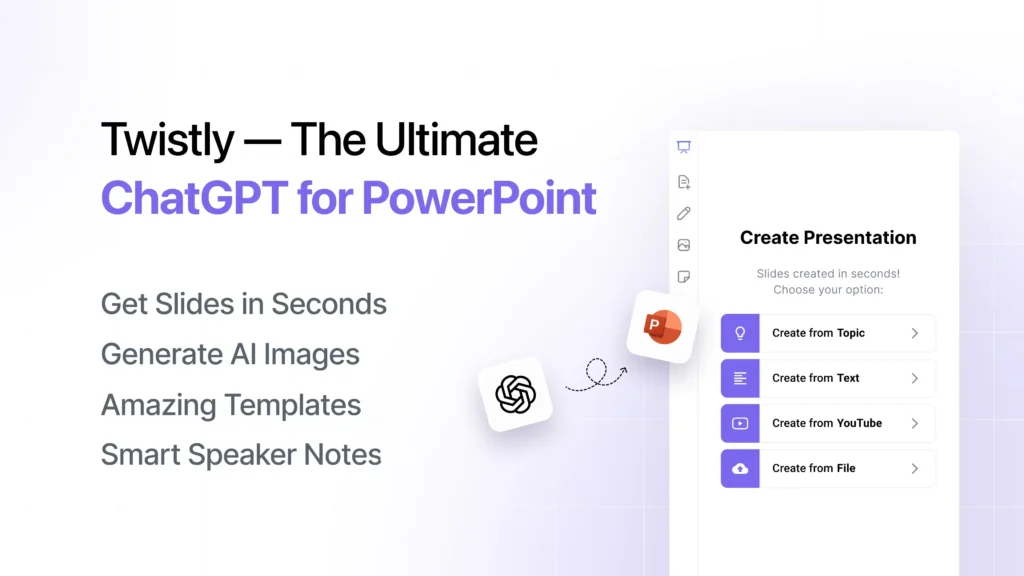
If you make PowerPoint presentations more often and you want to save hours on every presentation, get Twistly. It is an AI add-in that lives inside PowerPoint and integrates ChatGPT-like capabilities into PowerPoint.
Users can make a complete presentation from a simple topic within a few minutes, ideally in less than 90 seconds.
What can Twistly do for PowerPoint Users?
Twistly is powered by the latest AI models and offers limitless opportunities to improve and optimize your existing presentations or make new ones.
From creating and optimizing slides to generating AI images inside PowerPoint, Twistly does a lot of cool things, including:
- AI-powered slide generation from prompts
- Smart content structuring and storytelling
- Automatic design formatting
- AI image and visual suggestions
- Slide rewriting and summarization
- Seamless PowerPoint integration
Ideal For
Twistly is an ideal AI productivity tool for students, teachers, motivational speakers, marketers, HR teams, and anyone who makes presentations for professional or individual projects.
Using Twistly does not require any special skills or experience, and even a first-time user can generate a professional presentation easily.
If you are new to Twistly and want to try it for free, download the trial version by using the link below. The trial version is completely free and does not require a credit card or financial commitment.
Create PowerPoint
Slides with AI
Build AI-powered presentations from
any prompt, doc, or video


2. ChatGPT- Best AI Chat App
Almost every computer and smartphone user now understands the basic purpose and functionality of ChatGPT. Many users came to know about AI after the release of ChatGPT. Right after the launch, Twistly became the fastest-growing consumer app.
Best For
- Writing emails, blogs, and reports
- Brainstorming ideas
- Coding and debugging
- Research and summaries
You can communicate with ChatGPT just like a human being. From complex calculations to answering personal questions, ChatGPT uses the latest AI models to answer user queries.
Why it Boosts Productivity
ChatGPT works as a personal assistant and solves complex problems and tasks for you. Instead of using multiple apps, you can perform many tasks from this single AI productivity tool.
Instead of wasting hours on completing normal tasks, you can ask ChatGPT to process your information and give you a concise and relevant response. Engineers, students, professionals, marketers, normal users, and motivational speakers are almost everyone using ChatGPT.
3. Claude- AI-powered Coding Assistant
Claude is more than just a normal AI coding platform. Many users prefer Claude over ChatGPT for writing code and complex programs. It works as your thinking partner and can help you write papers, write code, and solve complex problems related to mathematics and science.
Output generated by Claude is less generic as it has better capabilities to follow instructions. Many users have reported that Claude asks more relevant questions and offers better and more precise output than ChatGPT.
Pros and Cons of Claude
| Pros | Cons |
| Automatically understands and analyzes your skills to give you better output. | Chrome extension needs some work, as accidentally closing it will remove everything. |
| Works quite well even for longer and more detailed instructions | Not ideal for collaboration across multiple devices |
| Loved by engineers and programmers | The standard tier has annoying user limits |
4. Notion AI- AI Productivity Tool for Workflow and Organization
Managing lots of tasks, notes, and other details can be hectic. Notion brings everything to one place, offering a smooth and organized workflow.
It is a collaborative workspace where you and other team members can easily collaborate with each other, share data, and collect new assignments.
Key Features of Notion AI
- AI-generated summaries
- Task automation and planning
- Smart note organization
- Content generation inside the workspace
Why You Might Love Notion
Every project has certain requirements and data gathering rules, and Notion centralizes everything, offering a smoother and better system for data sharing. From startups to small businesses and franchises, Notion is for everyone.
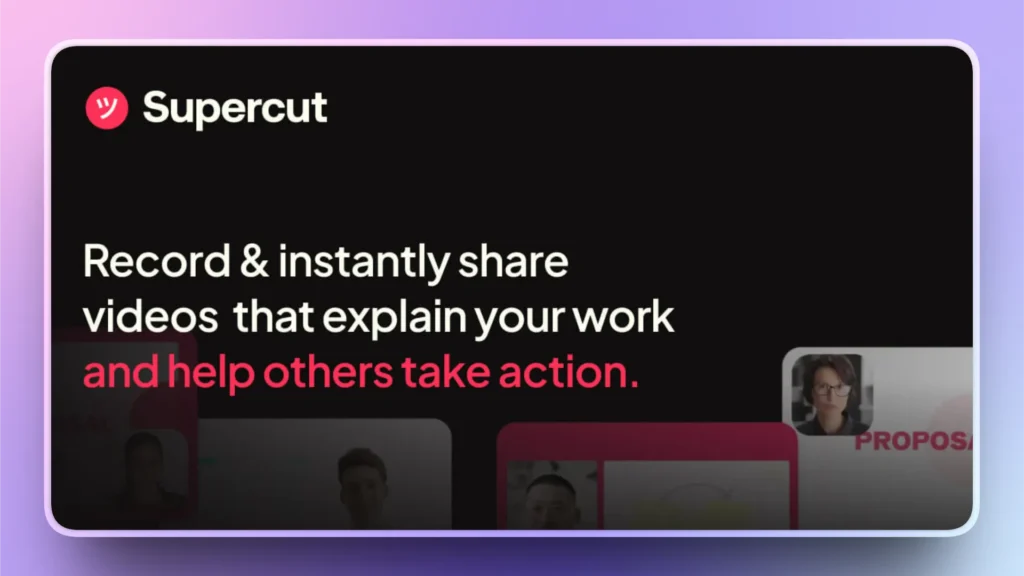
5. Supercut- Video Messaging AI Tool
Sharing videos is the easiest way to communicate with your team members and help them understand complex steps with ease. Unlike conventional video recording tools, Supercut offers a complete collaborative environment.
Users can easily record videos and share them with team members. It is a complete video recording tool that allows the collection of feedback, too. AI integration also helps with the summarization of the video content.
Teams love using Supercut because explaining complex steps in the form of videos is a lot easier than writing detailed articles. The basic idea of Supercut is similar to Loom and other video recording tools, but advanced tools make it even more powerful and versatile.
Pros and Cons of Supercut
| Pros | Cons |
| Reliable and fast recording experience | Only suitable for brief and short videos |
| AI features are quite useful and intelligent | Manual organization with stacks |
| Best for teams and collaboration | External collaborators need to have an account to make comments |
Even new users face no difficulty using Supercut for personal or professional video recordings. An AI tool can even generate a precise transcript for the video. There are many other AI features that make video messaging even more convenient and efficient.
6. Zapier- Best for Automation
Businesses use multiple apps for daily operations, and managing every app from different platforms is a challenge. Zapier offers AI automation for hundreds of popular platforms and programs.
Automation is the need of all businesses as streamlined systems get more work done with the least manual input. Instead of wasting time on switching between multiple apps, Zapier brings everything under one roof.
Zapier is just like Twistly, as Twistly offers AI tools, an image generator, free stock images, an AI presentation maker, and other AI features inside PowerPoint. Users can make a complete presentation from scratch without leaving PowerPoint.
Key Features of Zapier
- Workflow automation across 8,000+ apps
- AI-powered triggers and actions
- Natural language automation builder
Why is it important
Real productivity requires easy access to all the resources that you need for the smoother completion of a task. Zapier automates repetitive tasks and helps you get more work done in less time.
7. Grammarly- Best for Writing and Communication
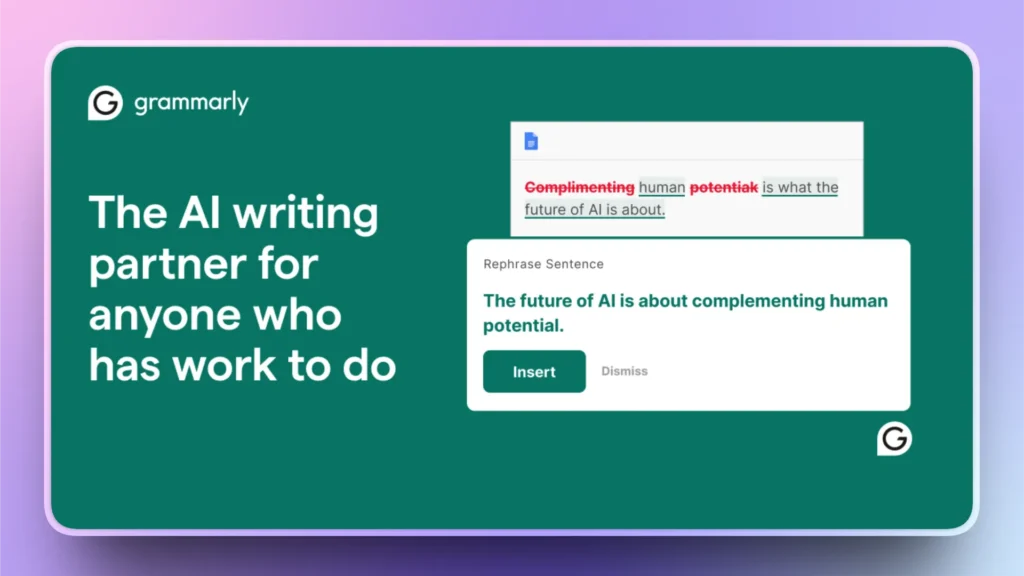
Professionals understand the importance of correct grammar in personal and professional communication. Grammarly is an AI platform that helps with the correction of grammar, typing errors, tone, and other aspects of written communication.
After writing a message, email, or essay, use Grammarly to find mistakes and easily make corrections. Every modern user needs to have Grammarly on their phone and laptop. Grammarly has a dedicated website and apps for Windows, iOS, and Android devices.
For non-native English speakers, Grammarly is the best tool to improve communication. Chrome extension helps with real-time reviewing for multiple websites.
Key Features of Grammarly
- Grammar and tone correction
- AI content generation
- Email drafting and rewriting
- Brand voice customization
Pros and Cons of Grammarly
| Pros | Cons |
| Fast, accurate, and real-time editing | The premium version is quite expensive for individuals |
| Contextual suggestions to improve your writing | Might make mistakes in text with complex sentences |
| A versatile AI application has a website, browser extension, and smartphone apps | Users might rely too much on Grammarly, giving false confidence |
| Allow users to set custom goals | Not a replacement for human proofreading |
Which AI Tools You Must Have?
There is no simple answer to this question, and the best AI tool varies from user to user depending on the project requirements and personal preferences. If you need a tool that offers AI support for making presentations, then get Twistly.
For automation of business operations, get Zapier, and if you need proofreading capabilities for a PowerPoint presentation, then Twistly already has the Grammar and Spell check feature for PowerPoint users.
To define the best AI tools, you must define your needs and requirements first. Based on your project needs, you may make the right decisions.
Conclusion
Twistly, Zapier, Grammarly, ChatGPT, and Claud are among the best AI productivity tools for a diverse range of users. Once you fully understand your requirements, find the right tool for that purpose and get the best deal.
Currently, Twistly is offering a totally free trial for new users. If you have any doubts about the AI capabilities of Twistly for PowerPoint presentations, download the free trial version now and make instant presentations with ChatGPT for PowerPoint.
Create PowerPoint Slides with AI
Build AI-powered presentations from any prompt, doc, or video












Start Making AI Presentations in Seconds
Instant Access
Begin exploring Twistly’s full suite of features immediately
No Commitments
No credit card required, and you can cancel anytime
Dedicated Support
Our team is here to assist you every step of the way during your trial.