

Skip to content
twistly ai logo
  • FeaturesExpand
    • Custom Brand Templates
    • Speaker Notes Generator
    • PPT Translator
    • Image Generator
    • PDF to PPT Converter
    • Text to PPT Converter
    • Word to PPT Converter
  • Use CasesExpand
    • For Students
    • For Teachers
    • For Marketers
    • For Sales Teams
    • For HR Teams
  • Pricing
  • ResourcesExpand
    • Free Tools
    • Integrations
    • PowerPoint Templates
    • Free Background Images
    • Help Center
    • Blog
  • ExploreExpand
    • Manage Subscription
    • Get A Free Month!
    • GPT for Excel
    • GPT for MS Word
  • Contact Us

English
English
Spanish

Start for Free
twistly ai logo

Blog

Twistly Blog

Presentation Tips

Design & Templates

AI Productivity

Perspectives

Research

    How to Print PowerPoint Slides to Fit the Whole Page?
    May 1 2026
    How to Print PowerPoint Slides to Fit the Whole Page?

    To print PowerPoint slides to fit the whole page, go to File >> Print >> Full Page Slide and then…

    Presentation Tips
    6 Best PowerPoint Add-ins for Making Presentations?
    Apr 29 2026
    6 Best PowerPoint Add-ins for Making Presentations?

    Twistly, Office Timeline, Pickit, and some others are among the best PowerPoint add-ins for making presentations. What add-in is best…

    Perspectives
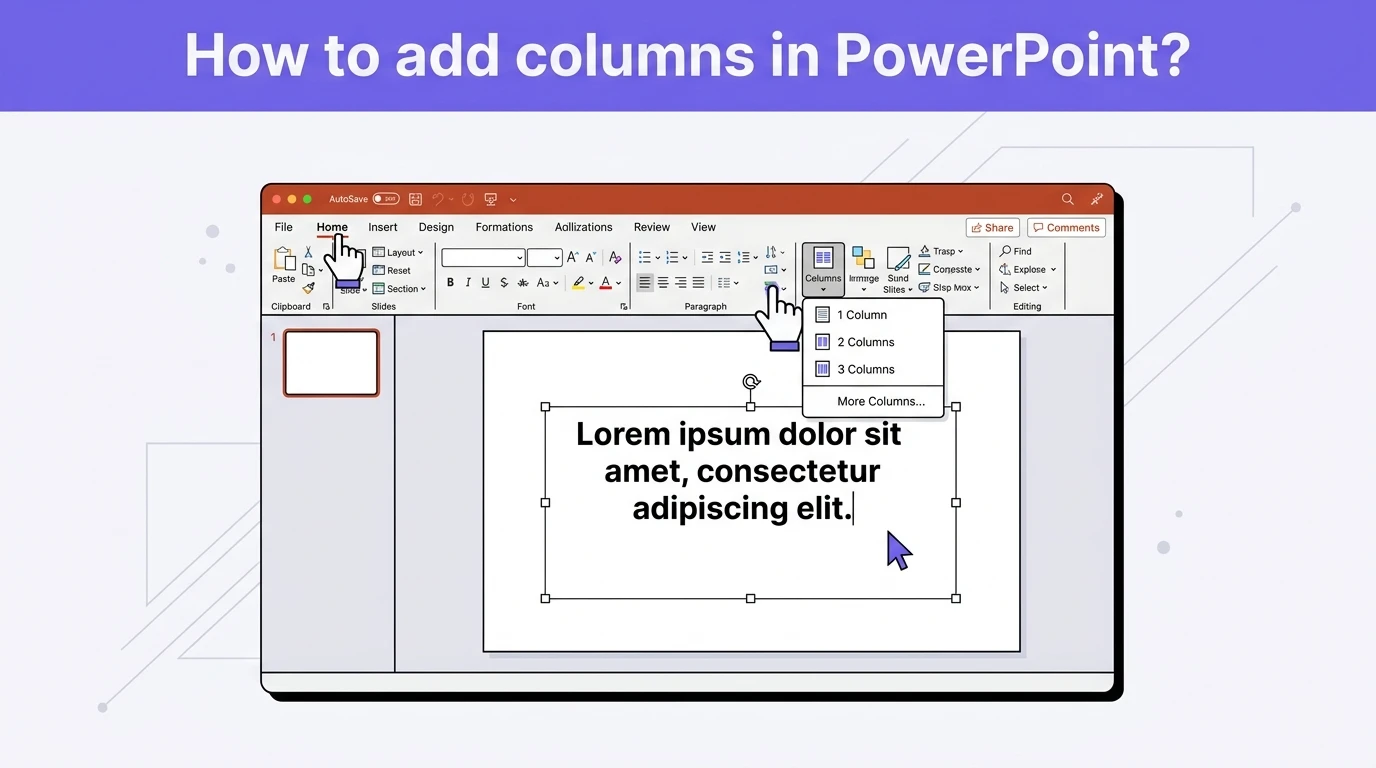
    How to Add Columns in PowerPoint?
    Apr 28 2026
    How to Add Columns in PowerPoint?

    To add columns in PowerPoint, select the text box in your slide >> Home Tab >> Paragraph section >> choose…

    Presentation Tips
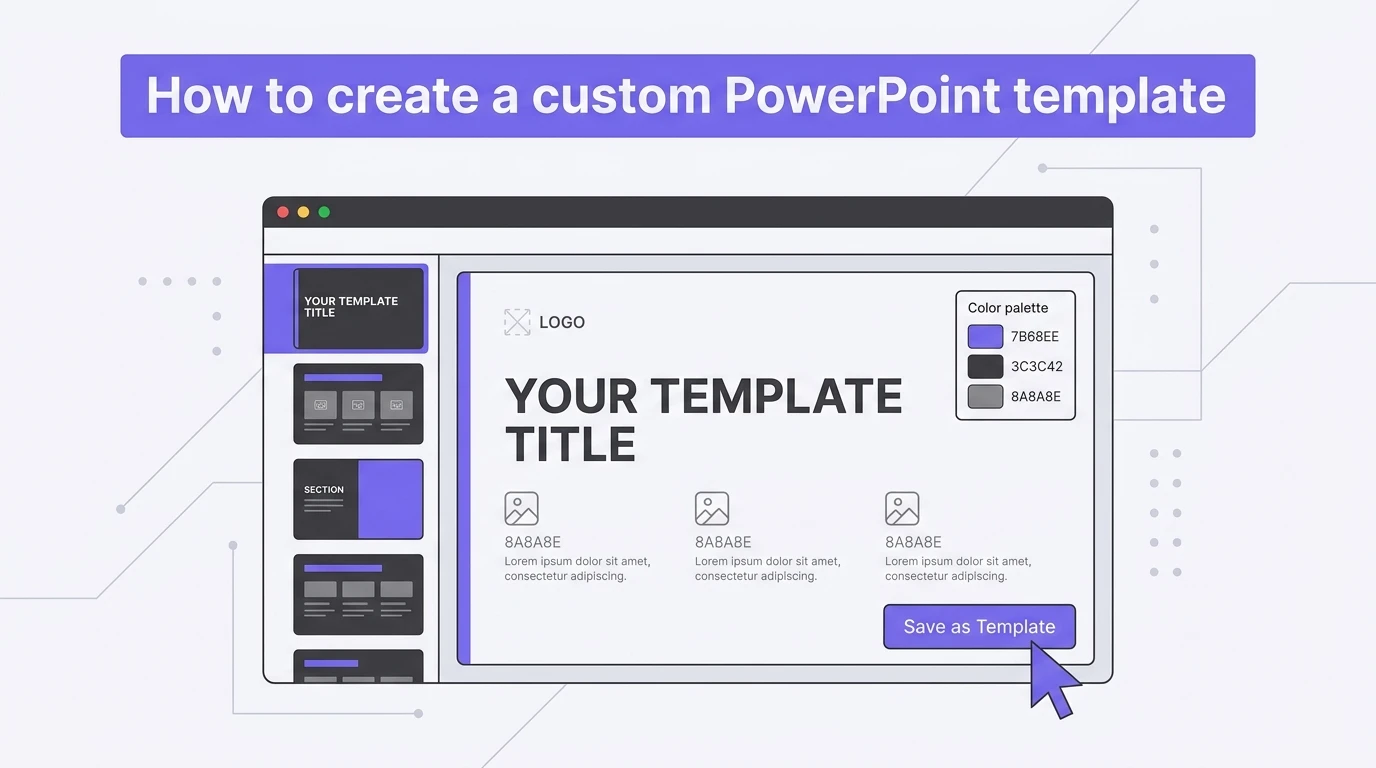
    How to Create a Custom PowerPoint Template?
    Apr 24 2026
    How to Create a Custom PowerPoint Template?

    To create a custom PowerPoint template, start with a blank presentation and then create slide layouts in the Slide Master…

    Presentation Tips
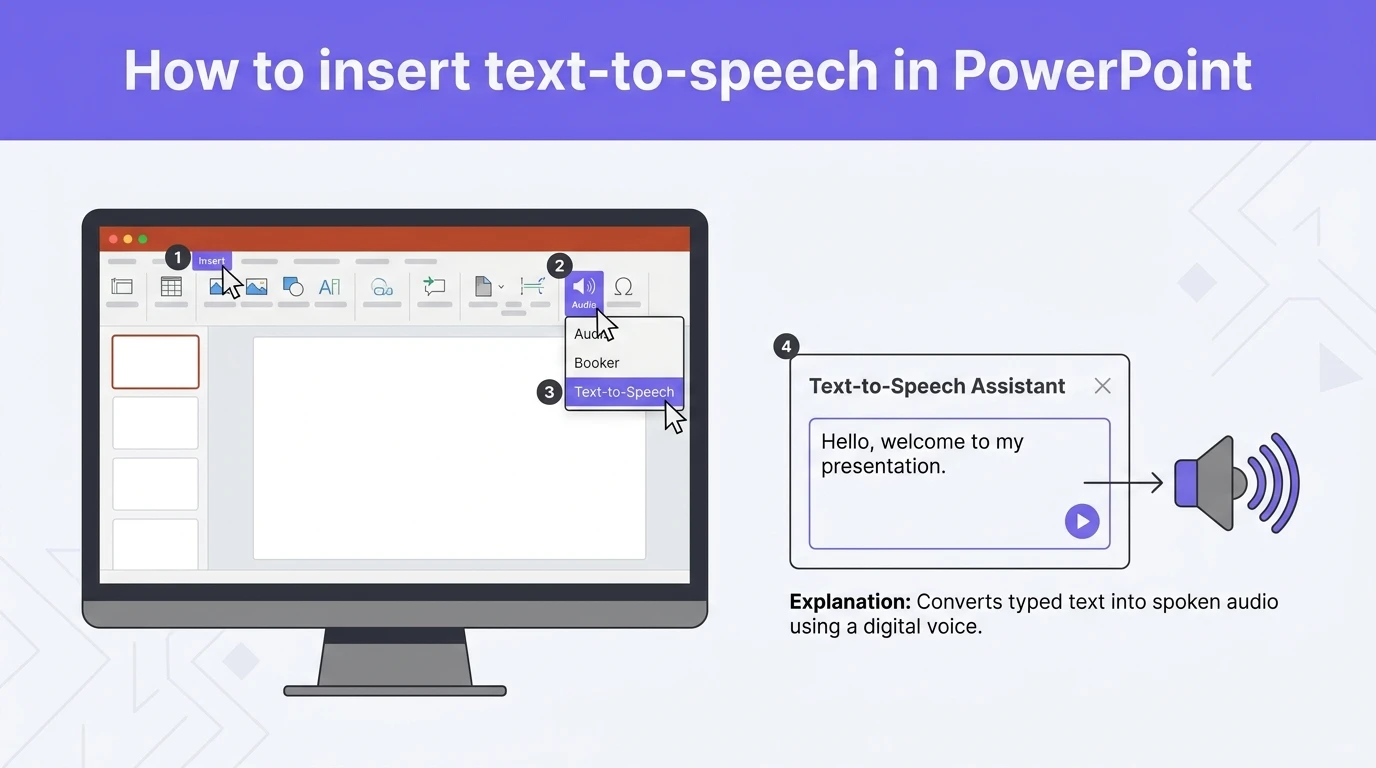
    How to Insert Text-to-Speech in PowerPoint?
    Apr 22 2026
    How to Insert Text-to-Speech in PowerPoint?

    To insert text-to-speech in PowerPoint, you can use the Read Aloud (Speak) option, add custom narration, or an audio file…

    Presentation Tips
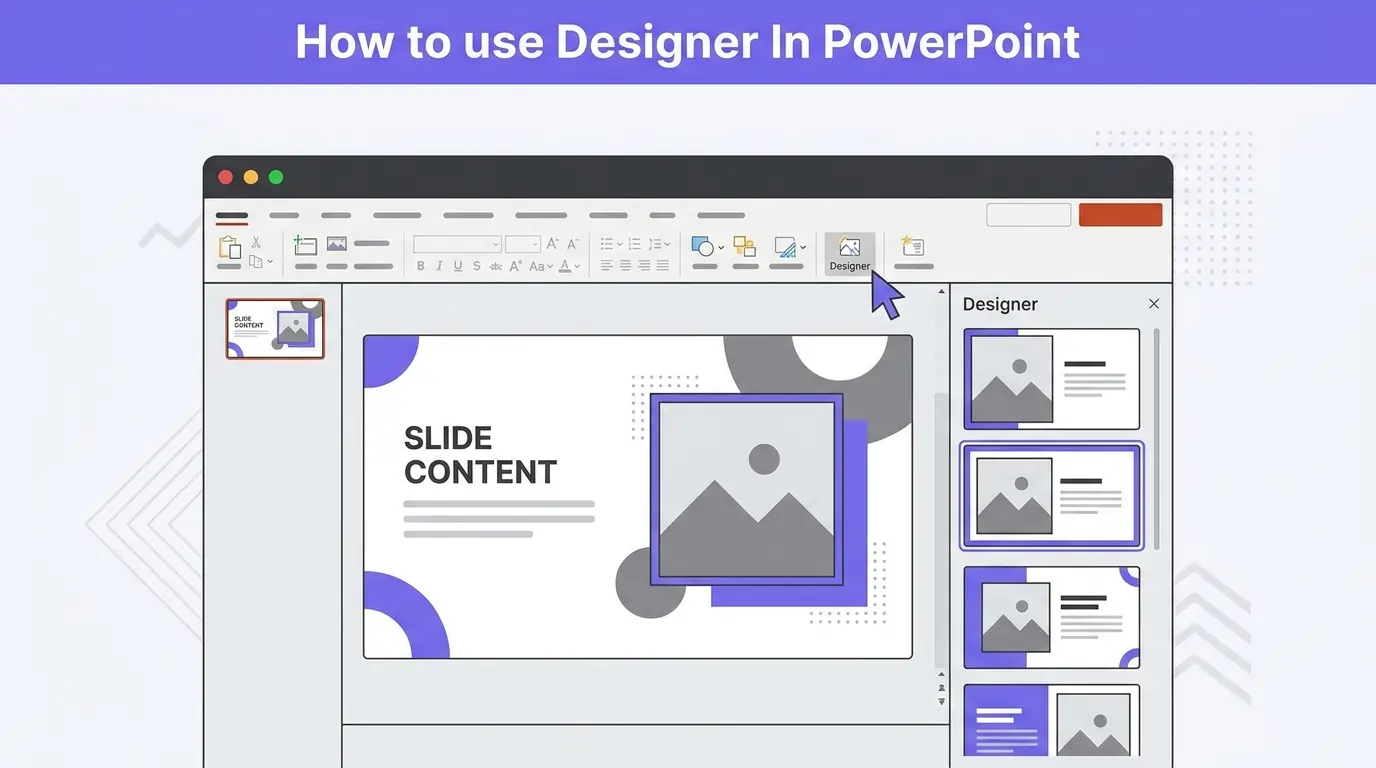
    How to Use Designer in PowerPoint?
    Apr 17 2026
    How to Use Designer in PowerPoint?

    To use Designer in PowerPoint, you need an active internet connection and an Office 365 subscription. This same tool was…

    AI Productivity
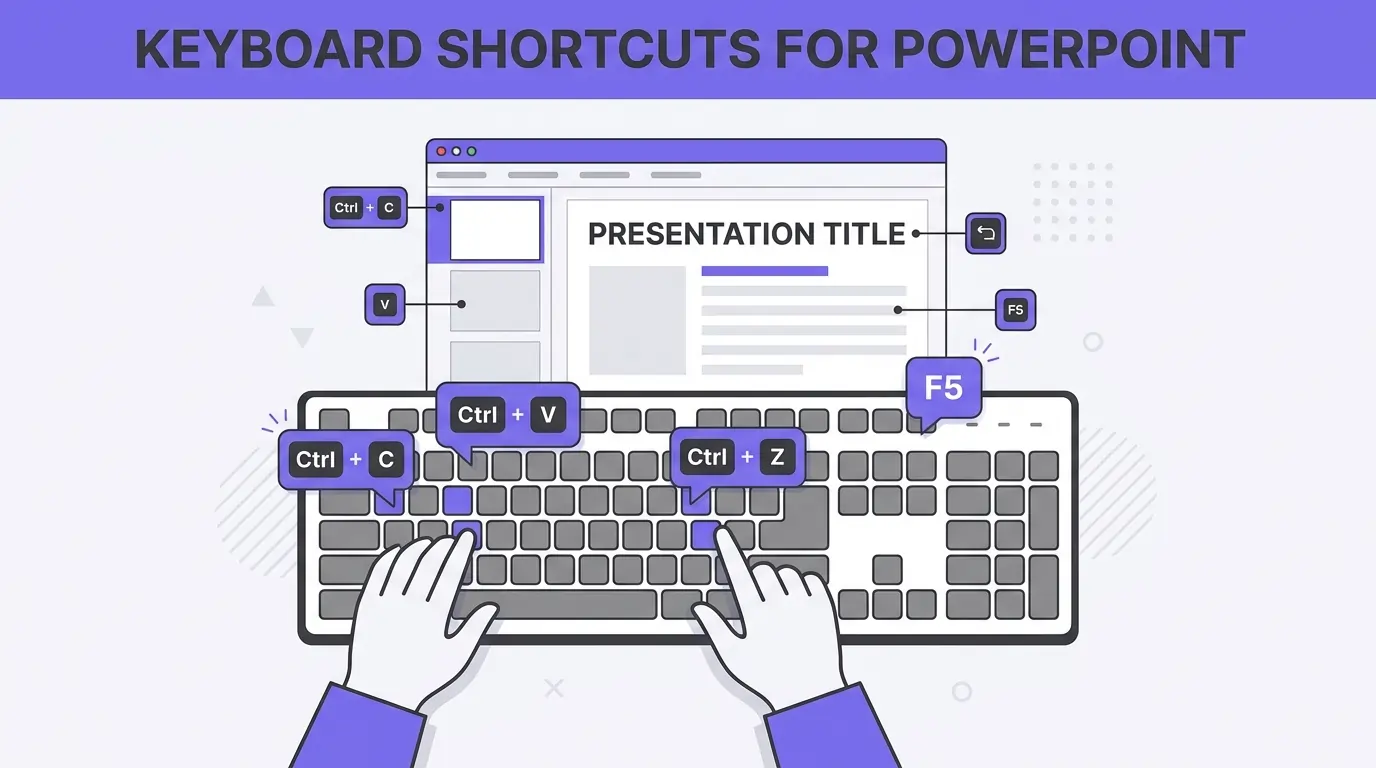
    Keyboard Shortcuts for PowerPoint
    Apr 15 2026
    Keyboard Shortcuts for PowerPoint

    Keyboard shortcuts for PowerPoint can help you create, edit, and present your slides faster, more efficiently, and conveniently. You might…

    Presentation Tips
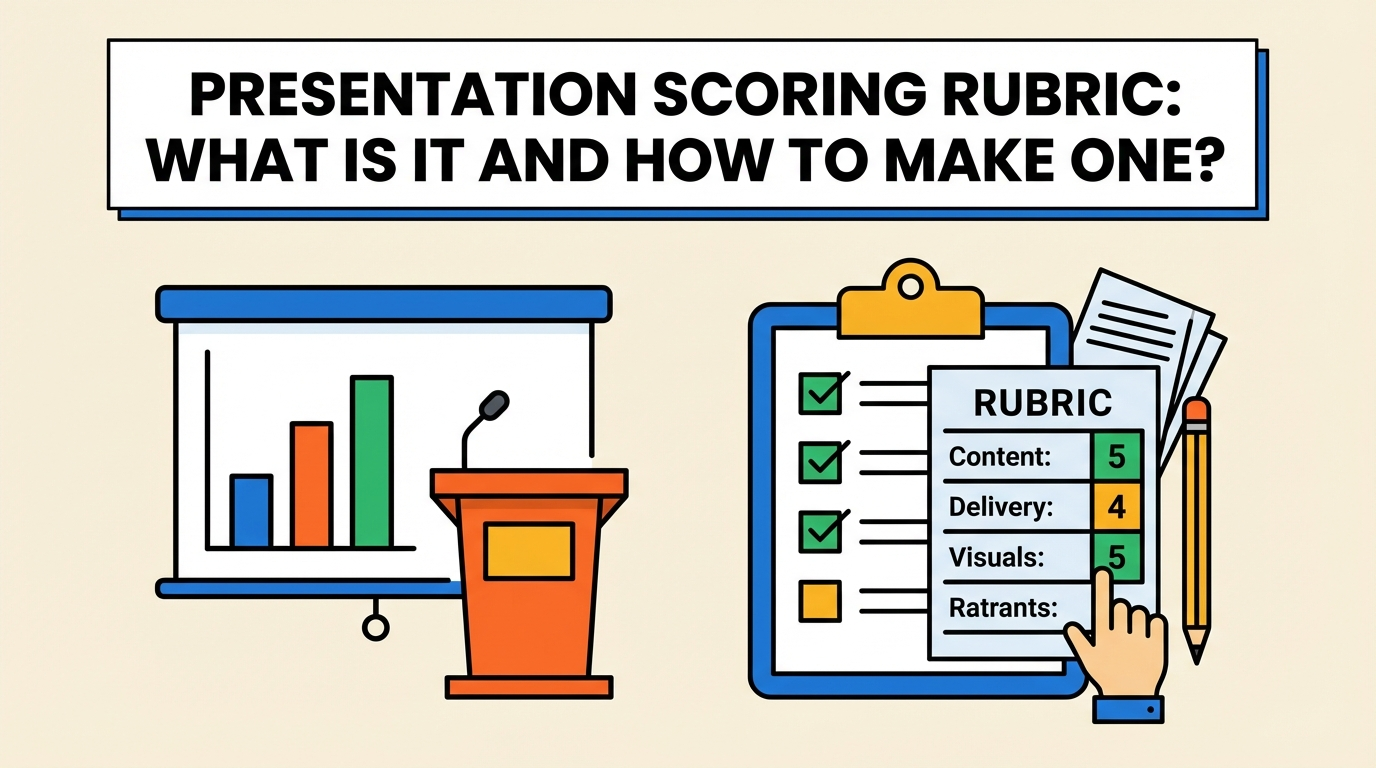
    Presentation Scoring Rubric: What is it and How to Make One?
    Apr 14 2026
    Presentation Scoring Rubric: What is it and How to Make One?

    A presentation scoring rubric is an evaluation tool to measure and assess different aspects of a presentation. The scoring tool…

    Uncategorized
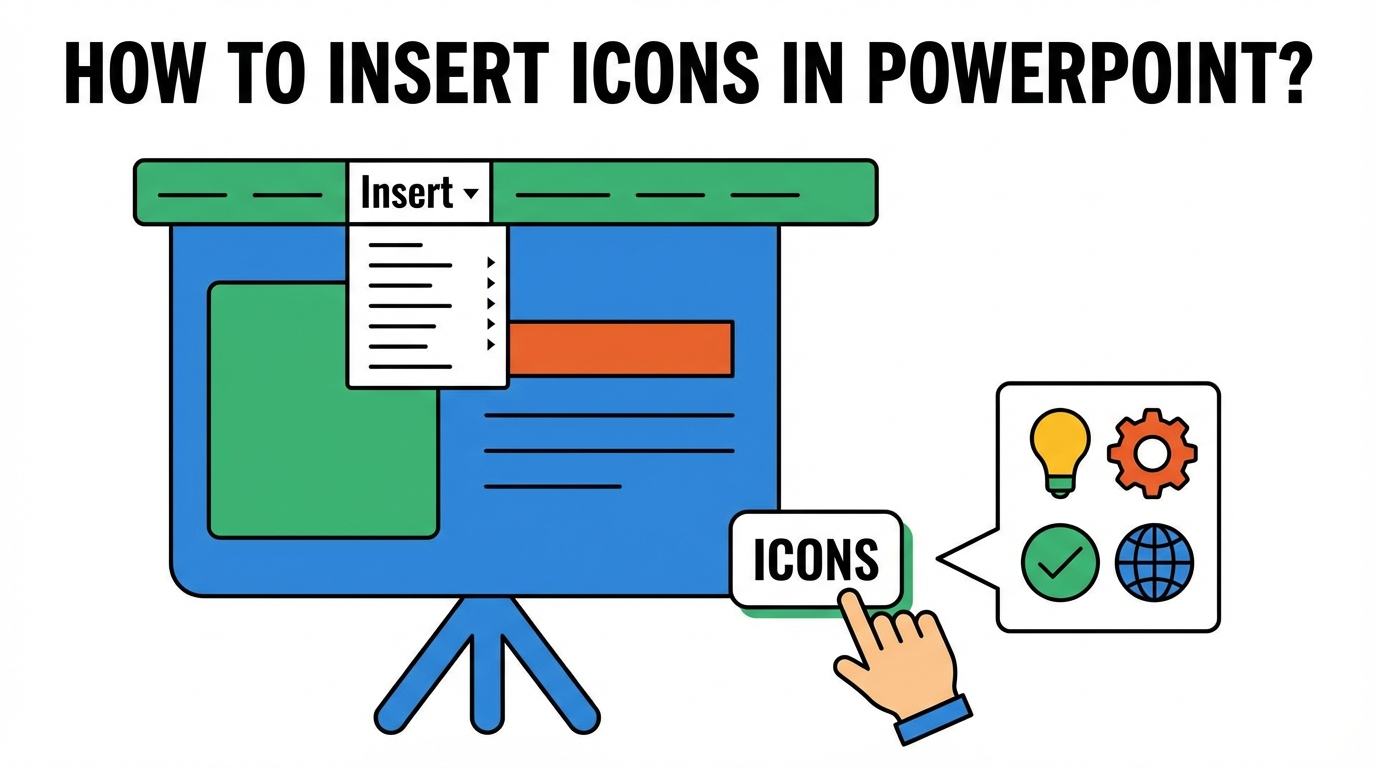
    How to Insert Icons in PowerPoint?
    Apr 10 2026
    How to Insert Icons in PowerPoint?

    To insert icons in PowerPoint, go to the Insert tab and then select Icons from the Illustration section. Choose from…

    Presentation Tips
    Why Some AI Models Feel Fast in Testing but Lag in Production
    Apr 9 2026
    Why Some AI Models Feel Fast in Testing but Lag in Production

    Some AI models feel fast in testing but lag in production, not due to any bug but a gap between…

    Research
    How to Translate in PowerPoint?
    Apr 8 2026
    How to Translate in PowerPoint?

    To translate in PowerPoint, select your text >> go to Review tab >> Translate >> select language for translation. PowerPoint…

    Presentation Tips
    Why Professional AI Tools Require 99.9% Financially Backed SLA
    Apr 7 2026
    Why Professional AI Tools Require 99.9% Financially Backed SLA

    Reliability becomes as important as model capability as AI systems move from experimental tools to core business infrastructures. From document…

    Research

Page navigation

Previous PagePrevious 1 … 5 6 7 8 9 … 32 Next PageNext
Mobile popup
twistly ai logo

Product

  • About Us
  • AI for PowerPoint
  • Affiliate Program
  • Background Images
  • Manage Subscription

Compare

  • Beautiful AI vs Twistly
  • Prezi vs PowerPoint
  • Decktopus Alternatives
  • Canva Presentations Alternatives
  • SlidesGo Alternatives
  • SlidesAI vs Twistly

Terms & Policies

  • Terms of Service (MCP)
  • Terms of Service (Google Slides Add-on)
  • Privacy Policy (Google Slides Add-on)
  • Data Processing Addendum

Twistly © 2026

Our Instagram
Our TikTok
Our LinkedIn
Our Youtube

Not Available on Mobile

Try Twistly on Desktop

We’ll email you the install link PLUS a free pack of 5 presentations to kickstart your slides.

    We've detected you might be speaking a different language. Do you want to change to:
    English
    English
    English
    Change language to Spanish Spanish
    Change Language
    Close and do not switch language
    • Features
      • Custom Brand Templates
      • Speaker Notes Generator
      • PPT Translator
      • Image Generator
      • PDF to PPT Converter
      • Text to PPT Converter
      • Word to PPT Converter
    • Use Cases
      • For Students
      • For Teachers
      • For Marketers
      • For Sales Teams
      • For HR Teams
    • Pricing
    • Resources
      • Free Tools
      • Integrations
      • PowerPoint Templates
      • Free Background Images
      • Help Center
      • Blog
    • Explore
      • Manage Subscription
      • Get A Free Month!
      • GPT for Excel
      • GPT for MS Word
    • Contact Us
    Start for Free

    English
    English
    Spanish