


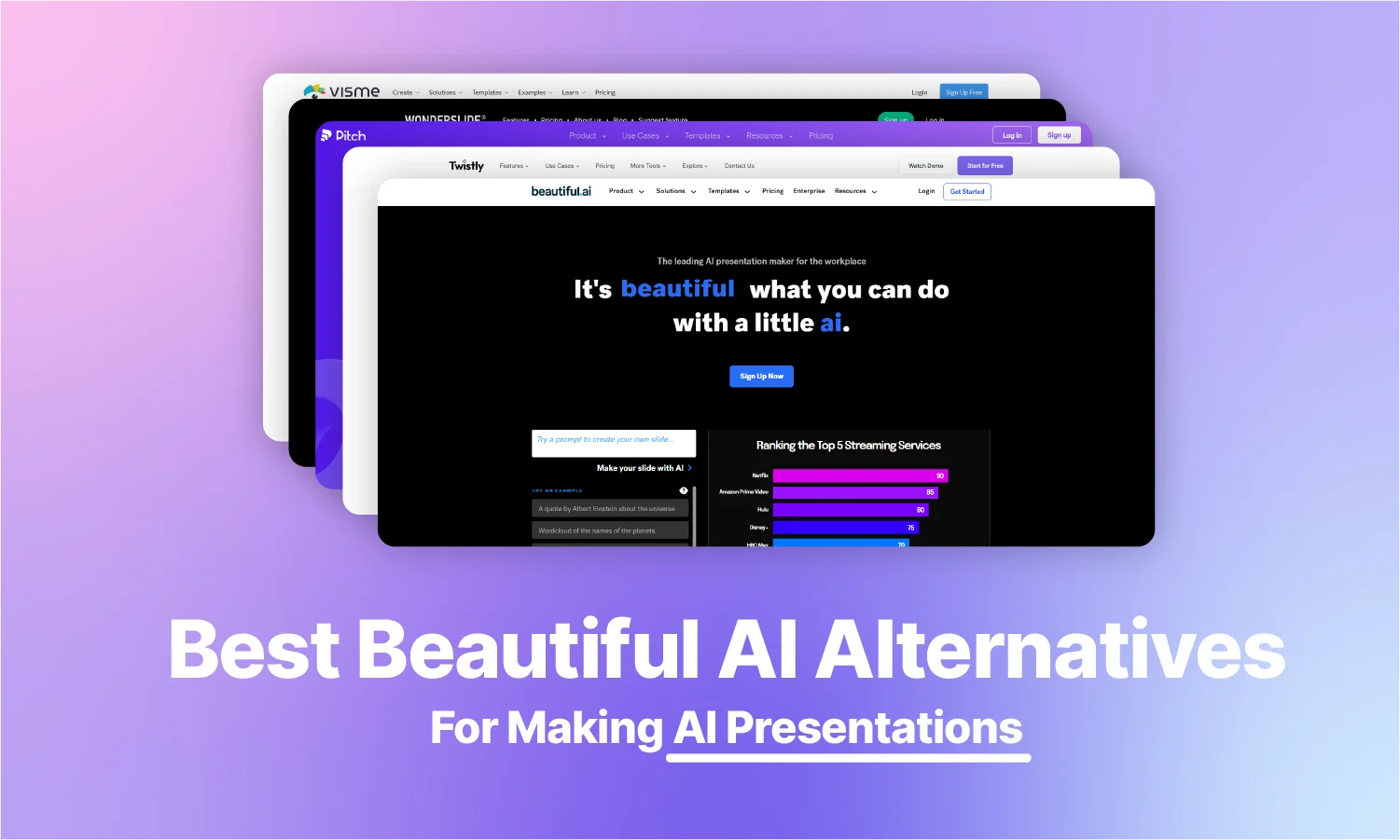
Beautiful.ai’s Pro plan costs $12/month billed annually but jumps to $45/month if you pay monthly. There’s no permanent free plan, just a 14-day trial that requires a credit card.
This AI presentation maker offers rigid Smart Slide templates that limit layout control and PowerPoint exports that can break fonts and flatten charts. It’s clear why people look for alternatives. We compared 8 tools for pricing, flexibility, and export quality to help you pick the right one.
Our Top Picks
Best Overall: Twistly – ↓ Jump to Twistly review
Best Premium: Pitch – ↓ Jump to Pitch AI review
Best For Features: Wonderslide – ↓ Jump to Wonderslide review
Best For Visuals: Visme – ↓ Jump to Visme review
Here is a quick comparison table to help you make an informed decision about the best alternative to Beautiful AI.
| Tool | Free plan? | Price from (annual) | G2 rating | Best for |
| Twistly | Yes (7 slides, watermark) | $5/mo | 5 | PowerPoint users |
| Pitch | Yes (5 members) | ~$17/user/mo | 4.3 (65) | Sales teams, collaboration |
| Wonderslide | 7-day trial only | ~$3/mo | [sparse] | Restyling existing PPTs |
| Visme | Yes (limited) | $12.25/mo | 4.5 | Infographics, data visuals |
| Gamma | Yes (400 credits) | ~$8/mo | 4.3 | Fast first drafts |
| Canva | Yes (generous) | $10/mo | 4.7 (7000+) | General design + slides |
| Plus AI | No (7-day trial) | $10/mo | 3.2/5 | Google Slides users |
| Prezi | Yes (basic) | $7/mo | 4.2/5 | Non-linear presentations |
Which Beautiful.ai Problem are you Trying to Fix?
- “My PowerPoint exports look broken.”
Beautiful.ai converts text to shapes, substitutes fonts, and flattens charts to images on export. → Use a tool that works natively in PowerPoint: Twistly or Plus AI.
- “The $12/month price jumped to $45 when I switched to monthly.”
Beautiful.ai’s annual-to-monthly markup is ~3.75x. → Compare the pricing table above. Canva and Gamma offer generous free plans.
- “I can’t control where things go on the slide.”
Smart Slides lock element positions by design. → Tools with full layout freedom: Twistly (PowerPoint), Visme, Canva.
- “AI only generates the first draft – I can’t iterate.”
Beautiful.ai’s AI stops after initial generation. No conversational edits, no document input. → Gamma (Agent mode), Plus AI (iterative editing), Twistly.
- “I need a free tool.”
Beautiful.ai has no permanent free plan. → See the Free Plan column in the table above. Canva, Gamma, Pitch, and Twistly all have free tiers.
What is Beautiful AI?
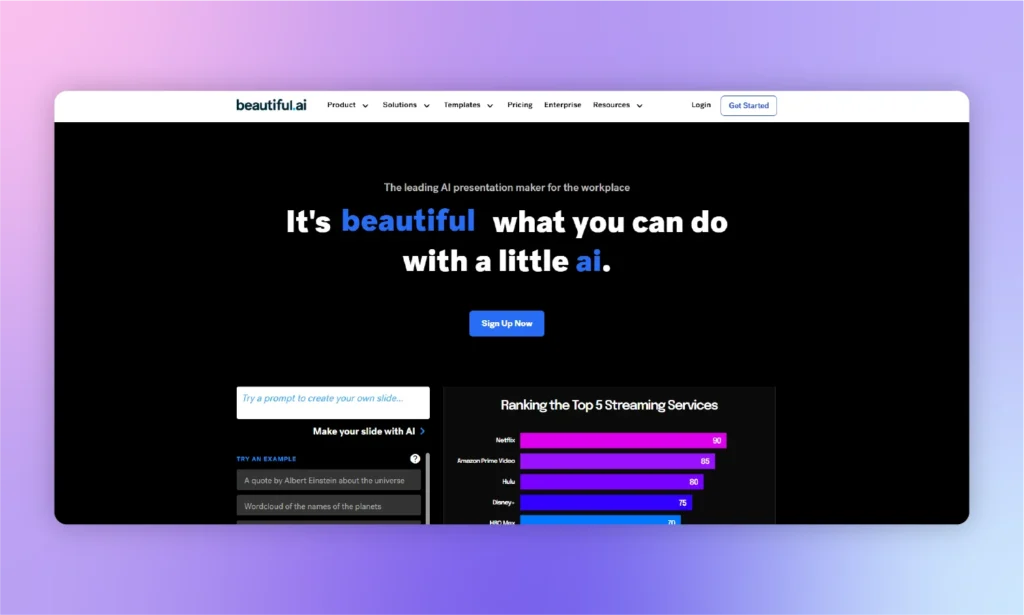
Beautiful AI, or Beautiful.AI, is a decent presentation maker that automates the workflow with artificial intelligence. Beginners and non-technical users can choose Beautiful AI for basic and beautiful presentations.
For anyone with a lack of experience in designing part of a presentation, Beautiful AI is a good option. Although the lack of flexible presentation-making and content generation might encourage you to consider Beautiful AI the best alternative overall, it is a good tool.
Developers of Beautiful AI have focused on a simpler yet practical interface to make presentations with AI. When users write a prompt, Beautiful AI compiles the information and then returns a simple, ready-to-edit draft of the slide for:
- Businesses, professionals, and teams who already have their content ready
- Marketers and entertainment-industry users who prioritize visually engaging and presentation-ready designs
- Beginners with little design experience who want auto-formatted slides
Beautiful AI Pricing
Every tier starts as a 14-day trial that requires a credit card and auto-charges the full annual rate if you forget to cancel. The steepest cost sits in the Pro plan’s billing structure: $12/month if you commit annually, or $45/month if you pay as you go, a 3.75x markup for the same features. (Prices checked: August, 2026.)
| Plan | Monthly price | Annual price (per month) | Notes |
| Pro | $45/mo | $12/mo | Single user. 14-day trial requires credit card. Auto-charges $144/year if not canceled. |
| Team | $50/user/mo | $40/user/mo | Min 2 seats, max 20 users. |
| Enterprise | Custom | Custom | 20+ users. Custom pricing only. |
| Single Presentation | $45 one-time | – | One deck only. No subscription. |
| Student/Teacher | Free (1 year) | Free (1 year) | Requires valid .edu email. |
Pros and cons of Beautiful AI
- G2: 4.6/5 (195 reviews)
- Capterra: 4.2/5 (85 reviews)
- Trustpilot: 2.9/5 (241 reviews)
The split tells the story: users like the product, but many complain about billing and support.
| 👍 Pros | 👎 Cons |
|---|---|
| Simple and easy to use | Can’t make presentations out of documents |
| Smart and productive AI features | Gets sluggish for larger presentations |
| captivating visuals | Not suitable for collaborative tasks |
Beautiful AI alternative #1: Twistly AI
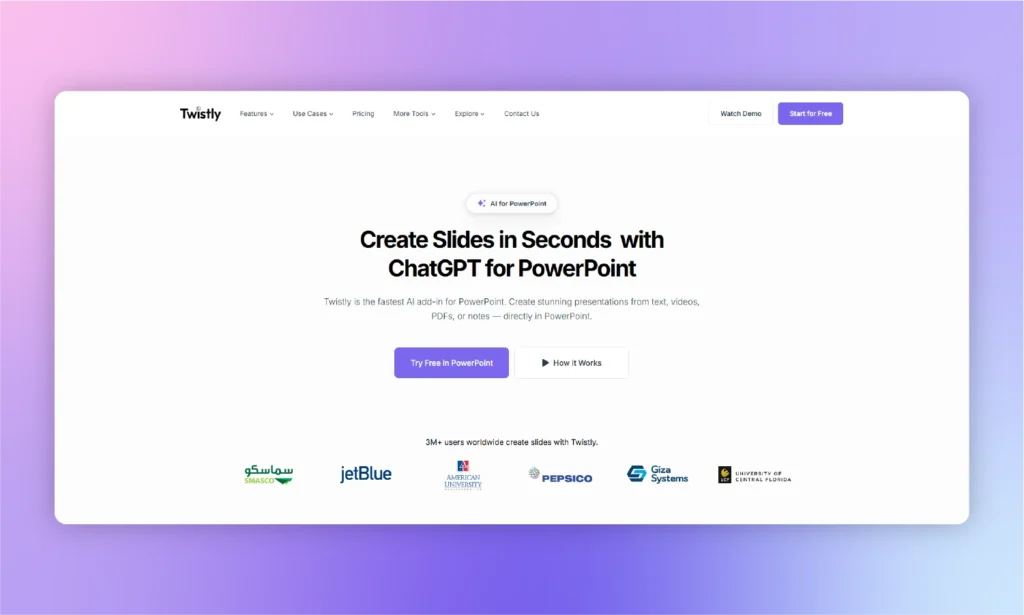
Making presentations with PowerPoint has never been so easy before Twistly AI. If we ever have to replace Beautiful AI with a more modern and flexible AI solution for PowerPoint, Twistly will be the obvious pick.
What is Twistly?
By comparison of features, support, AI options, and content generation, Twistly is by far the best Beautiful AI alternative. Unlike other standalone AI presentation makers, Twistly is an add-in for PowerPoint.
It means that Twistly works entirely within PowerPoint, and all features of PowerPoint are still there, with additional support for AI. This AI-powered add-in simply extends the existing features of PowerPoint with AI.
You cannot auto-generate content in PowerPoint, nor cannot automatically add images for the slides. With Twistly, all of this is possible as AI is flexible and offers different new options and features based on the topic and context of the presentation.
How to Make Presentations with Twistly?
Install the add-in from Microsoft AppSource, and it opens as a panel right inside PowerPoint. From there, describe what you need, choose a theme, and Twistly builds the full deck for you, ready to edit with PowerPoint’s native tools.
What is Twistly ideal for?
Twistly is ideal for everyone who is annoyed by the lack of modern features in Beautiful AI. Anyone looking for the best Beautiful AI alternative can consider Twistly AI for more flexibility and control.
Wider Audience
Twistly is not designed to serve any specific audience, but it targets a diversity of users, ranging from students to company executives. Any beginner or professional PowerPoint lover is a potential user of Twistly AI.
Custom ChatGPT
AI has become a necessity in almost every sector. Students are using ChatGPT for writing essays, and professionals use AI to generate complex reports. ChatGPT generates text-based results, and Twistly is just like ChatGPT for PowerPoint, as it extends the capabilities from text to slide generation, theme selection, and formatting.
For Beginners and Pros
Anyone who needs instant and professional presentations for any topic can use the Twistly AI add-in for PowerPoint. Try ChatGPT for PowerPoint for free, as the trial period is available for new users for a limited time.
| 👍 Pros | 👎 Cons |
|---|---|
| A free trial period | Requires an internet connection |
| Flexible and adaptive AI | Trial period may feel too short |
| Presentations in different languages | |
| Cross-platform presentation displays |
Skip it if: your team works in Google Slides, not PowerPoint, as Twistly is PowerPoint-only.
Twistly Pricing
Annual Discount: Save 40% with annual billing. (Pricing last checked: August 4, 2026)
Free Trial: Available for new users with no credit card required.
| Plan | Monthly Price | Key Features |
|---|---|---|
| Starter | $16/month | Up to 15 slides per presentation, unlimited AI credits |
| Pro | $20/month | Up to 50 slides per presentation, unlimited AI credits |
| Team | $20/user/month | Team collaboration features with unlimited AI credits |
Ratings
- Microsoft Marketplace: 4.7/5 (439 ratings)
- G2: 5/5 (5 ratings)
- Trustpilot: 4.7/5 (73 ratings)
Beautiful AI alternative #2: Pitch

Finding an alternative to your favorite tool or software is not easy, and users want multiple tools like Beautiful AI to make great presentations. Pitch is a good tool, just like Beautiful AI, for presentations related to sales teams and marketers.
Pitch is a Beautiful AI alternative only if you need technical presentations that cover every aspect of the topic that you need to cover in the presentation.
What is Pitch ideal for?
This is a premium alternative to Beautiful AI only if you are related to sales. For educational and informative slides, you will have to look for other free or paid alternatives or similar tools to Beautiful AI.
Users who want the viewers to perform specific actions can rely on Pitch. The slides are designed in a schematic way to urge viewers to take specific actions. Suppose you need to convince the stakeholders to invest in the new project.
Pitch will help you generate sales-oriented slides and presentations that use figures and data to present the idea. With the easy integration of Google Analytics and similar tools, Pitch makes it easier for the sales teams to fetch relevant data from other sources.
How to use Pitch?
First of all, you need to make sure that your presentation requires statistics, figures, and numbers to strengthen your idea. For informative presentations, Pitch is not a suitable tool. Once you have the topic of the presentation or pitch idea, follow these steps to create a presentation for pitching your great idea:
- Start with an AI template from the available options or create a custom template
- Add text, content, or information related to the topic
- Insert animations and transitions easily
- Customize with AI and fetch data from other resources
- Share with your team members and collaborate in real-time
Pros and cons of Pitch
| 👍 Pros | 👎 Cons |
|---|---|
| Great templates for sales teams | Basic AI content generation settings |
| Useful integration options | Too complex features |
| Advanced analytics and statistics | Not suitable for common users |
Skip it if: you want fast, one-click AI-generated decks. Pitch is built around collaborative editing, not automated generation.
Price: Free (up to 5 members). Team plan (the real collaboration tier) from $19/seat/mo billed annually, $23/seat/mo monthly.
Rating: G2 4.4/5 (67 reviews) · Trustpilot 2.9/5 (15 reviews)
Beautiful AI alternative #3: Wonderslide
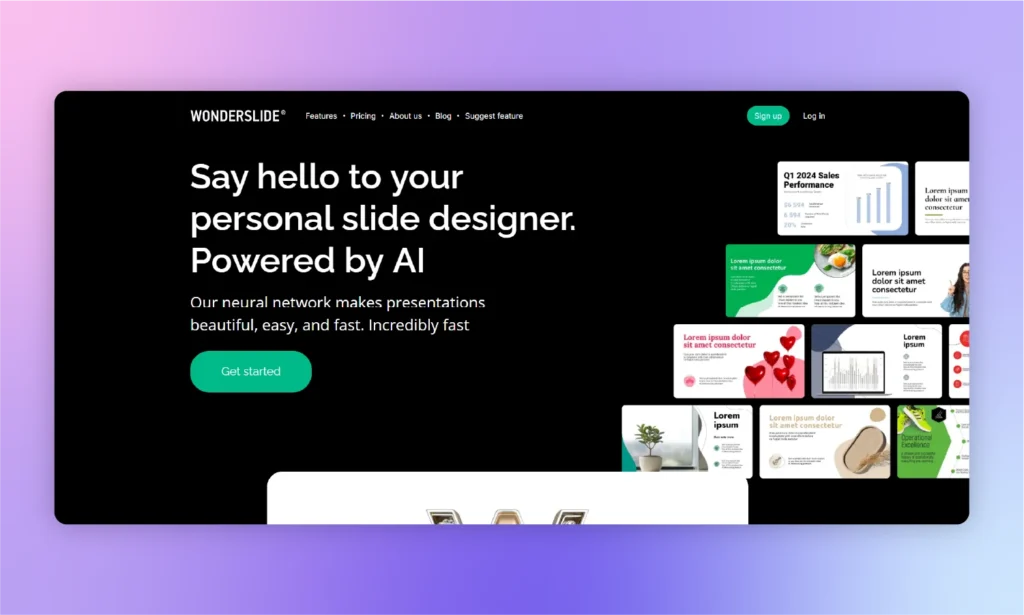
Instead of making use of AI within PowerPoint, Wonderslide requires users to make presentations in PowerPoint, upload PDF or Docs, customize them online with Wonderslide, and then download them again.
Downloaded presentations can be further optimized and customized with PowerPoint. This is a good Beautiful AI alternative with PowerPoint support.
What is Wonderslide ideal for?
Wonderslide is a good alternative to Beautiful AI for users who need to spice up their PowerPoint presentations with some premium templates. Editing features are easy to use, and even a new member can use this tool. The challenge that most users face is the transition from PowerPoint to Wonderslide and then again back to PowerPoint.
If you are someone with lots of editing requirements for the presentation, Wonderslide is a good tool like Beautiful AI. Twistly users may find it a basic presentation maker because Twistly offers more advanced features than PowerPoint.
Wonderslide can also be a good Beautiful AI free alternative, but the free version has a few basic options only. For practical use of the tool, you need the premium version, and that will cost a few more bucks than our recommended tool.
How to use Wonderslide?
You can either use a ready-made PowerPoint presentation to customize and edit it with Wonderslide or create a new presentation from scratch. Here is how to create a presentation with Wonderslide from scratch:
- Select “From Scratch” Mode from the top menu of the tool
- Add the content of the presentation, provide data, and text
- Click the “Design this Slide” button, and you will have a beautiful slide
- Now, repeat the same process for every slide
As you can see, Wonderslide can be quite slow to produce the desired results. Users will have to input details and content for every slide. If you are making a presentation of 30 slides, you can imagine the effort required to use Wonderslide.w
| 👍 Pros | 👎 Cons |
|---|---|
| Visually appealing templates | Limited customization options |
| Easy-to-use interface | Takes too much time for a new presentation |
| Collaboration features | Basic automation of the design features |
Skip it if: you need a full deck built from a prompt. Wonderslide only restyles decks you already have; it doesn’t generate content from scratch.
Price: Starter plan $14.00/mo billed monthly(100 AI tokens/month, 3-5 presentations), or Pay-As-You-Go at $25 one-time for 10 downloads.
Rating: Essentially unrated, sample too small to be meaningful
Beautiful AI alternative #4: Visme
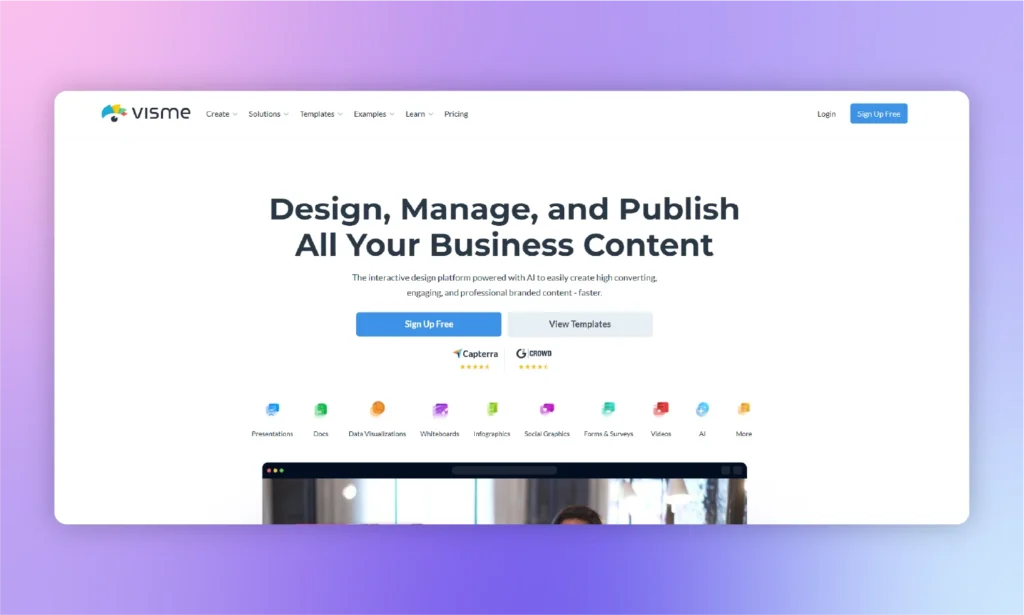
Visme is a complete visual aid for users who need logo makers, presentation templates, custom designs, and other media for different projects. Is Visme a recommended Beautiful AI alternative? Well, Visme can generate presentations, and it is a tool like Beautiful AI, but it is not the right alternative to Beautiful.AI presentation maker.
With lots of infographics, charts, shapes, visuals, and charts, Visme is a powerful media suite for beginners and professionals. The only problem is the complexity of these features and the lack of optimized support for PowerPoint. Presentations made with Visme Presentation Maker may not be easily usable in PowerPoint.
What is Visme ideal for?
For instructors, marketers, and professionals, this is a complete package with modern design tools. It has a full AI suite covering design generation, presentations, documents, images, and text, plus a Brand Wizard that builds a brand kit from your website URL. Where it differs from a dedicated slide tool is scope.
Users with good knowledge of graphics and design can make amazing presentations with Visme. The AI hands you a solid first draft, but narrative flow and final polish still take manual editing, and PPTX export can flatten animations into static images.
How to use Visme?
It is not just a simple presentation maker, so you need to be sure about what features you need. You can create custom presentations with ready-made templates or use Visme AI Presentation Maker.
The name seems promising, but the AI features are quite basic and limited. Here is how to use Visme to create basic presentations:
- Create a new project and choose a presentation
- Choose any available template or use AI for the presentations
- Enter the prompt and explain the context of the presentation in detail
- Use the chatbot to select the template and relevant visuals
- Once slides are generated, customize the presentation to add or delete elements
| 👍 Pros | 👎 Cons |
|---|---|
| Various visual elements to improve presentations | Pricing may be too high |
| Wide design customization settings | Exporting to PowerPoint might mess up the design |
| Animations and transitions | Takes time to understand the tool |
Skip it if: you want a lightweight tool. Visme’s broad, feature-heavy interface has a real learning curve.
Price: Free Basic plan. Paid plans from $12.25/mo per user, billed annually.
Rating: G2 4.5/5 (460+ reviews) · Capterra 4.5/5 (719 reviews)
Beautiful AI alternative #5: Gamma
Gamma is built for speed, and that’s where it stands out. Simply enter a prompt, and it can generate a complete presentation in less than a minute. Instead of traditional slides, Gamma uses a scrollable card-based format that makes creating content quick and flexible.
Since early 2026, Gamma has expanded beyond presentation generation. It now includes Gamma Imagine for creating AI-generated images and charts directly within the editor.
However, Gamma’s card-based design doesn’t always translate well to PowerPoint. When exporting to PPTX, you may notice formatting issues such as shifted fonts or content being split across multiple slides, which often requires manual adjustments.
Another thing to keep in mind is its free plan. The included AI credits are provided as a one-time allocation rather than being renewed each month, so frequent users can run out of credits sooner than expected.
| Pros | Cons |
|---|---|
| Genuinely fast, prompt-to-deck in under a minute | PPTX export usually needs manual cleanup |
| No credit card needed to try it | Free credits don’t refresh once used |
| Built-in image/chart generation (Gamma Imagine) | Card format doesn’t translate 1:1 to fixed slides |
Skip it if: you need a finished PowerPoint file with no touch-ups afterward. The export gap is the frequent complaint.
Price: Free (400 one-time credits, no card required). Plus from $9/mo annual, $12/mo month-to-month. (Checked Aug 2026)
Rating: G2 3.9/5 (28 reviews) · Trustpilot 1.7/5 (121 reviews)
Beautiful AI alternative #6: Canva
Canva’s biggest strength isn’t its AI; it’s the all-in-one design experience. Even with a free account, you get access to a powerful design platform with an extensive collection of presentation templates.
Its AI presentation capabilities are more limited than those of dedicated AI presentation tools. For example, you can’t upload a document and have Canva automatically turn it into a presentation. Instead, you’ll need to choose a template and manually transfer or organize your content.
Canva is also better suited for visually appealing presentations than highly detailed or technical ones. If you’re working with complex layouts or large branded presentations, maintaining consistent branding and formatting can become more challenging.
| Pros | Cons |
|---|---|
| Free plan is actually usable long-term | Won’t auto-convert an existing doc into a deck |
| Massive template and asset library | Not built for dense data or technical slides |
| Simple enough for zero design experience | Brand consistency still needs manual discipline |
Skip it if: you need pitch-specific or data-heavy layouts, as Canva optimizes for breadth over depth.
Price: Free plan (fully usable, not a trial). Pro from $15/mo. (Checked Aug 2026)
Rating: G2 4.7/5 (7,000+ reviews) · Trustpilot 4.0/5 (6,400 reviews)
Beautiful AI alternative #7: Plus AI
Plus AI is designed to work within the presentation software you already use. Instead of switching to a separate web app, it runs as an add-in for both Google Slides and PowerPoint. This approach allows you to create presentations from a prompt or an uploaded document without leaving your workspace.
It doesn’t offer a permanent free plan. Instead, new users receive a 7-day free trial that requires a payment card when signing up. The subscription renews automatically unless you cancel it, and simply uninstalling the add-in does not stop future billing.
Plus AI can extract and use the text from your document, but it doesn’t import existing images, charts, or diagrams, so those elements need to be added manually.
| Pros | Cons |
|---|---|
| Works natively inside both PowerPoint and Google Slides | No free plan; trial requires a credit card |
| SOC 2 Type II certified for enterprise buyers | Uploaded files only pass through as text |
| Strong remix/rewrite tools for editing existing slides | Uninstalling the add-in doesn’t cancel your subscription |
Skip it if: your team isn’t a daily Google Workspace user because the integration is the whole value proposition.
Price: No permanent free tier (7-day trial, card required). Paid plans run $10–20/mo. (Checked Aug 2026)
Rating: G2 3.2/5 (5 reviews, limited sample size)
Beautiful AI alternative #8: Prezi
Prezi takes a different approach to presentations by replacing traditional slides with a single interactive canvas. Instead of moving from one slide to the next, you can zoom and pan between topics, creating a more dynamic and engaging storytelling experience.
In recent updates, Prezi has introduced AI-powered presentation creation, allowing users to generate presentations from a prompt or an uploaded document. It also includes Prezi Video, which lets you appear on camera alongside your presentation during video calls or recordings, making presentations feel more interactive than standard screen sharing.
Its unique format comes with a learning curve. Both presenters and audiences may need time to adjust, and if you’re expected to deliver a traditional slide-based presentation, Prezi may not be the best choice.
| Pros | Cons |
|---|---|
| Genuinely distinct zoom/pan format, not just a themed slide deck | Real learning curve for both creator and audience |
| Prezi Video lets you present on-camera without screen-sharing | Motion-heavy style can feel like overkill for simple content |
| Free tier available, plus AI generation from prompts or files | Weak fit for audiences expecting a standard slide-by-slide deck |
Skip it if: your audience expects a traditional, linear slide deck, as the Zoom format works against you there.
Price: Free basic plan. Paid tiers start around $7/mo and the premium plan costs $29/mo. (Checked Aug 2026)
Rating: G2 4.2/5 (5,700+ reviews) · Trustpilot 2.8/5 (627 reviews)
When Beautiful.ai Is Still the Right Choice
Beautiful.ai remains a solid option in several situations, especially if its strengths align with the way you create and share presentations.
- You need polished presentations quickly and don’t require extensive layout customization.
- You’re already on an annual plan with the lower locked-in pricing.
- You’re a student or educator with a valid .edu email.
- You primarily present using Beautiful.ai’s shareable links instead of exporting to PowerPoint.
Beautiful AI Alternatives: Verdict
The best Beautiful AI alternative depends on the custom needs of the users. For sales-oriented presentations, Pitch is a good alternative. For more editing controls, Visme is a decent replacement for Beautiful AI. For PowerPoint users who don’t want to leave the app, Twistly is our top pick. It’s a native add-in starting at $9.60/mo (billed annually).
Instead of offering limited features to any specific segment of users, Twistly AI extends the functionality of the existing PowerPoint features. Adding Twistly AI simply integrates ChatGPT for PowerPoint, powerful, adaptive, and flexible.
Frequently Asked Questions
What is the best free alternative to Beautiful.ai?
Canva offers the most generous free plan, Gamma provides 400 free AI credits, and Twistly includes a free plan with a watermark. Beautiful.ai does not offer a permanent free plan.
Is there a free version of Beautiful.ai?
No. Beautiful.ai offers a 14-day free trial that requires a credit card and auto-renews unless canceled. Students and educators with a valid .edu email get one year of free access.
Is Beautiful.ai worth it?
At $12/month (annual), it’s a good option for users who want automatically formatted presentations. At $45/month (monthly), many alternatives offer better value.
Is Beautiful.ai better than PowerPoint?
Beautiful.ai is faster for creating simple presentations, while PowerPoint with AI tools like Twistly or Plus AI offers more flexibility and control.
What are the main limitations of Beautiful.ai?
Its main drawbacks include limited layout flexibility, PowerPoint export issues, no permanent free plan, limited AI editing after the first draft, and no API support.











Start Making AI Presentations in Seconds
Instant Access
Begin exploring Twistly’s full suite of features immediately
No Commitments
No credit card required, and you can cancel anytime
Dedicated Support
Our team is here to assist you every step of the way during your trial.