


Are AI-Generated Presentations Good Enough for Real Business Use? (Honest Assessment)
Yes, AI-generated presentations are good enough for real business use with manual review. The most important thing is to choose the right AI presentation maker for generating AI decks. The quality of the AI-generated presentations depends on the accuracy and capabilities of the AI slide maker.
Using AI tools as drafting engines helps users get the best results, rather than final deliverables. When we talk about presentations for real business, we don’t just look for attractive designs and faster decks. We want relevancy, effective communication, and clear message delivery. Can AI-generated presentations deliver these perks? Let’s find out.
AI Integration for Real Businesses
Productivity is the most critical metric for any business, and whether AI is good for a business or not depends on the selection of the AI platform, use case, and how the business integrates AI capabilities.
Business communication with target audience, stakeholders, managers, investors, and team members is key to business growth. AI presentations are being used by educators and instructors, but are they good enough for real businesses, too?
Twistly is one of the most popular AI presentation tools for PowerPoint users. This one AI presentation maker is helping businesses move beyond simple slide automation. From content writing for visuals and automated slide designing, Twistly does it all.
There is a Catch
Are AI presentations good for your business? Yes, but it depends entirely on how and where you build them.
Your business has been relying on PowerPoint for ages. Every team member is comfortable with PowerPoint, but they hate the time-taking process of making presentations. So, the goal is not to leave PowerPoint but to accelerate the presentation process with AI.
Switching to standalone AI websites will require constant jumping from one website to another. In practical terms, your team will waste more time on AI slides than manual presentations.
Create PowerPoint
Slides with AI
Build AI-powered presentations from
any prompt, doc, or video


The Reality of AI Presentations for Businesses
Every AI tool is hyped by marketing teams, but to decide if it is ready for the boardroom, you need to understand the good and gaps of AI presentations for different industries.
We are not analyzing AI presentations for students, teachers, or mentors, but for a wider audience: professionals from the corporate world and other industries. Our assessment is about what AI tools can deliver for professionals.
Where AI Presentations Perform Well
AI presentations for real business work well when you follow the 80/20 rule. This rule dictates that AI should be used for generating 80% of the presentation tasks while 20% should be done manually.
This helps to refine data and reduce any mistakes made by AI models. Here are some areas where AI presentations perform well.
1. Speed and Efficiency
This advantage is obvious, as manual presentations take roughly 4-8 hours while a presentation can be finalized with Twistly in less than 2 minutes.
Even with dedicated presentation teams, manual processes consume more time and resources that could be used for other useful tasks.
2. Consistent Structure
Different departments in an organization make presentations. If these presentations are to be shared with members outside of the organization, every deck should follow a consistent structure.
Manual presentations are hard to maintain in terms of design and structure consistency. People can make mistakes, and brand drift is a common challenge. With Twistly, all members can follow the same design and structure automatically.
For any chosen AI template, all AI-generated presentations will follow the same design and structure. The chances of brand drift are eliminated by Twistly.
3. Strong Starting Point
If you see teams wasting hours staring at blank slides, it’s time to empower them with Twistly. AI tools help with presentation planning so you can get started in an instant. Generating AI slides can save hours of your time because you don’t have to deal with writer’s block and lack of ideas.
4. Built for non-designers
Presentation design skills are rare these days because not every team member comes from a technical background. Many users have a clear understanding of the presentation topic, but they struggle with the design process.
Twistly makes it possible for non-designers to turn their ideas into professionally designed presentations in PowerPoint. No prior presentation experience or design skill is required to make AI presentations for real business with Twistly.
Where AI Presentations Fall Short for Businesses
AI tools are evolving rapidly, and developers are working on different aspects of AI platforms. Even in 2026, you should not solely rely on AI-generated content or presentations.
For Twistly users, the use of advanced AI models reduces the chances of mistakes, but we highly recommend reviewing the final decks before presenting them. For a real business user, here are some areas where AI presentations may fall short and may need manual input.
1. Generic Content is a Problem
Maintaining the uniqueness and effectiveness of the content is a major problem with most AI presentation tools. AI tools collect data and content from different sources, and many AI-generated presentations may have the same content, wording, and structure.
Twistly Solution: There are multiple content optimization and editing tools in Twistly that can help you improve content delivery and messaging. Users can change the tone, delivery, and structure of content with Twistly.
2. Context Matters
When you generate any individual slide, many tools start writing content and designing slides without analyzing the context of the presentation. AI may not fully understand your company culture, branding, marketing position, and the contents of the previous slides.
Twistly Solution: Users can define the context and purpose of the presentation even before the designing stage. This helps AI tools better understand the purpose of the deck and then customize AI slides accordingly.
3. Broken Formatting on Export
Imagine saving 20 minutes with an online web-based AI presentation maker and then spending one extra hour fixing broken formatting in PowerPoint.
If you make presentations more often, you realize the need for PowerPoint software at some point. Exporting presentations from standalone AI presentation websites usually breaks the design.
Twistly Solution: As Twistly lives and works inside PowerPoint, there is no need for post-editing. You don’t have to worry about manual design fixes as you can directly share or present slides from PowerPoint.
4. Limited Data Visualization
If AI tools have the right AI features, data visualization is going to be a big problem. Imagine you are making a QBR and your selected AI tool has limited chart design available. It is impossible to present accurate business information without flexible data visualization capabilities.
Twistly Solution: There is no need to settle for available data visualization options only. If you need more flexibility and capabilities, turn to native PowerPoint features at any time. Twistly does not require users to leave the PowerPoint ecosystem.
Generic vs. Business-focused AI Presentation Tools
Not all presentation tools are created equally. There are hundreds of AI presentation makers in the market that offer nothing except basic slide design ideas. A business professional does not want design suggestions only; they want real automation and accuracy for business operations.
The problem is that beautiful slides alone do not win deals, secure funding, or persuade stakeholders. Real businesses prefer Twistly because they want:
- Strong narratives
- Clear messaging
- Logical structure
- Relevant supporting content
- Actionable insights
Twistly approaches AI presentation creation differently and more efficiently. Instead of offering design ideas, it creates complete presentations based on pre-defined design and structure guidelines. For content, there are multiple AI tools to optimize and edit text.
Can you use AI Presentations for Business?
For most business scenarios, the answer is yes. Millions of users are already powering their business communication with Twistly. Any AI tool should not focus on replacing human creativity. The primary purpose of using Twistly or any other AI tool for presentations is to accelerate the process.
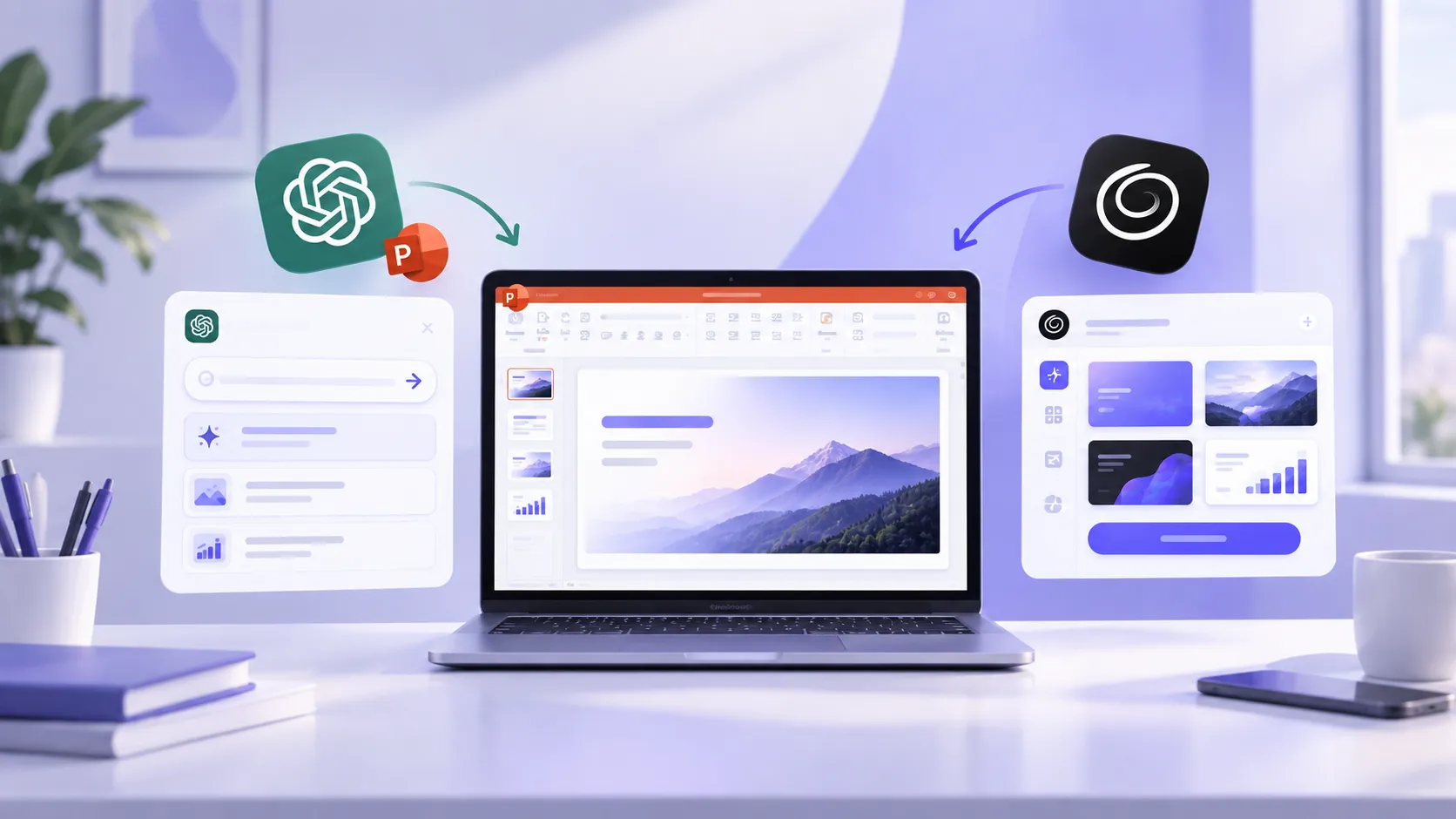
By operating natively inside PowerPoint, Twistly offers the combined power of AI and PowerPoint tools. Twistly bridges the gap between raw AI speed and native corporate design. There are endless possibilities and opportunities to use AI presentations for real business, including:
- Internal meetings
- Client updates
- Training sessions
- Sales presentations
- Project reports
- Marketing presentations
Twistly offers the best results for AI-generated presentations for real businesses when AI and human expertise work together. It doesn’t ask you to change how you work; it simply supercharges your existing environment.
See Twistly in Action, For Free
Whether you are considering Twistly or any other AI presentation maker, don’t finalize your purchase without seeing the tool in action. If a free trial version is available, it means that developers are confident about the capabilities of their product.
Twistly takes pride in offering the best ChatGPT-like capabilities for making AI presentations. New users can download and try Twistly for free before any financial commitment. If an AI tool wants you to make a final purchase without a trial version, it might be a red flag.
Go for Twistly and try the best AI presentation maker for free, no credit card required. Supercharge your presentation workflow with AI.
Create PowerPoint Slides with AI
Build AI-powered presentations from any prompt, doc, or video

Final Verdict
AI presentations generated with Twistly are ready for real business use. Make sure AI decks fit into your actual workflow. AI presentations not only save time but also help with effective message delivery across different industries and businesses.
The future of presentations is not AI versus humans. It’s AI helping humans create better presentations.





Start Making AI Presentations in Seconds
Instant Access
Begin exploring Twistly’s full suite of features immediately
No Commitments
No credit card required, and you can cancel anytime
Dedicated Support
Our team is here to assist you every step of the way during your trial.