


AI presentation maker — runs in your browser
Crear presentaciones con IA in Minutes, Not Hours
Type a topic or drop in a document. Twistly writes the outline, builds the slides and hands you an editable PowerPoint file — no design work, no installation.
Free to generate · Free PDF download · Editable .pptx with a 7-day free trial
★★★★★
4.7/5
440+ reviews on Microsoft AppSource
Trusted by
3M+
people who needed a deck and got a real PowerPoint file back.
Valoración
4.7/5
★ ★ ★ ★ ★
440+ reviews on Microsoft AppSource
Used at
Harvard · MIT · Stanford
among 1,200 universities
You get
.pptx
native export, always editable
Lo que obtienes
See What Twistly Creates
Decks generated from a single line of input and left untouched afterwards. Open any of them and check the slide structure yourself.
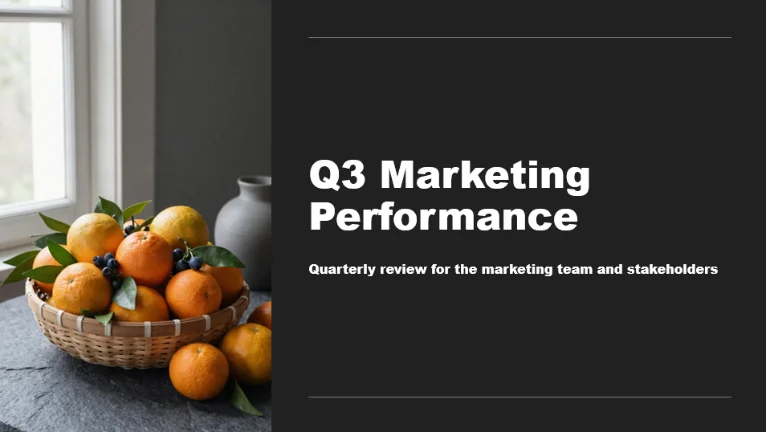
14 slides — from a one-line prompt
.pptx
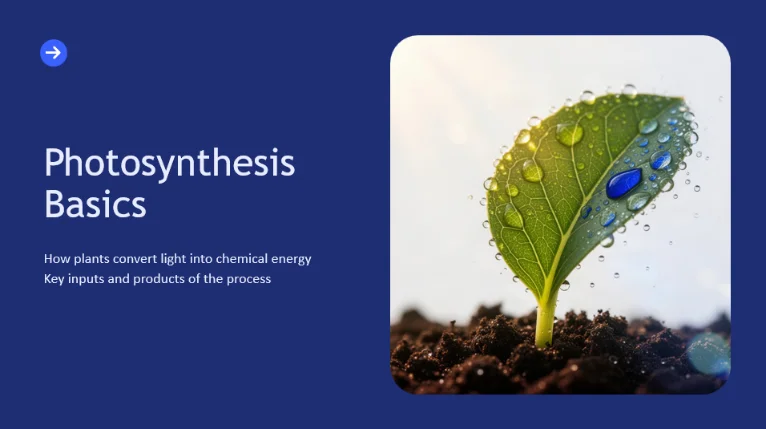
18 slides — from a 6-page PDF
.pptx
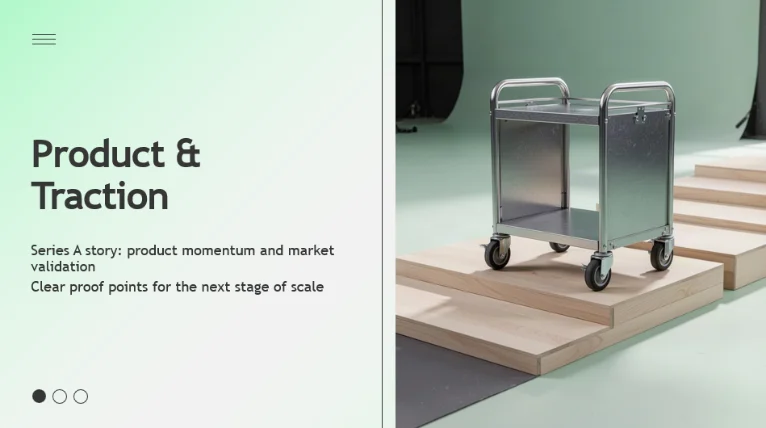
11 slides — from a Word outline
.pptx
Full run · under 90 sec · no cuts
See a deck appear in real time
Give Twistly a topic — get a written, designed, ready-to-present PowerPoint deck.
Under 90 secto a finished deck
Cómo funciona
Three Steps, and the File Is Yours
No tutorial needed — the whole path from idea to download fits on one screen.
1
Give Twistly your material
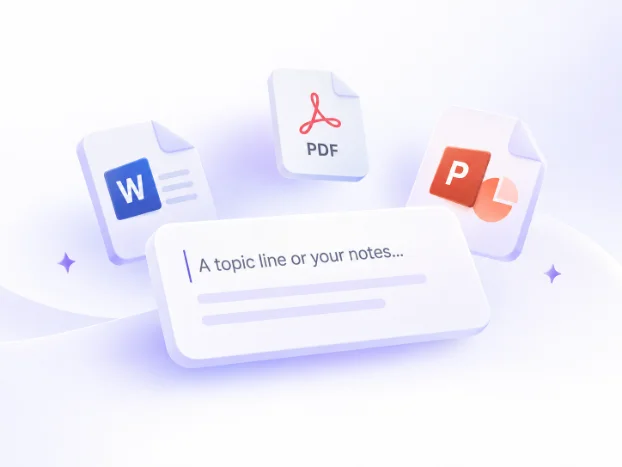
A topic line, pasted notes, a PDF or a Word file. Tables and charts inside a document carry through into the slides instead of being flattened into text.
2
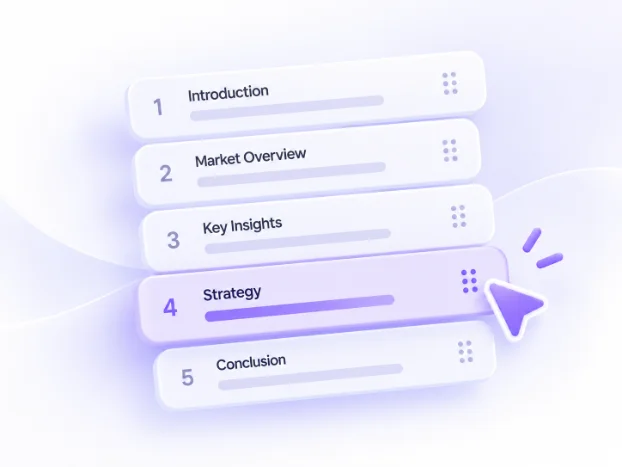
Approve the outline first
Twistly drafts the section order before any slide exists. Reorder, cut or rewrite headings while it is still a list — so a wrong structure never becomes 20 wrong slides.
3
Download an editable .pptx
Real PowerPoint shapes, text boxes and placeholders — not pictures of slides. Open the file in PowerPoint, Google Slides or Keynote and keep editing.

By the numbers
Everything You Get, Upfront
Fast generation, 38 languages, 51 templates, and a real .pptx you can edit anywhere. Every number here is what you get on the free plan.
Slides per deck
Up to 50
On a Pro and Team subscription.
Languages
38
Generate in any of them, or translate a finished deck.
Max upload size
300 MB
Per file.
Free plan input cap
3,000 words
Paid plans raise this substantially.
Input sources
Three ways in, one file out
A topic line or pasted notes, a PDF, or a Word document. Tables and charts stay editable objects — never screenshots.
Topic / text
DOCX
Exportar
.pptx
Native, editable shapes. Opens in PowerPoint, Google Slides, Keynote.
Plantillas
51
Plus your own brand template on Pro and Team plans.
Sign-up
Email or Google
No credit card on the free plan.
What’s included
Explore all features
Each one is a dedicated tool with its own page — start from whatever you already have.
Conversor de texto a PPT con IA
Paste an article or raw notes, pick a slide count, get a structured deck.
Learn more →
Conversor de PDF a PPT
Turn a report into slides that keep its section logic, not just its sentences.
Learn more →
Diseñado para estudiantes, docentes y
profesionales
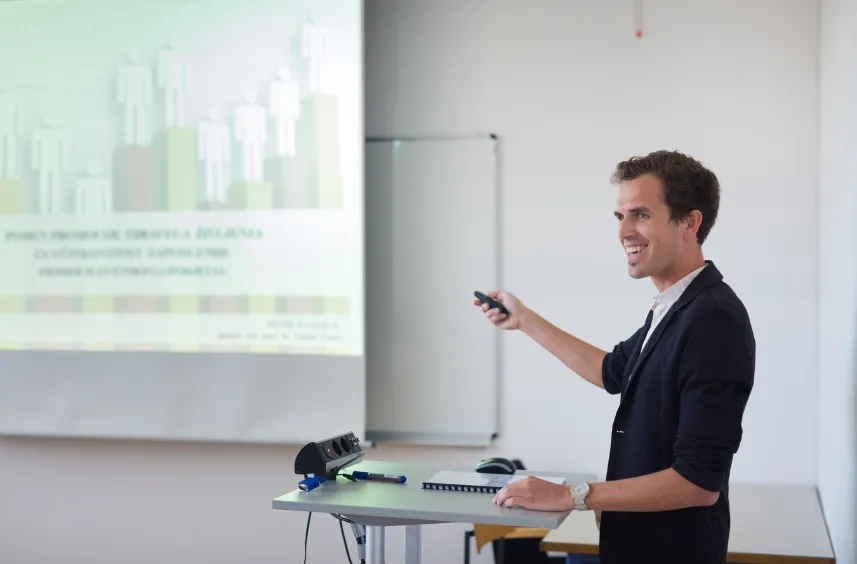
Optimizar la preparación de las clases
Los profesores crean constantemente presentaciones para clases, conferencias y materiales didácticos. Este trabajo repetitivo les resta un tiempo valioso que podrían dedicar a la enseñanza.
Con la IA, puedes transformar al instante tus conocimientos en presentaciones bien estructuradas y visualmente atractivas, ahorrando horas de preparación y mejorando la participación de los estudiantes. Mejora la experiencia en el aula dejando que Twistly se encargue del diseño de las diapositivas.

Saca sobresaliente en todos los trabajos
Convierte investigaciones complejas y apuntes de estudio en presentaciones académicas de alta calidad en cuestión de segundos. Twistly ayuda a los estudiantes a organizar sus ideas y cumplir plazos ajustados sin renunciar a la calidad.
Ya sea para la defensa de un trabajo de fin de grado o un proyecto en grupo, nuestra IA garantiza que tus diapositivas tengan un aspecto profesional y mantengan la atención de tu audiencia durante toda la presentación.

Crea campañas de gran impacto
Acorta la distancia entre la estrategia y el storytelling visual con la generación de diapositivas basada en datos. Los profesionales del marketing pueden crear rápidamente presentaciones comerciales, informes de campañas y presentaciones de marca que capten la atención.
Utiliza Twistly para automatizar el proceso de diseño, de modo que puedas centrarte más en el mensaje creativo y menos en ajustar manualmente los cuadros de texto para conseguir el resultado perfecto.

Cerrar acuerdos más rápido
Crea presentaciones personalizadas y persuasivas para cada cliente potencial sin dedicar horas al diseño. Twistly permite a los profesionales de ventas generar presentaciones adaptadas a las necesidades específicas de cada cliente en cuestión de segundos.
Los diseños profesionales y de alta calidad generan credibilidad desde el primer momento, haciendo que tu propuesta de valor sea el centro de la conversación y ayudando a tu equipo a alcanzar sus objetivos de ventas más ambiciosos.

Simplificar la formación corporativa
Moderniza tus procesos de incorporación y las comunicaciones internas con presentaciones claras, coherentes y atractivas. Twistly facilita a los profesionales de Recursos Humanos la comunicación eficaz de la información más importante.
Mantén a todos los empleados informados y alineados con presentaciones profesionales que reflejen la cultura y la identidad de tu empresa, de forma rápida y sencilla.
Reseñas
What People Say After the First Deck
★★★★★
I stopped dreading the blank first slide. The outline step means I fix the structure in thirty seconds instead of rebuilding slide twelve.
Marketing lead
Review on Microsoft AppSource
★★★★★
The export is a genuine PowerPoint file. My team edits it the way they always have, which is the only reason it got adopted here.
Sales enablement manager
Review on Microsoft AppSource
★★★★★
I feed it my lesson outline in Word, tables included, and get slides that keep the tables. Nothing else I tried did that.
Secondary school teacher
Review on Microsoft AppSource
4.7
★★★★★
Microsoft AppSource — 440+ reviews, 3M+ users
Prefer to Work in PowerPoint?
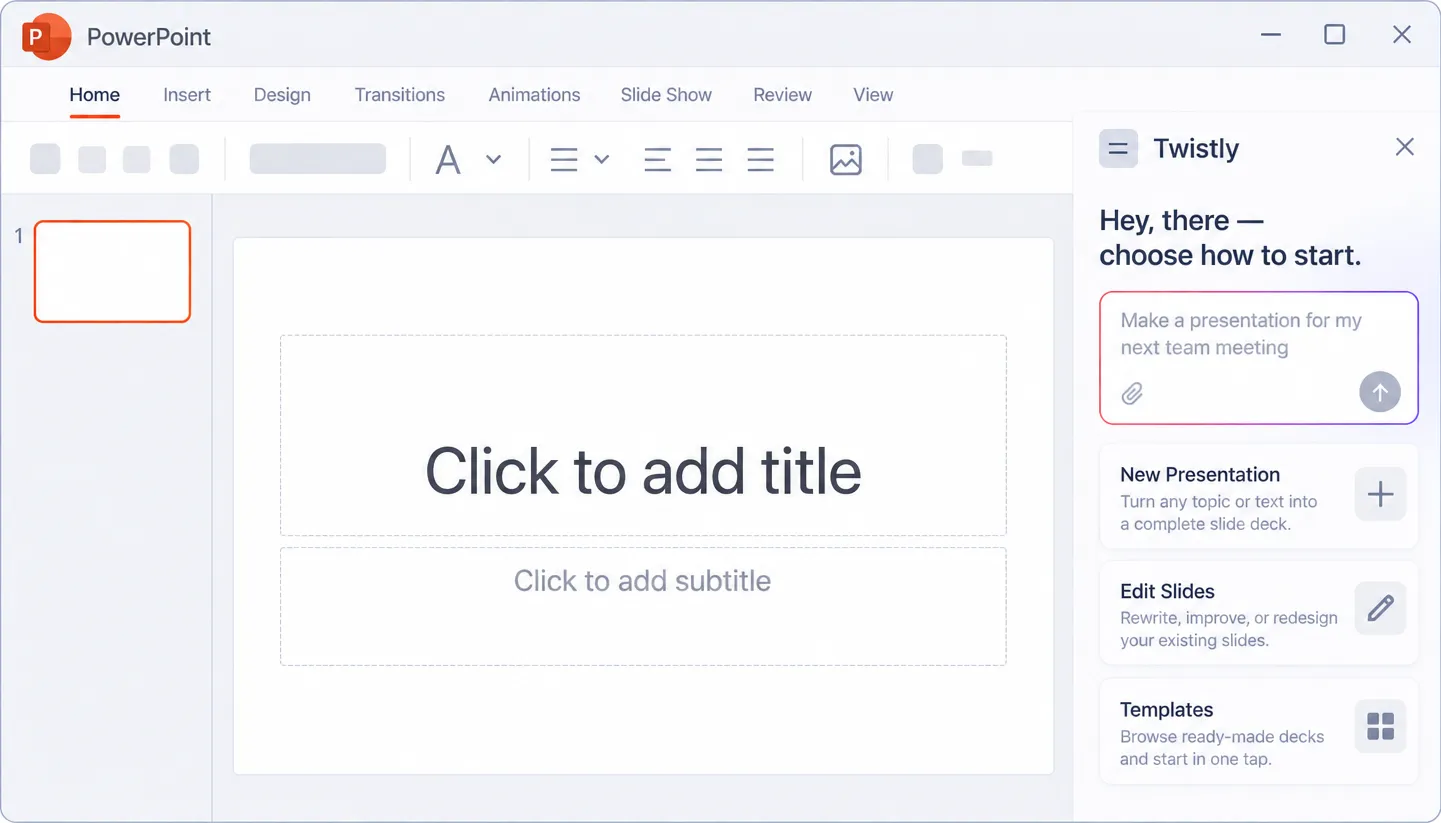
Everything above happens in your browser. The complete Twistly also runs as an add-in inside the PowerPoint window — on the deck you already have open.
Redesign slides in place
No upload, no download
One-time install from AppSource
Plans
Start Free, Upgrade When You’re Ready
Every plan gets a real, editable .pptx. Pick the one that fits how often you present.
|
PLAN |
Gratis |
Starter |
Pro |
Team |
|---|---|---|---|---|
|
Slides per deck |
Up to 10 |
Up to 15 |
Up to 50 |
Up to 50 |
|
Topic, text, PDF, DOCX in |
||||
|
Outline review before slides |
||||
|
Native .pptx download |
||||
|
Unlimited AI credits |
||||
|
Remove Twistly branding |
||||
|
Reescribir texto con IA |
Single slide |
All slides |
All slides |
|
|
Redesign slides |
||||
|
Upload your own templates |
||||
|
Speaker notes for all slides |
||||
|
Generar imágenes con IA |
||||
|
Shared team templates |
||||
|
Central billing & priority support |
||||
Comparison
Twistly, Gamma and Canva Side by Side
The difference is what you hold at the end: a PowerPoint file, or a web document you export from.
|
Criteria |
Twistly |
Gamma |
Canva |
|---|---|---|---|
|
Output format |
Native .pptx, editable shapes |
Exported .pptx from a web doc |
Exported .pptx from a Canva design |
|
Outline approval before generation |
Yes, optional step |
Sí |
No |
|
Word/PDF tables preserved as objects |
Sí |
Flattened to text |
Flattened to text |
|
Works inside PowerPoint itself |
Yes, via the add-in |
No |
No |
|
Free tier limit type |
Input cap |
Credits |
Design-based |
Head-to-head breakdowns for nine tools, including Gamma y Presentaciones de Canva ↓
Preguntas más frecuentes
Únase a miles de profesionales que ahorran tiempo con Twistly.
Your next deck can exist in about a minute
Give Twistly a topic line or a document, approve the outline, download the .pptx. Free to start, no card.