


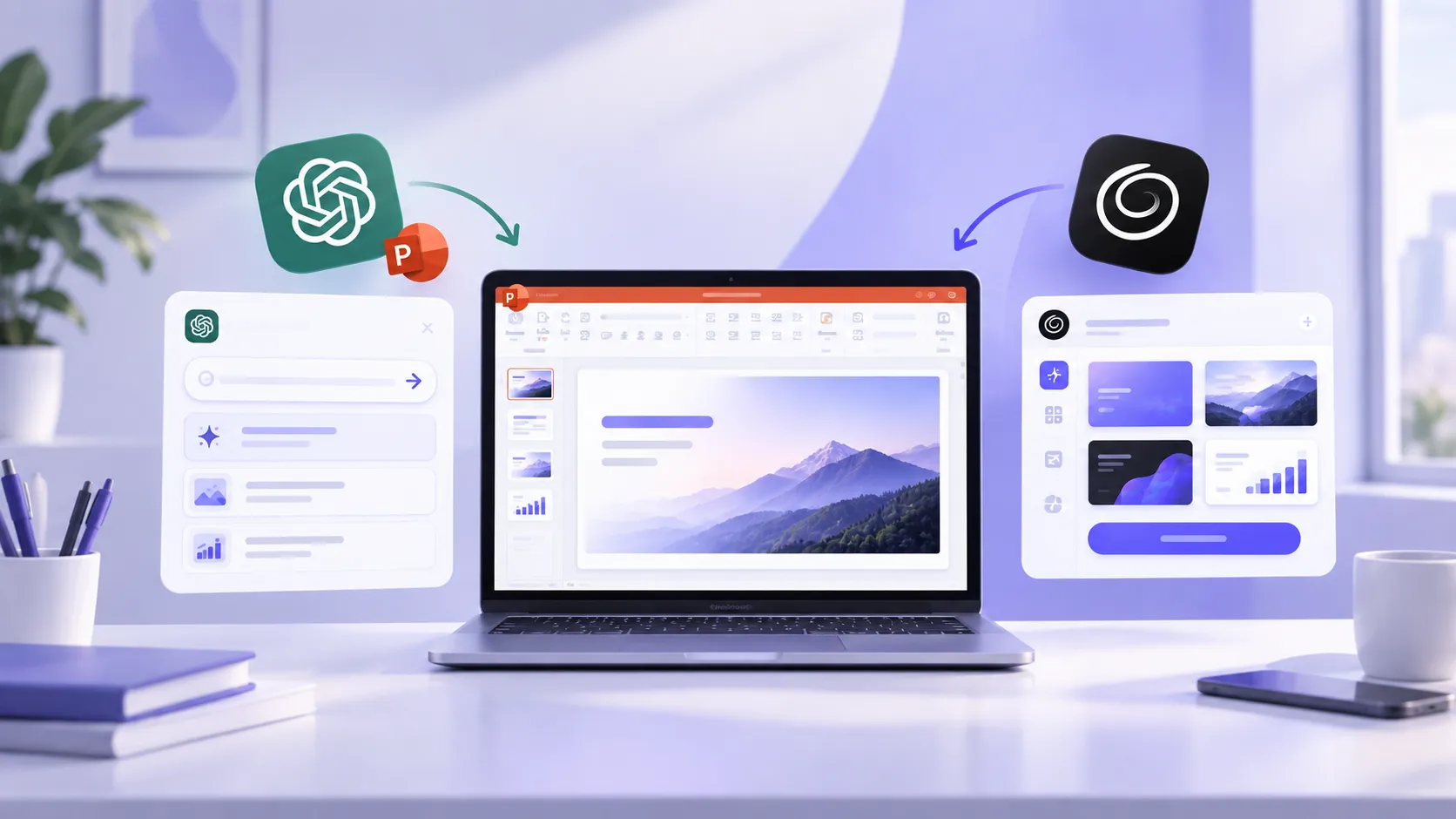
SlideSpeak and Twistly are AI presentation generators that can turn source material into editable presentation slides. The main difference is how they integrate into your workflow.
SlideSpeak is an online, web-based AI presentation maker where users create slides and then export decks to PowerPoint. Twistly is a PowerPoint-first add-in that lives and works inside PowerPoint.
Choose SlideSpeak if you are comfortable working with web-based standalone platforms, and you don’t heavily rely on PowerPoint for presentations.
Choose Twistly if PowerPoint is part of your presentation workflow and you don’t want to switch between multiple apps and websites. You can create and edit slides without leaving PowerPoint.
SlideSpeak vs Twistly- What Are They
Both are AI presentation makers, automating the slide creation process by using AI models. These tools offer different capabilities for different workflows.
What is SlideSpeak?
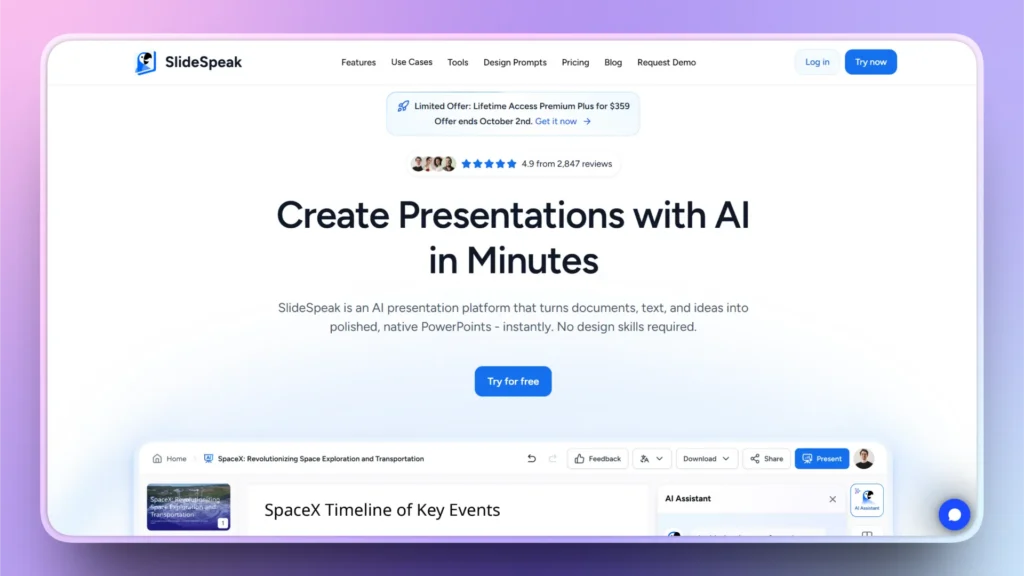
SlideSpeak is a web-based AI platform that you can access from your web browser. Users don’t necessarily need presentation software like PowerPoint to make slides with SlideSpeak. It supports multiple input types, including text, PDF, Word, and AI prompts.
Charles is an AI assistant by SlideSpeak that can help you create stunning slides from your input. The website lists many other useful AI tools that can elevate your presentation experience with AI.
What is Twistly?
Twistly is an AI add-in for PowerPoint that works inside PowerPoint. Professionals and beginners love Twistly because of seamless integration into their existing workflow. Without leaving your current software, you can make, edit, and polish slides in PowerPoint.
Millions of users trust PowerPoint for professional decks, and Twistly brings AI to PowerPoint instead of forcing users to switch to other options. For someone who already builds, reviews, and presents in PowerPoint, Twistly’s main advantage is workflow continuity.
Note: There is an online version available that users can use without PowerPoint. For better control and flexibility, we recommend using the Twistly add-in for PowerPoint.

Feature comparison
| Property | SlideSpeak | Twistly |
| Where it runs | Web app | Inside PowerPoint |
| Best starting point | Documents, URLs, PDFs | A prompt, a topic, or an existing deck |
| Editing existing slides | Online editor | Directly in PowerPoint |
| Extras | Document chat, video generation, API | Text rewriting, translation, AI images, speaker notes |
| Typical fit | Turning source material into decks | Improving and building decks in-app |
Pricing- SlideSpeak vs Twistly
How much do these AI presentations cost to make presentations? Both tools have different pricing tiers. Let’s see which one is more suitable and affordable for your needs.
SlideSpeak Pricing
There is a free trial version that comes with 100 AI credits that can be used for 3 presentations. There is a 50 MB file size limit for free users, but it will give new users an idea of what to expect from an AI presentation generator. Other paid plans include:
Premium: $29/month (billed monthly), $24.65/month (billed annually), 1000 AI credits (up to 27 presentations and 13 AI videos)
Premium Plus: $34/month (billed monthly), $28.90/month (billed annually), 2500 AI credits (up to 67 presentations and 33 AI videos)
Custom: Get a custom quote by contacting the customer support agents
Note: If you want to upload your own custom and create branded presentations, then you will have to pay $129 for that add-on. Keep in mind these hidden charges if you are interested in SlideSpeak.
Twistly Pricing
There is a free trial version available that new users can claim for free. There is no credit card required to get Twistly for free. There are three paid packages available that users can choose based on their project needs:
Starter: $16/month (billed monthly), $9.60/month (billed annually), unlimited AI credits, AI features included
Pro: $20/month (billed monthly), $12/month (billed annually), unlimited AI credits, all AI features included
Team: $12/month (billed annually), $20/month (billed monthly), unlimited AI credits, all Pro features included
Note: For uploading your own template for branded presentations, you don’t need to pay a massive fee, as SlideSpeak’s Pro version includes the custom template feature as part of the package.
Create PowerPoint
Slides with AI
Build AI-powered presentations from
any prompt, doc, or video


Pros and Cons of SlideSpeak
SlideSpeak has a below-average Trustpilot rating of 2.3/5 (12 reviews), and it indicates a lack of trust and satisfaction among previous users. Every user has certain needs and expectations, so these ratings should not be used for final decisions.
Pros
- Supports multiple input types, including text, documents, and URLs
- Works as a standalone platform and does not require PowerPoint
- Has an API and team-oriented features such as branding.
Cons
- Does not fit smoothly in the workflow of PowerPoint-centric users
- Credit-based plans and gated features make total cost harder to predict
- It costs several times what Twistly does
Pros and Cons of Twistly
Twistly has an impressive Trustpilot rating of 4.7/5 (65 reviews), and most users praise Twistly for smooth integration into their existing workflow. Here are pros and cons that might affect your experience with the tool.
Pros
- No app-switching as you create, edit, and optimize decks inside PowerPoint
- You generate, rewrite, and translate slides where you already work
- Low entry price compared with Microsoft’s own Copilot
- Free trial does not require a credit card, so no fear of hidden charges
- Practical editing tools, including single-slide creation, AI images, speaker notes, and other features
Cons
- Slide cap for the starter package; if you need larger decks, upgrade to Pro
- Free trial version is available for limited use only, 14 days
- Requires an active internet connection
Templates and Brand Consistency
SlideSpeak mainly focuses on creating attractive slides from available templates. Businesses and professionals looking to create branded decks may need to buy an expensive add-on for almost $129. This makes it quite an expensive tool for creating branded decks.
Twistly has made branded decks part of the Pro plan, and users can upload their own template and maintain brand consistency without paying any extra costs. Both vendors address branded presentations, but the setup and plan requirements differ.
Conclusion
If you live in desktop PowerPoint, Twistly is the more natural fit, and SlideSpeak is good for online decks if you don’t use PowerPoint. For brand-heavy or corporate work, both can handle templates, but on different terms. SlideSpeak costs way more than Twistly for creating unique and branded decks.
Choose Twistly for a cheap, in-app assistant that speeds up everyday PowerPoint work. Choose SlideSpeak for document-to-deck conversion and browser-based editing.
The better choice is the one that gets your deck ready with fewer content corrections and less layout repair. Twistly has reliable tools that make your presentations professional and personalized with AI.
Create PowerPoint Slides with AI
Build AI-powered presentations from any prompt, doc, or video









Start Making AI Presentations in Seconds
Instant Access
Begin exploring Twistly’s full suite of features immediately
No Commitments
No credit card required, and you can cancel anytime
Dedicated Support
Our team is here to assist you every step of the way during your trial.