



Last updated
The best SlidesAI alternatives in 2026 are Twistly, Gamma, Beautiful.ai, Canva, Plus AI, MagicSlides, SlideSpeak and Microsoft Copilot in PowerPoint. Which one fits depends on where you build slides and how much editing you want to do after the AI is finished. SlidesAI is a capable, low-cost way to turn text into slides. People usually start looking elsewhere when they hit its slide caps, need to build decks from long documents, or want a file that is ready to present without a redesign pass.
This guide compares the eight tools on where they run, what they can build from, what they cost and where they fall short. Every price and limit comes from each vendor’s own site or help center, checked on November 26, 2026.
Disclosure: this guide is written by Diana Umarov, founder of Twistly, which is one of the tools compared. To keep the comparison fair, every competitor fact links to that vendor’s own page, and the screenshots show each official site as it looked on the day we checked. Questions or corrections are welcome through our contact page.
Key Takeaways
- SlidesAI’s free plan caps decks at 10 slides and 2,500 characters of input, and document upload needs a paid plan (SlidesAI pricing, retrieved 2026-11-26).
- For finished, editable PowerPoint decks built from documents, Twistly is the strongest fit: it reads PDF, Word, PowerPoint, Excel, text and HTML files up to 300 MB (Twistly docs, retrieved 2026-11-26).
- If you live in Google Slides, Plus AI and MagicSlides are the closest like-for-like swaps. Gamma suits web-first decks, Beautiful.ai suits brand-locked team decks, and Copilot suits companies already paying for Microsoft 365.
- Free options differ a lot: Gamma gives 400 one-time credits, SlideSpeak about 3 decks, and Beautiful.ai has no free plan at all, only a card-required trial.
What does SlidesAI do?
SlidesAI is an AI presentation maker that turns a prompt, notes or a document into editable slides. It started as a Google Slides add-on and now also runs as a PowerPoint add-in, a web app and a custom GPT in ChatGPT, according to its homepage.
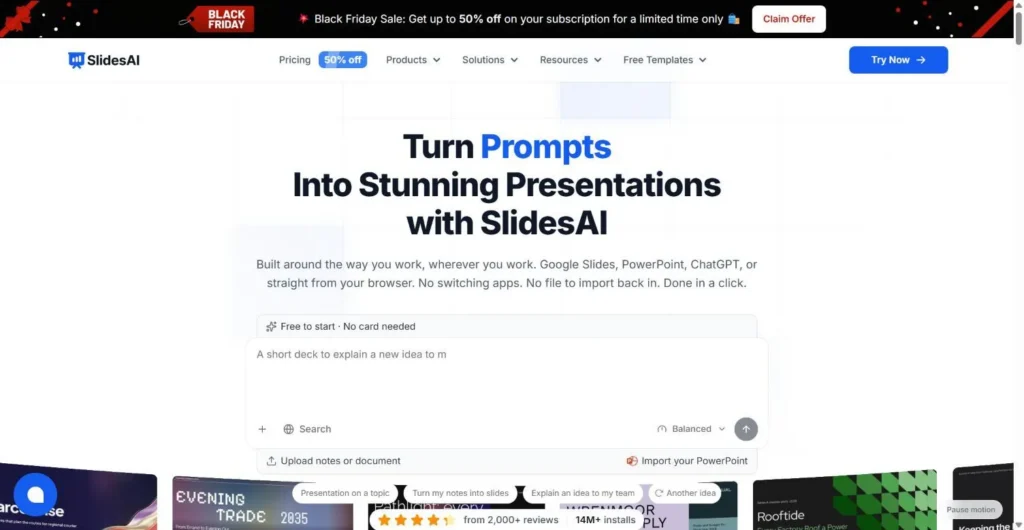
It is popular. The Google Workspace Marketplace listing shows a 4.3-star rating from 2,385 ratings and more than 14 million installs (Google Workspace Marketplace, retrieved 2026-11-26). The newer PowerPoint add-in has far fewer reviews: 4.6 stars from 49 ratings on Microsoft Marketplace (Microsoft Marketplace, retrieved 2026-11-26).
Its plans are inexpensive. The free Basic plan gives 200 credits a month, decks of up to 10 slides and 2,500 characters of input. Pro costs $10 per user per month billed yearly and allows up to 20 slides and 50,000 characters. Premium costs $20.83 per user per month billed yearly and allows 50+ slides (SlidesAI pricing, retrieved 2026-11-26).
Why do users look for SlidesAI alternatives?
SlidesAI does its core job well, so the reasons to look elsewhere are mostly limits that show up as decks get longer or more serious. The common ones:
- Slide and input caps. Free decks stop at 10 slides and Pro at 20. Long reports or training decks need Premium or another tool.
- Document upload is paid-only. Word and PDF upload are not available on the free plan.
- Design control. In our view, SlidesAI’s default designs look clean but fairly generic, so teams with strict brand standards may still restyle slides by hand. Brand kits help, but the number depends on your plan: 1 on Free, 3 on Pro and 6 on Premium (SlidesAI pricing, retrieved 2026-11-26).
- Workflow fit. SlidesAI grew up in Google Slides. PowerPoint-first teams, or people who want a finished PowerPoint file from a browser, may prefer a tool built around that output.
- Editing after generation. Some users want AI help after the first draft too: rewriting, redesigning single slides, speaker notes and translation.
The 8 best SlidesAI alternatives at a glance
Use this table to shortlist, then read the section for each tool you are considering.
| Tool | Where it runs | Builds from | Free option | Paid plans from | Best for |
|---|---|---|---|---|---|
| Twistly | Web app (app.twistly.ai) and PowerPoint add-in | Topic, text, PDF, Word, PowerPoint, Excel, TXT, HTML | 3 presentations, up to 7 slides | $4.80/month billed annually ($57.60/year), or $8 billed monthly | Finished, editable PowerPoint decks from documents |
| Gamma | Web app | Prompt, text, URL, PDF, Word, PowerPoint, Google Slides, Excel/CSV | 400 credits at signup | $9/month billed annually | Web-first decks, docs and sites |
| Beautiful.ai | Web app, PowerPoint add-in | Prompt, outline, document, PowerPoint import | None (14-day trial, card required) | $14.50/month billed yearly | Brand-consistent team decks |
| Canva | Web, desktop and mobile apps | Prompt or outline | Free plan with limited AI use | Pro and Business, priced by country | Visual-first users already in Canva |
| Plus AI | Google Slides add-on, PowerPoint add-in | Prompt, text, PDF, Word, PowerPoint, TXT | 7-day trial (card required) | $10/month billed yearly | Google Slides users who want AI inside their files |
| MagicSlides | Web app, Google Slides add-on, mobile apps | Topic, text, PDF, Word, PowerPoint, YouTube, URL, audio, video | None listed on the pricing page | $80/year (Essential, billed annually) | Budget decks from videos and links |
| SlideSpeak | Web app, API | Topic, text, PDF, Word, Excel | 100 credits (about 3 decks) | $29/month billed monthly | Turning long documents into PPTX |
| Microsoft Copilot | Built into PowerPoint | Prompt, a Word file (PDF on work accounts) | None | Included in Microsoft 365 Personal, $99.99/year | Companies already on Microsoft 365 |
Prices are the lowest paid plan in US dollars as listed on each vendor’s pricing page on November 26, 2026, with the billing basis shown, because annual and monthly prices differ. Some vendors show local-currency prices depending on your country.
1. Twistly: best SlidesAI alternative for finished PowerPoint decks
Twistly is an AI presentation maker that turns a topic, pasted text or a file into a designed, editable PowerPoint presentation. You can use it in the browser at app.twistly.ai, with nothing to install, and download the deck as a PowerPoint file. It is also available as an add-in inside PowerPoint.
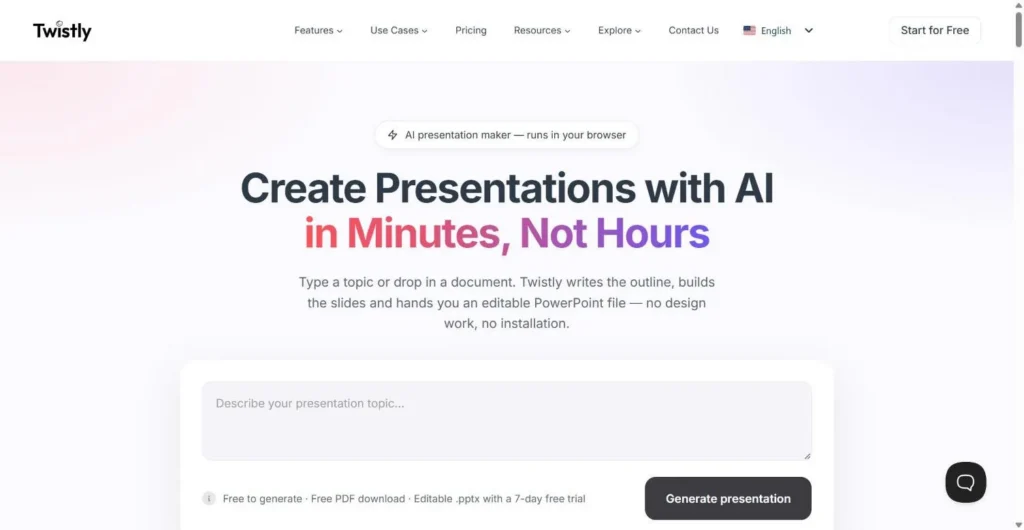
What sets it apart from SlidesAI is how much it can read and what it does after the first draft:
- More input types. It reads .pdf, .docx, .pptx, .txt, .xlsx, .xls and .html files up to 300 MB, and tables in your source arrive as real, editable PowerPoint tables (Twistly docs: From Text or a File, retrieved 2026-11-26). Our guide to converting PDF to PowerPoint with AI shows the document workflow step by step.
- Longer decks. Pro and Team plans build up to 50 slides per presentation and accept up to 498,000 words of pasted text (Twistly docs: Plans, retrieved 2026-11-26).
- A review step before you download. You can edit text, reorder or delete slides, and edit or swap charts and diagrams before the deck is final (Twistly docs: Review & Edit, retrieved 2026-11-26).
- Editing tools after generation. Paid plans add AI text editing (rewrite, shorten, translate), slide redesign, speaker notes and AI or stock images.
- Your own branding. Pro accounts can upload one custom .pptx or .potx template and Team accounts five, so decks come out in company colors and layouts (Twistly docs: Upload Your Template, retrieved 2026-11-26).
Twistly has 53 built-in templates. The free plan gives you 3 presentations of up to 7 slides, using 15 of the templates, with no card needed (Twistly docs: Free Plan & Credits, retrieved 2026-11-26). Paid plans start at $8 a month for Starter, or $57.60 a year; Pro is $10 a month or $72 a year (Twistly pricing, retrieved 2026-11-26).
The limits are worth knowing too. Twistly needs an internet connection, and free decks carry a “Made with Twistly” badge. Custom templates are not available through the API or MCP server.
SlidesAI vs. Twistly
| Feature | SlidesAI | Twistly |
|---|---|---|
| Where it runs | Google Slides add-on, PowerPoint add-in, web app, ChatGPT | Web app (download as PowerPoint) and PowerPoint add-in |
| Inputs | Topic, notes, text; Word and PDF on paid plans | Topic, text, or PDF, Word, PowerPoint, Excel, TXT and HTML files up to 300 MB |
| Max slides per deck | 10 (Free), 20 (Pro), 50+ (Premium) | 7 (Free), 15 (Starter), 50 (Pro and Team) |
| Editing after generation | Slide remix (per its PowerPoint add-in listing) | Review step, AI text editing, redesign, speaker notes, AI and stock images |
| Custom brand templates | Brand kits from imported PPTX templates (SlidesAI) | 1 uploaded template (Pro), 5 shared (Team) |
| Entry price | $10/user/month billed yearly | $4.80/month billed yearly ($57.60/year), or $8 billed monthly |
Who should pick Twistly: people who build presentations from reports, research or existing decks and want a PowerPoint file they can present with little cleanup. If you mainly make short decks from a one-line prompt in Google Slides, SlidesAI or Plus AI may be enough.
2. Gamma: best for web-first decks, docs and sites
Gamma is a visual communication platform that builds presentations, documents and simple websites from a prompt, text, a URL or an imported file. Its decks are made of flexible “cards” designed to be shared as a link and viewed in the browser.
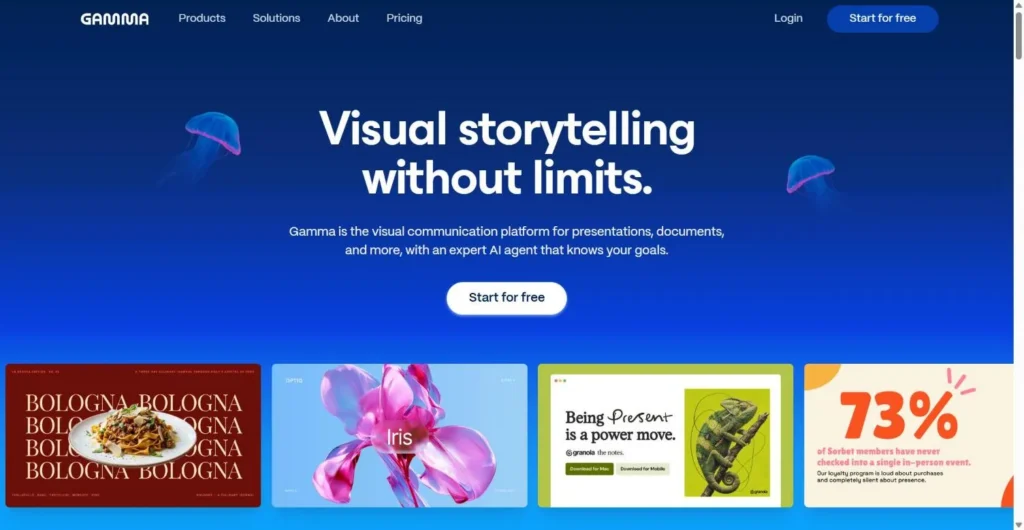
Gamma can import PowerPoint, Word and PDF files, Google Slides, webpages and public Notion docs, and it can use Excel or CSV data. Imported decks can keep their original layouts, or Gamma can use the content to build something new (Gamma help: Importing, retrieved 2026-11-26). It exports to PDF, PNG, PPTX and Google Slides. Gamma’s help center lists what can change on export: gradient headings may become a single color, some background effects fall back to simpler versions, and slide masters come out blank (Gamma help: Exporting, retrieved 2026-11-26).
Pricing: the free plan includes 400 credits at signup and up to 10 slides per prompt. Plus costs $9 a month billed annually ($108 a year), Pro $18 and Ultra $90 (Gamma pricing, retrieved 2026-11-26). Free credits do not refresh each month.
| Pros of Gamma | Cons of Gamma |
|---|---|
| Flexible imports, including URLs, Google Slides and Notion | Decks are designed for the browser; PowerPoint exports can lose effects |
| One tool for decks, documents and websites | Free credits are one-time, not monthly |
| Analytics and custom domains on Pro | Free exports carry Gamma branding |
Should you switch from SlidesAI to Gamma? Yes, if you present from a link or want a more modern, web-style look. If your final deliverable must be a PowerPoint file, test the export with your own content first.
3. Beautiful.ai: best for brand-consistent team decks
Beautiful.ai is an AI presentation platform built around “Smart Slides”: layouts that rearrange themselves automatically as you add content, so slides stay aligned and on brand.
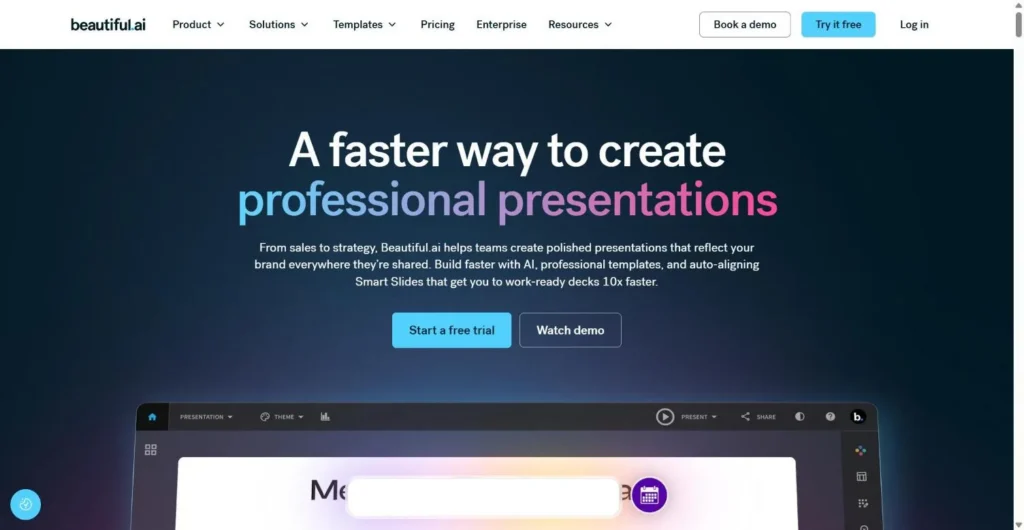
You can generate a deck from a prompt, an outline or a source document, import PowerPoint files and export editable PPTX and PDF (Beautiful.ai, retrieved 2026-11-26). Team plans can lock themes and brand assets, which is the main reason sales and marketing teams choose it.
The trade-off is freedom. Smart Slides make it hard to break a layout, which is great for consistency and frustrating for custom designs. There is also no free plan: Pro costs $14.50 a month billed yearly, Team $40 a month billed yearly, and the 14-day trial requires a credit card (Beautiful.ai pricing, retrieved 2026-11-26).
| Pros of Beautiful.ai | Cons of Beautiful.ai |
|---|---|
| Auto-formatting keeps every slide aligned | Limited freedom to adjust layouts by hand |
| Brand controls and theme locking for teams | No free plan; the trial needs a card |
| Unlimited AI generation on paid plans | Higher price than most tools on this list |
Should you switch from SlidesAI to Beautiful.ai? Pick it if your team needs every deck to look the same and you are happy to pay for that. For a comparison with Twistly, see our Beautiful.ai vs Twistly breakdown.
4. Canva: best for visual-first users already in Canva
Canva is an all-round design platform for social posts, videos, documents and presentations. Its AI features can generate a first draft of a deck from a prompt, which you then edit with Canva’s large library of templates, images and brand kits.
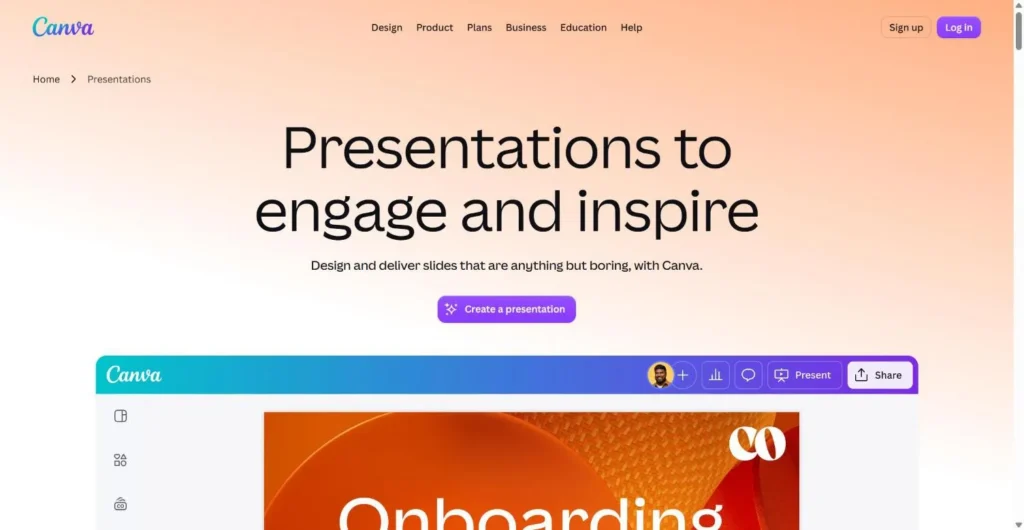
Canva is the strongest option here for visual polish and variety, and it has a usable free plan. It is not a dedicated deck generator, though. AI use is metered through an allowance shared across all of Canva’s AI tools, and once it runs out you wait until the next month (Canva help: AI Pass, retrieved 2026-11-26). You can download decks as PPTX, but complex layouts may need fixing in PowerPoint. Pro and Business prices vary by country, so check Canva pricing for yours.
| Pros of Canva | Cons of Canva |
|---|---|
| Huge template, image and brand-kit library | AI drafts need more manual editing than dedicated generators |
| Real-time collaboration for teams | AI use is capped by a shared monthly allowance |
| One tool for slides, social posts and video | PowerPoint export can shift complex layouts |
Should you switch from SlidesAI to Canva? If your team already designs in Canva and cares most about visuals, yes. If you need content-heavy business decks quickly, a dedicated generator will save more time.
5. Plus AI: best for Google Slides users who want AI inside their files
Plus AI is an AI assistant that runs as an add-on inside Google Slides and PowerPoint, so decks are created directly in the app you already use, with no export step.
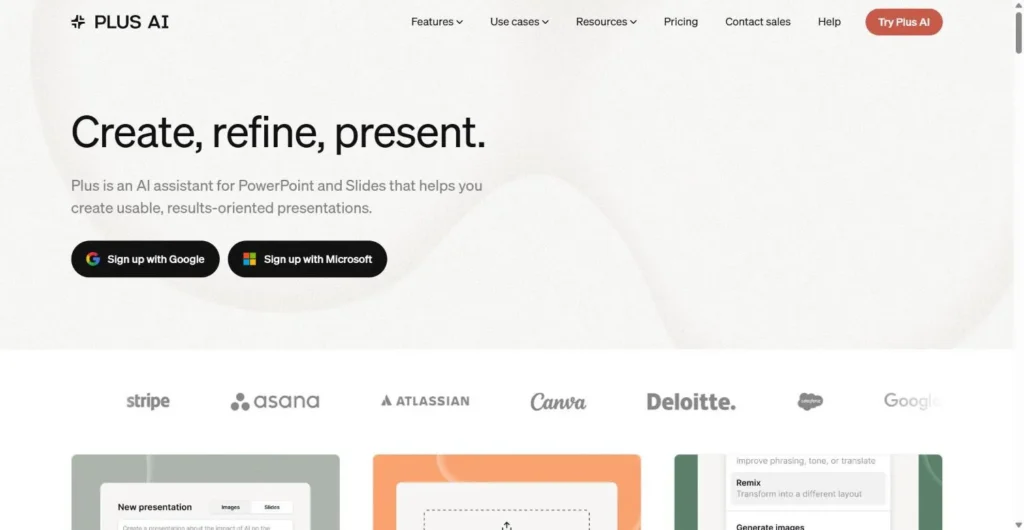
It is the closest like-for-like replacement for SlidesAI’s Google Slides add-on. Plus AI builds from a prompt or pasted text, and on Pro and above it can also read PDF, Word, PowerPoint and text files. It can rewrite text, remix slides into different layouts and generate images (Plus AI, retrieved 2026-11-26). It is well rated: 4.6 stars from 906 ratings and more than 1 million installs on the Google Workspace Marketplace (Google Workspace Marketplace, retrieved 2026-11-26).
Plans start at $10 a month billed yearly ($15 monthly). Document upload, AI images, the API and an MCP server start on Pro at $20 a month billed yearly, and the 7-day trial requires a card (Plus AI pricing, retrieved 2026-11-26).
| Pros of Plus AI | Cons of Plus AI |
|---|---|
| Works natively inside Google Slides and PowerPoint | Built to work inside Google Slides or PowerPoint, so you need one of them |
| Strong slide remix and rewrite tools | Document upload needs Pro or higher |
| API and MCP server on Pro | Trial requires a credit card |
Should you switch from SlidesAI to Plus AI? Yes, if you want to stay in Google Slides and are willing to pay a little more for better editing tools.
6. MagicSlides: best for budget decks from videos and links
MagicSlides is an AI presentation maker that builds decks from almost any source: a topic, text, PDF, Word or PowerPoint files, YouTube videos, URLs, audio and video. It runs as a web app, a Google Slides add-on and mobile apps, and it also offers a Chrome extension and an API.
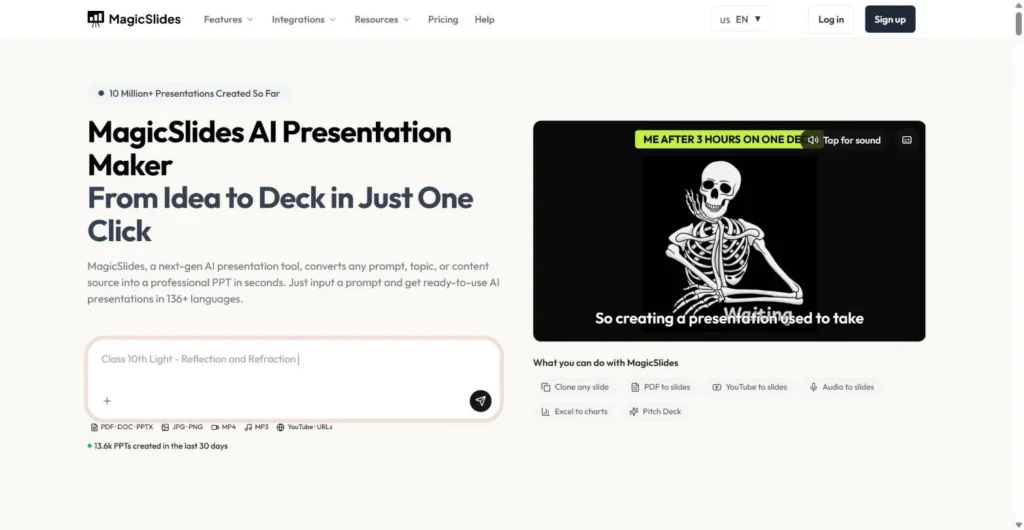
Every paid plan exports to PDF, PowerPoint and Google Slides. The Essential plan costs $80 a year and includes 10 presentations a month of up to 10 slides each. Pro ($149 a year) raises that to 50 presentations of up to 15 slides, and Premium ($279 a year) allows 50+ slides. AI-generated images are a paid add-on on Essential and Pro (MagicSlides pricing, retrieved 2026-11-26).
| Pros of MagicSlides | Cons of MagicSlides |
|---|---|
| Accepts YouTube, audio, video and URLs as inputs | Low slide caps on Essential and Pro (10 and 15) |
| Exports to PPTX and Google Slides on every paid plan | AI images cost extra on lower plans |
| Low entry price | Built around Google Slides and the web app rather than PowerPoint |
Should you switch from SlidesAI to MagicSlides? It is a good match for teachers and students who turn videos and articles into short decks. For long business presentations, the slide caps will feel tight.
7. SlideSpeak: best for turning long documents into PPTX
SlideSpeak is a web-based AI presentation platform that turns documents, text and ideas into native PowerPoint files. It focuses on document-to-deck work, with an API for developers.
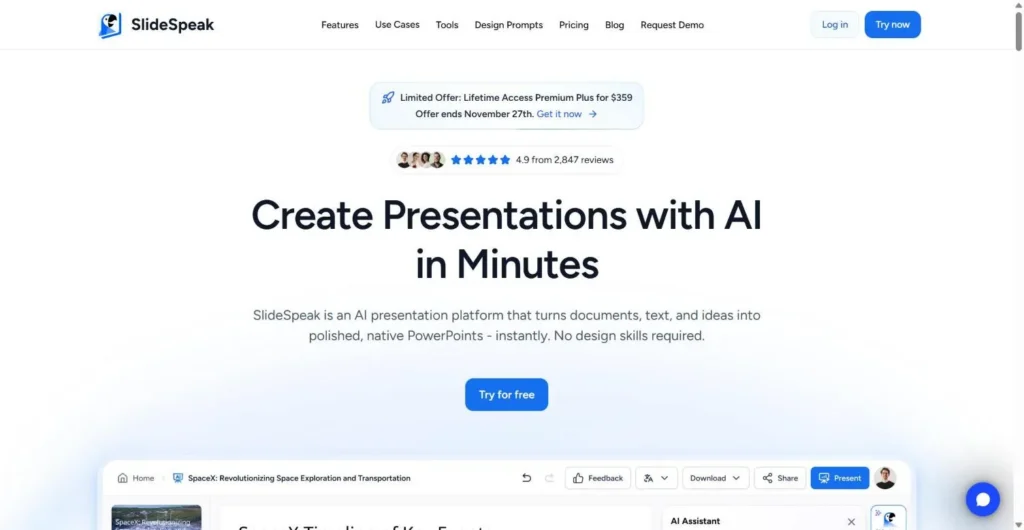
It reads PDF, Word, Excel and text files, and it can also chat with your documents and create AI videos. The free plan gives 100 credits at signup, which SlideSpeak estimates is about 3 presentations, with a 50 MB file limit. Billed monthly, Premium costs $29 a month and Premium Plus $34 a month, and annual billing saves 15% (SlideSpeak pricing, retrieved 2026-11-26).
| Pros of SlideSpeak | Cons of SlideSpeak |
|---|---|
| Strong at summarizing long documents into slides | Small free allowance |
| Native, editable PPTX output | Higher entry price than most tools here |
| API for automation | Browser-based: you download the file and open it in PowerPoint |
Should you switch from SlidesAI to SlideSpeak? Consider it if document-to-deck is your main job. Our SlideSpeak vs Twistly comparison covers how the two differ on pricing and output.
8. Microsoft Copilot in PowerPoint: best for companies already on Microsoft 365
Copilot is Microsoft’s AI assistant built into PowerPoint. It can create a deck from a prompt or a Word file, summarize a presentation, rewrite slide text and suggest designs, with nothing extra to install.
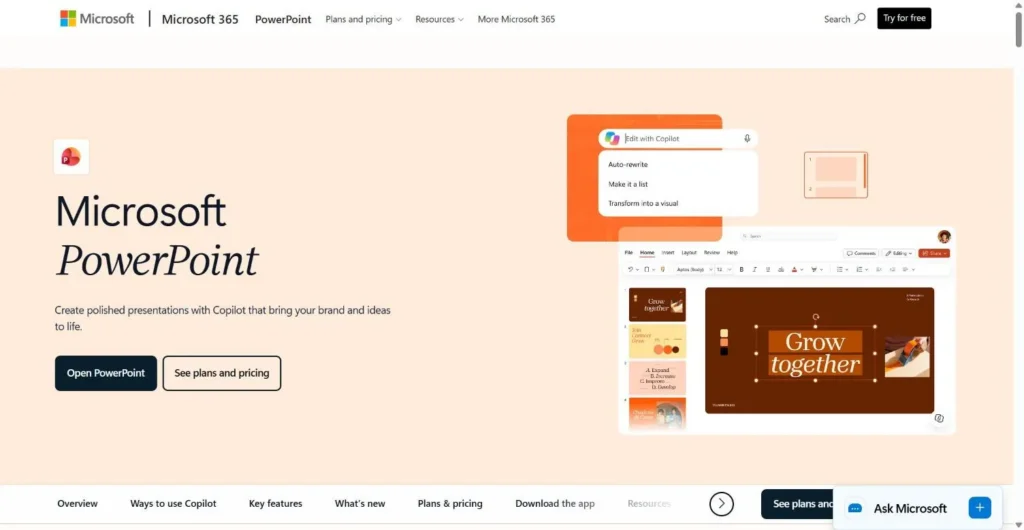
Its biggest advantage is access. Copilot is included in Microsoft 365 Personal ($99.99 a year) and Family ($129.99 a year), with usage metered in AI credits (Microsoft 365 plans, retrieved 2026-11-26). Business users can add Microsoft 365 Copilot Business at a $21 per user per month list price (Microsoft Copilot for business pricing, retrieved 2026-11-26).
The limits come from Microsoft’s own FAQ. Consumer accounts can create a deck from a single Word file, while creating from a PDF needs a work account. Answers are best in English. Microsoft also warns that Copilot “can’t understand meaning or evaluate accuracy,” so every deck needs a fact check (Microsoft Support: Copilot in PowerPoint FAQ, retrieved 2026-11-26).
| Pros of Copilot | Cons of Copilot |
|---|---|
| Built into PowerPoint; nothing to install | PDF input requires a work account |
| Uses company templates and files in OneDrive and SharePoint | No Google Slides support |
| Included in many Microsoft 365 plans | Works best in English; per-prompt word limit |
Should you switch from SlidesAI to Copilot? If your company already pays for Microsoft 365 Copilot, try it first. For a wider look at PowerPoint AI options, see AI for PowerPoint in 2026.
How to choose the best SlidesAI alternative
Start with where your finished deck has to live, then match the tool to your source material.
- Your final file is PowerPoint. Choose Twistly, SlideSpeak or Copilot. Twistly adds a review step plus AI text editing, slide redesign and speaker notes after the first draft. You can use it in the browser and download the file, so you don’t need PowerPoint installed.
- You work in Google Slides. Choose Plus AI or MagicSlides, which run inside Slides.
- You present from a link. Gamma is designed for browser-first presentations.
- Brand consistency matters most. Beautiful.ai’s locked themes or Twistly’s uploaded templates keep decks on brand.
- You build from long documents. Check the file limits: Twistly accepts files up to 300 MB, and SlideSpeak’s free plan caps files at 50 MB.
- You are on a tight budget. Canva, Gamma, SlideSpeak and Twistly all have free tiers. On annual billing, Twistly Starter ($57.60 a year) and MagicSlides Essential ($80 a year) are the cheapest paid plans here.
A quick test helps more than any feature list: run the same source document through two or three shortlisted tools and compare how much you would have to fix before presenting.
Frequently asked questions
Is there a free alternative to SlidesAI?
Yes. Twistly’s free plan includes 3 presentations of up to 7 slides with no card needed. Gamma gives 400 credits at signup, SlideSpeak gives 100 credits (about 3 decks), and Canva has a free plan with limited AI use. Beautiful.ai has no free plan.
Does SlidesAI work with PowerPoint?
Yes. SlidesAI now has a PowerPoint add-in as well as its Google Slides add-on, web app and custom GPT in ChatGPT. The PowerPoint add-in had 49 ratings on Microsoft Marketplace as of November 26, 2026, compared with 2,385 for the Google Slides version.
Which SlidesAI alternative is best for Google Slides?
Plus AI and MagicSlides both run inside Google Slides. Plus AI has stronger editing and remix tools. MagicSlides accepts more input types, including YouTube videos and URLs, and is cheaper.
Which SlidesAI alternative is best for long documents?
Twistly accepts PDF, Word, PowerPoint, Excel, TXT and HTML files up to 300 MB on every plan, and builds up to 50 slides per deck on Pro (Twistly docs, retrieved 2026-11-26). SlideSpeak is also built for document-to-deck work.
Outgrown SlidesAI? Build your next deck from the documents you already have.
Upload a PDF, Word file or old deck to Twistly Online and download a finished, editable PowerPoint presentation, with no install needed.
Conclusion
SlidesAI is a solid entry-level tool, especially for short decks in Google Slides. As your presentations get longer, more data-heavy or more brand-sensitive, a different tool usually fits better. Plus AI and MagicSlides are the natural swaps for Google Slides users, Gamma for web-first presenters, Beautiful.ai and Canva for design-led teams, and Copilot for companies standardized on Microsoft 365. If you want a finished, editable PowerPoint deck built from your own documents, start with Twistly.
Sources
All sources retrieved November 26, 2026.
- SlidesAI: homepage, pricing, Google Workspace Marketplace listing, Microsoft Marketplace listing
- Twistly: pricing, docs: From Text or a File, docs: Plans, docs: Free Plan & Credits, docs: Review & Edit, docs: Upload Your Template
- Gamma: pricing, help: Importing, help: Exporting
- Beautiful.ai: homepage, pricing
- Canva: pricing, help: AI Pass
- Plus AI: homepage, pricing, Google Workspace Marketplace listing
- MagicSlides: homepage, pricing
- SlideSpeak: homepage, pricing
- Microsoft: Copilot in PowerPoint FAQ, Microsoft 365 plans, Copilot for business pricing
Screenshots of each official website were taken by the Twistly team on November 26, 2026.








Start Making AI Presentations in Seconds
Instant Access
Begin exploring Twistly’s full suite of features immediately
No Commitments
No credit card required, and you can cancel anytime
Dedicated Support
Our team is here to assist you every step of the way during your trial.