Travel PowerPoint Template
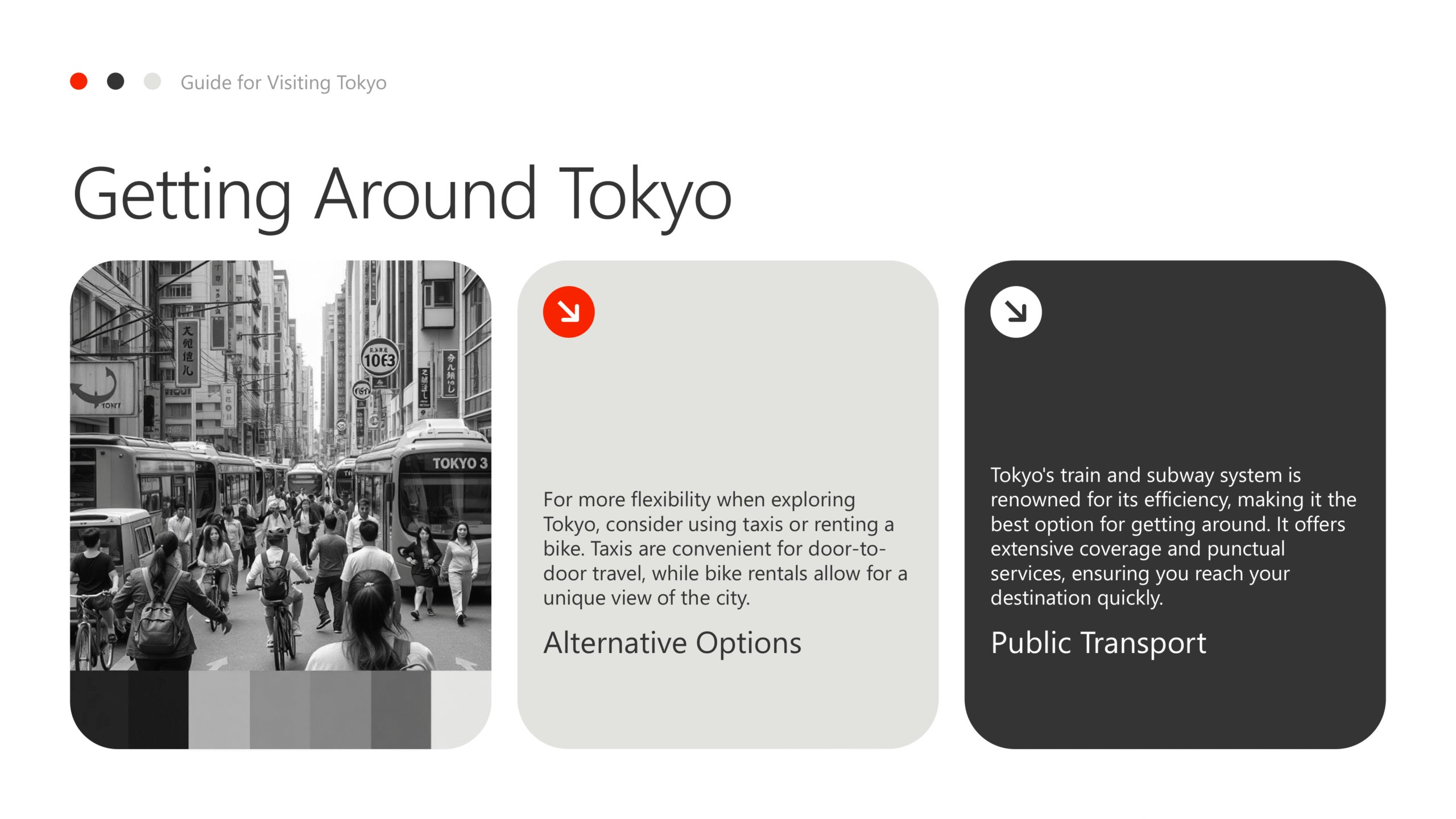
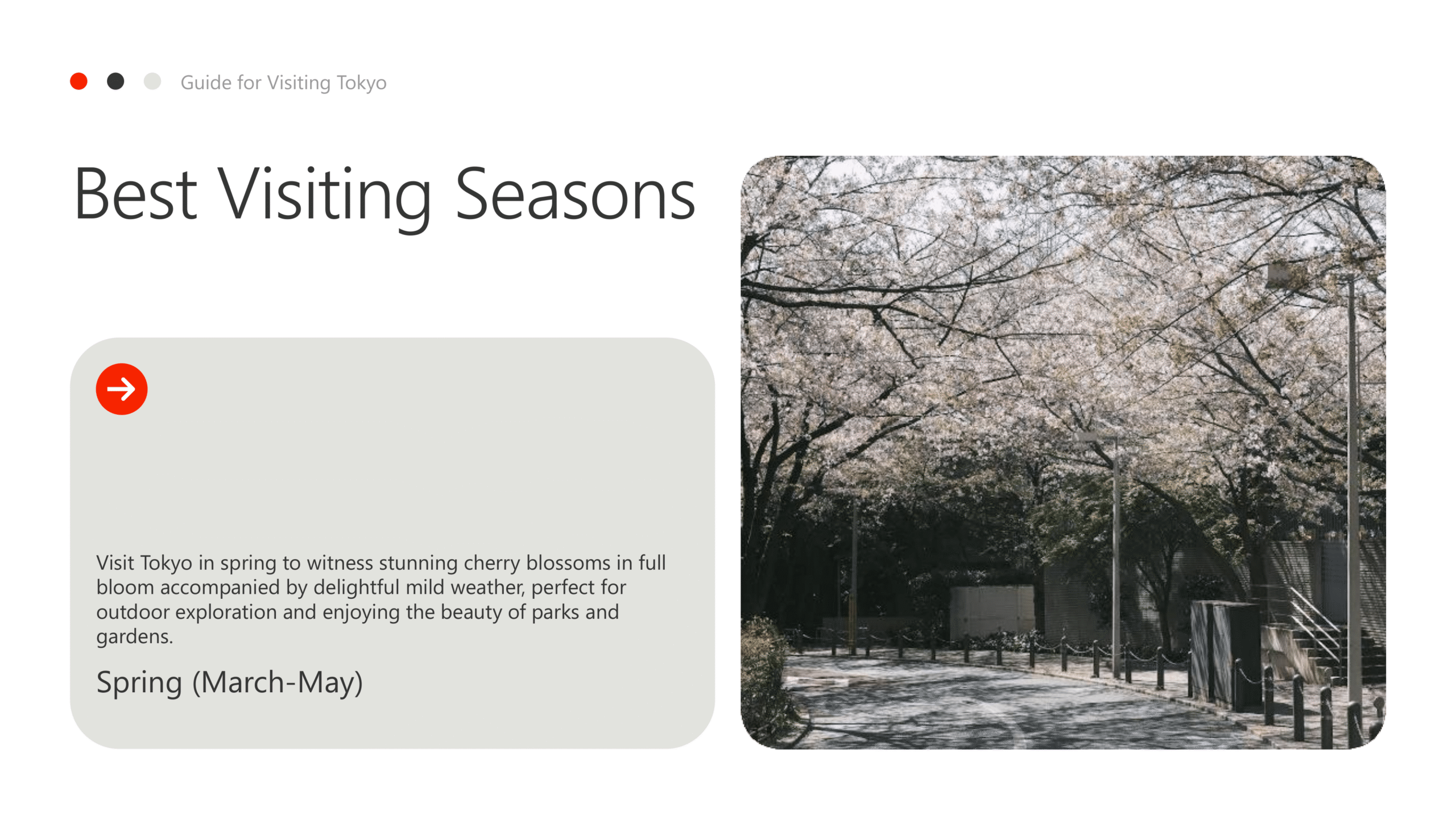
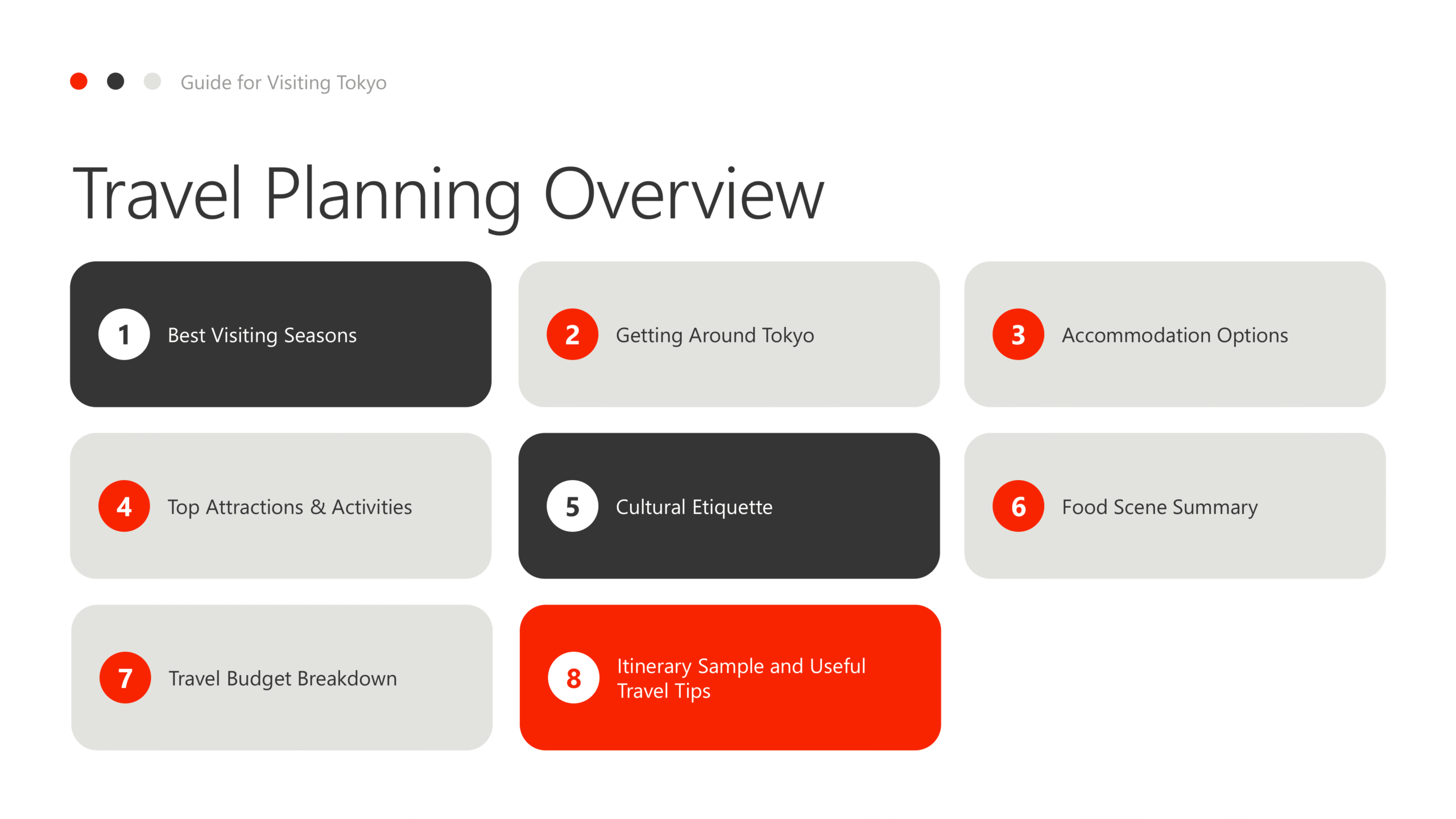
Travel PowerPoint template with vibrant layouts suited for tourism, itineraries, or destination presentations.
The Travel PowerPoint template is designed with vibrant visuals and engaging layouts to showcase destinations, itineraries, and tourism experiences. Perfect for agencies, bloggers, or educators, it combines professional structure with colorful appeal. Whether for trip planning, cultural lessons, or promotional events, this template ensures your content is both clear and captivating. Easy to adapt and styled consistently, it’s a versatile choice for travel presentations.
Features:
- Fully editable and customizable
- Multiple layouts for itineraries or destinations
- Bright and engaging travel visuals
- Export ready for PPT
- Professional fonts and design
- Great for tourism, education, or events
- Full commercial license included

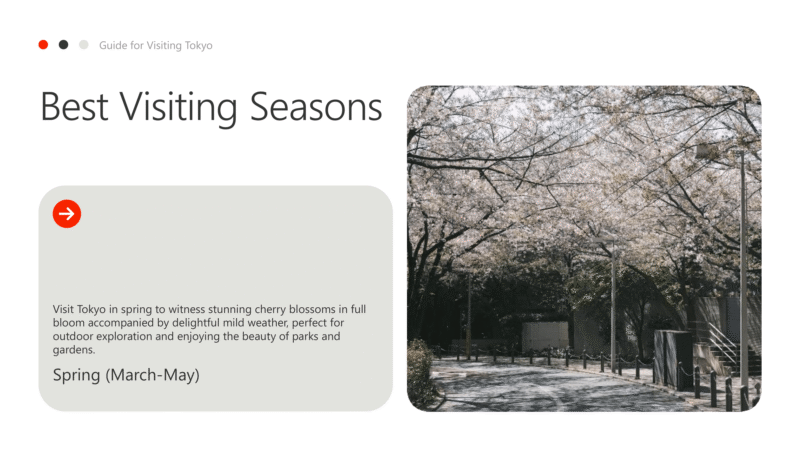
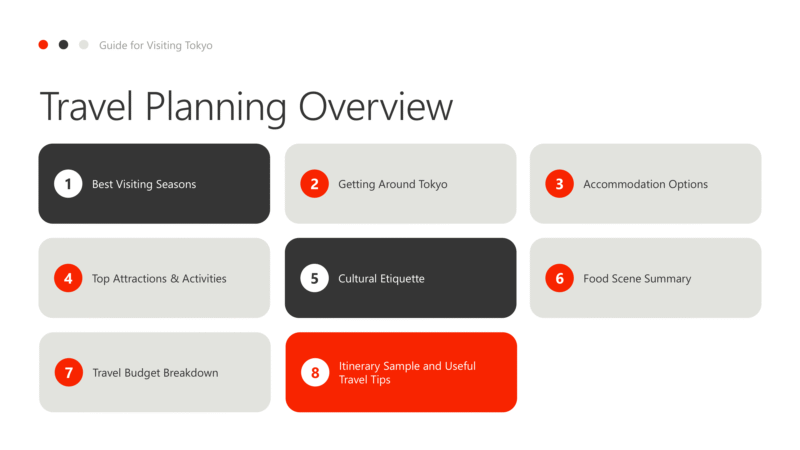
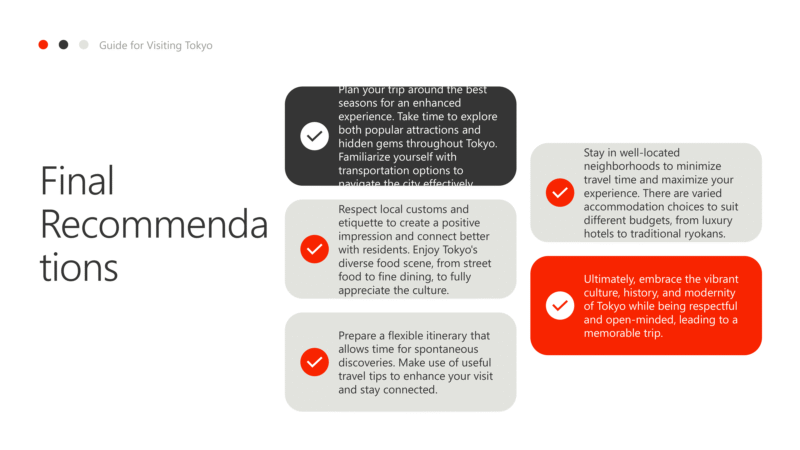
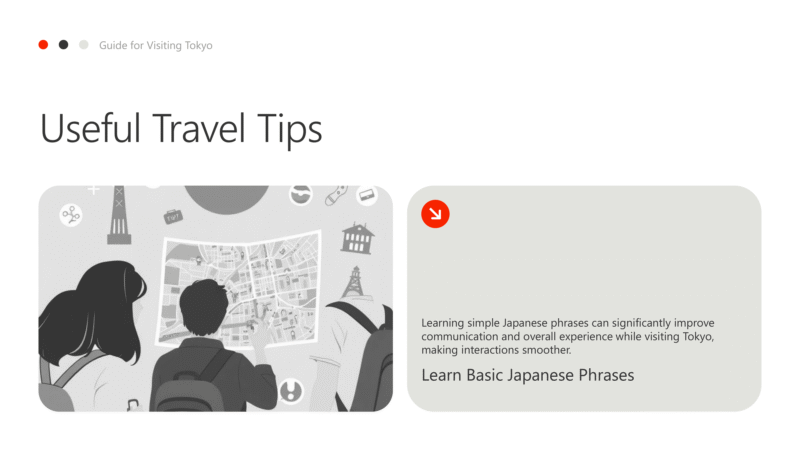
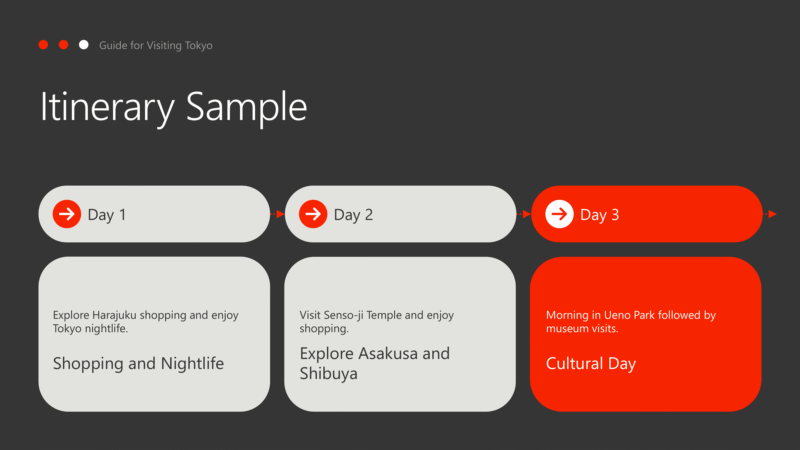
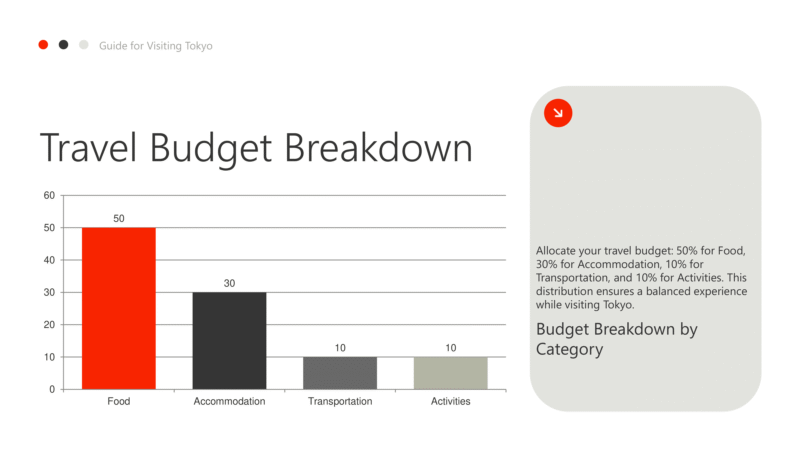
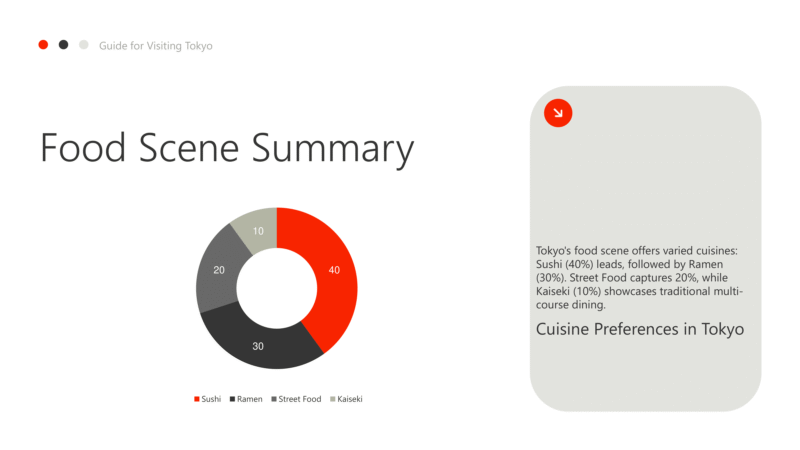
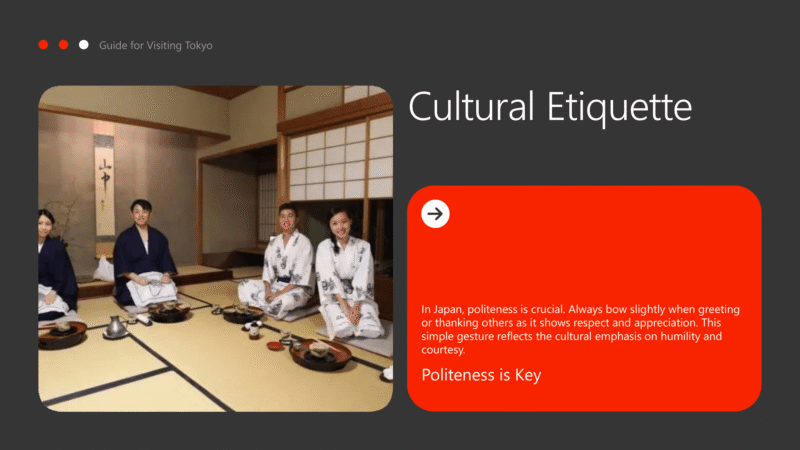


The Travel PowerPoint template is designed with vibrant visuals and engaging layouts to showcase destinations, itineraries, and tourism experiences. Perfect for agencies, bloggers, or educators, it combines professional structure with colorful appeal. Whether for trip planning, cultural lessons, or promotional events, this template ensures your content is both clear and captivating. Easy to adapt and styled consistently, it’s a versatile choice for travel presentations.
Features:
- Fully editable and customizable
- Multiple layouts for itineraries or destinations
- Bright and engaging travel visuals
- Export ready for PPT
- Professional fonts and design
- Great for tourism, education, or events
- Full commercial license included
How to Get Started
1
Click “Use this Template”
Click the “Use this Template” button. The Twistly add-in will automatically launch inside PowerPoint.
2
Provide Your Content
Enter your presentation topic or upload the text or file you want to transform into slides.
3
Choose the Right Template
Select the template that best fits your needs from the templates gallery, then click Generate.
4
Get your Slides in Seconds
Your beautiful, professionally designed slides are instantly ready, perfectly tailored to your topic and the template you selected.
Watch How It Works
See how to use this template in PowerPoint