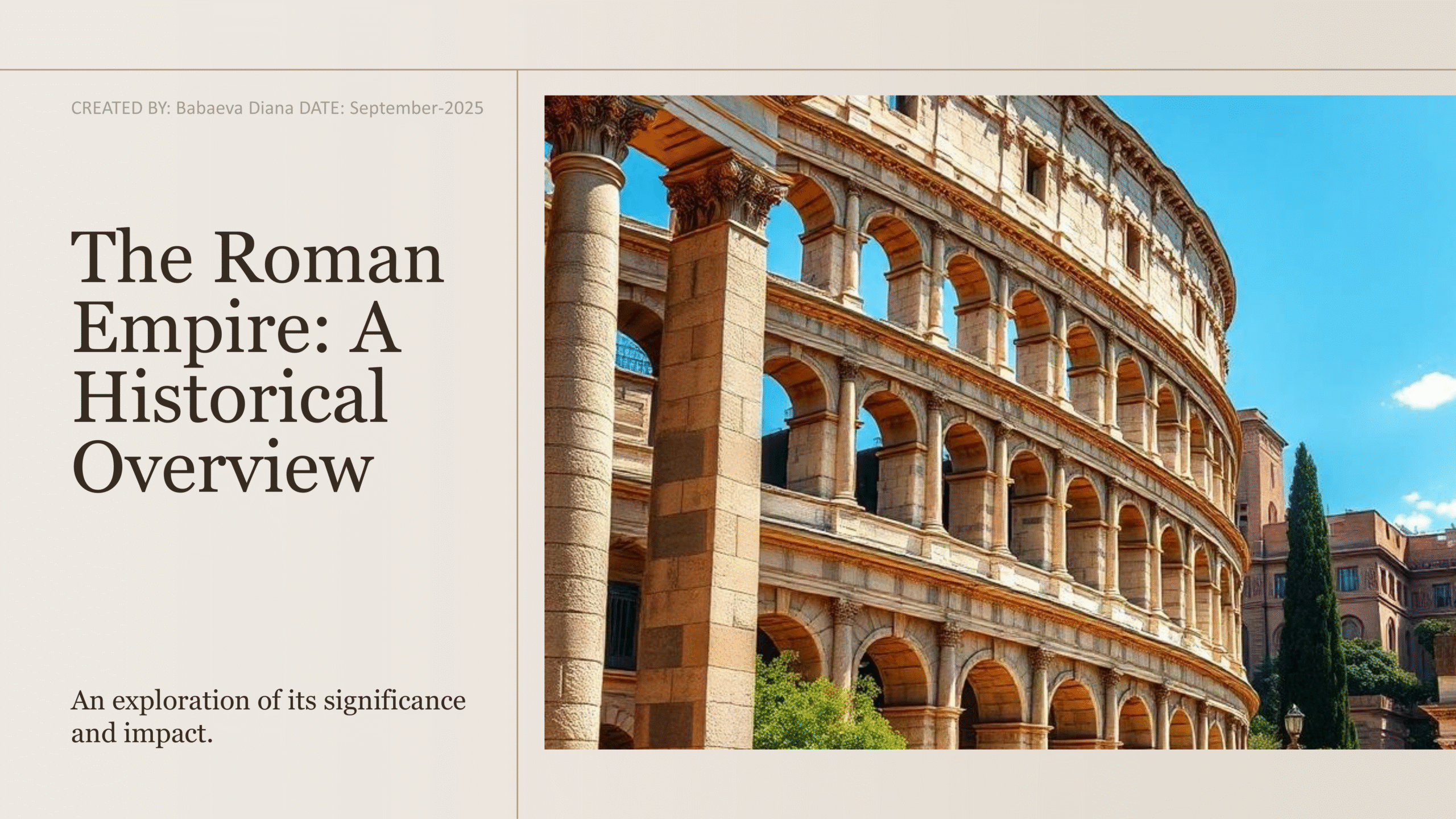
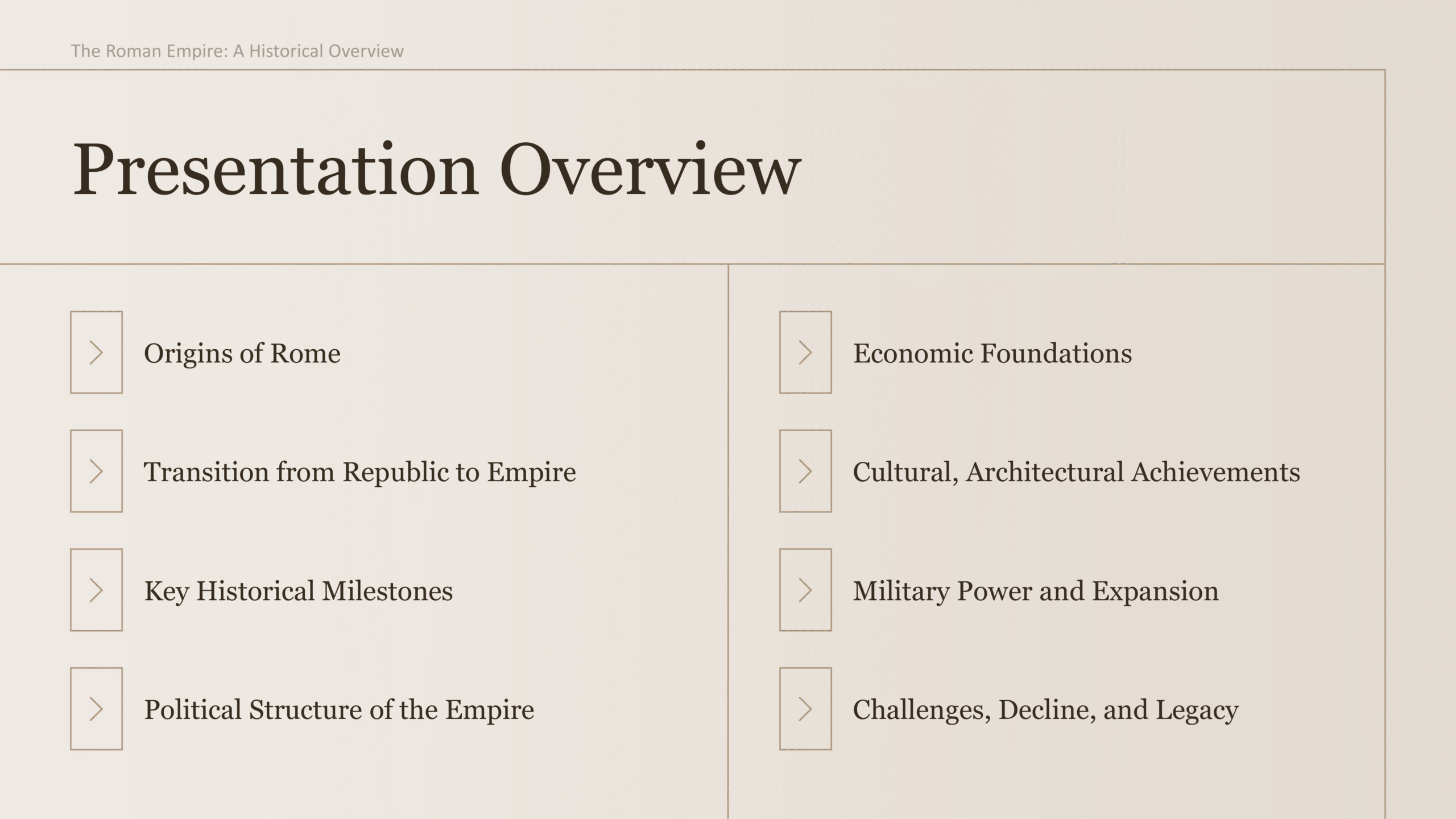
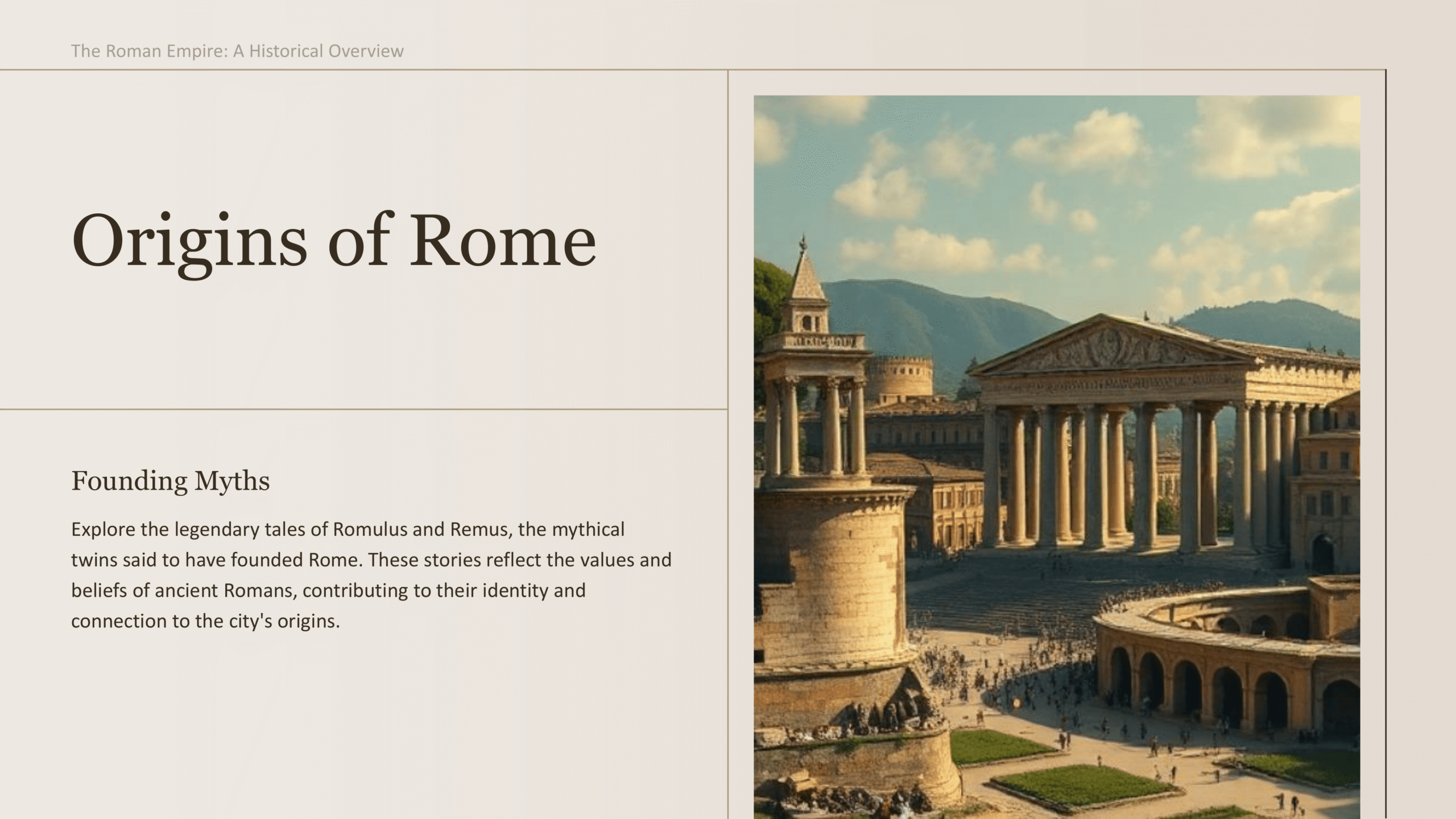
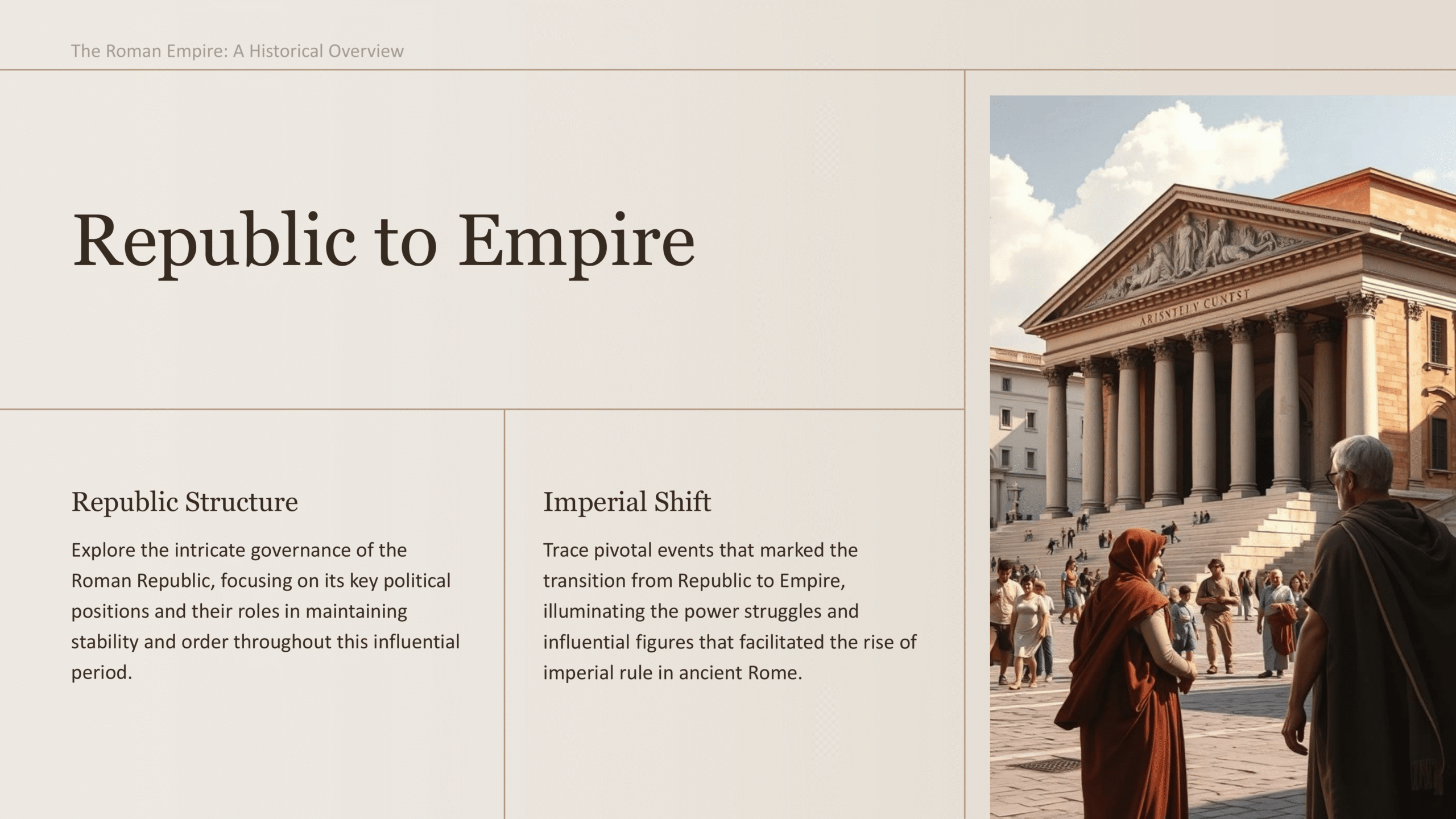
History PowerPoint Template
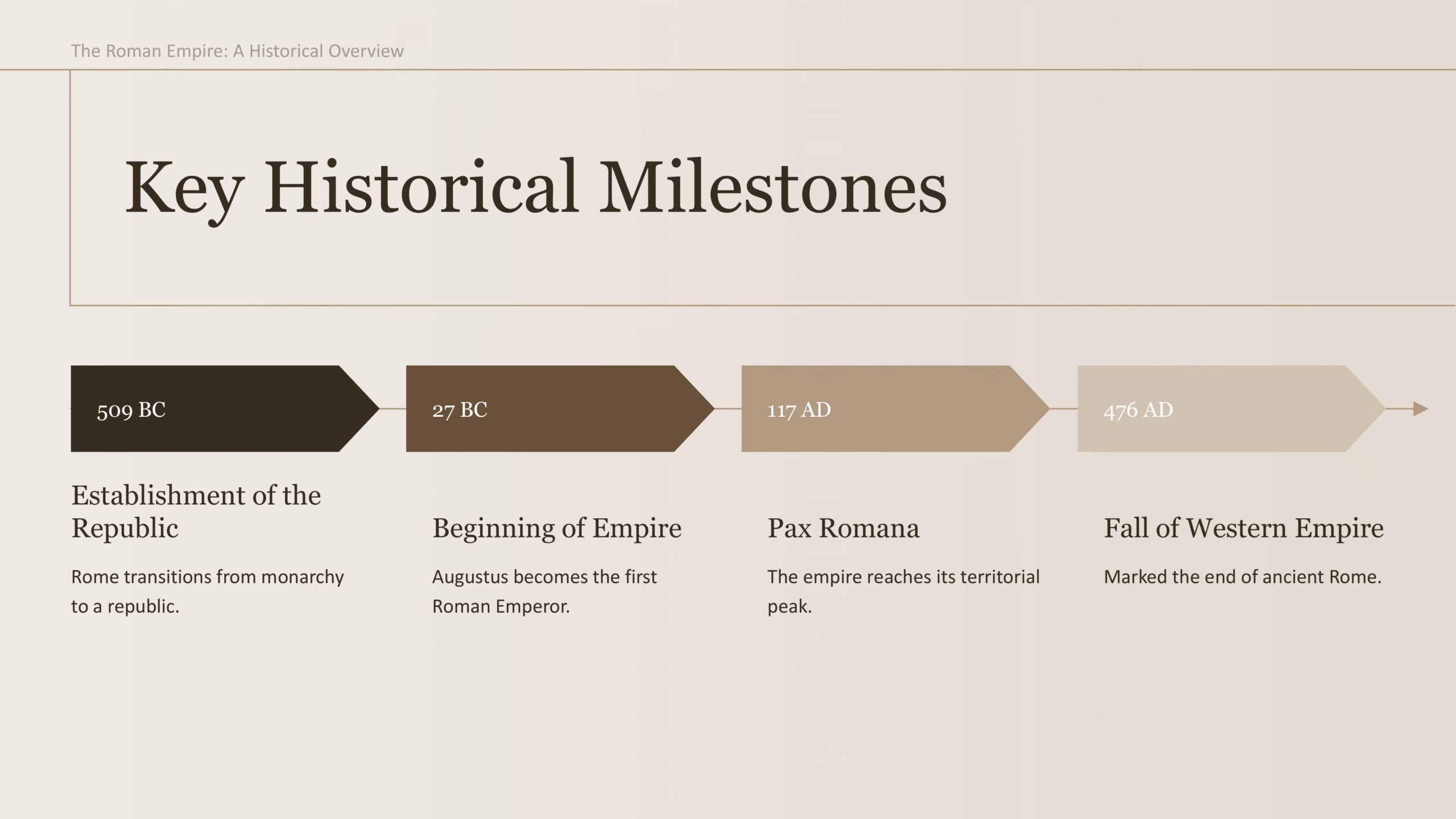
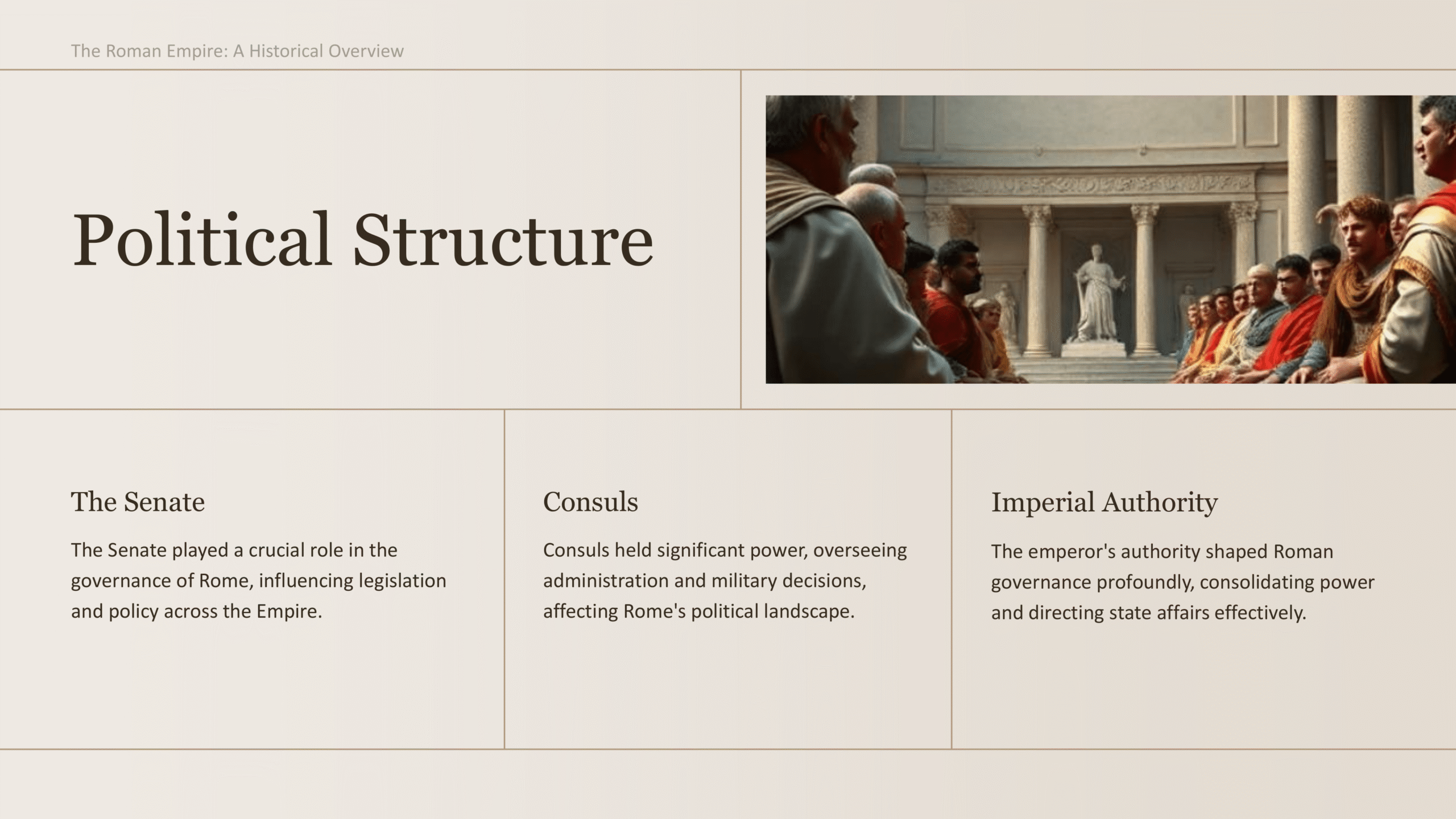
History PowerPoint template with classic layouts suited for lectures, timelines, or academic presentations.
The History PowerPoint template is designed to present timelines, historical events, and educational content with clarity and professionalism. Featuring classic layouts and well-structured slides, it helps you create compelling lectures, school projects, or research presentations. With its balance of academic styling and visual appeal, this template ensures your audience can easily follow along while staying engaged. Fully customizable and consistent across slides, it’s an excellent choice for teachers, students, and history enthusiasts alike.
Features:
- Fully editable and customizable
- Multiple layouts for lessons or research
- Consistent academic styling
- Export ready for PPT
- Professional fonts and visuals
- Ideal for schools, universities, or educational talks
- Full commercial license included
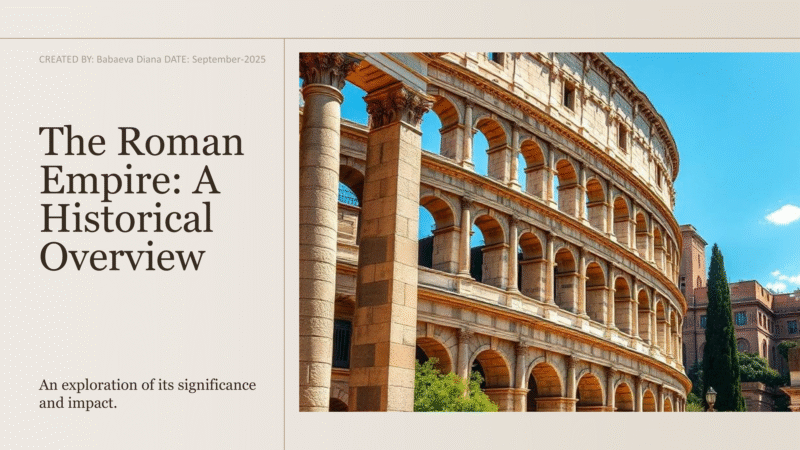
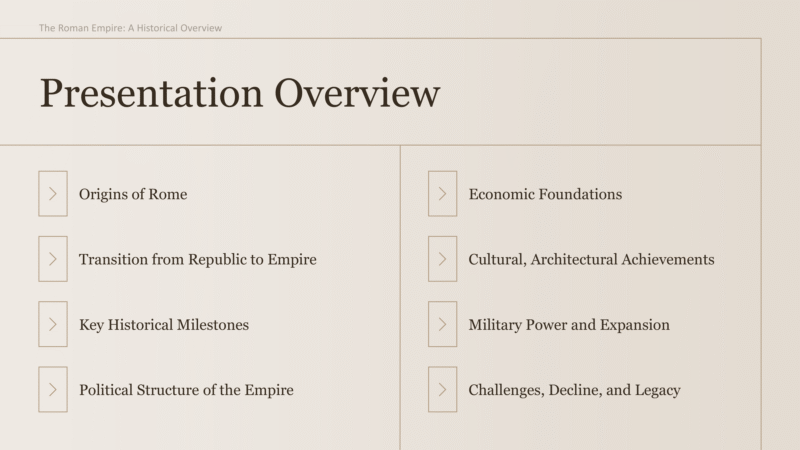
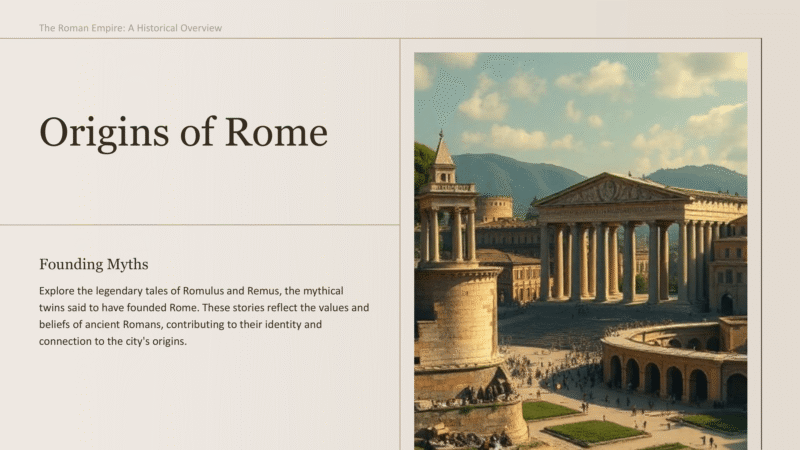
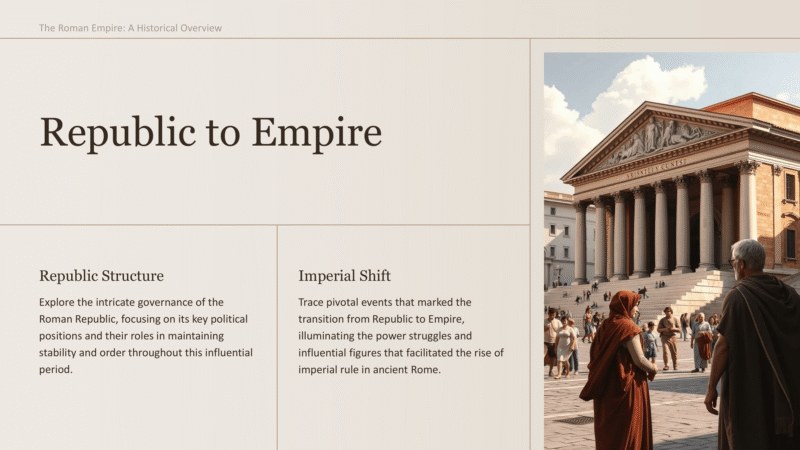
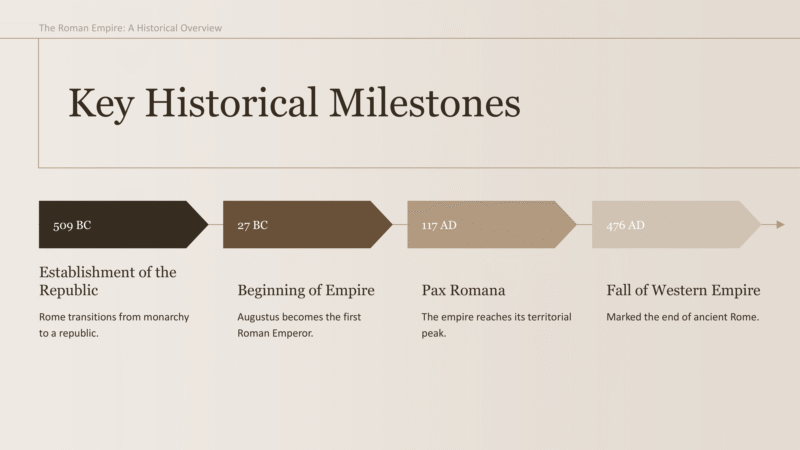
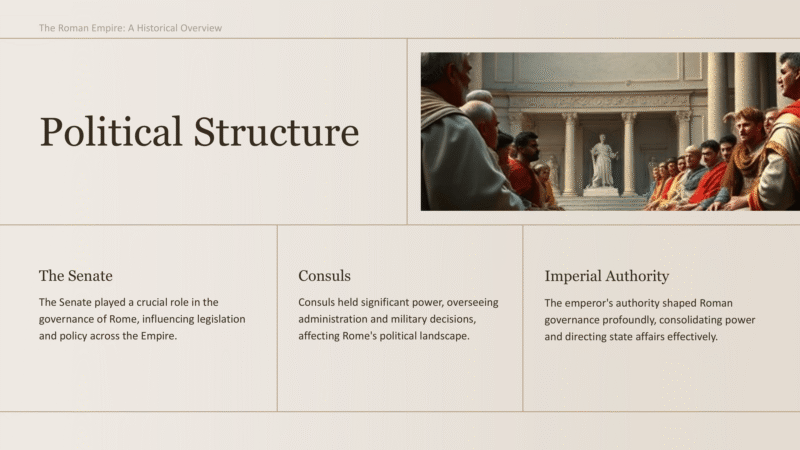
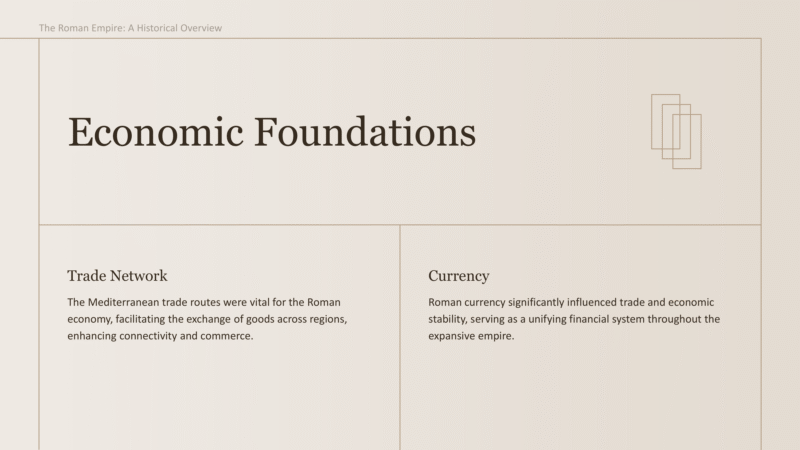
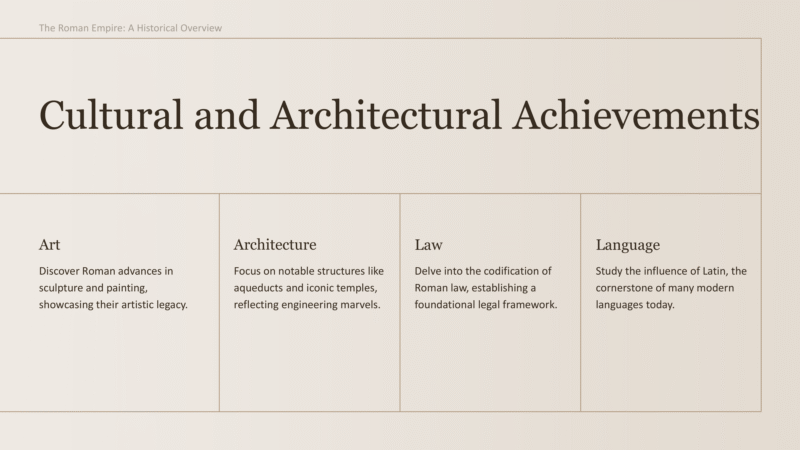


The History PowerPoint template is designed to present timelines, historical events, and educational content with clarity and professionalism. Featuring classic layouts and well-structured slides, it helps you create compelling lectures, school projects, or research presentations. With its balance of academic styling and visual appeal, this template ensures your audience can easily follow along while staying engaged. Fully customizable and consistent across slides, it’s an excellent choice for teachers, students, and history enthusiasts alike.
Features:
- Fully editable and customizable
- Multiple layouts for lessons or research
- Consistent academic styling
- Export ready for PPT
- Professional fonts and visuals
- Ideal for schools, universities, or educational talks
- Full commercial license included
How to Get Started
1
Click “Use this Template”
Click the “Use this Template” button. The Twistly add-in will automatically launch inside PowerPoint.
2
Provide Your Content
Enter your presentation topic or upload the text or file you want to transform into slides.
3
Choose the Right Template
Select the template that best fits your needs from the templates gallery, then click Generate.
4
Get your Slides in Seconds
Your beautiful, professionally designed slides are instantly ready, perfectly tailored to your topic and the template you selected.
Watch How It Works
See how to use this template in PowerPoint