Air Force PowerPoint Template
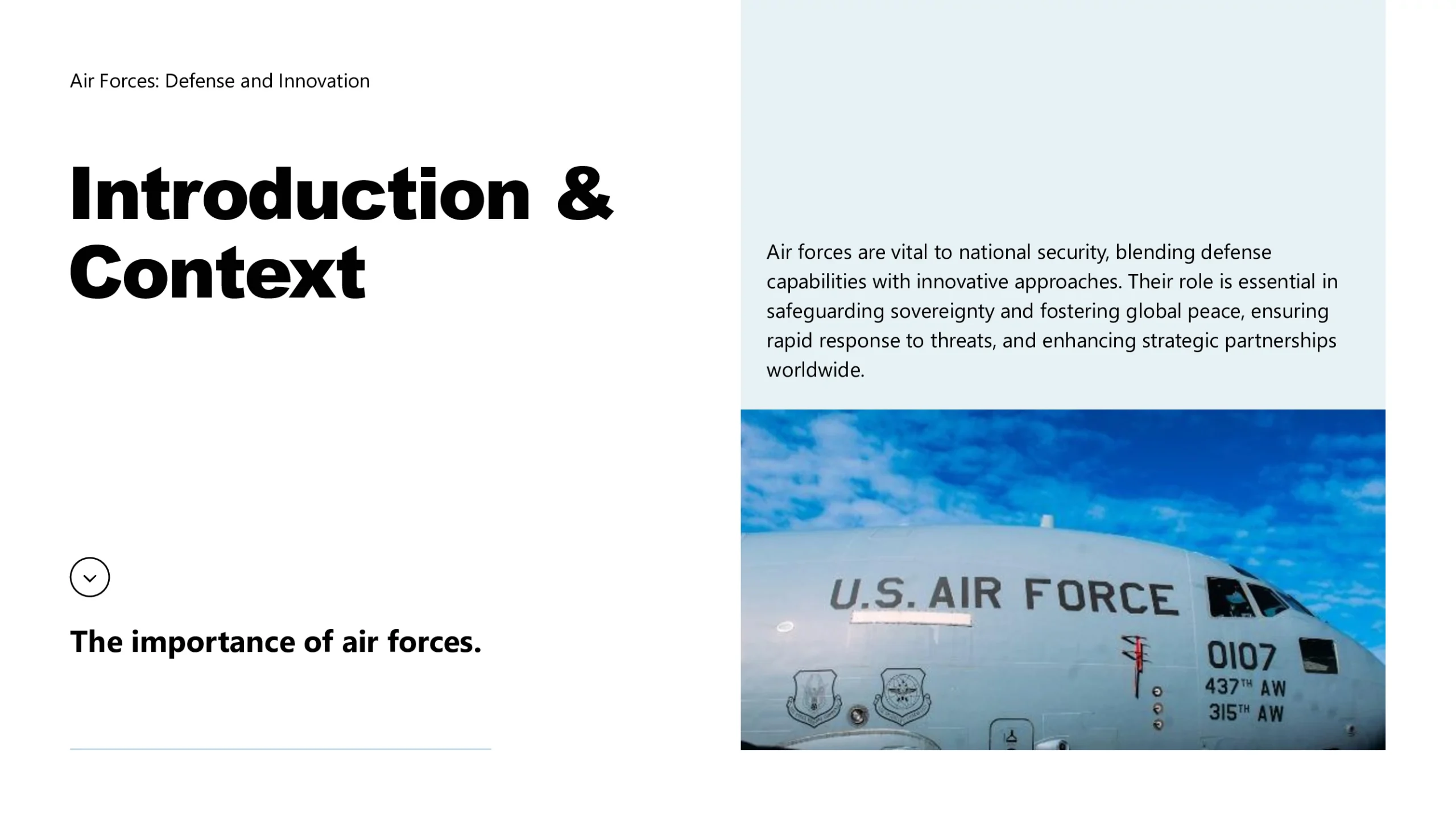
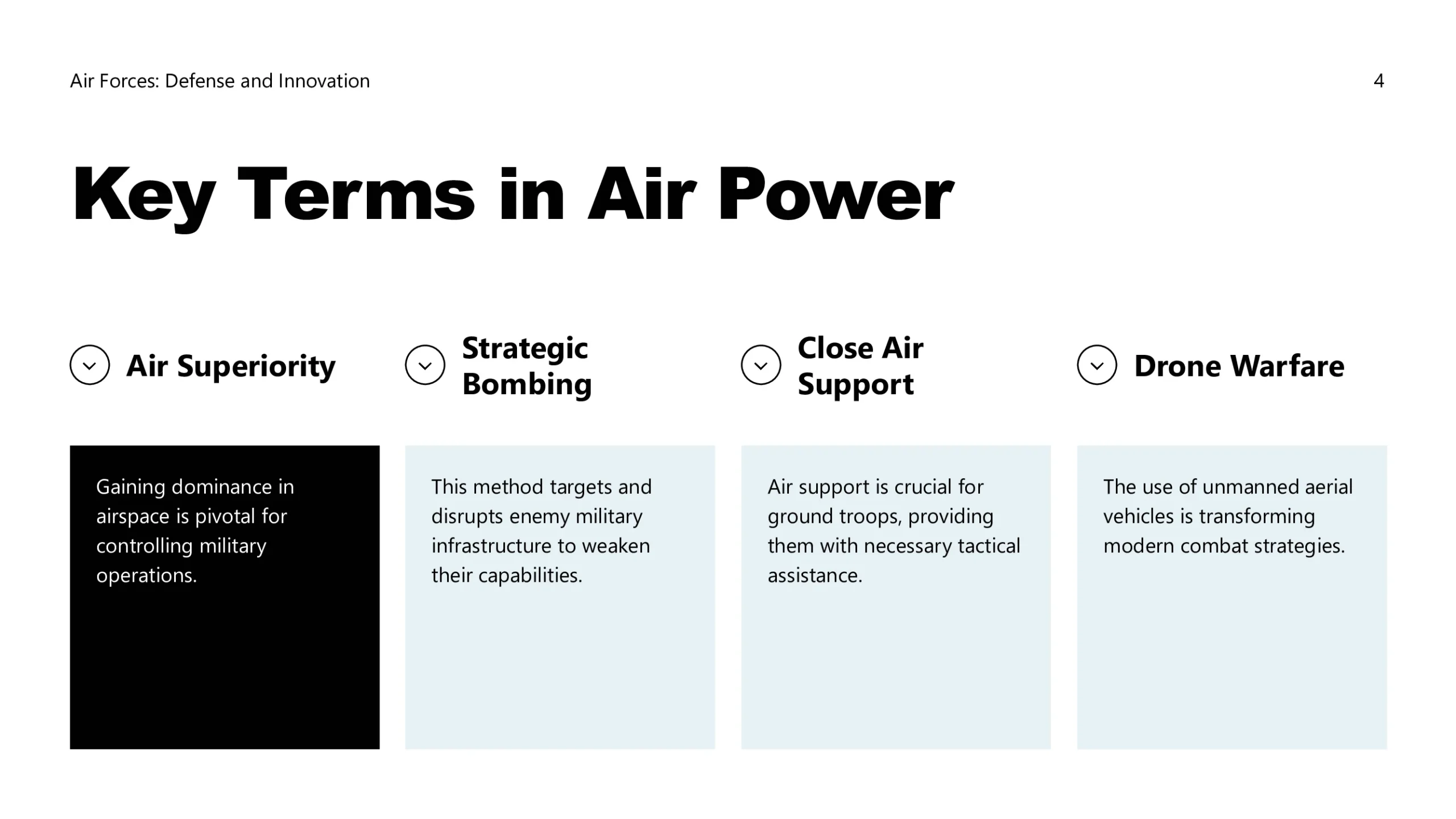
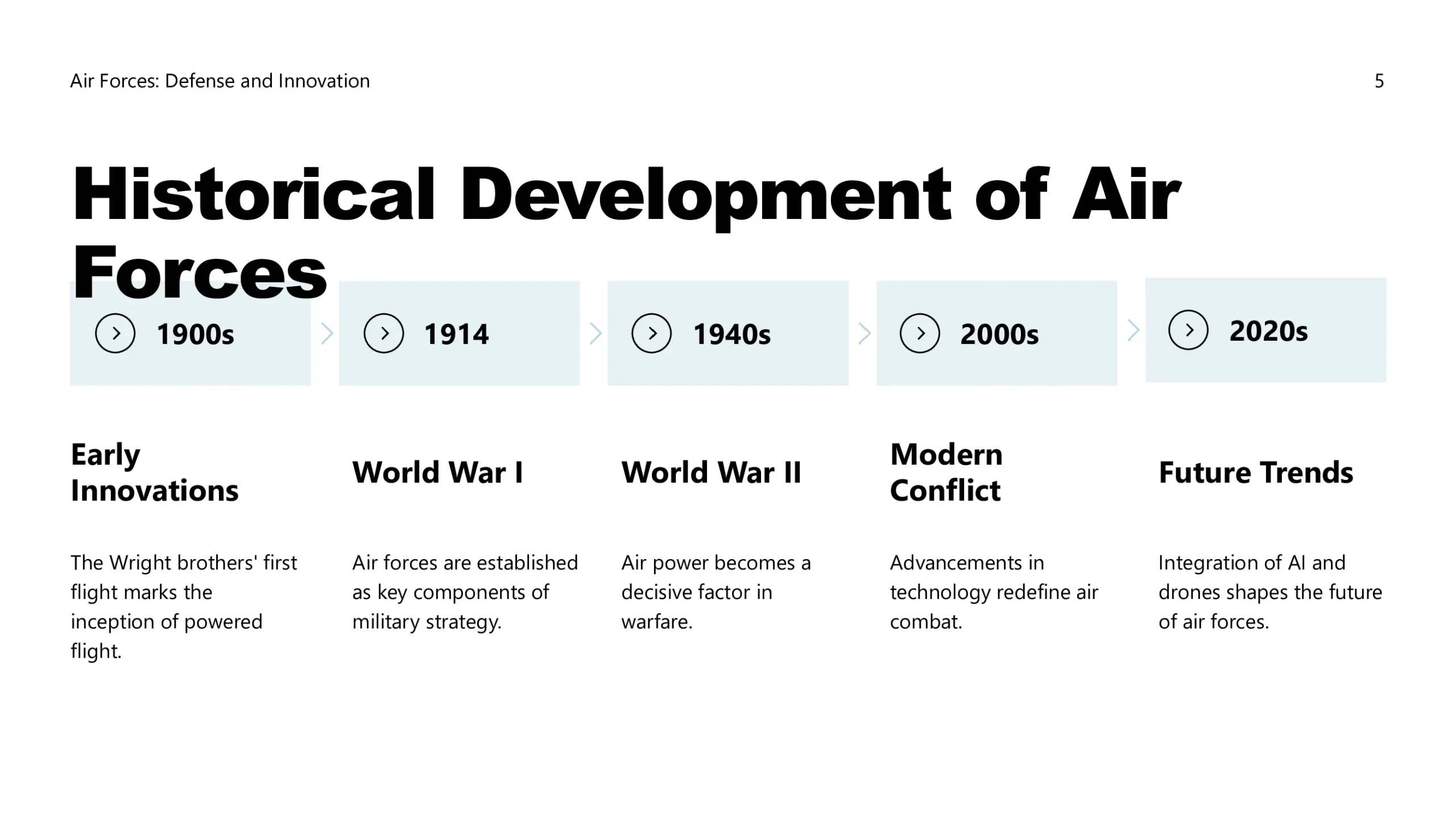
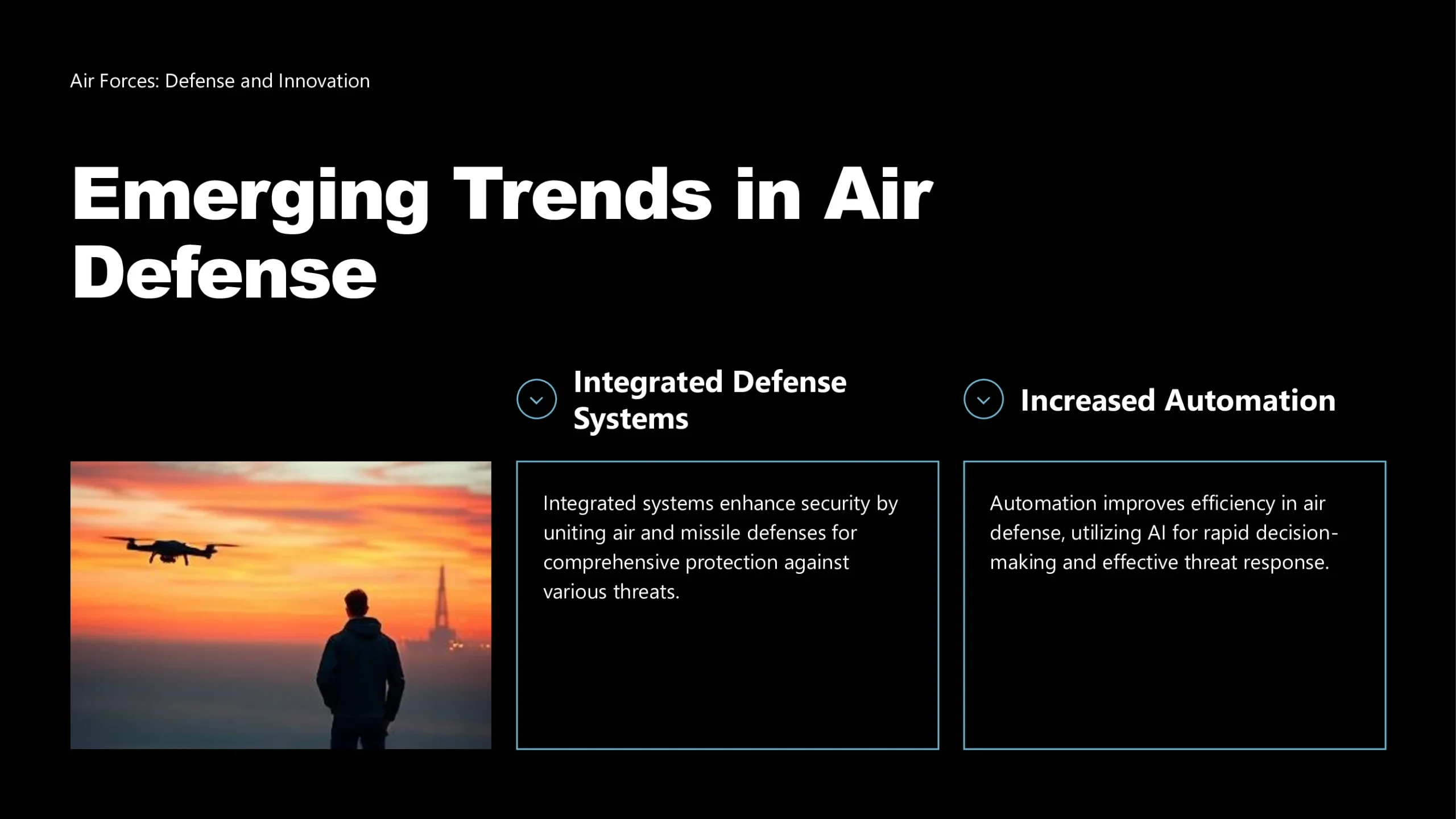
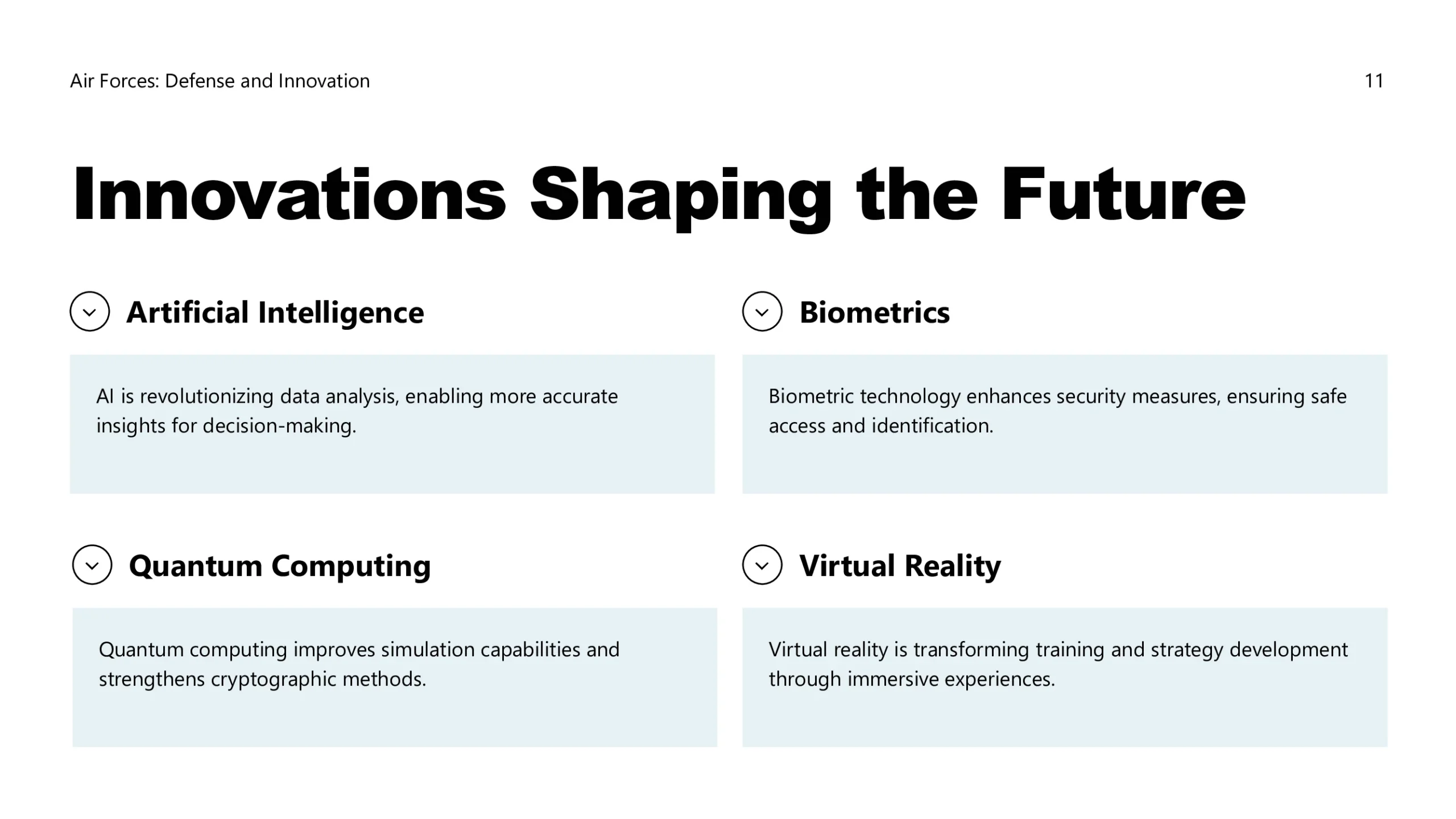
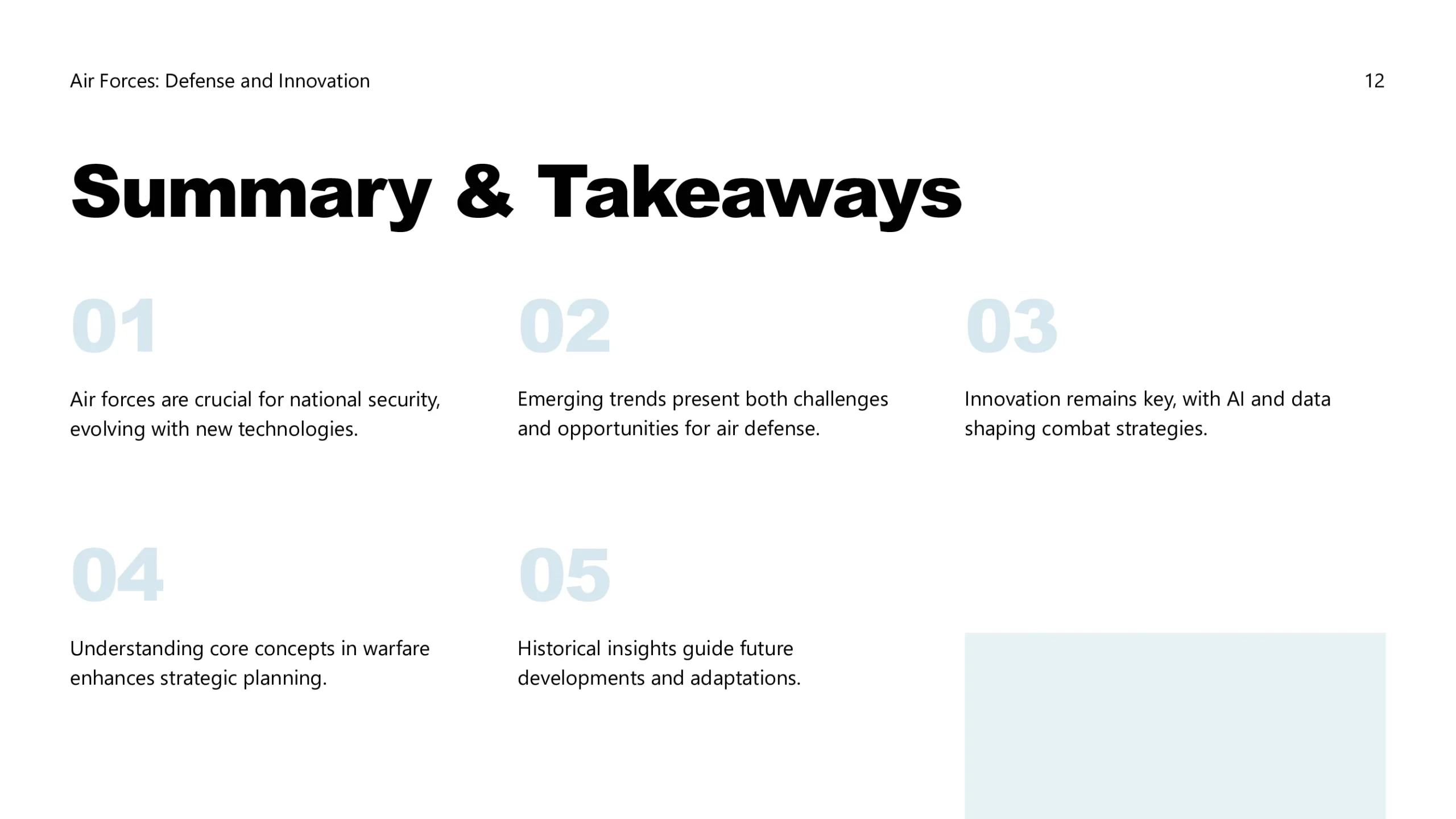
Air Force PowerPoint template with modern layouts designed for aviation, aerospace, or defense strategy presentations.
The Air Force PowerPoint template is crafted to support professional presentations in aviation, aerospace, or defense strategy. With clean visuals and structured layouts, it enables you to present flight operations, strategic plans, or training material with confidence and clarity. Whether used in academic, corporate, or military contexts, the design ensures your message is impactful and visually consistent. Easy to customize and styled for professionalism, this template provides a reliable framework for high-quality presentations.
Features:
- Fully editable and easy to modify
- Versatile slide layouts for different uses
- Consistent and modern styling
- Export ready for PPT
- Professional typography and visuals
- Tailored for aviation, aerospace, or defense topics
- Full commercial license included


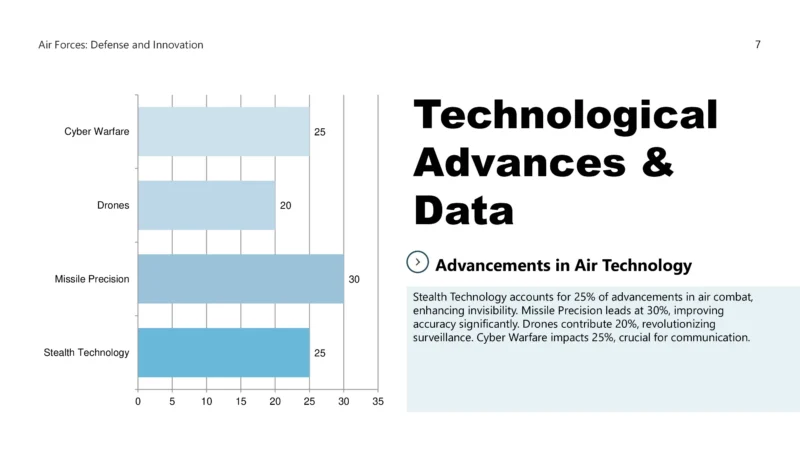


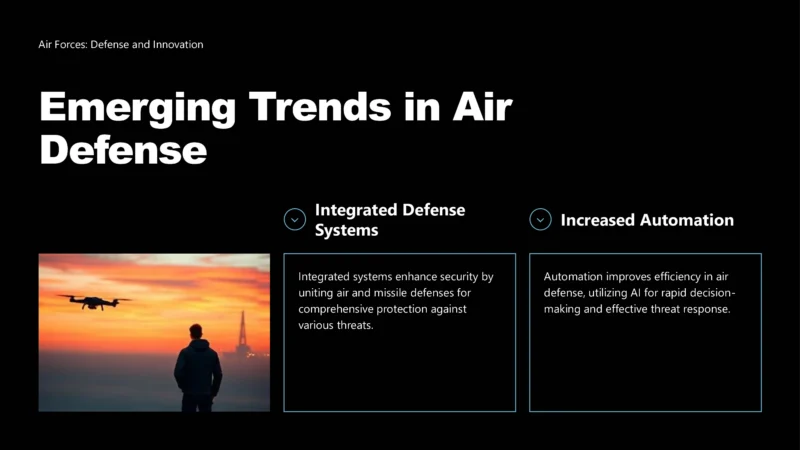

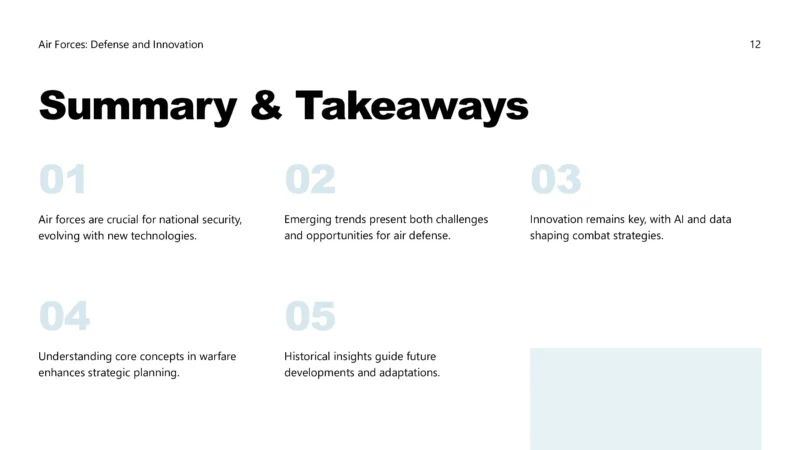


The Air Force PowerPoint template is crafted to support professional presentations in aviation, aerospace, or defense strategy. With clean visuals and structured layouts, it enables you to present flight operations, strategic plans, or training material with confidence and clarity. Whether used in academic, corporate, or military contexts, the design ensures your message is impactful and visually consistent. Easy to customize and styled for professionalism, this template provides a reliable framework for high-quality presentations.
Features:
- Fully editable and easy to modify
- Versatile slide layouts for different uses
- Consistent and modern styling
- Export ready for PPT
- Professional typography and visuals
- Tailored for aviation, aerospace, or defense topics
- Full commercial license included
How to Get Started
1
Click “Use this Template”
Click the “Use this Template” button. The Twistly add-in will automatically launch inside PowerPoint.
2
Provide Your Content
Enter your presentation topic or upload the text or file you want to transform into slides.
3
Choose the Right Template
Select the template that best fits your needs from the templates gallery, then click Generate.
4
Get your Slides in Seconds
Your beautiful, professionally designed slides are instantly ready, perfectly tailored to your topic and the template you selected.
Watch How It Works
See how to use this template in PowerPoint