


Home › Integrations
Editable PowerPoint decks from the tools you already use
Ask Claude or ChatGPT, automate with Zapier, or call the API. Every route returns a native .pptx you open and edit in PowerPoint, not a picture of slides.
3 free presentations, no card. Zapier app in Beta. API on Pro and Team plans.
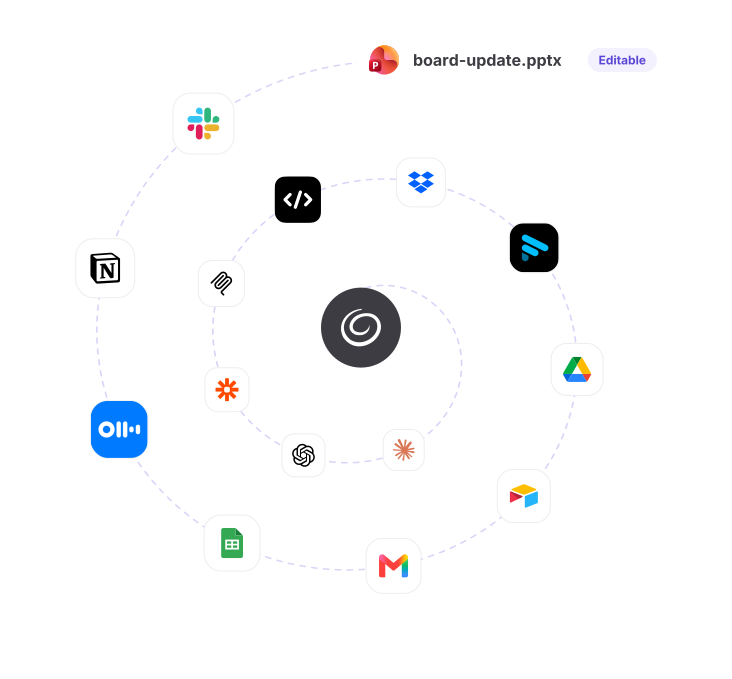
Same output
Every Route, the Same Deck
Four ways in, one file out — same engine, same templates, same quality. What changes is who starts the job.
One account

One Login, Every Route
Same email in Claude, ChatGPT, Zapier, the API and the add-in — plan, credits and history carry over.
Generation time
30–90sec
From request to a permanent download link.
Slides per deck
1–50
Or Auto to fit the content.
Templates
51
In 80+ color themes.
Languages
38
Set when you ask for the deck.
Output
.pptxor PDF
A real PowerPoint file, not a picture of slides. Text, tables and charts stay editable, whichever route made it.
Three routes
Which one sounds like you?
Pick a route and the list below filters to match.
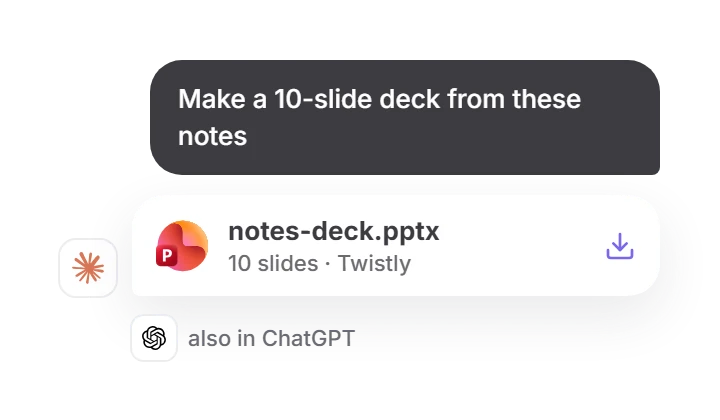
I use Claude or ChatGPT
Ask for a deck in the chat. Twistly sends back a download link to a real .pptx.
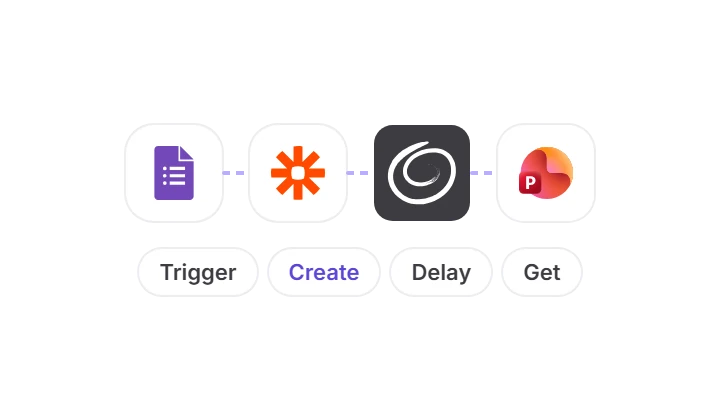
I automate with Zapier
Build a deck every time a form, row, file, meeting or Slack message comes in.
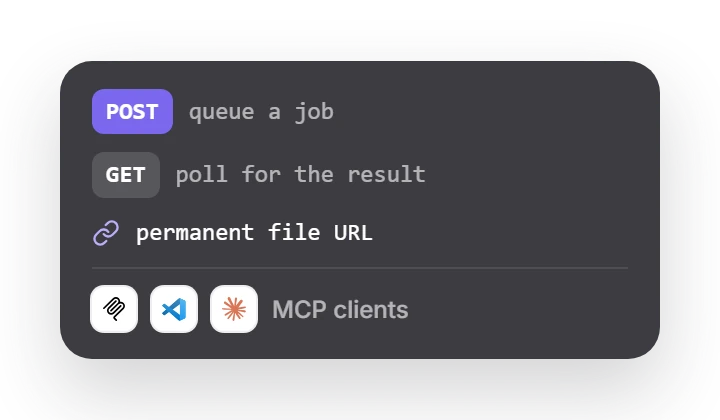
I’m a developer
Queue a job with one POST, poll for the result, get a permanent file URL. Or plug the MCP server into any client.
Zapier workflows
Popular automations
Each one comes with a Zap template, a real sample input and the deck it produced.



Directory
All Integrations
Every app that can start a Twistly deck. Search, or filter by route.






Compare
Compare the routes
Same generation engine, same templates and quality. What changes is who starts the job.
|
|
|
|
|
|---|---|---|---|
|
Best for |
One deck at a time, straight from a conversation |
A deck every time something happens in another app |
Decks inside your own product, pipeline or agent |
|
Setup |
Add the connector, sign in with Google, Microsoft or an email code |
Start from a template: trigger, Create, Delay, Get Presentation [VERIFY setup time] |
API key from Settings → API key in the add-in; MCP needs no key |
|
You need |
An assistant plan that allows connectors. Any Twistly plan, Free included |
A Zapier account; multi-step Zaps may need a paid Zapier plan [VERIFY] |
API: Pro or Team. MCP: any client with Streamable HTTP and OAuth |
|
You get |
.pptx or PDF, as a permanent link in the chat |
.pptx link passed to the next step: Drive, Gmail, Slack |
.pptx or PDF at a permanent URL in the job result |
|
Cost and limits |
Free and Starter: 20 credits per deck. Pro and Team: 100 decks a day |
[VERIFY: Twistly plan and credits used by the Zapier app] |
100 decks per 24 h, 60 create requests a minute. Failed jobs cost nothing |

How the output works
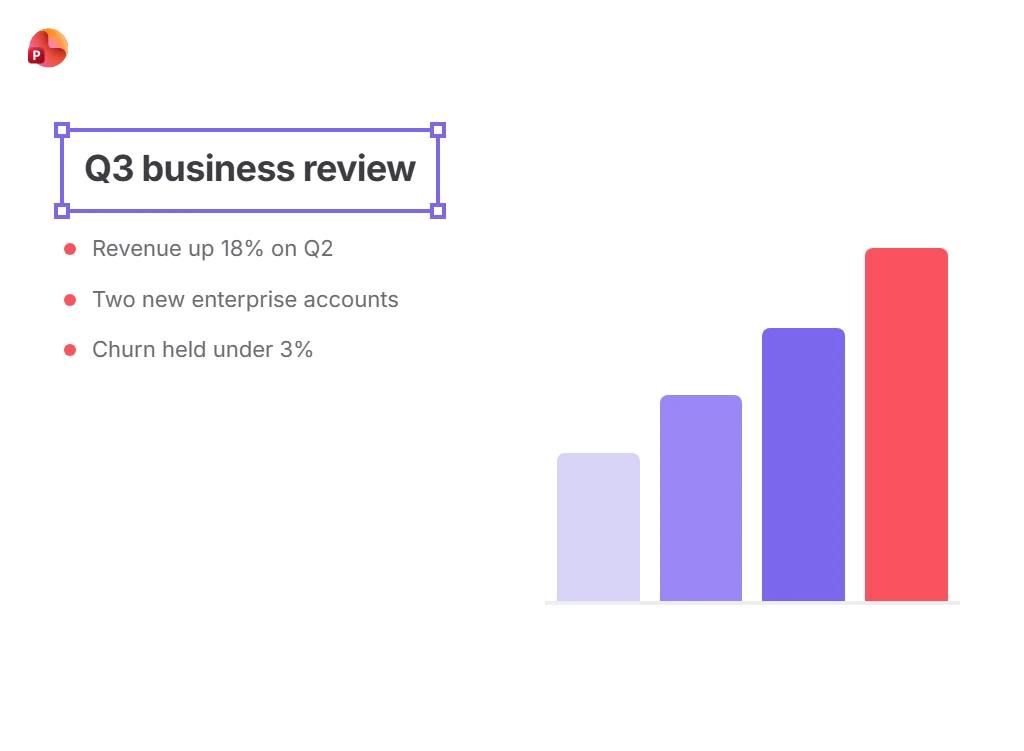
A real PowerPoint file, whichever route you take
Templates
Start from a Zap template
Each template already includes the Delay step, so the file is ready before the next action runs.

Fathom → Twistly → Gmail
Create Twistly presentations from new Fathom meeting summaries and email them via Gmail

Google Forms → Twistly → Gmail
Generate Twistly presentations from new Google Forms responses and email them via Gmail

Google Sheets → Twistly
Create Twistly presentations from new Google Sheets rows

Browse all templates here
See every Twistly Zap template, grouped by workflow.
Questions

Request an integration
We read every request and use them to decide what to build next.

Start with 3 free presentations
No card. Works in PowerPoint for Windows, Mac and the web, and in every tool above.