How to Delete a Text Box in PowerPoint
Text boxes in PowerPoint can be a useful tool or leave your slides looking messy if they’re not managed carefully….

Text boxes in PowerPoint can be a useful tool or leave your slides looking messy if they’re not managed carefully….
We’ve all been there… You’ve spent hours working on a PowerPoint presentation, and with just the click of a button,…
Let’s say you drop a killer image onto a slide, and it elevates your whole presentation. But then a voice…
While footers may not be necessary for every PowerPoint presentation, they can be extremely useful for some. For example, they are…
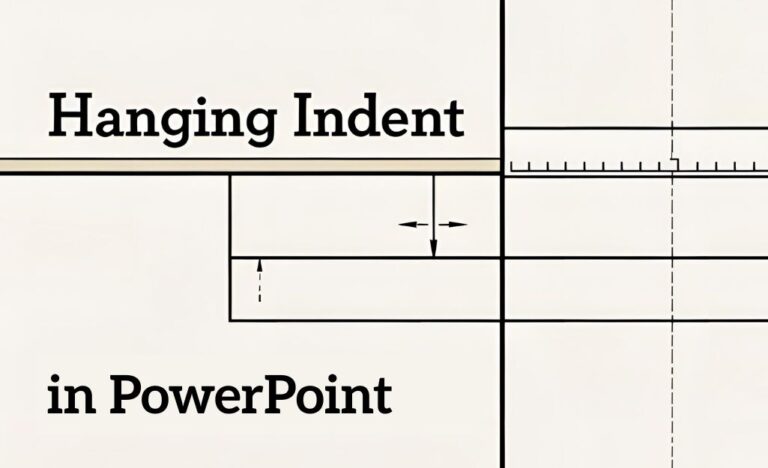
You’re deep into designing a slide. You’ve got bullet points, text boxes and maybe even an inspirational quote if you’re…
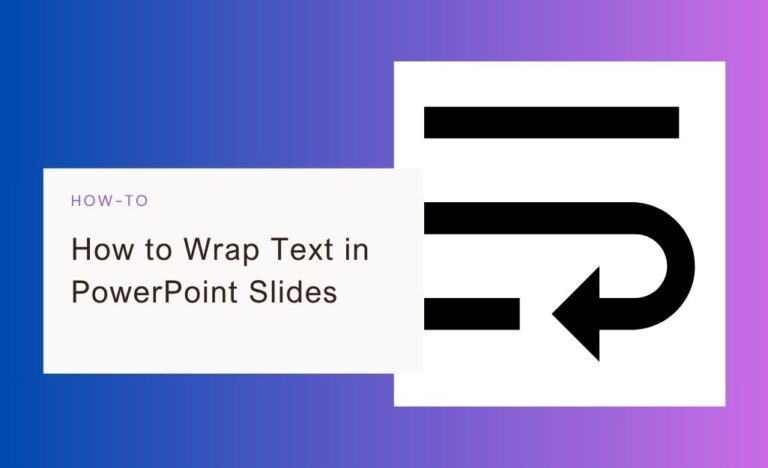
You’ve added an image to your slide, typed some text and suddenly you’ve realized PowerPoint doesn’t let text gracefully flow…

Recording narration in PowerPoint isn’t just for professors reading 60-slide lectures with the energy of a sloth. Narration is a…
You’ve spent an hour tweaking your PowerPoint slides. The text looks good, the colors are solid, but… something still feels…

So, you’ve meticulously crafted your PowerPoint presentation, complete with high-resolution images that make each slide really pop. But when it’s…

PowerPoint is great for building a sleek presentation. It’s also great for group chaos if your slides have to go…

Want to make your PowerPoint presentation more engaging? One of the easiest ways to enhance it is by adding music….
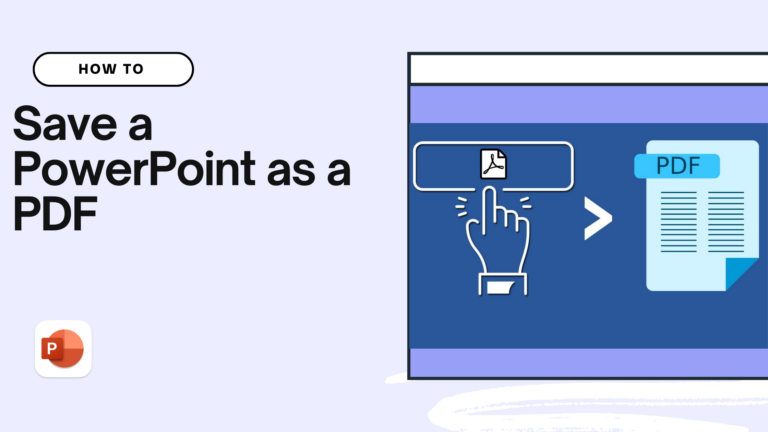
PowerPoint is a great presentation tool with lots of effects, animations and transitions. Sharing a PPT file requires the receiver…
Product
Compare
Terms & Policies
Not Available on Mobile
Try Twistly on Desktop
We’ll email you the install link PLUS a free pack of 5 presentations to kickstart your slides.
 English English
  Spanish English English Spanish
For best experience, we use cookies to store and access device information. Consenting allows us to process data like browsing behavior or unique IDs. Not consenting, may affect certain features and functions.