


Inicio › Integraciones › Zapier


Official Zapier integration
Beta
Automate PowerPoint presentations with Zapier
New Google Sheets rows, form responses, meeting notes and files become editable .pptx decks, delivered to Gmail, Slack or Drive.
Needs a paid Zapier plan and Twistly Pro or Team
Cómo funciona
How a Twistly Zap runs
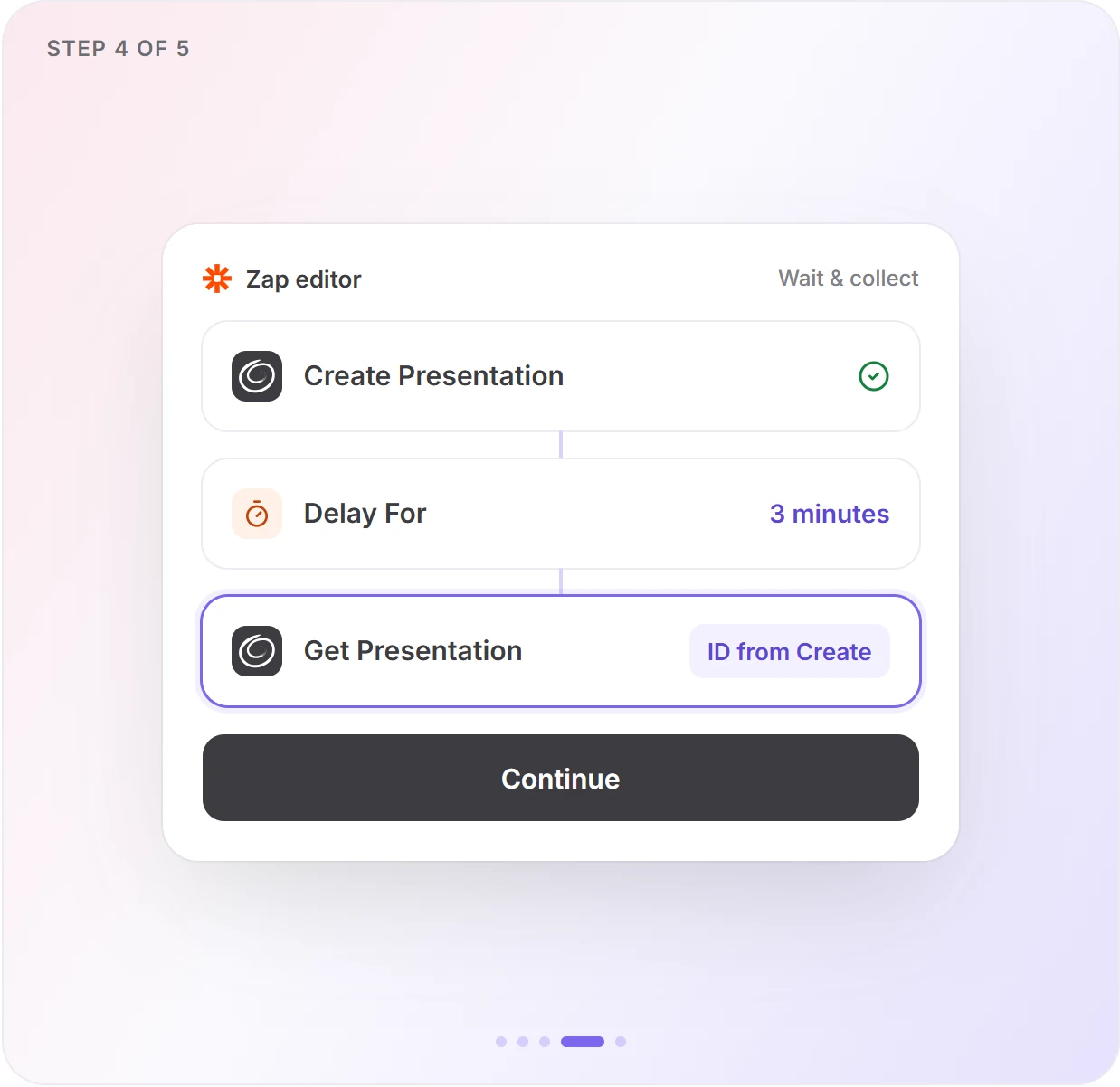
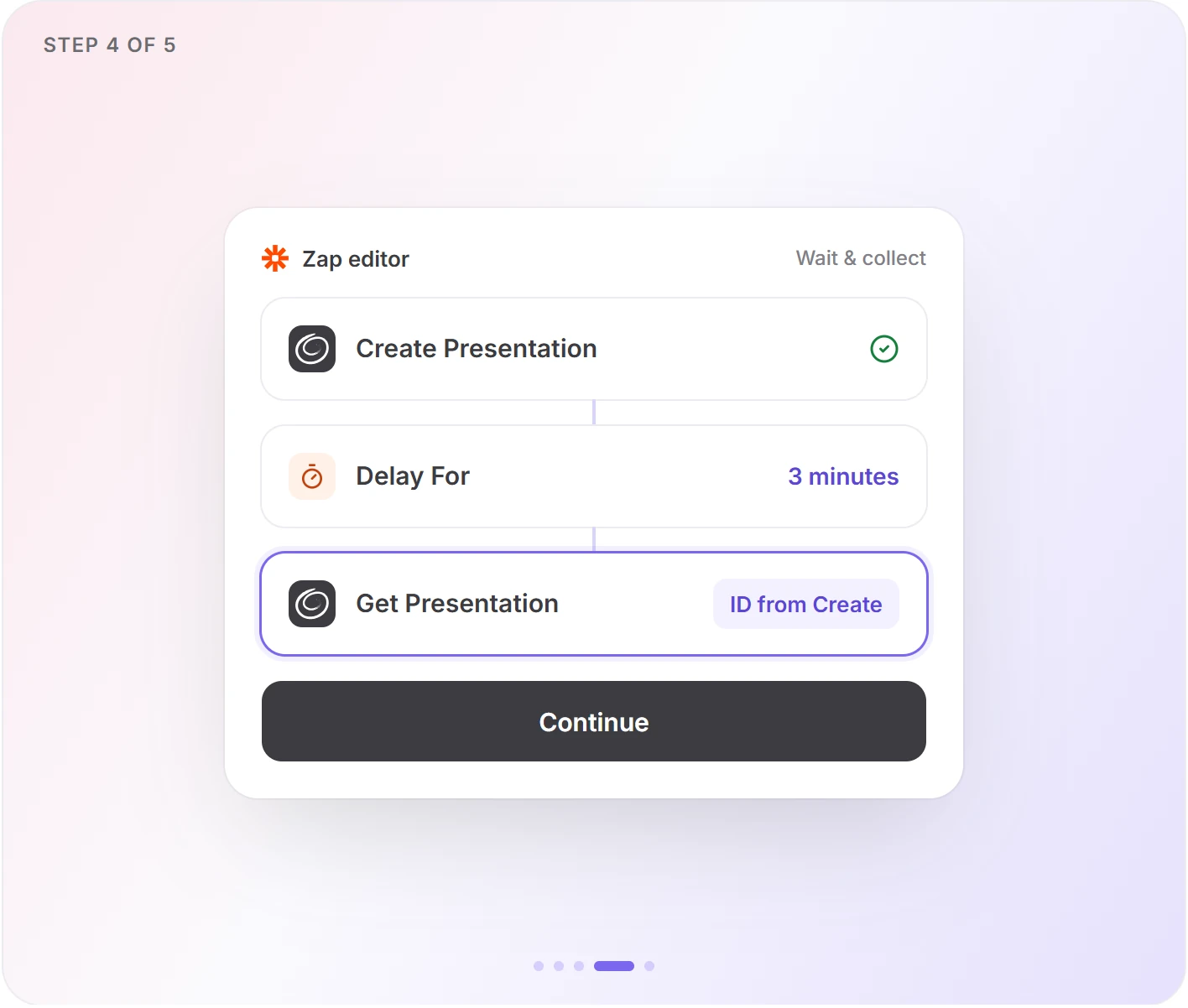
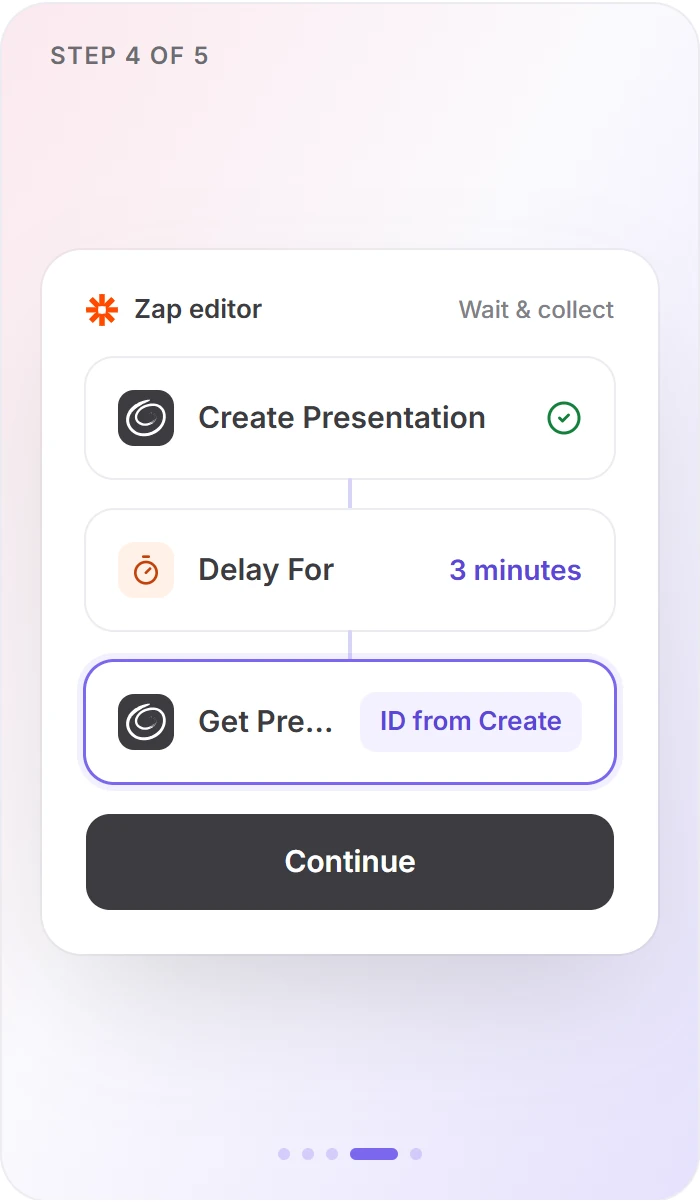
Twistly builds decks in the background, so every Zap waits before it collects the file. Skip the wait and the Zap moves on without a deck.
01
Trigger
Something happens in your app
A new row, form response, file, message or meeting summary.
02
Acción
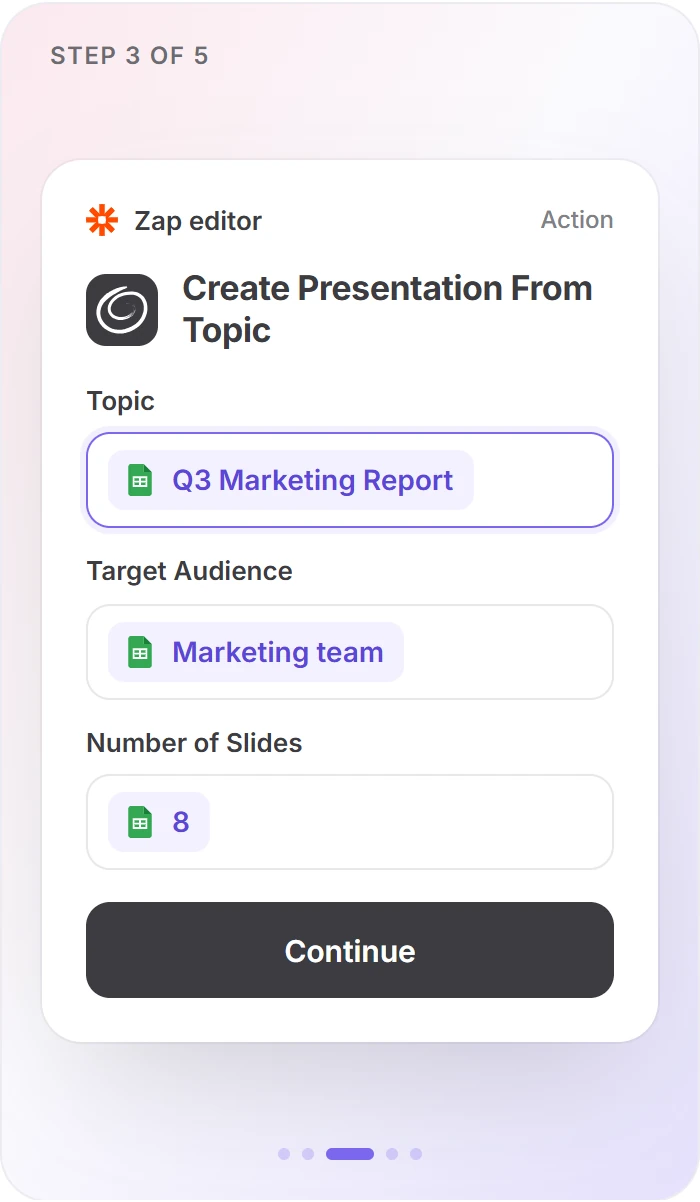
Create Presentation
From a topic, text or file. Returns a generation ID straight away, not the deck.
03
Wait
Delay For 3 minutes
Twistly builds your deck, usually in 30–90 seconds. The 90 seconds the action suggests is tight for long decks or big files.
04
Acción
Get Presentation
Looks up the ID and returns the status and a permanent link to the .pptx or PDF.
05
Deliver
Send the link on
Email it, post it to Slack, save it to Drive or write it back to the row.
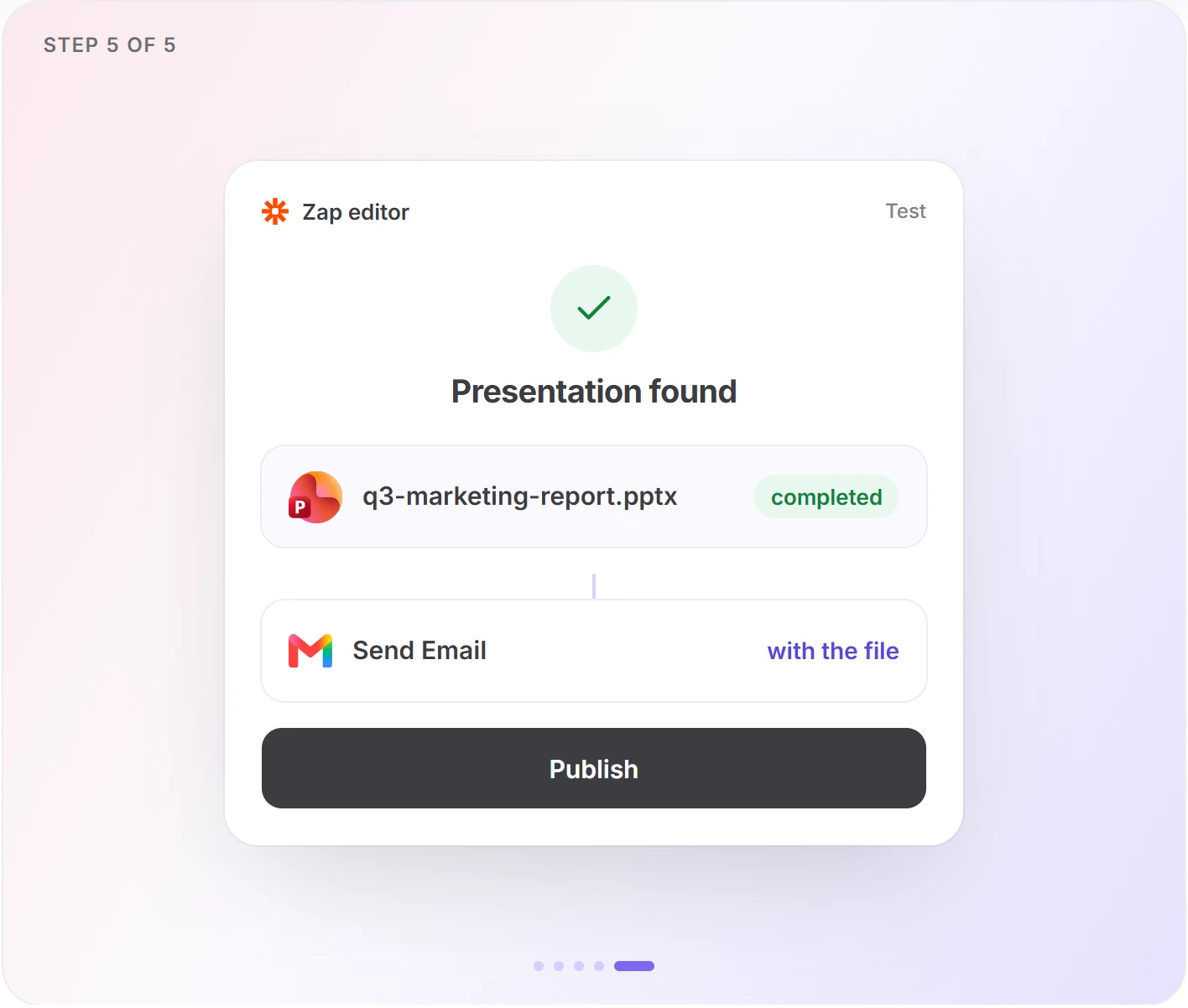
Make it safe: add a Filter by Zapier after Get Presentation that only continues when the status is completed, so nobody gets an empty link.
Plantillas
Pick a ready-made Zap by job
Twelve live templates, grouped by what you want to automate. Each opens in Zapier with the Delay and Get Presentation steps already in place.
Meeting notes to a follow-up deck
Every Fathom summary or Otter.ai transcript becomes a recap deck, or a deck is ready before a calendar event starts.


Create Twistly presentations from new Fathom meeting summaries and email them via Gmail
From text · 5 steps

Turn new Otter.ai transcripts into Twistly presentations
From text · delivered by Gmail

Create Twistly presentations before Google Calendar events start
From topic · delivered by Gmail
A personalized deck for every form response
Each Google Forms or Typeform answer becomes its own deck, emailed to the respondent or shared with your team in Slack.

Generate Twistly presentations from new Google Forms responses and email them via Gmail
Delivered by Gmail


Create Twistly presentations from new Typeform entries and share them in Slack
Delivered to a Slack channel
A deck for each new row or record
Add a row in Google Sheets, a record in Airtable or an item in a Notion database, and Twistly builds a deck on its topic.

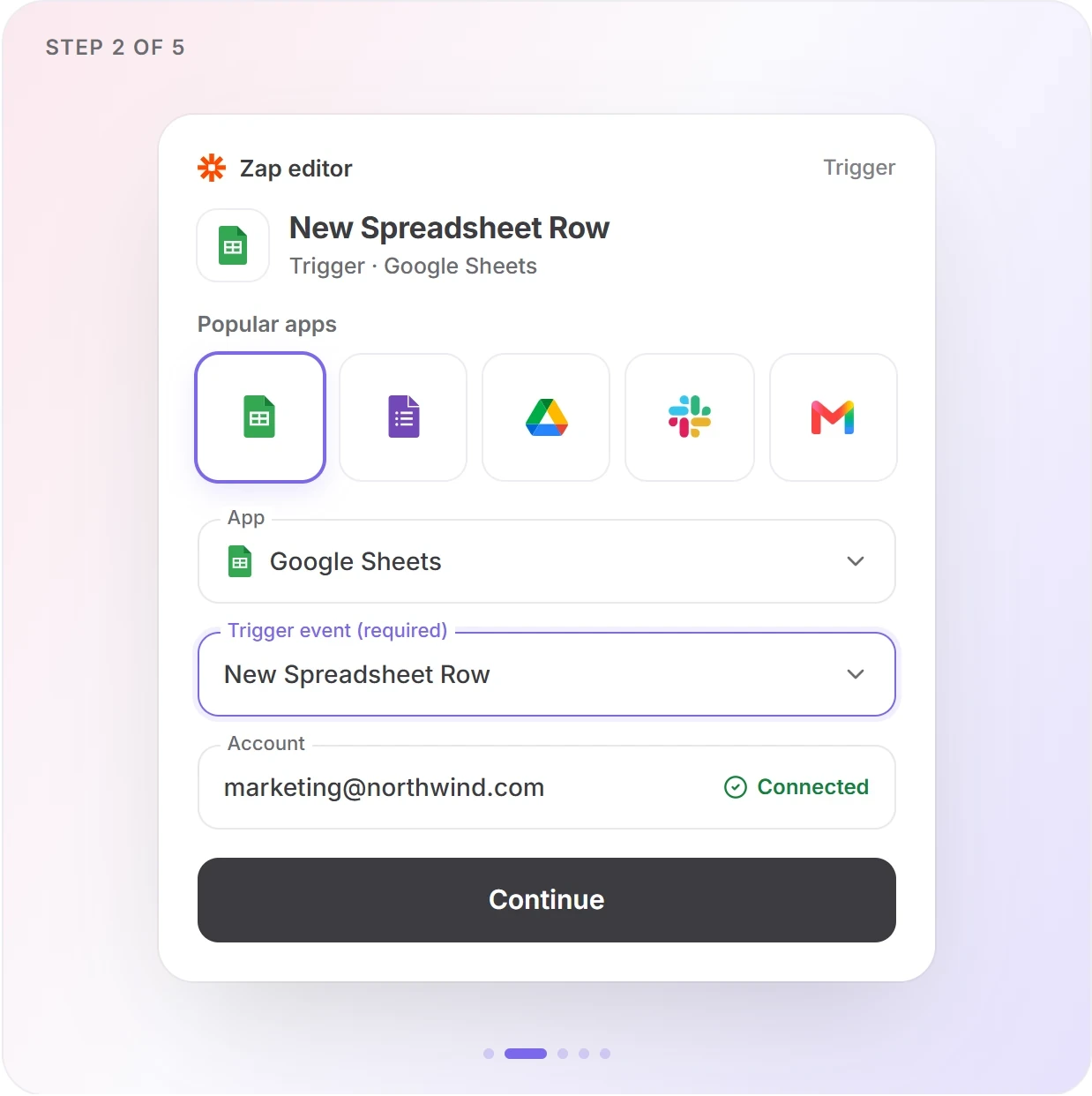
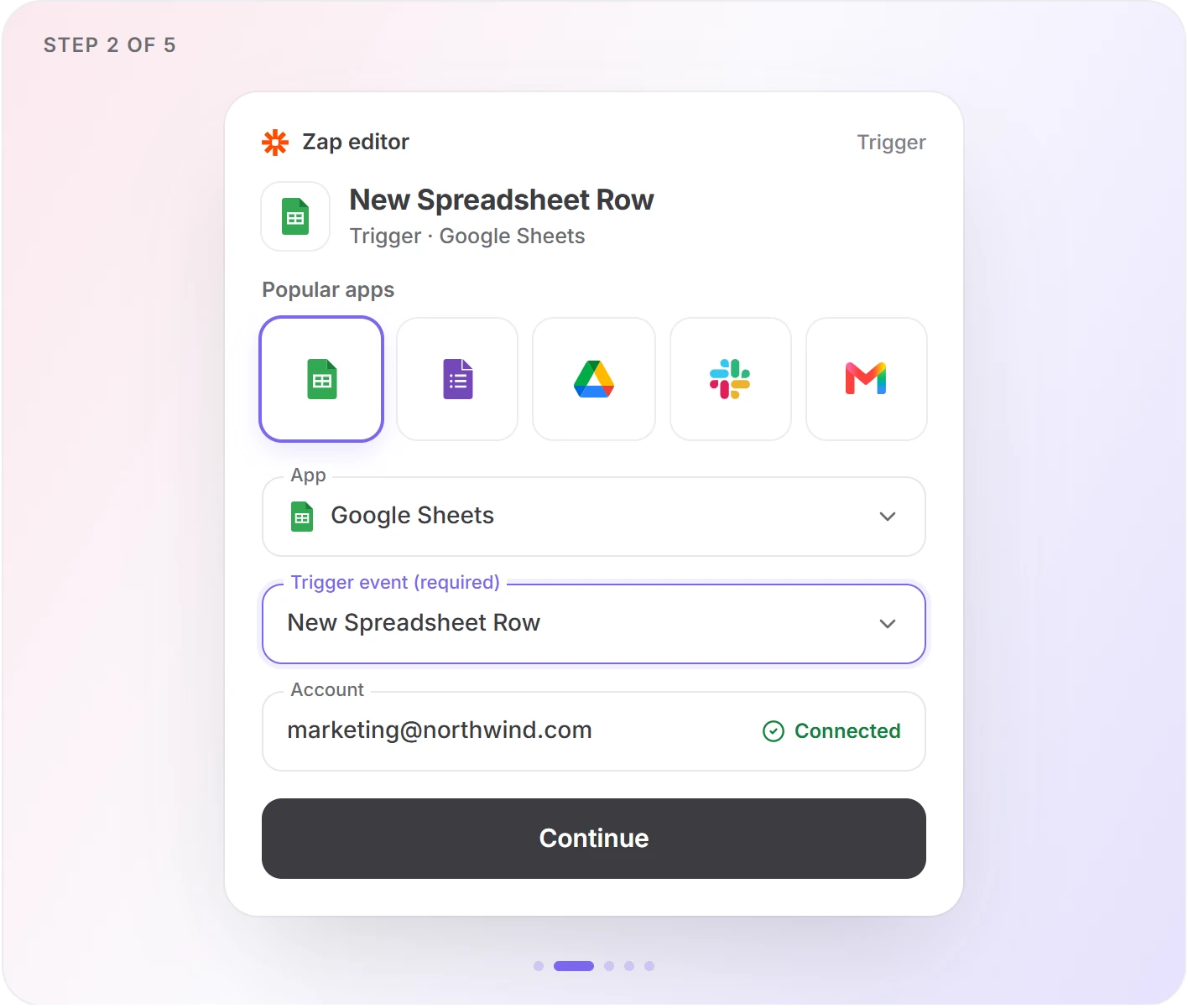
Create Twistly presentations from new Google Sheets rows
From topic · link written back to the row

Create Twistly presentations from new Airtable records
One deck per record

Generate Twistly presentations from new Notion database items
One deck per database item
Drop a file, get a deck back
A PDF, Word or PowerPoint file lands in a Drive or Dropbox folder, or arrives as a Gmail attachment, and a fresh deck is saved next to it.

Convert new Google Drive files into Twistly presentations
From file · saved back to Drive

Save new Dropbox files as Twistly presentations in Dropbox
From file · saved back to Dropbox
Create Twistly presentations from new Gmail attachments
From file · up to 25 MB
A deck from a Slack message
Give your team a deck-requests channel: post the brief, and Twistly replies in the channel with the file.
Generate Twistly presentations from new Slack channel messages
From text · reply in the channel
Build your own Zap Start from any of Zapier’s apps and add the Twistly actions yourself
Actions
What Twistly adds to a Zap
Four actions. Three start a deck, one collects it.
Start a deck
Returns a generation ID
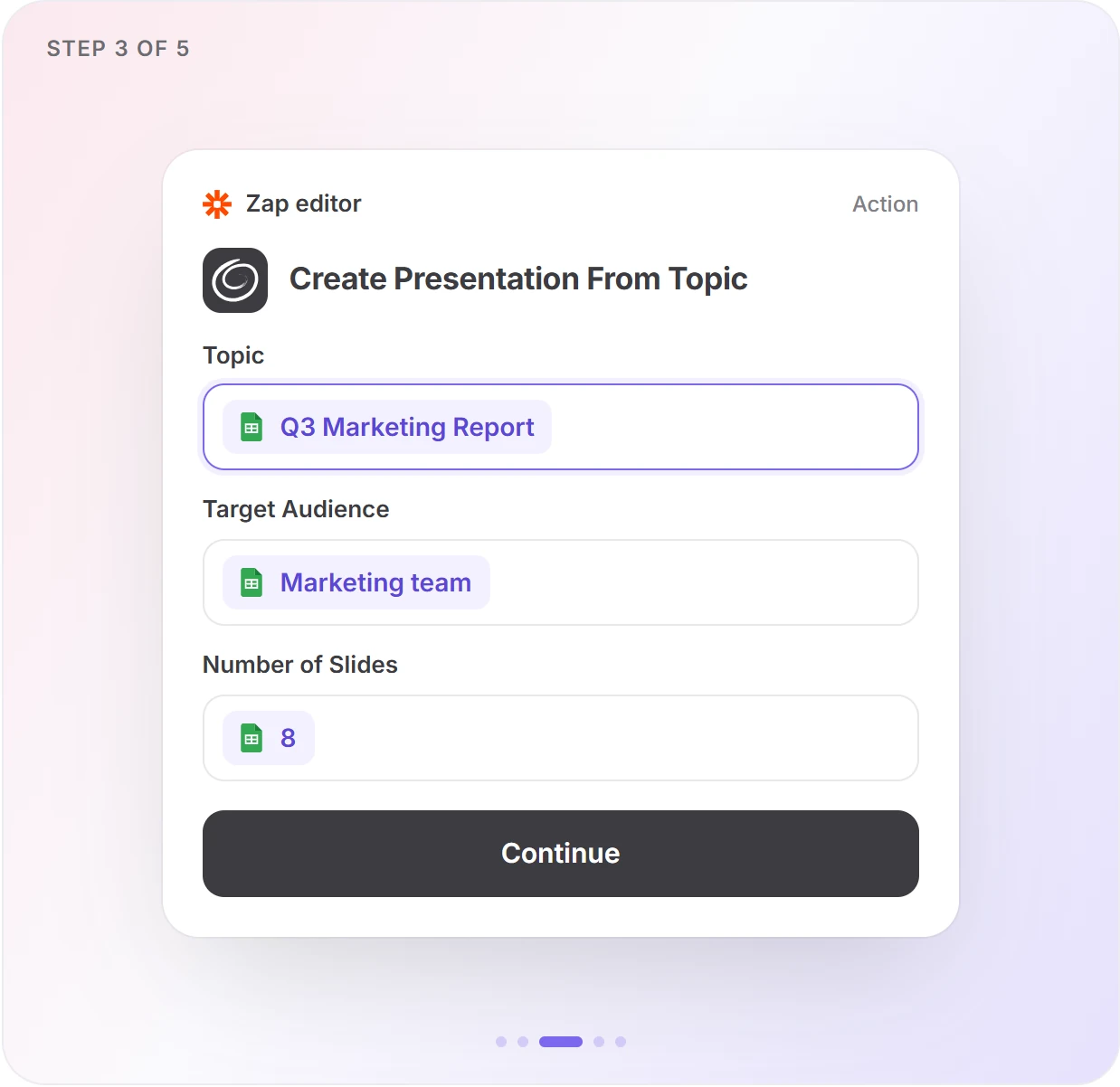
Create Presentation From Topic
A topic, up to 450 characters; optional audience and tone
Good for
Sheets rows, calendar events, short form answers
Create Presentation From Text
Mapped text: notes, a transcript, a message. Keep, expand or condense it
Good for
Meeting summaries, long form answers, Slack messages
Create Presentation From File
A PDF, PPTX or DOCX, up to 25 MB
Good for
Drive, Dropbox, email attachments
Each Create action also takes
Collect the deck
Get Presentation
Takes the generation ID. Returns the status and a permanent link to the .pptx or PDF.
status
completed
file_url
…/q3-marketing-report.pptx
Always runs after the Delay
Real run
Every answer lands somewhere in the deck
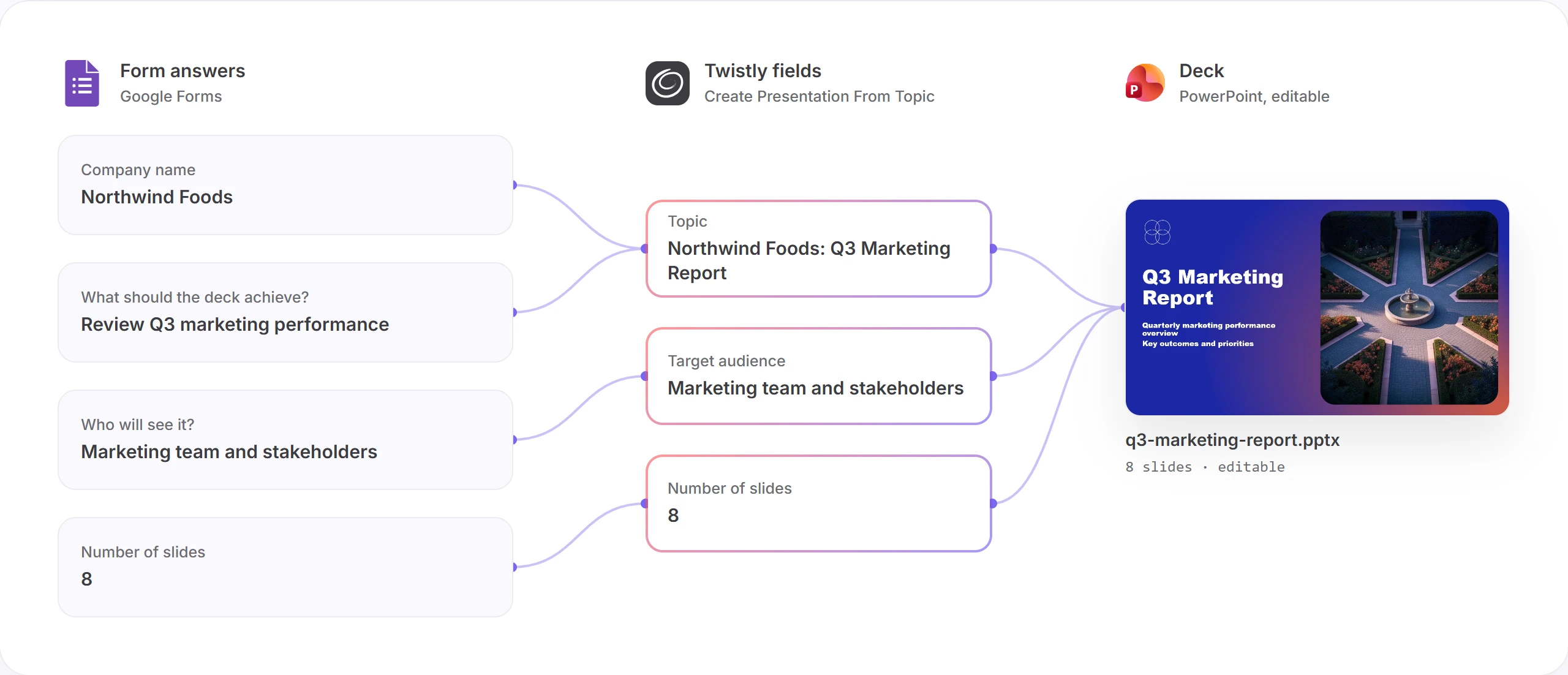
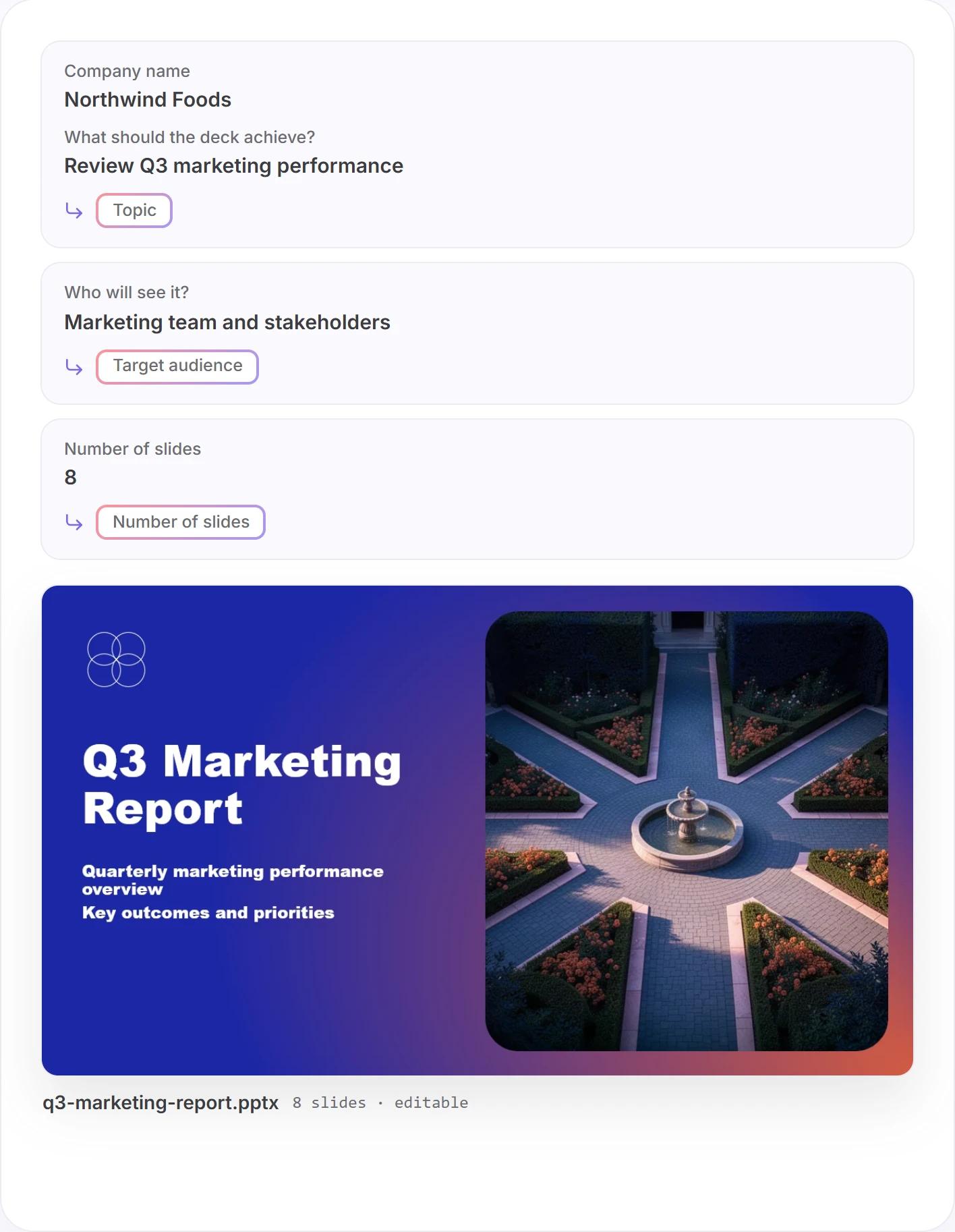
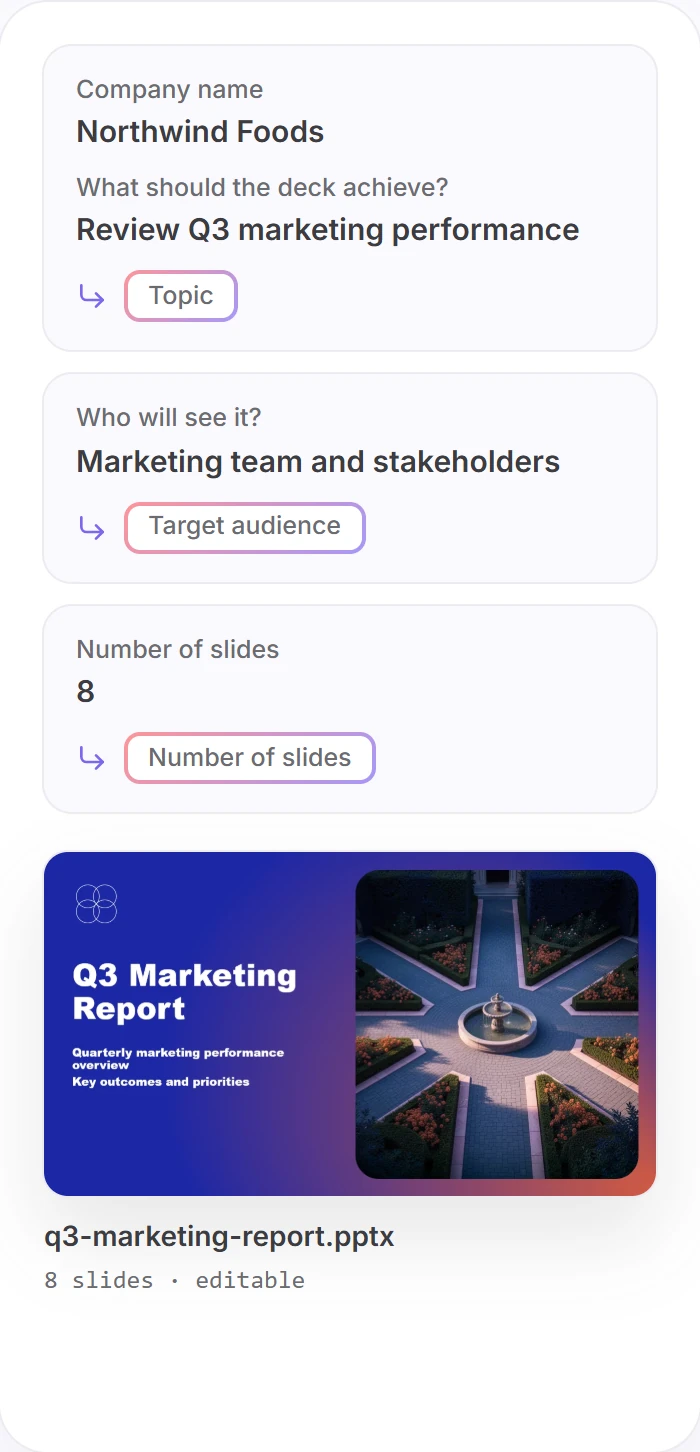
One Google Forms response, sent through the Forms → Twistly → Gmail template with default settings. The Zap maps each answer to a Twistly field once, at setup. Every new response runs the same way, and Twistly writes and designs the rest.
Setup
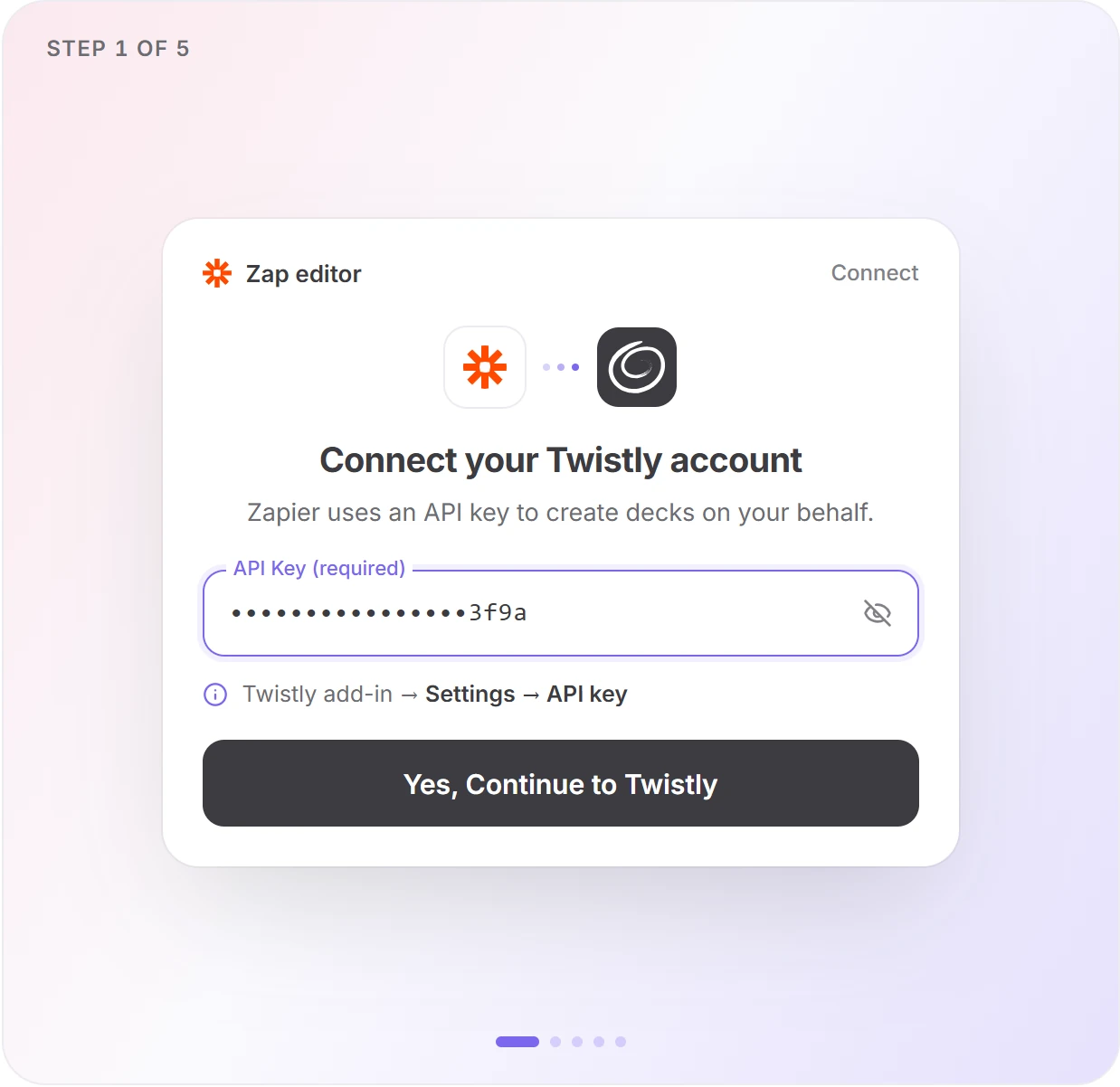
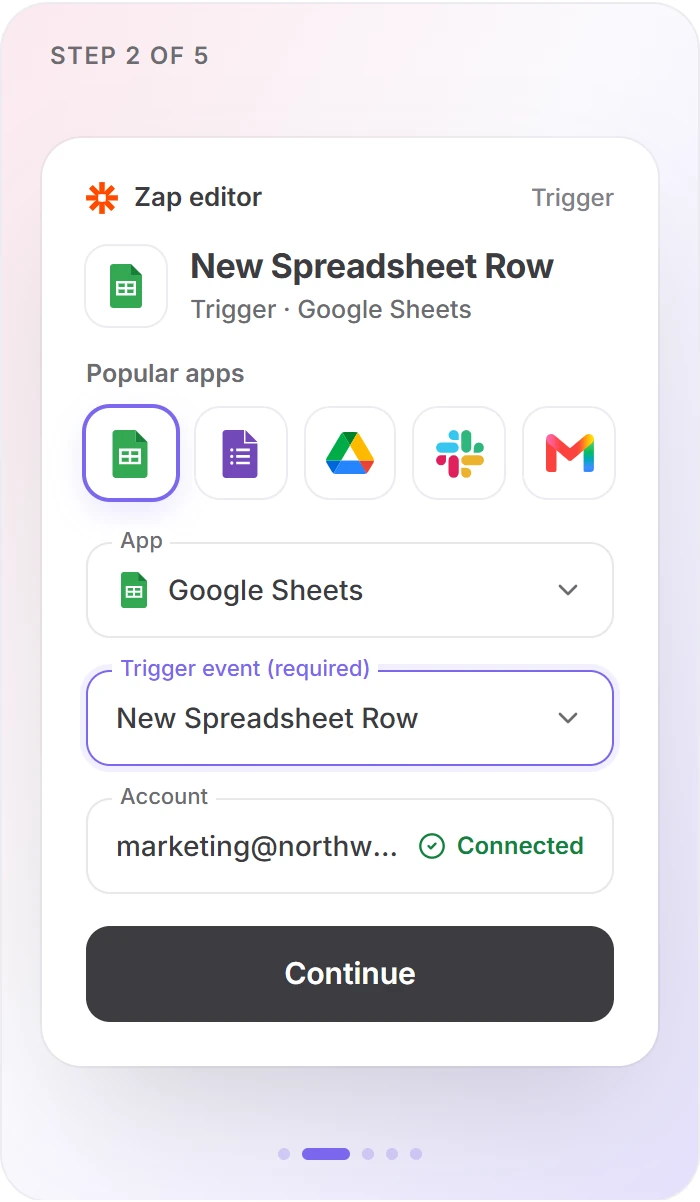
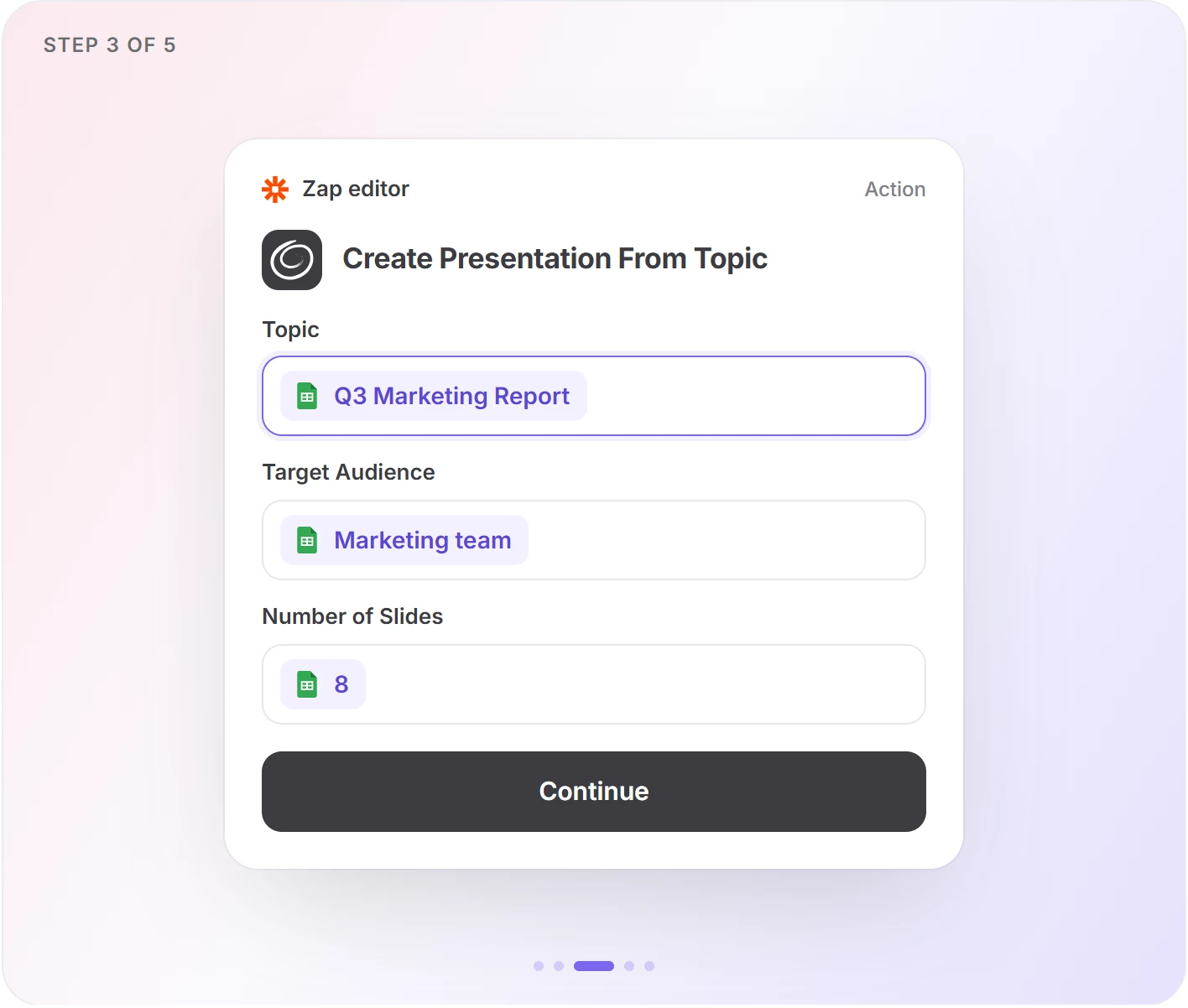
Build any Twistly Zap in five steps
The same skeleton works for every app. The workflow pages above show the field mapping for each one.

Limits
Limits and requirements
Two plans to check before you build, and the limits every Twistly Zap runs within.
Before you build
A paid Zapier plan
Required
Free runs two-step Zaps only, and a Twistly Zap needs at least four. Delay steps don’t use tasks.
Twistly Pro or Team
Required
The API key that connects Zapier to Twistly comes with the Pro and Team plans.
Limits for every Zap
Input
What you send
450chars
Topic length in From Topic.
25MB
File. PDF, PPTX or DOCX.
Run
While it builds
1–3min
Usual build time. A job fails after 5.
100decks
Per key, every 24 hours. Failed decks don’t count.
Deck
Lo que obtienes
1–50slides
Per deck, or Auto.
51plantillas
Built-in, by name. Uploaded templates aren’t available.
Output: a .pptx or PDF file. Download links don’t expire.
Solución de problemas
If a Zap goes wrong
Most likely first.
PREGUNTAS FRECUENTES
Preguntas
About Twistly in Zapier.


Start with a template, not a blank Zap
Twelve Zaps with the waiting already set up. Pick the one closest to your job.
Last updated Oct 7, 2026 · Zapier is a trademark of Zapier, Inc. Twistly is not affiliated with or endorsed by Zapier.