



El vídeo es la forma de comunicación más popular e influyente. Las personas tímidas ante las cámaras no se sienten cómodas grabándose a sí mismas y, para ellas, los vídeos hablados son la mejor solución.
Las herramientas de IA te permiten crear un vídeo con un personaje realista que explica o narra el contenido del vídeo. Existen algunas herramientas de IA populares para crear vídeos de presentación con cabezas parlantes. Los presentadores no necesitan sentarse delante de una cámara ni crear vídeos manualmente.
Desde escribir un guión hasta generar contenidos de vídeo, las herramientas de IA lo hacen todo. Las herramientas de IA ofrecen presentadores virtuales, sincronización labial automatizada y locuciones realistas para los vídeos. Un creador normal no puede permitirse los recursos necesarios para crear vídeos convencionales.
Uso de herramientas de IA para vídeos de presentación con cabezas parlantes
Este enfoque también es útil para presentaciones que se compartirán con un público masivo. Instructores y profesores pueden utilizar estas herramientas de IA para crear vídeos de presentación con cabezas parlantes para las clases.
La conversión de texto a voz, el aprendizaje profundo, la sincronización labial automatizada, la IA generativa y muchas otras tecnologías de IA visual similares se utilizan para crear este tipo de vídeos.
Los usuarios pueden utilizar avatares virtuales para los vídeos de presentación o subir imágenes reales, y la IA sincronizará tu personaje para una experiencia más realista. La mejor herramienta de IA para vídeos de cabezas parlantes te ayudará:
- Cree presentadores realistas o estilizados
- Convierta rápidamente guiones en vídeos
- Personalizar la voz, el lenguaje y el tono
- Añadir elementos visuales, diapositivas, subtítulos y marca
Sin cámaras, tomas en tiempo real, costosos equipos de estudio ni dispositivos de grabación, puedes crear un vídeo de presentación de cabezas parlantes realista con estas herramientas de IA. También puedes crear presentaciones de IA para fines generales como aulas, oficinas y otras reuniones.
Las mejores herramientas de IA para vídeos con cabezas parlantes
Casi todas las herramientas de IA para vídeos de cabezas parlantes requieren que el usuario cargue su presentación o guión. En esta sección, repasaremos las mejores herramientas para crear vídeos de presentación con cabezas parlantes.
Después de eso, también revelaremos un increíble complemento de IA que puede generar una presentación completa sobre cualquier tema para proyectos de vídeo con cabezas parlantes.
1. Synthesia
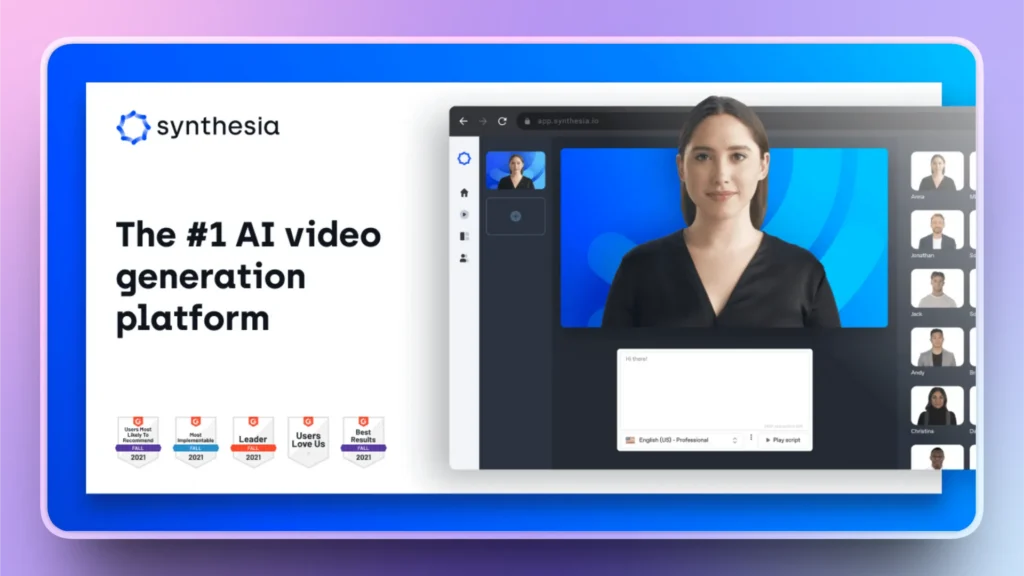
Se trata de una increíble herramienta de creación de vídeos con IA para empresas y vídeos profesionales. Synthesia es una de las herramientas de IA más populares para vídeos de cabezas parlantes. Puedes subir personajes personalizados o elegir cualquier avatar de las opciones disponibles.
Con soporte para múltiples idiomas y avatares realistas, obtendrá increíbles vídeos de presentación con cabezas parlantes para diversos fines. Puede probarlo para vídeos de demostración de productos, conferencias de formación y presentaciones corporativas.
- Más de 90 avatares AI o sube los tuyos propios
- Más de 140 idiomas y acentos
- Fondos personalizados y kit de marca
- Importación de diapositivas y guiones tipo teleprompter
- Subtítulos automáticos
2. HeyGen
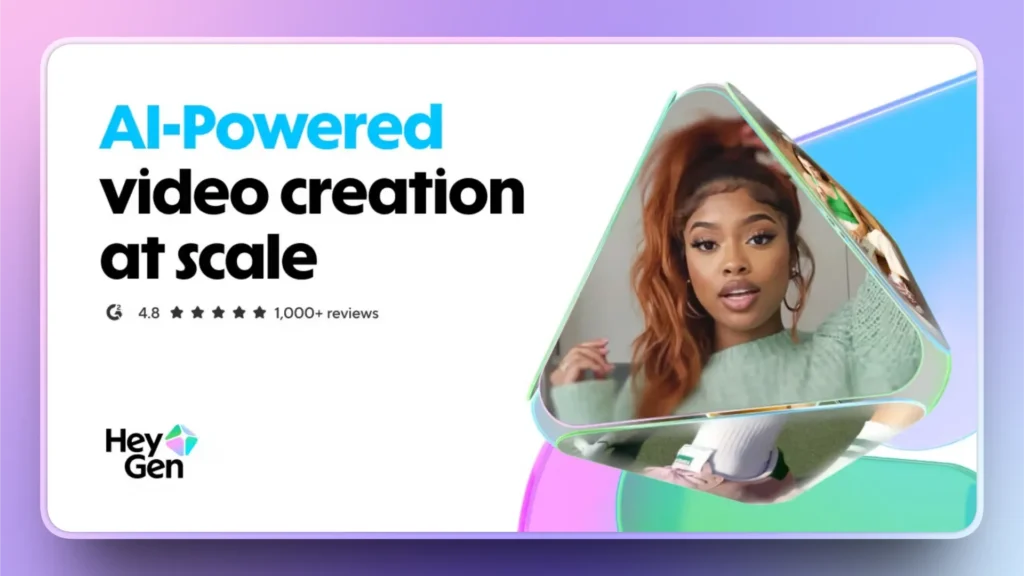
HeyGen se conocía anteriormente como Hey.ai, y ahora han renombrado la herramienta. Con esta herramienta de IA se pueden generar carretes y vídeos para redes sociales. Puedes subir un guión, y HeyGen convertirá ese texto en un hermoso y realista vídeo de cabeza parlante.
Si te dedicas a las promociones o el marketing en Instagram, Facebook o TikTok, esta es una de las mejores herramientas de IA para crear vídeos de presentación con cabezas parlantes. Se requiere un poco de edición manual para obtener los mejores resultados. La interfaz es sencilla, pero con el guión adecuado, puedes conseguir piezas de vídeo increíbles con HeyGen.
- Avatares personalizados o biblioteca de plantillas
- Sincronización labial realista
- Voces multilingües
- Exportación directa a las redes sociales
3. Victoria
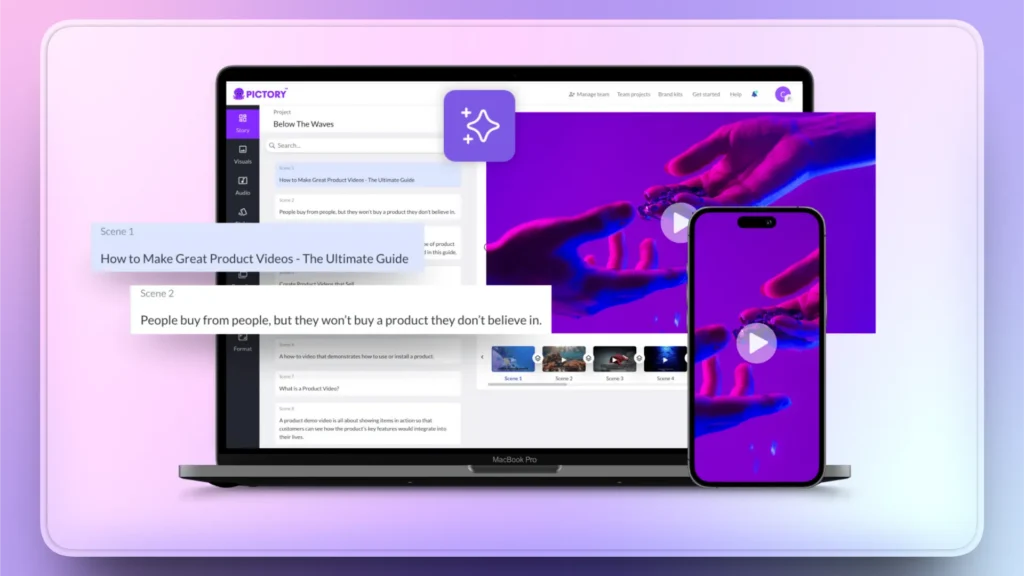
Para entradas de blog largas, artículos y guiones detallados, Pictory funciona como la mejor herramienta de IA para vídeos de cabezas parlantes. La calidad del vídeo generado depende del guión, así que presta atención a los detalles cubiertos en el guión.
Los vendedores de contenidos, blogueros y oradores motivacionales prefieren Pictory a otras herramientas de AI para crear vídeos de presentación con cabezas parlantes. La interfaz también es sencilla, con una amplia gama de funciones de edición.
- Creación de texto a vídeo
- Imágenes automáticas a partir de palabras clave
- Voz en off a partir de guiones
- Subtítulos y subtítulos
- Mediateca de archivo
4. Pista de aterrizaje
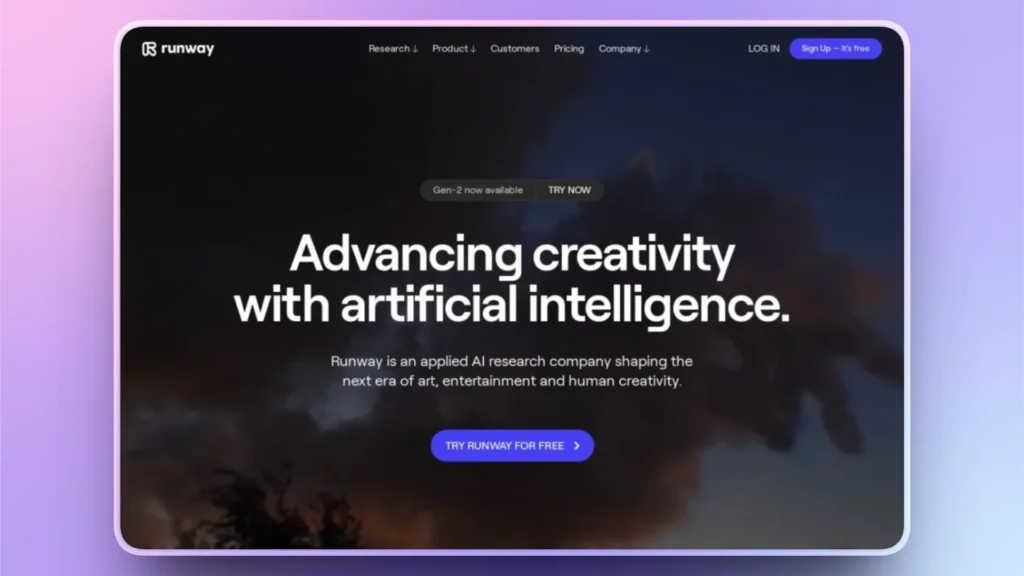
La creatividad y la novedad hacen que cualquier contenido sea más atractivo e influyente. Si quieres añadir un nuevo toque de creatividad, utiliza Runway para crear imágenes y vídeos para texto o guión. Con un poco de edición manual, puedes conseguir increíbles vídeos de presentación de cabezas parlantes para tu proyecto.
Además de vídeos con cabezas parlantes, con Runway puedes generar animaciones y vídeos estilizados. Diseñadores y creadores de contenidos creativos utilizan Runway para su proceso de producción.
- Suite de edición de vídeo AI
- Eliminación de fondo
- Funciones de texto a vídeo
- Herramientas de colaboración
¿Cómo generar un guión o una presentación para el vídeo?
Estas son algunas de las mejores herramientas de AI para crear vídeos de presentación con cabezas parlantes. Para todas estas herramientas, necesitas texto, guión o presentaciones como entrada para el vídeo. Como siempre, tenemos la solución perfecta para nuestros lectores.
Twistly es uno de los creadores de presentaciones AI más populares entre los usuarios de PowerPoint. Sin necesidad de software o herramientas adicionales, simplemente instale Twistly en su software PowerPoint, y ya puede crear una presentación completa en cuestión de segundos.
Sin necesidad de escribir ningún script manual, diseñar diapositivas, añadir imágenes o dar formato a las plantillas, todo sucede automáticamente, gracias a los últimos modelos de IA de Twistly.
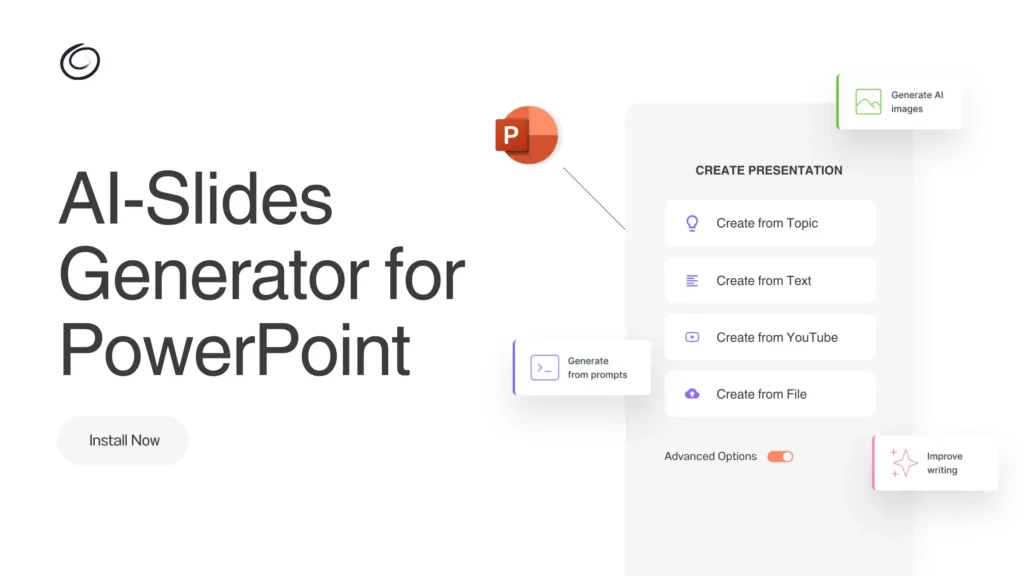
¿Cómo funciona Twistly para las presentaciones con IA?
Twistly es un complemento de IA polivalente para usuarios de PowerPoint. Está repleto de funciones de IA que elevan su experiencia en PowerPoint, actuando como un ChatGPT personalizado para PowerPoint. Todo lo que tienes que hacer es:
- Abrir PowerPoint, introducir un tema de presentación o escribir un mensaje de AI, o utilizar otros métodos de entrada.
- Seleccionar el estilo, el tono y otros ajustes pertinentes para la presentación.
- Revise el esquema de diapositivas generado por la IA y seleccione una plantilla
- Revise o edite las diapositivas de su presentación final
Todo ello en cuestión de segundos, sin ninguna intervención manual. Twistly tiene una interfaz sencilla y fácil de navegar, adecuada para usuarios de PowerPoint de todo tipo.
Conclusión
Utiliza Twistly para crear presentaciones y luego cárgalas en estas herramientas de IA para crear vídeos de presentación con cabezas parlantes al instante. Con un esfuerzo, unos recursos y un coste mínimos, puedes obtener resultados de nivel de estudio utilizando estas herramientas de IA para tu empresa o servicio.
No todas las herramientas de IA ofrecen versiones de prueba gratuitas, pero en el caso de Twistly, ya está disponible una versión de prueba gratuita para los nuevos usuarios. Haz clic en el siguiente enlace para solicitar tu versión de prueba gratuita.
Crear PowerPoint
Diapositivas con IA
Cree presentaciones basadas en IA a partir de
cualquier mensaje, documento o vídeo


Empieza a hacer presentaciones con IA en segundos
Acceso instantáneo
Empieza a explorar inmediatamente todas las funciones de Twistly
Sin compromisos
No necesita tarjeta de crédito y puede cancelar en cualquier momento
Asistencia dedicada
Nuestro equipo está aquí para ayudarle en cada paso del camino durante su juicio.