


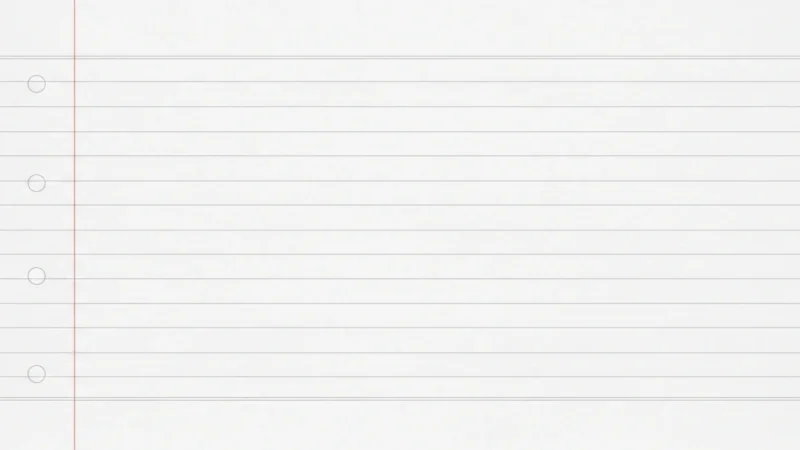





The Lined Paper PowerPoint Background collection is designed to bring a simple, clean, and familiar feel to your presentations. With ruled page styling, notebook-inspired layouts, and an easy-to-read structure, this background style works well when you want your slides to feel organized and approachable.
Perfect for lessons, writing exercises, study materials, classroom presentations, and note-based content, this lined paper powerpoint background keeps slides clear, neat, and easy to follow. Lined paper templates are commonly used in educational settings and can also work for general presentations that need a soft academic look.
Características:
-
Collection of lined paper-themed background images (JPG format).
-
High-resolution quality, compatible with PowerPoint and Google Slides.
-
Clean designs with ruled lines, notebook-style layouts, and writing paper elements.
-
Ideal for education, writing exercises, lesson planning, student projects, and note-based presentations.
-
Easy to customize for different classroom, academic, and presentation needs.
-
Creates a neat, friendly, and structured look across slides.
¿Qué incluye?
Cómo empezar
1
Formato abierto Antecedentes
Haga clic en la pestaña “Diseño” de la cinta de opciones y, en el extremo derecho, haga clic en Formato Fondo. Se abrirá el panel Formato de fondo en la parte derecha de la ventana.
2
Elija su tipo de relleno
En el panel, seleccione una de las opciones de relleno: Relleno sólido, Relleno degradado, Relleno de imagen o textura, o Relleno del patrón.
3
Personalizar el fondo
En función de su selección, elija un color, una imagen (haciendo clic en Inserte en “Fuente de imagen”), o ajustar parámetros como la transparencia, la dirección o el patrón.
4
Aplique su cambio
Por defecto, el cambio se aplicará a la diapositiva actual. Para aplicarlo a todas las diapositivas de la presentación, haga clic en el botón Aplicable a todos situado en la parte inferior del panel Formato de fondo.
Vea cómo funciona
Vea cómo utilizar esta plantilla en PowerPoint