


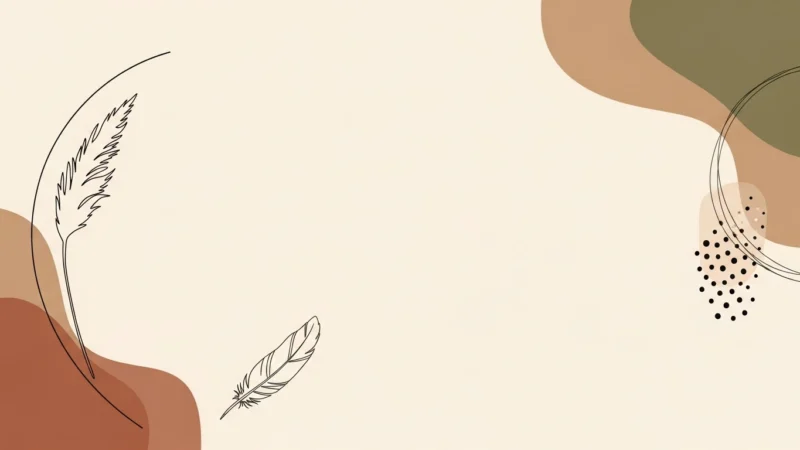





The Boho PowerPoint Background collection is designed to bring a relaxed, artistic, and earthy feel to your presentations. Featuring tribal patterns, neutral tones, botanical elements, and bohemian-inspired designs, these backgrounds help create a warm and creative atmosphere for free-spirited content.
Perfect for lifestyle presentations, creative workshops, wellness retreats, or any project where you want to evoke natural beauty and artistic expression, this boho powerpoint background keeps your slides visually interesting, approachable, and on-trend. Each design is high-quality, versatile, and suitable for both personal and creative business contexts.
Características:
- Calidad de alta resolución, compatible con PowerPoint y Google Slides
-
Artistic designs with earthy tones, tribal patterns, and botanical elements
-
Ideal for lifestyle, wellness, creative projects, and artistic presentations
-
Descarga gratuita y uso sencillo
-
Creates a relaxed, creative, and earthy look across slides
¿Qué incluye?
Cómo empezar
1
Formato abierto Antecedentes
Haga clic en la pestaña “Diseño” de la cinta de opciones y, en el extremo derecho, haga clic en Formato Fondo. Se abrirá el panel Formato de fondo en la parte derecha de la ventana.
2
Elija su tipo de relleno
En el panel, seleccione una de las opciones de relleno: Relleno sólido, Relleno degradado, Relleno de imagen o textura, o Relleno del patrón.
3
Personalizar el fondo
En función de su selección, elija un color, una imagen (haciendo clic en Inserte en “Fuente de imagen”), o ajustar parámetros como la transparencia, la dirección o el patrón.
4
Aplique su cambio
Por defecto, el cambio se aplicará a la diapositiva actual. Para aplicarlo a todas las diapositivas de la presentación, haga clic en el botón Aplicable a todos situado en la parte inferior del panel Formato de fondo.
Vea cómo funciona
Vea cómo utilizar esta plantilla en PowerPoint