


Inicio › Word to PowerPoint AI
Word to PowerPoint AI: Turn a Long Word Document Into a Deck
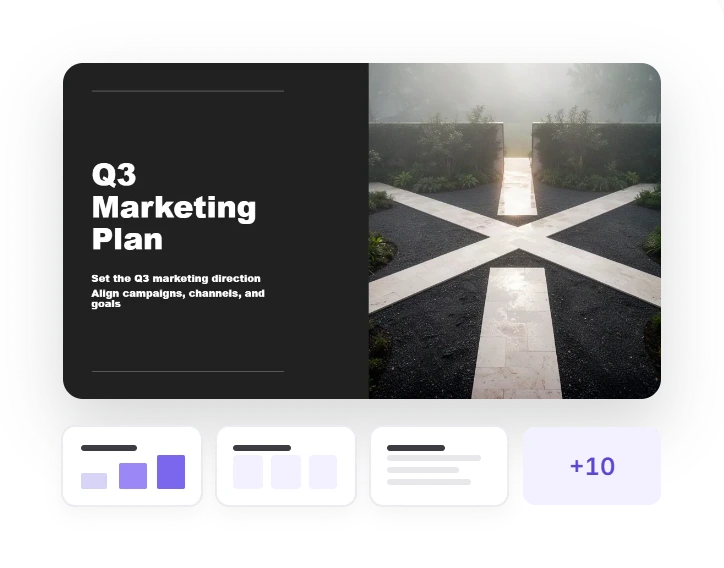
Upload a report, proposal or thesis chapter. Twistly AI reads the whole Word document, condenses it into slide points and builds an editable PowerPoint presentation — right in your browser.
3 free presentations
No card
Nothing to install

Twistly Online
Crear a partir de archivo
From document to deck
What Twistly AI Does With Your Word Document
A Word document is written to be read from top to bottom. A presentation is built to be talked through. The AI does the restructuring between the two, and you decide how far it goes.
Reports · proposals · theses
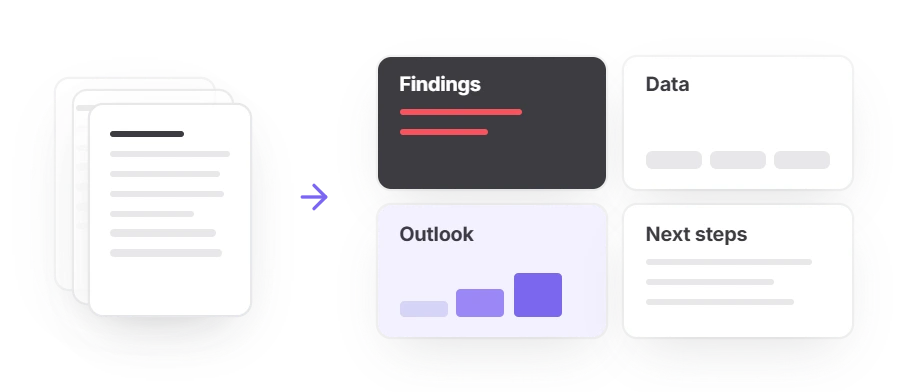
Long text becomes slide points
The AI reads the whole document before it writes a single slide, keeps your structure and condenses each section into the few points worth saying out loud.
- A 40-page report does not turn into 40 slides
- You set the maximum slide count, or leave it on Auto
Tables · charts
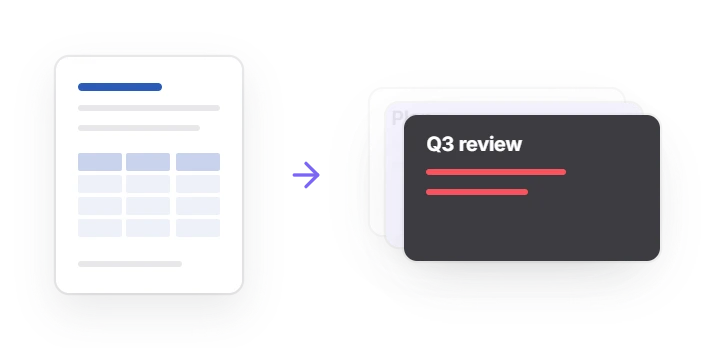
Tables stay tables, charts stay data
Tables from your Word file arrive as real, editable PowerPoint tables. Charts are built in the outline from values you can see, so the numbers are checked before the design.
- Correct a figure or add a data point antes de the deck is designed
- Turn a list of numbers into a bar or pie chart
Inside any Word file
Images and language
Pictures from your Word file are used first, where they fit
Missing images come from AI, stock or web, each labelled for commercial or personal use
Slides come out in the document’s language: a Spanish report gives Spanish slides
This is the difference from Word’s own Export
Word’s Export — moves your text onto themed slides close to how it was written; images and other media stay behind.
Twistly AI — condenses each section into slide points and lets you check the outline, tables and charts first.
VS
Cómo funciona
How to Convert Word to PowerPoint With AI
Five steps in Twistly Online. Expect a few minutes rather than seconds: the AI reads the whole Word document before it builds anything.
1
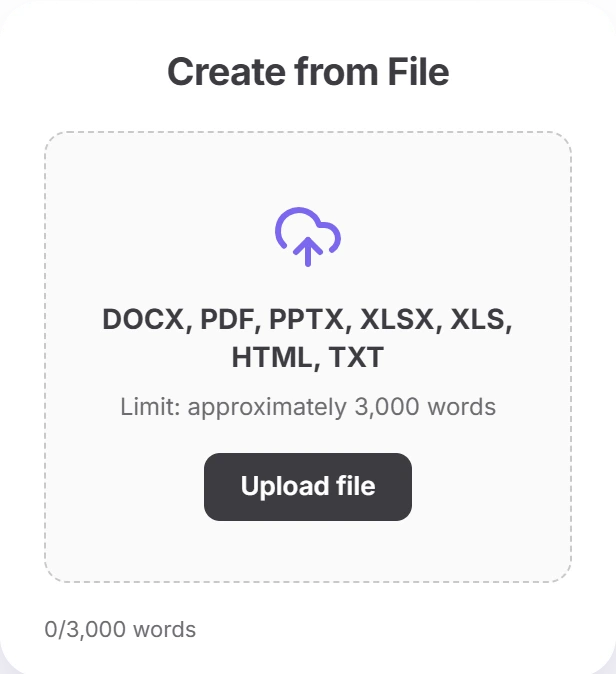
Upload your Word file
Drag a .docx into Twistly Online, up to 300 MB. The word count appears straight away against your plan’s limit, so a long report is never cut without warning.
2
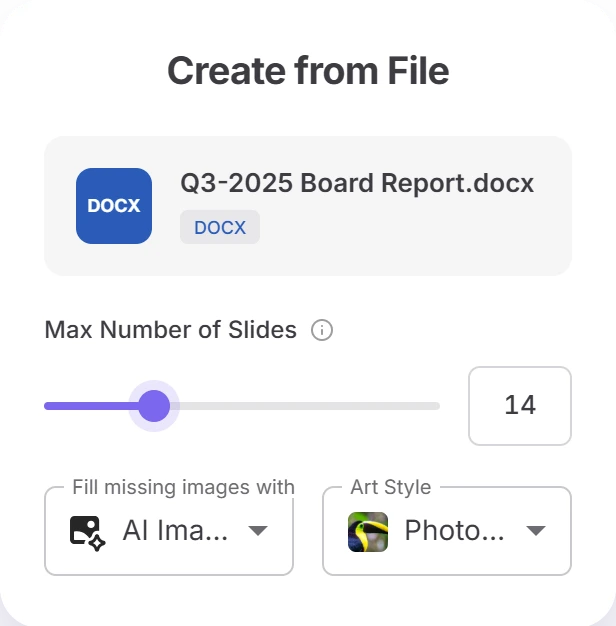
Set up the deck
Choose the maximum number of slides or Auto, what fills missing images — AI, stock or web — and an art style for AI images. Your document’s own images come first.
3
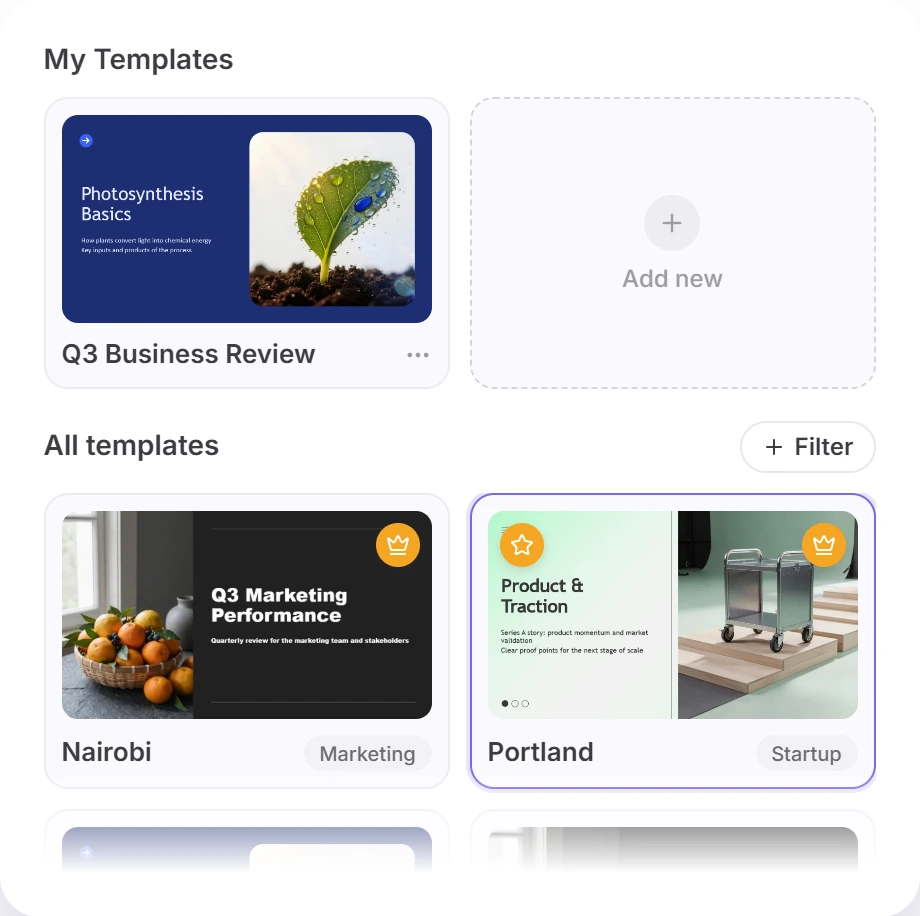
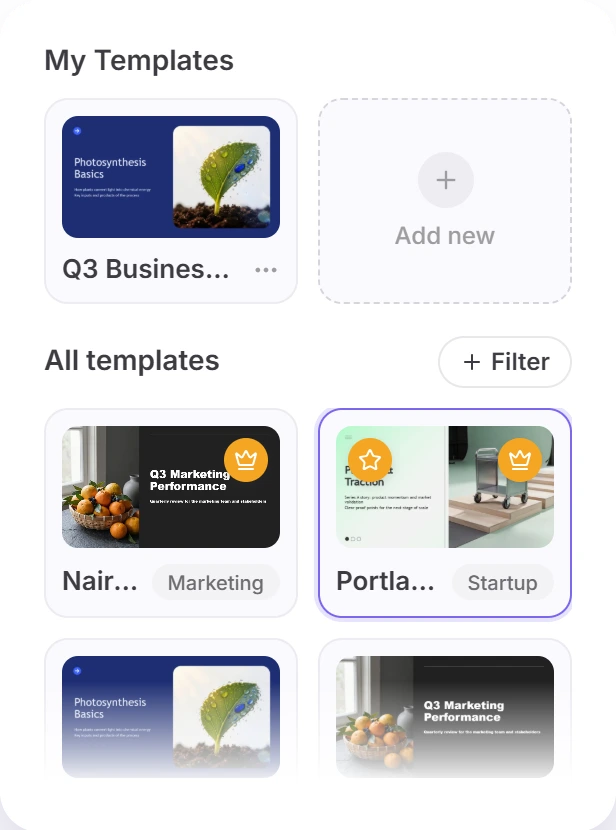
Pick a template
Sign in with Google, Microsoft or an email code, then choose one of 53 templates by category, or AI Choice to let Twistly match one to your content.
4
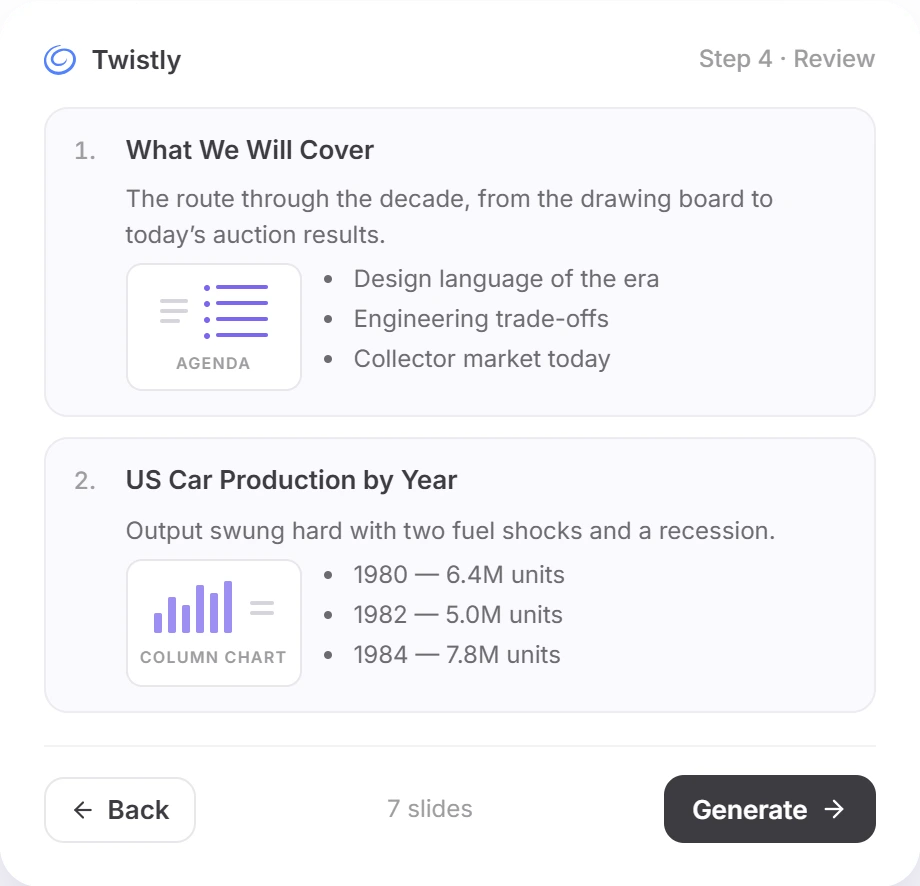
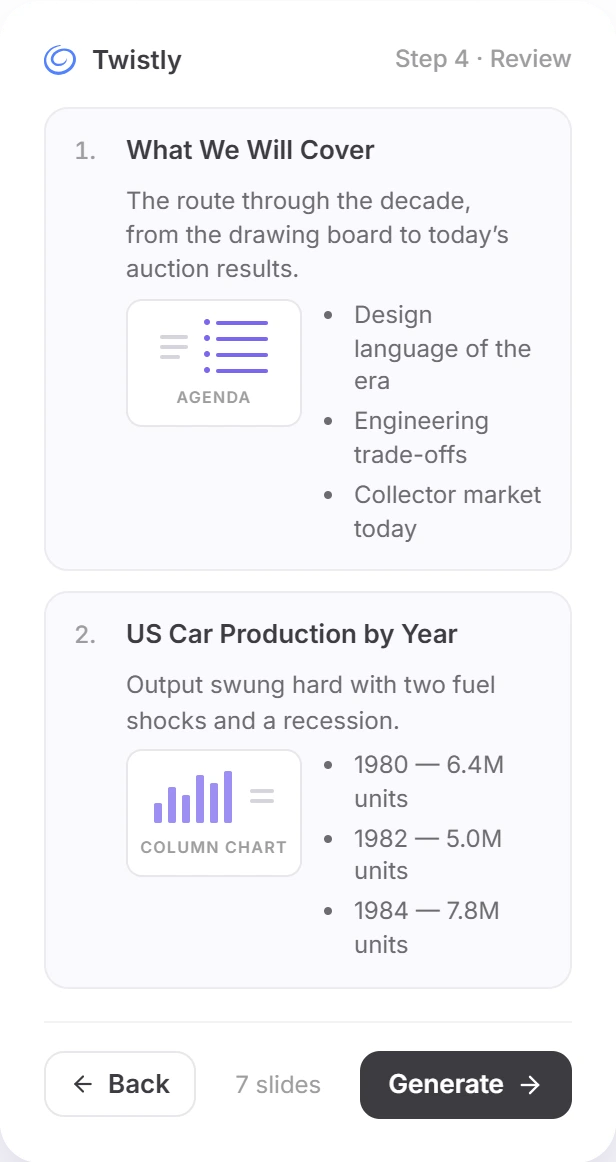
Edit the outline
Fix titles and text, reorder or delete slides, edit tables, correct chart values and switch any slide between text, a chart and a diagram.
5
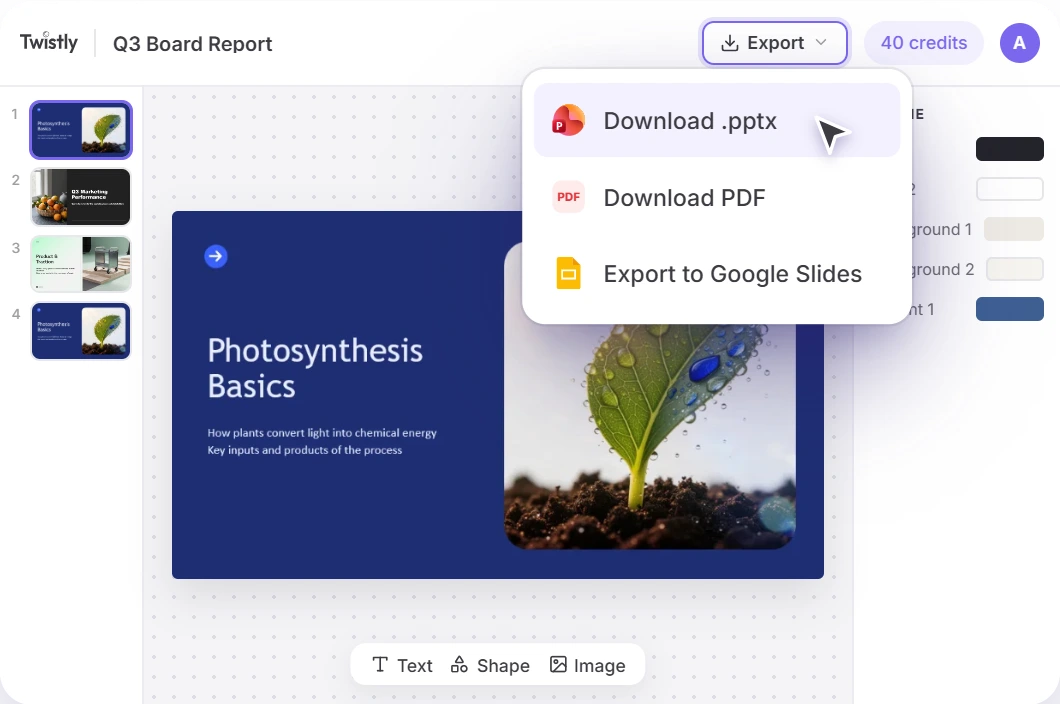
Edit and download
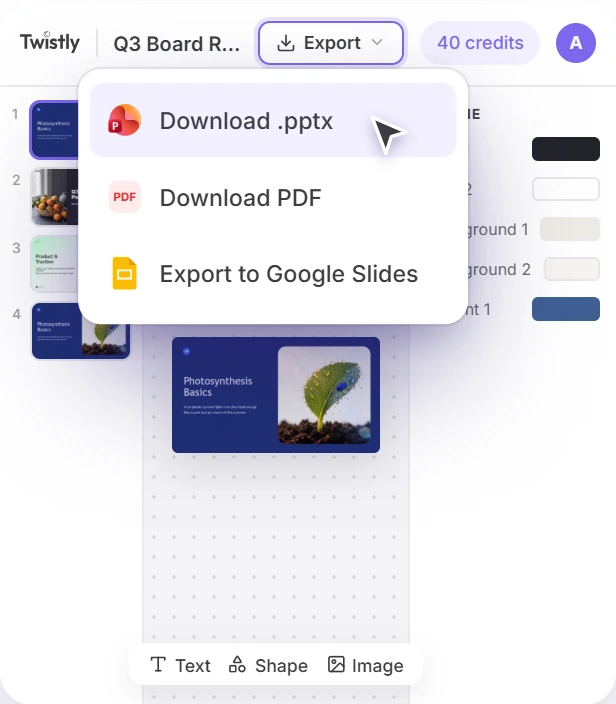
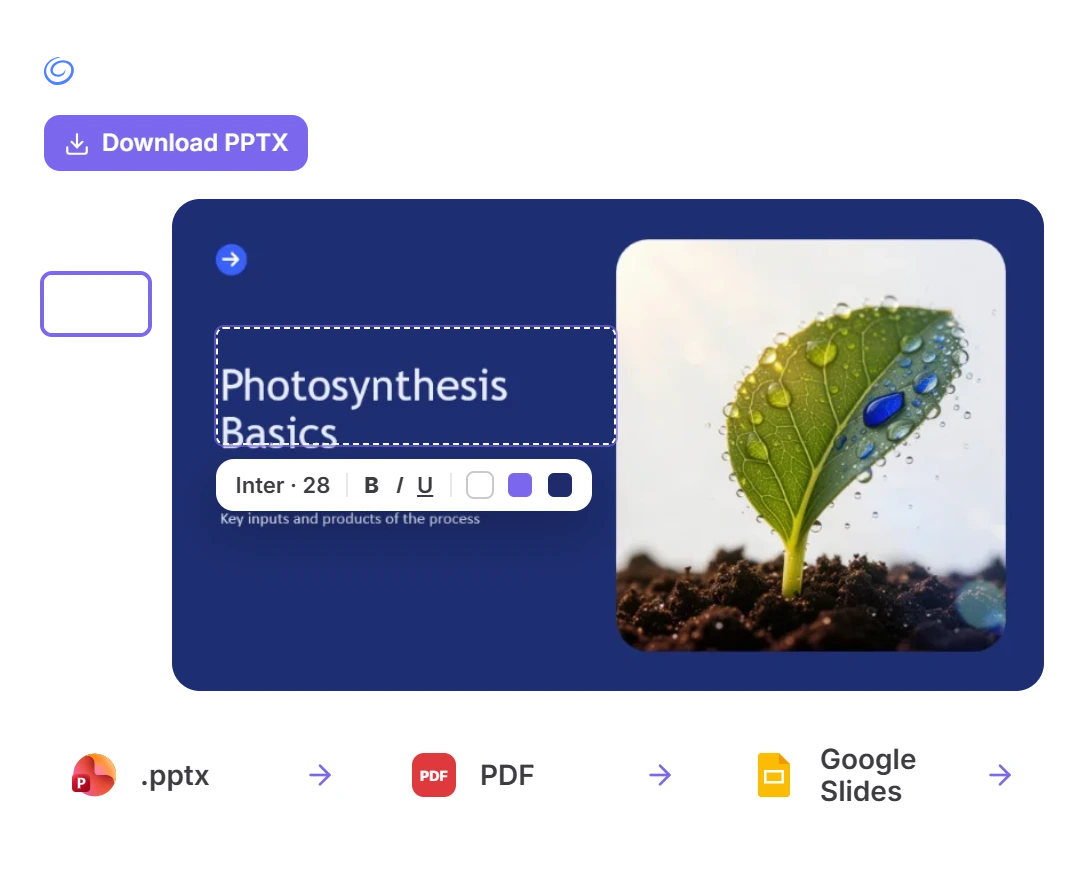
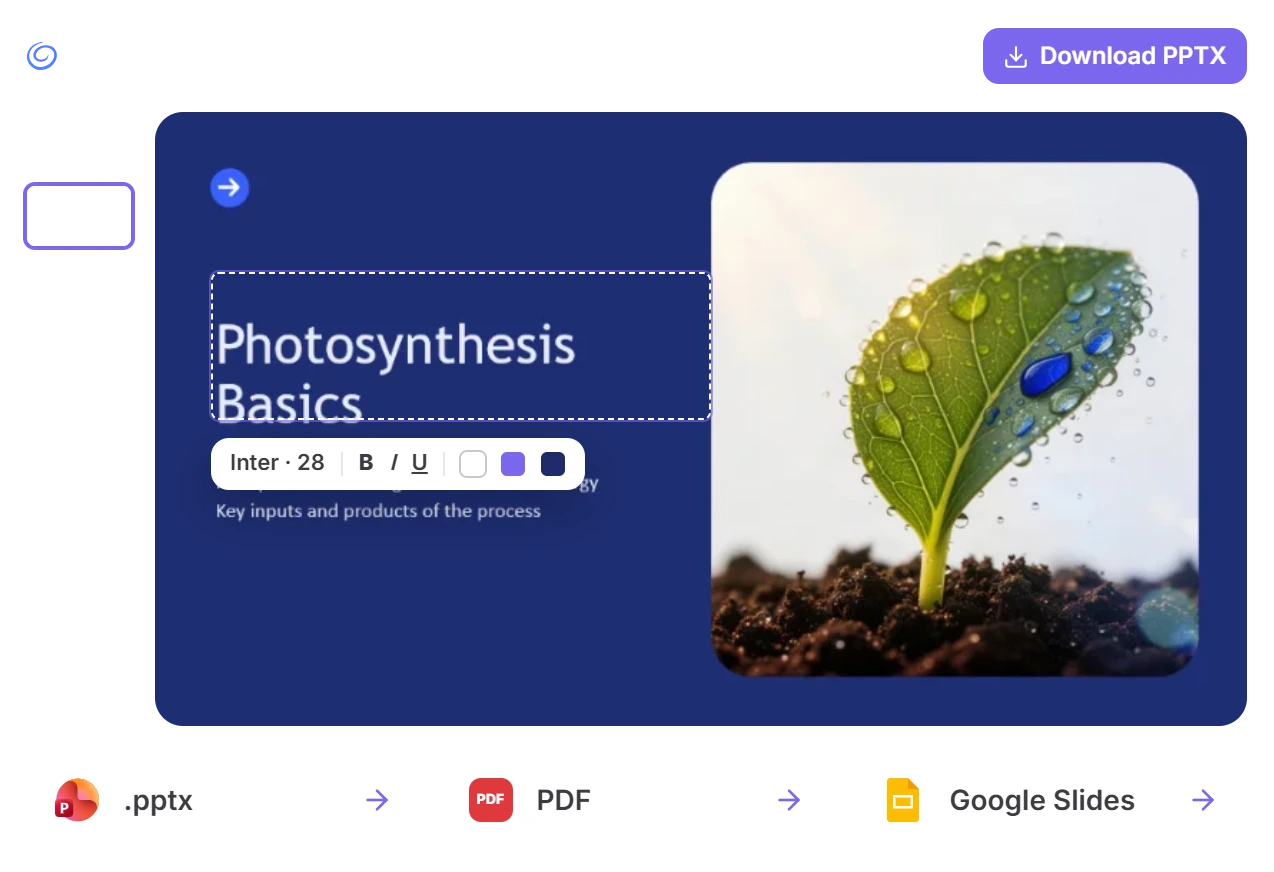
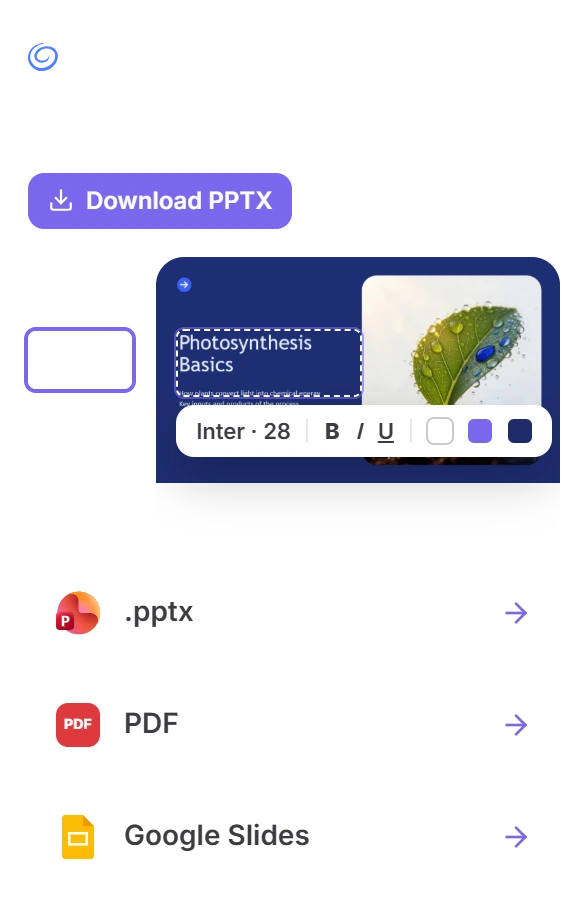
Polish the finished slides in the browser editor, then download an editable .pptx or a PDF, or open the deck in Google Slides.
Step 1 of 5
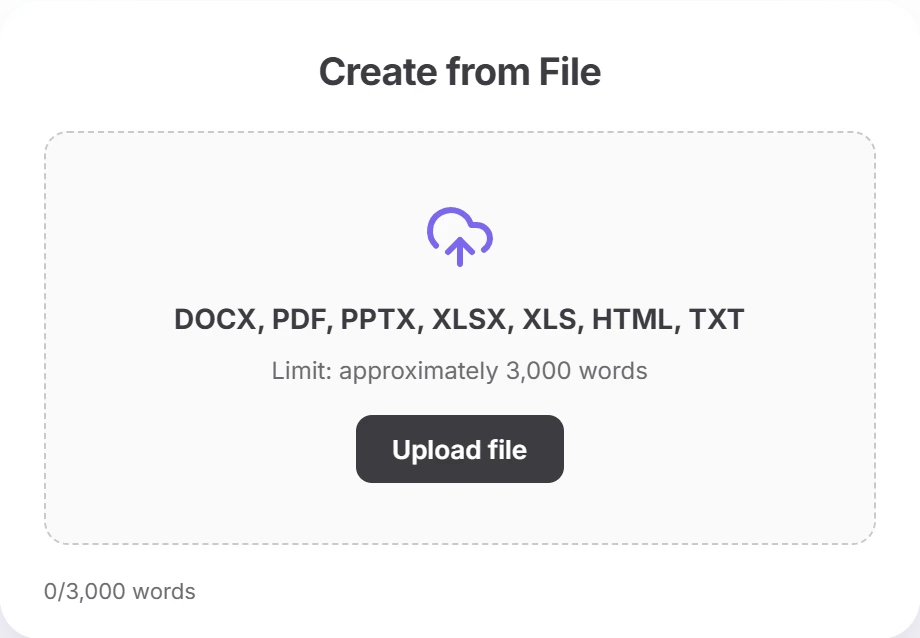
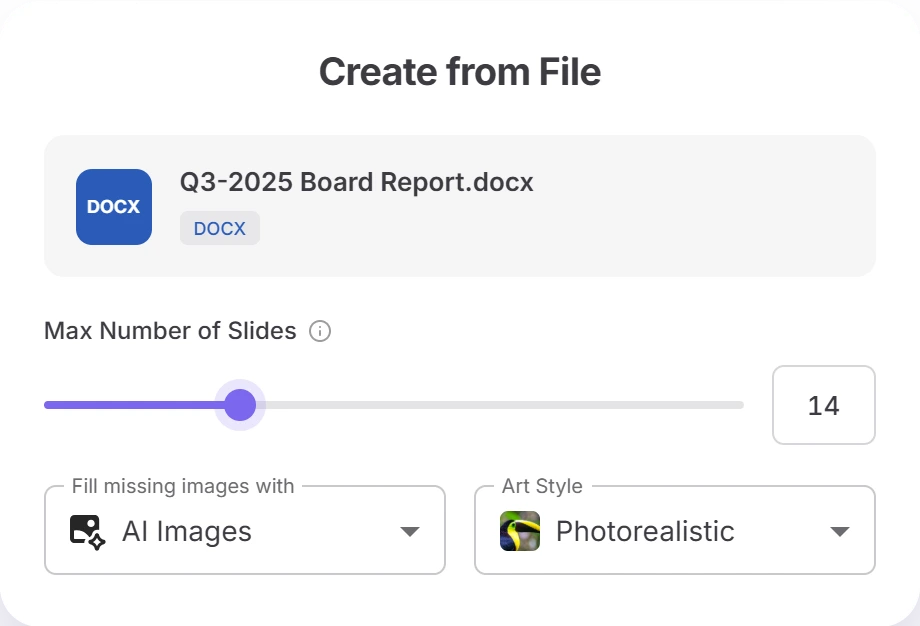
Check the settings before you continue. Stopping a generation discards it, and the credits for that run aren’t returned.
Outline first
Fix the Outline Before the Deck Is Designed
Most Word to PowerPoint AI tools hand you a finished file and leave the corrections to you. Twistly Online stops at the outline first, so mistakes get fixed while they still take seconds.
Correct the numbers in charts
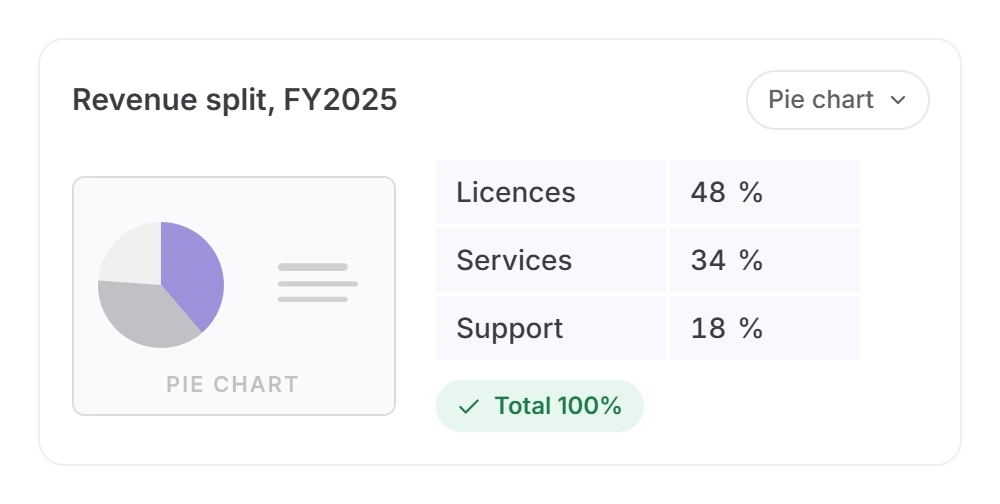
Every data point of a chart is its own editable row. A pie chart has to add up to 100 before you can generate, so a typo in the Word file doesn’t end up on a slide.
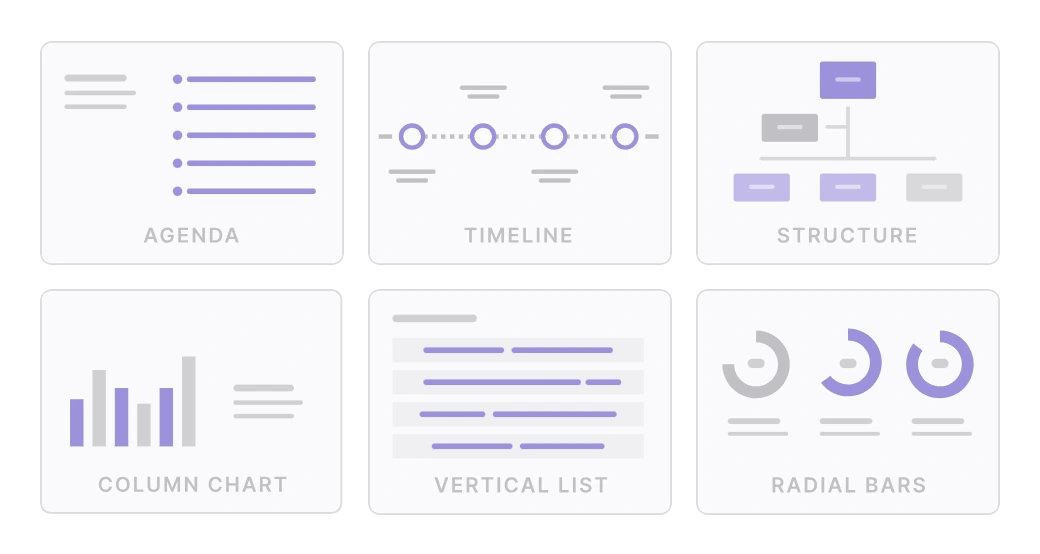
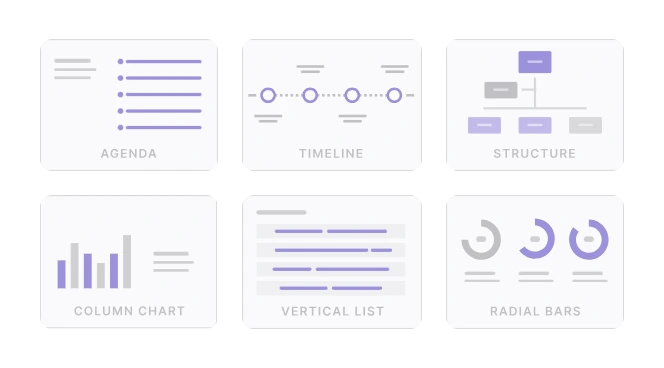
Switch how a slide makes its point
Turn any slide into text only, a bar, pie or radial chart, or a diagram: timeline, structure, agenda, summary, quote or key figures.
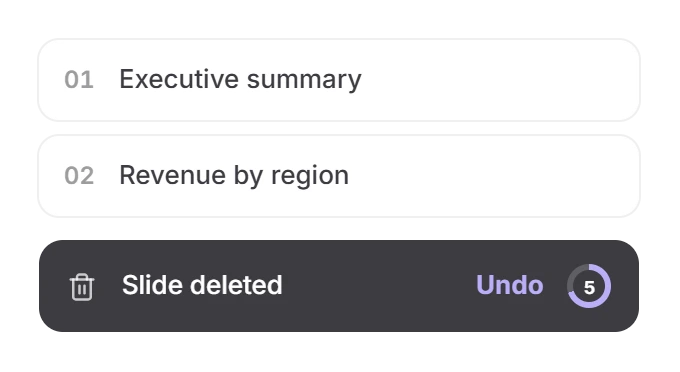
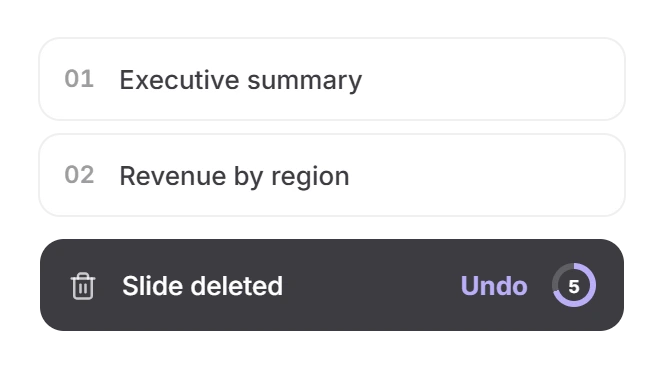
Rewrite, reorder, delete
Edit titles and body text in place, drag slides into a new order and delete what you don’t need — with a 5-second undo.
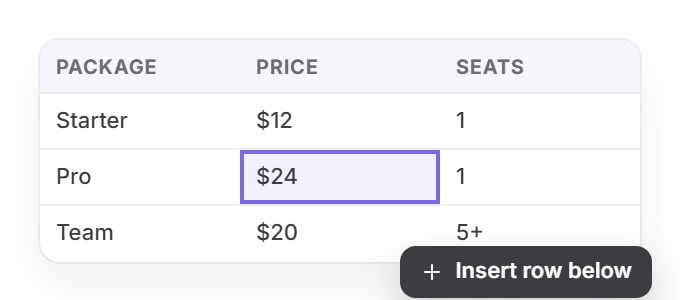
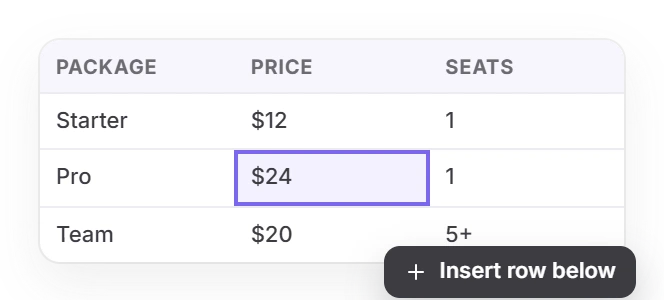
Edit tables in place
Add or delete rows and columns, or paste a table from Excel or Word: it stays a real, editable table on the slide.
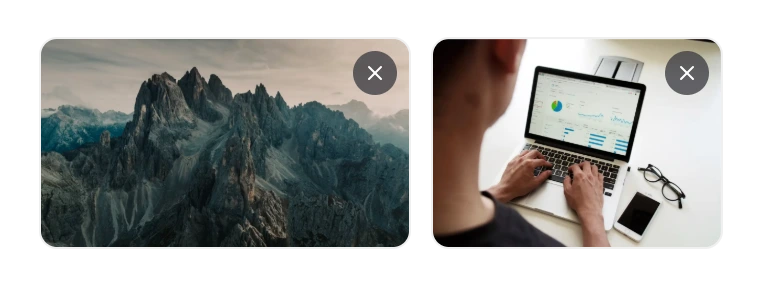
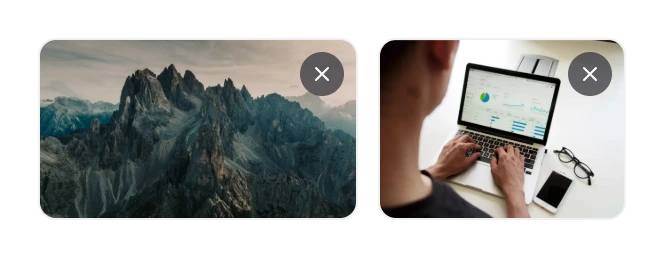
Keep or drop the document’s images
Images taken from your Word file appear on each slide as thumbnails. Remove the ones you don’t want before the design is built.
Pick by your document
Free Converter or Word to PowerPoint AI? Choose by Your Document
Twistly makes both. The free tool is a quick, no-account preview for short files; Word to PowerPoint AI in Twistly Online is for documents that need a real presentation.
You have
A memo or brief under 3,000 words
You need
A quick draft deck, no account
You have
A 20–60 page report or research paper
You need
A 10–15 slide talk
Word to PPT AI
Set 10–15 slides
Pro and Team take documents over 7,000 words. Twistly for students →
You have
A proposal with pricing tables and charts
You need
Numbers you can trust in front of a customer
Word to PPT AI
Check tables and chart values
Fix figures in the outline before the design is built. Twistly for sales teams →
You have
A procedure manual or SOP
You need
A training deck
You have
A contract or policy that must stay word for word
You need
The exact wording on slides
Neither
Don’t use AI here
AI condenses and rewrites, so copy the clauses you need straight from Word
Long documents
Long Word Documents: The Limits That Change the Result
What most AI Word to PPT tools don’t tell you about long documents, and how to work with it.
01
Check the word count before you continue
The upload step shows how many words your document has against your plan: about 3,000 on Free, 7,000 on Starter and up to 498,000 on Pro and Team. Over the limit, you can’t continue until you shorten the file or upgrade, so nothing is silently cut.
Know your slide cap
Free presentations go up to 7 slides, Starter 15, Pro and Team 50. On Auto, more source material means more slides, so set a number if you want a short talk.
03
Give the document clear headings
A report split into titled sections maps onto slides more predictably than one long run of paragraphs. If yours has none, add a few section titles before uploading.
04
A crowded slide gets split, not cut
You’ll see “Results 1/2” and “Results 2/2” instead of shrunken text or dropped content. Merge or delete slides in the outline.
05
Wide tables stay whole
Tables over about 6 columns or 10 rows render with small text. Nothing is cut, but consider splitting them across two slides.
06
Save .doc files as .docx
Older .doc files aren’t accepted. Re-save the file in the current Word format first, then upload it.
Other ways to do it
Word to PowerPoint AI vs Word’s Export, Copilot and ChatGPT
Four ways to get a deck from a Word file, and what each one asks of you before you choose a Word to presentation AI tool.
Being retired
Export to PowerPoint in Word for the web
Qué necesitas
Word for the web and a text-only document
Lo que obtienes
Slides from your headings with a design theme, saved to OneDrive; images and other media aren’t carried over
Microsoft 365
Copilot in PowerPoint
Qué necesitas
A Microsoft 365 Copilot or Copilot Pro licence and a Word file in OneDrive
Lo que obtienes
A draft deck inside PowerPoint, edited after it is created
Chat assistant
ChatGPT
Qué necesitas
A ChatGPT account
Lo que obtienes
A .pptx from ChatGPT’s Presentations skill. Twistly also works inside ChatGPT →
Twistly Online
Twistly Online
Qué necesitas
A browser and a Google, Microsoft or email sign-in
Lo que obtienes
An outline you correct first, including tables and chart values, then up to 50 slides you edit in the browser and download as .pptx, PDF or Google Slides
If you already pay for Copilot and its draft is enough, use it. Choose Twistly when you want to approve the structure and the numbers before the design is built, or when you don’t have a Copilot licence.
Browser editor
Finish the Slides in Your Browser
You don’t need PowerPoint for the last round of changes. The finished presentation opens in Twistly’s slide editor, right where you generated it.
Change text, pictures and shapes
Rewrite any text box, set headings, bullets or numbered lists and add links. Replace a picture, or add your own text boxes, images and shapes.
Adjust the design
Fonts, sizes and colours, background, fills, borders, corner radius and shadows. Move, resize, rotate and layer elements, with undo and redo.
Manage the slides
Add, duplicate or delete slides and rename the presentation. A few complex elements are marked “Not editable here”: change those in PowerPoint after you download.
Download when it’s ready
An editable .pptx for PowerPoint, Keynote and Google Slides, or a PDF. Google Slides export asks only for access to the file Twistly creates, not the rest of your Drive.
Word to PPT AI: Questions People Ask
Short answers about turning a Word document into a presentation with AI.
Turn Your Next Word Report Into a Presentation
Upload a Word document, fix the outline, polish the slides, then download the presentation — all in your browser.
Just need a short DOCX as slides? Try the free converter