





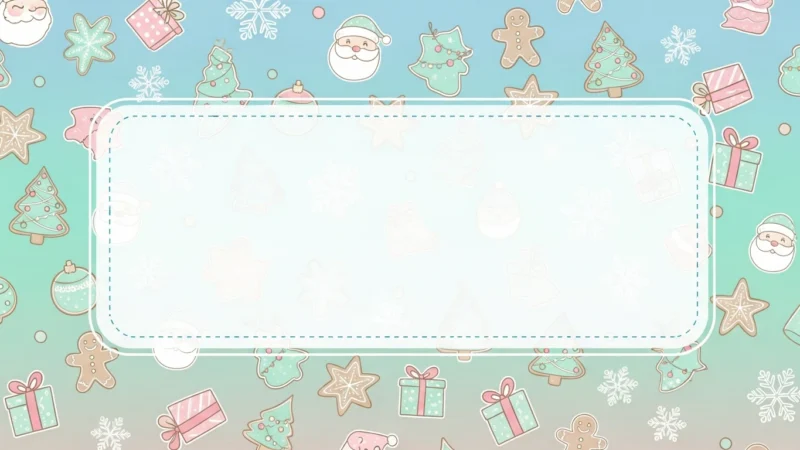


La colección Cute Christmas PowerPoint Background está diseñada para añadir un encanto cálido, juguetón y festivo a sus presentaciones. Con suaves colores invernales, acogedores tonos navideños y adorables elementos inspirados en la Navidad, estos fondos crean una atmósfera alegre y amistosa perfecta para contenidos de temporada.
Ideal para proyectos escolares, eventos festivos, presentaciones familiares, presentaciones creativas o materiales de marketing festivos, este bonito fondo navideño para PowerPoint ayuda a que sus diapositivas resulten cohesivas, alegres y visualmente atractivas. Cada diseño es de alta calidad, versátil y fácil de personalizar.
Características:
- Colección de bonitas imágenes de fondo navideñas (formato JPG)
- Calidad de alta resolución, compatible con PowerPoint y Google Slides
- Suaves colores invernales con festivos y adorables acentos navideños
- Perfecto para educación, eventos, proyectos creativos y marketing estacional
- Descarga gratuita y fácil de usar
- Crea un aspecto navideño acogedor, alegre y festivo en todos los toboganes
Cómo empezar
1
Formato abierto Antecedentes
Haga clic en la pestaña “Diseño” de la cinta de opciones y, en el extremo derecho, haga clic en Formato Fondo. Se abrirá el panel Formato de fondo en la parte derecha de la ventana.
2
Elija su tipo de relleno
En el panel, seleccione una de las opciones de relleno: Relleno sólido, Relleno degradado, Relleno de imagen o textura, o Relleno del patrón.
3
Personalizar el fondo
En función de su selección, elija un color, una imagen (haciendo clic en Inserte en “Fuente de imagen”), o ajustar parámetros como la transparencia, la dirección o el patrón.
4
Aplique su cambio
Por defecto, el cambio se aplicará a la diapositiva actual. Para aplicarlo a todas las diapositivas de la presentación, haga clic en el botón Aplicable a todos situado en la parte inferior del panel Formato de fondo.
Vea cómo funciona
Vea cómo utilizar esta plantilla en PowerPoint